

-
-8%
 In Stock
Apple iMac M1 Chip 24 inch 8GB 256GB SSD
Original price was: ₨309,999.00.₨284,999.00Current price is: ₨284,999.00. -
-8%
 In Stock
Apple iMac M1 Chip 24 inch 8GB 256GB SSD
Original price was: ₨309,999.00.₨284,999.00Current price is: ₨284,999.00. -
-8%
 In Stock
Apple iMac M1 Chip 24 inch 8GB 256GB SSD
Original price was: ₨309,999.00.₨284,999.00Current price is: ₨284,999.00. -
-8%
 In Stock
Apple iMac M1 Chip 24 inch 8GB 256GB SSD
Original price was: ₨309,999.00.₨284,999.00Current price is: ₨284,999.00. -
-8%
 In Stock
Apple iMac M1 Chip 24 inch 8GB 256GB SSD
Original price was: ₨309,999.00.₨284,999.00Current price is: ₨284,999.00. -
-8%
 In Stock
Apple iMac M1 Chip 24 inch 8GB 256GB SSD
Original price was: ₨309,999.00.₨284,999.00Current price is: ₨284,999.00. -
-8%
 In Stock
Apple iMac M1 Chip 24 inch 8GB 256GB SSD
Original price was: ₨309,999.00.₨284,999.00Current price is: ₨284,999.00. -
-6%
 In Stock
Apple IMac M1 Chip 24 Inch 8GB 512GB SSD
Original price was: ₨409,999.00.₨384,999.00Current price is: ₨384,999.00. -
-6%
In Stock
Apple IMac M1 Chip 24 Inch 8GB 512GB SSD
Original price was: ₨409,999.00.₨384,999.00Current price is: ₨384,999.00. -
-6%
In Stock
Apple IMac M1 Chip 24 Inch 8GB 512GB SSD
Original price was: ₨409,999.00.₨384,999.00Current price is: ₨384,999.00. -
-6%
In Stock
Apple IMac M1 Chip 24 Inch 8GB 512GB SSD
Original price was: ₨409,999.00.₨384,999.00Current price is: ₨384,999.00. -
-6%
In Stock
Apple IMac M1 Chip 24 Inch 8GB 512GB SSD
Original price was: ₨409,999.00.₨384,999.00Current price is: ₨384,999.00. -
-6%
In Stock
Apple IMac M1 Chip 24 Inch 8GB 512GB SSD
Original price was: ₨409,999.00.₨384,999.00Current price is: ₨384,999.00. -
-6%
In Stock
Apple IMac M1 Chip 24 Inch 8GB 512GB SSD
Original price was: ₨409,999.00.₨384,999.00Current price is: ₨384,999.00. - 10-, 14-, or 18-core Xeon processor
- Turbo Boost up to 4.5GHz
- Up to 42MB cache
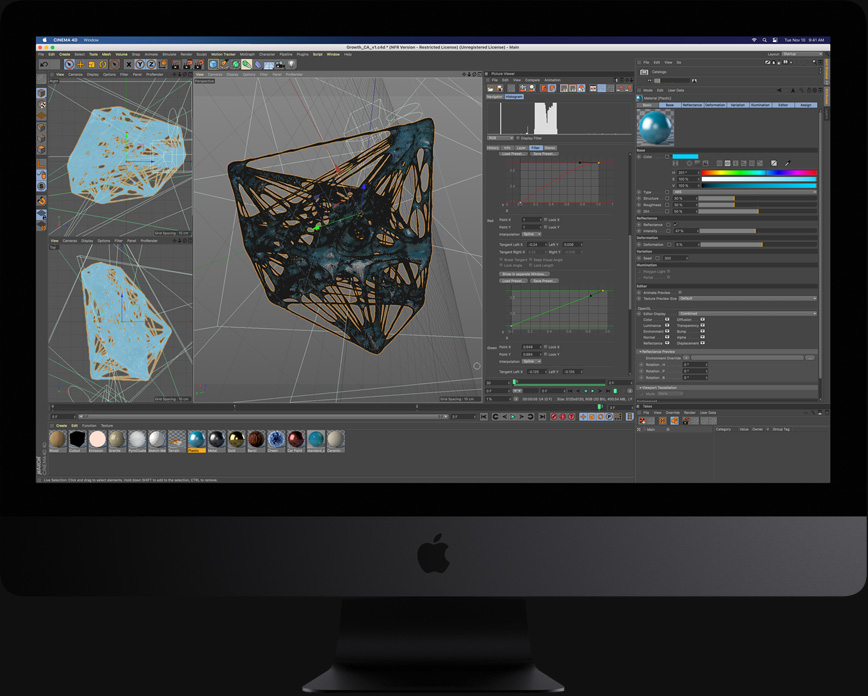

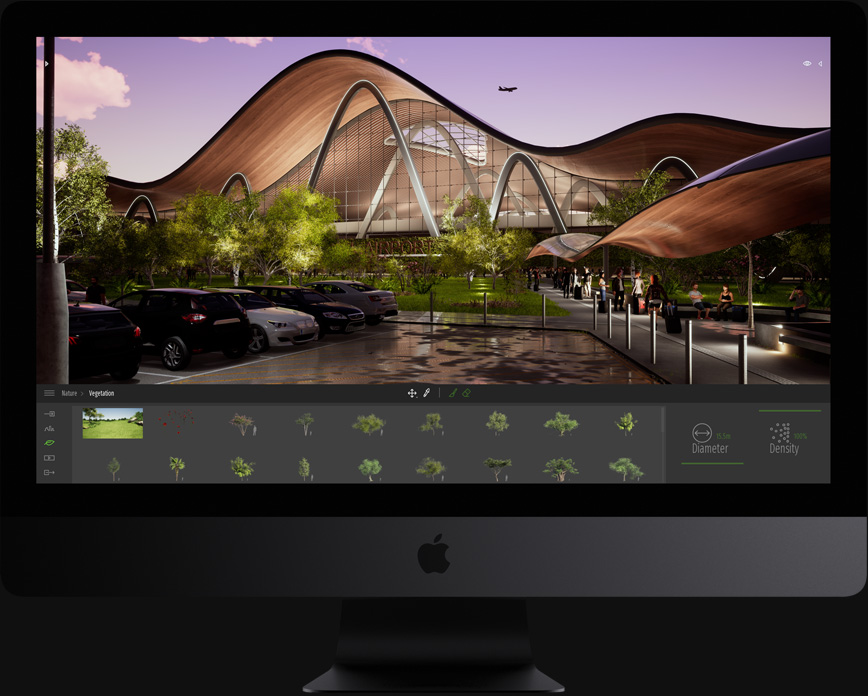
- Radeon Pro Vega 56, 64, or 64X
- Up to 12 teraflops single precision
- Up to 24 teraflops half precision
- 8GB or 16GB High Bandwidth Memory
- Up to 512GB/s memory bandwidth
- Up to 256GB
- 2666MHz DDR4 ECC
- Up to 4TB SSD
- 3.3GB/s write performance
- 2.8GB/s read performance
- 40Gb/s Thunderbolt 3Four Thunderbolt 3 ports. Supports USB 3.1 and DisplayPort video output over USB-C.
- Up to 44 million pixels5K display with the option to connect two additional 5K displays.
- 10Gb Ethernet Also supports N-base-T industry-standard 1Gb, 2.5Gb, and 5Gb link speeds.
- 500 nits
- P3 color gamut
- One billion colorsSupports 10-bit spatial and temporal dithering.
-

-

-

-
-
-
-
-1%
 In Stock
Apple iPad 9 10.2″ 256GB WIFI (2021) Silver
Original price was: ₨166,999.00.₨164,999.00Current price is: ₨164,999.00. -
-5%
In Stock
Apple iPad 9 10.2″ 64GB WIFI (2021) Silver
Original price was: ₨109,999.00.₨104,999.00Current price is: ₨104,999.00.
You’ve never seena computer like this before.
Say hello to the new iMac.Inspired by the best of Apple. Transformed by the M1 chip. Stands out in any space. Fits perfectly into your life.
Order April 30th.Available second half of May
Seven vibrant colors.You do blue, green, pink, silver, yellow, orange, purple, hue.

Only 11.5 mm. Now that’s thin.
And less than 10 pounds.
Abracadabra.
A perfectly poised stand. And blazingly fast Thunderbolt ports.
A power connector that easily attaches via magnets. With a color-matched woven cable.

This extraordinary design is only possible thanks to M1, the first system on a chip for Mac. It makes iMac so thin and compact that it fits in more places than ever.
M1 integrates the processor, graphics, memory, and more onto a single chip. That let us put an entire computer into a space so small it practically disappears.
Brilliant 4.5K Retina display

See the big picture. And all the details.
See it all in sharp, glorious detail on the immersive 24‑inch 4.5K Retina display.The P3 wide color gamut brings what you’re watching to life in over a billion colors. Images shine with a brilliant 500 nits of brightness. Industry-leading anti‑reflective coating delivers greater comfort and readability. And True Tone technology automatically adjusts the color temperature of your display to the ambient light of your environment, for a more natural viewing experience. So whether you’re editing photos, working on presentations, or watching your favorite shows and movies, everything looks incredible on iMac.
1080p FaceTime HD camera.
Ready for your close-up.
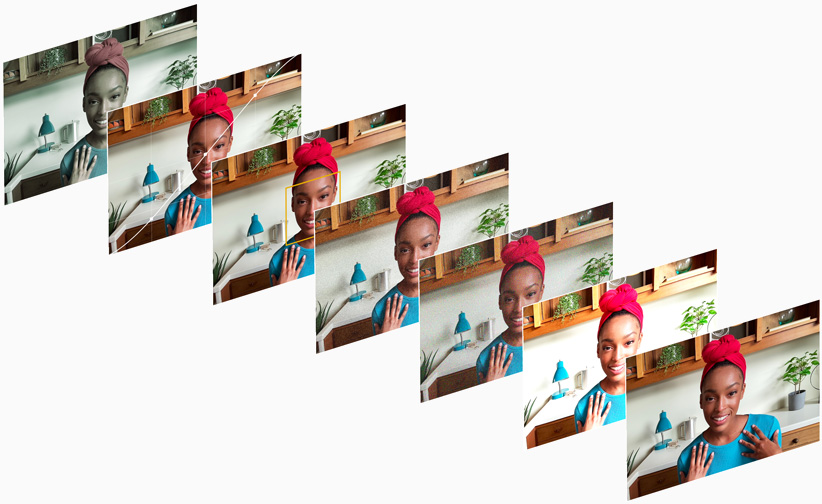
It’s the best camera system ever in a Mac. Double the resolution for higher-quality video calls.A larger sensor that captures more light. And the advanced image signal processor (ISP) of M1 greatly improves image quality. So from collaborating with coworkers to catching up with friends and family, you’ll always look your best.
Studio-quality mics.
For high-quality conversations.
Whether you’re on a video call with a friend, cutting a track, or recording a podcast, the microphones on iMac make sure you come through loud, crisp, and clear. The studio-quality three-mic array is designed to reduce feedback, so conversations flow more naturally and you interrupt each other less. And beamforming technology helps the mics ignore background noise. Which means everyone hears you — not what’s going on around you.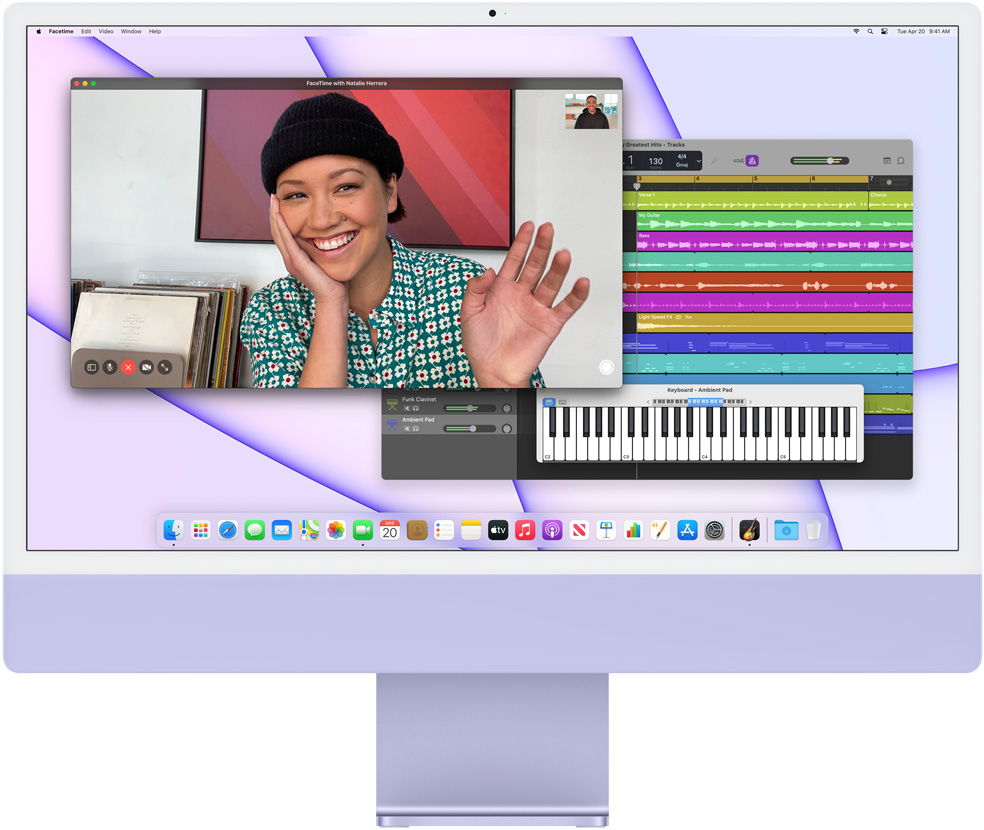
Six-speaker sound system.
Audio that really fills a room.
The sound system on iMac brings incredible, room-filling audio to any space. Two pairs of force-cancelling woofers create rich, deep bass without unwanted vibrations. And each pair is balanced with a high-performance tweeter. The result is a massive, detailed soundstage that takes your movies, music, and more to the next level.
Thanks to the redesigned speakers and advanced algorithms, iMac now supports spatial audio when playing video with Dolby Atmos. And when you combine that with the 4.5K Retina display, it’s like bringing the whole theater home.
M1 and Big Sur.
With great power comes great capability.
M1 is the most powerful chip we’ve ever made. macOS Big Sur is the most advanced desktop operating system in the world. Combined, they take iMac to entirely new levels of performance, efficiency, and security. iMac wakes from sleep almost instantly, apps launch in a flash, and the whole system feels fluid, smooth, and snappy. With up to 85 percent faster CPU performance and up to two times faster graphics performance than standard 21.5‑inch iMac models, you can use apps like Xcode and Affinity Photo to compile code in a fraction of the time or edit photos in real time.4 And it runs cool and quiet even while tackling these intense workloads. That’s the power of hardware, software, and silicon — all designed together.
That means Safari is faster than ever, and you can browse with hundreds of tabs open at once.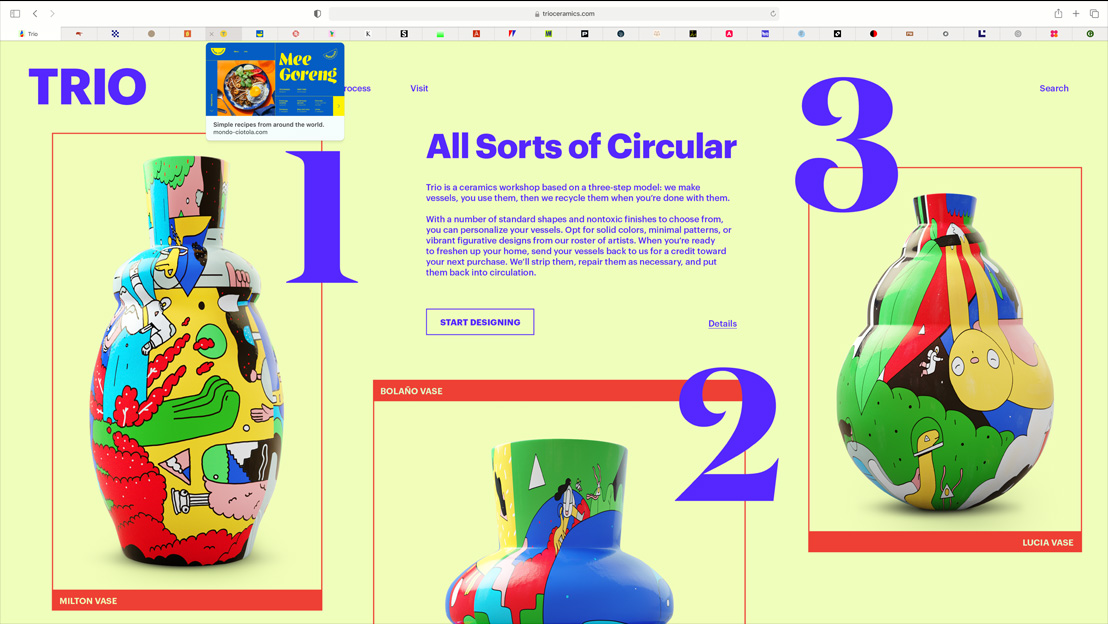

You can fly through edits in Adobe Lightroom and easily work with massive 100-megapixel images.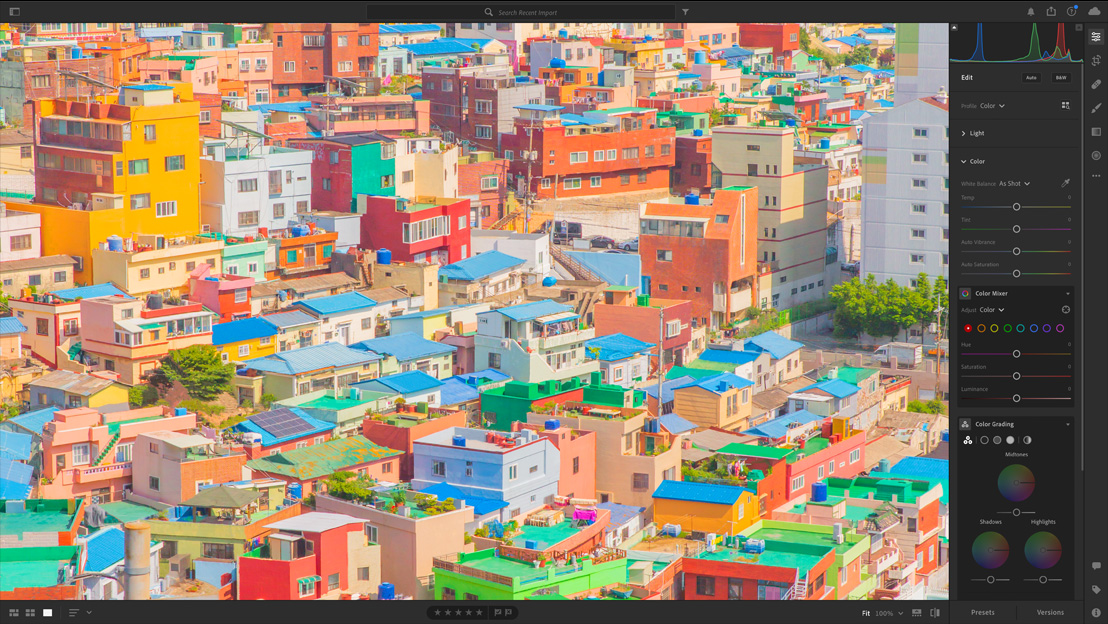
Even take on machine learning tasks — like quickly transforming your photo into vector layers with Vectornator.



There are more apps for iMac than ever before.

iMac has apps for just about everything and everyone. With M1 and macOS Big Sur, you can even run many of your favorite iPhone and iPad apps directly on your iMac. And as always, it’s easy to search, discover, and download on the Mac App Store.
iMac + iPhone.
Quite the pair.
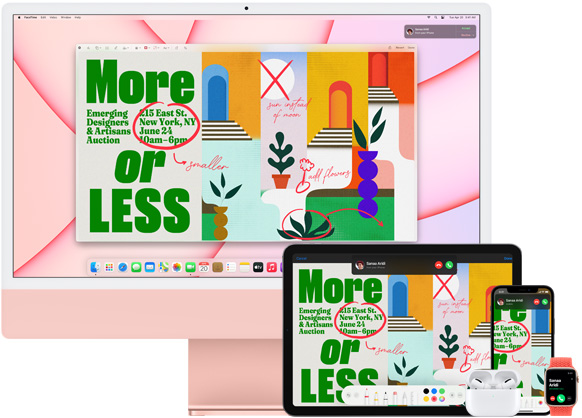
iMac gives you the best of iPhone, on a big, beautiful screen. iPhone lets you access what you need from iMac on the go. And when you use them together, they work like magic.
Your calls and texts come right to your iMac, so you don’t need to switch devices when you’re in the zone.
With AirDrop, you can seamlessly share things like photos, websites, and files with your iMac.


And Universal Clipboard lets you copy text, images, photos, and more on your iPhone, then paste to your iMac.


Discover more ways your Apple devices work together.




Color-matched accessories for iMac 24 inches
Keep the color going all the way to your fingertips.
The new iMac features a color-matched keyboard, mouse, and trackpad. Magic Keyboard now has keys for Spotlight, Dictation, Do Not Disturb, and emoji. And for the first time, Touch ID comes to iMac. So you can easily and securely unlock your computer, use Apple Pay, and download apps quickly with just a finger.



Like we said.
Magic.

See it in your home, shop, gym, kitchen, office, class, dorm, space.
To view iMac in AR, visit this page in Safari on your iPhone or iPad.
Designed with the earth in mind.
iMac was designed to minimize its impact on the environment. All of the virgin wood fiber in its packaging comes exclusively from responsibly managed forests. The rare earth elements in the speakers, fan motor, and power connector magnets are completely recycled. And we’re committed to transitioning our entire manufacturing supply chain to 100 percent renewable electricity by 2030.
You’ve never seena computer like this before.
Say hello to the new iMac.Inspired by the best of Apple. Transformed by the M1 chip. Stands out in any space. Fits perfectly into your life.
Order April 30th.Available second half of May
Seven vibrant colors.You do blue, green, pink, silver, yellow, orange, purple, hue.
Only 11.5 mm. Now that’s thin.
And less than 10 pounds.
Abracadabra.
A perfectly poised stand. And blazingly fast Thunderbolt ports.
A power connector that easily attaches via magnets. With a color-matched woven cable.
This extraordinary design is only possible thanks to M1, the first system on a chip for Mac. It makes iMac so thin and compact that it fits in more places than ever.
M1 integrates the processor, graphics, memory, and more onto a single chip. That let us put an entire computer into a space so small it practically disappears.
Brilliant 4.5K Retina display
See the big picture. And all the details.
See it all in sharp, glorious detail on the immersive 24‑inch 4.5K Retina display.The P3 wide color gamut brings what you’re watching to life in over a billion colors. Images shine with a brilliant 500 nits of brightness. Industry-leading anti‑reflective coating delivers greater comfort and readability. And True Tone technology automatically adjusts the color temperature of your display to the ambient light of your environment, for a more natural viewing experience. So whether you’re editing photos, working on presentations, or watching your favorite shows and movies, everything looks incredible on iMac.
1080p FaceTime HD camera.
Ready for your close-up.
It’s the best camera system ever in a Mac. Double the resolution for higher-quality video calls.A larger sensor that captures more light. And the advanced image signal processor (ISP) of M1 greatly improves image quality. So from collaborating with coworkers to catching up with friends and family, you’ll always look your best.
Studio-quality mics.
For high-quality conversations.
Whether you’re on a video call with a friend, cutting a track, or recording a podcast, the microphones on iMac make sure you come through loud, crisp, and clear. The studio-quality three-mic array is designed to reduce feedback, so conversations flow more naturally and you interrupt each other less. And beamforming technology helps the mics ignore background noise. Which means everyone hears you — not what’s going on around you.
Six-speaker sound system.
Audio that really fills a room.
The sound system on iMac brings incredible, room-filling audio to any space. Two pairs of force-cancelling woofers create rich, deep bass without unwanted vibrations. And each pair is balanced with a high-performance tweeter. The result is a massive, detailed soundstage that takes your movies, music, and more to the next level.
Thanks to the redesigned speakers and advanced algorithms, iMac now supports spatial audio when playing video with Dolby Atmos. And when you combine that with the 4.5K Retina display, it’s like bringing the whole theater home.
M1 and Big Sur.
With great power comes great capability.
M1 is the most powerful chip we’ve ever made. macOS Big Sur is the most advanced desktop operating system in the world. Combined, they take iMac to entirely new levels of performance, efficiency, and security. iMac wakes from sleep almost instantly, apps launch in a flash, and the whole system feels fluid, smooth, and snappy. With up to 85 percent faster CPU performance and up to two times faster graphics performance than standard 21.5‑inch iMac models, you can use apps like Xcode and Affinity Photo to compile code in a fraction of the time or edit photos in real time.4 And it runs cool and quiet even while tackling these intense workloads. That’s the power of hardware, software, and silicon — all designed together.
That means Safari is faster than ever, and you can browse with hundreds of tabs open at once.
You can fly through edits in Adobe Lightroom and easily work with massive 100-megapixel images.
Even take on machine learning tasks — like quickly transforming your photo into vector layers with Vectornator.
There are more apps for iMac than ever before.
iMac has apps for just about everything and everyone. With M1 and macOS Big Sur, you can even run many of your favorite iPhone and iPad apps directly on your iMac. And as always, it’s easy to search, discover, and download on the Mac App Store.
iMac + iPhone.
Quite the pair.
iMac gives you the best of iPhone, on a big, beautiful screen. iPhone lets you access what you need from iMac on the go. And when you use them together, they work like magic.
Your calls and texts come right to your iMac, so you don’t need to switch devices when you’re in the zone.
With AirDrop, you can seamlessly share things like photos, websites, and files with your iMac.
And Universal Clipboard lets you copy text, images, photos, and more on your iPhone, then paste to your iMac.
Discover more ways your Apple devices work together.
Color-matched accessories for iMac 24 inches
Keep the color going all the way to your fingertips.
The new iMac features a color-matched keyboard, mouse, and trackpad. Magic Keyboard now has keys for Spotlight, Dictation, Do Not Disturb, and emoji. And for the first time, Touch ID comes to iMac. So you can easily and securely unlock your computer, use Apple Pay, and download apps quickly with just a finger.
Like we said.
Magic.
See it in your home, shop, gym, kitchen, office, class, dorm, space.
To view iMac in AR, visit this page in Safari on your iPhone or iPad.
Designed with the earth in mind.
iMac was designed to minimize its impact on the environment. All of the virgin wood fiber in its packaging comes exclusively from responsibly managed forests. The rare earth elements in the speakers, fan motor, and power connector magnets are completely recycled. And we’re committed to transitioning our entire manufacturing supply chain to 100 percent renewable electricity by 2030.
You’ve never seena computer like this before.
Say hello to the new iMac.Inspired by the best of Apple. Transformed by the M1 chip. Stands out in any space. Fits perfectly into your life.
Order April 30th.Available second half of May
Seven vibrant colors.You do blue, green, pink, silver, yellow, orange, purple, hue.
Only 11.5 mm. Now that’s thin.
And less than 10 pounds.
Abracadabra.
A perfectly poised stand. And blazingly fast Thunderbolt ports.
A power connector that easily attaches via magnets. With a color-matched woven cable.
This extraordinary design is only possible thanks to M1, the first system on a chip for Mac. It makes iMac so thin and compact that it fits in more places than ever.
M1 integrates the processor, graphics, memory, and more onto a single chip. That let us put an entire computer into a space so small it practically disappears.
Brilliant 4.5K Retina display
See the big picture. And all the details.
See it all in sharp, glorious detail on the immersive 24‑inch 4.5K Retina display.The P3 wide color gamut brings what you’re watching to life in over a billion colors. Images shine with a brilliant 500 nits of brightness. Industry-leading anti‑reflective coating delivers greater comfort and readability. And True Tone technology automatically adjusts the color temperature of your display to the ambient light of your environment, for a more natural viewing experience. So whether you’re editing photos, working on presentations, or watching your favorite shows and movies, everything looks incredible on iMac.
1080p FaceTime HD camera.
Ready for your close-up.
It’s the best camera system ever in a Mac. Double the resolution for higher-quality video calls.A larger sensor that captures more light. And the advanced image signal processor (ISP) of M1 greatly improves image quality. So from collaborating with coworkers to catching up with friends and family, you’ll always look your best.
Studio-quality mics.
For high-quality conversations.
Whether you’re on a video call with a friend, cutting a track, or recording a podcast, the microphones on iMac make sure you come through loud, crisp, and clear. The studio-quality three-mic array is designed to reduce feedback, so conversations flow more naturally and you interrupt each other less. And beamforming technology helps the mics ignore background noise. Which means everyone hears you — not what’s going on around you.
Six-speaker sound system.
Audio that really fills a room.
The sound system on iMac brings incredible, room-filling audio to any space. Two pairs of force-cancelling woofers create rich, deep bass without unwanted vibrations. And each pair is balanced with a high-performance tweeter. The result is a massive, detailed soundstage that takes your movies, music, and more to the next level.
Thanks to the redesigned speakers and advanced algorithms, iMac now supports spatial audio when playing video with Dolby Atmos. And when you combine that with the 4.5K Retina display, it’s like bringing the whole theater home.
M1 and Big Sur.
With great power comes great capability.
M1 is the most powerful chip we’ve ever made. macOS Big Sur is the most advanced desktop operating system in the world. Combined, they take iMac to entirely new levels of performance, efficiency, and security. iMac wakes from sleep almost instantly, apps launch in a flash, and the whole system feels fluid, smooth, and snappy. With up to 85 percent faster CPU performance and up to two times faster graphics performance than standard 21.5‑inch iMac models, you can use apps like Xcode and Affinity Photo to compile code in a fraction of the time or edit photos in real time.4 And it runs cool and quiet even while tackling these intense workloads. That’s the power of hardware, software, and silicon — all designed together.
That means Safari is faster than ever, and you can browse with hundreds of tabs open at once.
You can fly through edits in Adobe Lightroom and easily work with massive 100-megapixel images.
Even take on machine learning tasks — like quickly transforming your photo into vector layers with Vectornator.
There are more apps for iMac than ever before.
iMac has apps for just about everything and everyone. With M1 and macOS Big Sur, you can even run many of your favorite iPhone and iPad apps directly on your iMac. And as always, it’s easy to search, discover, and download on the Mac App Store.
iMac + iPhone.
Quite the pair.
iMac gives you the best of iPhone, on a big, beautiful screen. iPhone lets you access what you need from iMac on the go. And when you use them together, they work like magic.
Your calls and texts come right to your iMac, so you don’t need to switch devices when you’re in the zone.
With AirDrop, you can seamlessly share things like photos, websites, and files with your iMac.
And Universal Clipboard lets you copy text, images, photos, and more on your iPhone, then paste to your iMac.
Discover more ways your Apple devices work together.
Color-matched accessories for iMac 24 inches
Keep the color going all the way to your fingertips.
The new iMac features a color-matched keyboard, mouse, and trackpad. Magic Keyboard now has keys for Spotlight, Dictation, Do Not Disturb, and emoji. And for the first time, Touch ID comes to iMac. So you can easily and securely unlock your computer, use Apple Pay, and download apps quickly with just a finger.
Like we said.
Magic.
See it in your home, shop, gym, kitchen, office, class, dorm, space.
To view iMac in AR, visit this page in Safari on your iPhone or iPad.
Designed with the earth in mind.
iMac was designed to minimize its impact on the environment. All of the virgin wood fiber in its packaging comes exclusively from responsibly managed forests. The rare earth elements in the speakers, fan motor, and power connector magnets are completely recycled. And we’re committed to transitioning our entire manufacturing supply chain to 100 percent renewable electricity by 2030.
You’ve never seena computer like this before.
Say hello to the new iMac.Inspired by the best of Apple. Transformed by the M1 chip. Stands out in any space. Fits perfectly into your life.
Order April 30th.Available second half of May
Seven vibrant colors.You do blue, green, pink, silver, yellow, orange, purple, hue.
Only 11.5 mm. Now that’s thin.
And less than 10 pounds.
Abracadabra.
A perfectly poised stand. And blazingly fast Thunderbolt ports.
A power connector that easily attaches via magnets. With a color-matched woven cable.
This extraordinary design is only possible thanks to M1, the first system on a chip for Mac. It makes iMac so thin and compact that it fits in more places than ever.
M1 integrates the processor, graphics, memory, and more onto a single chip. That let us put an entire computer into a space so small it practically disappears.
Brilliant 4.5K Retina display
See the big picture. And all the details.
See it all in sharp, glorious detail on the immersive 24‑inch 4.5K Retina display.The P3 wide color gamut brings what you’re watching to life in over a billion colors. Images shine with a brilliant 500 nits of brightness. Industry-leading anti‑reflective coating delivers greater comfort and readability. And True Tone technology automatically adjusts the color temperature of your display to the ambient light of your environment, for a more natural viewing experience. So whether you’re editing photos, working on presentations, or watching your favorite shows and movies, everything looks incredible on iMac.
1080p FaceTime HD camera.
Ready for your close-up.
It’s the best camera system ever in a Mac. Double the resolution for higher-quality video calls.A larger sensor that captures more light. And the advanced image signal processor (ISP) of M1 greatly improves image quality. So from collaborating with coworkers to catching up with friends and family, you’ll always look your best.
Studio-quality mics.
For high-quality conversations.
Whether you’re on a video call with a friend, cutting a track, or recording a podcast, the microphones on iMac make sure you come through loud, crisp, and clear. The studio-quality three-mic array is designed to reduce feedback, so conversations flow more naturally and you interrupt each other less. And beamforming technology helps the mics ignore background noise. Which means everyone hears you — not what’s going on around you.
Six-speaker sound system.
Audio that really fills a room.
The sound system on iMac brings incredible, room-filling audio to any space. Two pairs of force-cancelling woofers create rich, deep bass without unwanted vibrations. And each pair is balanced with a high-performance tweeter. The result is a massive, detailed soundstage that takes your movies, music, and more to the next level.
Thanks to the redesigned speakers and advanced algorithms, iMac now supports spatial audio when playing video with Dolby Atmos. And when you combine that with the 4.5K Retina display, it’s like bringing the whole theater home.
M1 and Big Sur.
With great power comes great capability.
M1 is the most powerful chip we’ve ever made. macOS Big Sur is the most advanced desktop operating system in the world. Combined, they take iMac to entirely new levels of performance, efficiency, and security. iMac wakes from sleep almost instantly, apps launch in a flash, and the whole system feels fluid, smooth, and snappy. With up to 85 percent faster CPU performance and up to two times faster graphics performance than standard 21.5‑inch iMac models, you can use apps like Xcode and Affinity Photo to compile code in a fraction of the time or edit photos in real time.4 And it runs cool and quiet even while tackling these intense workloads. That’s the power of hardware, software, and silicon — all designed together.
That means Safari is faster than ever, and you can browse with hundreds of tabs open at once.
You can fly through edits in Adobe Lightroom and easily work with massive 100-megapixel images.
Even take on machine learning tasks — like quickly transforming your photo into vector layers with Vectornator.
There are more apps for iMac than ever before.
iMac has apps for just about everything and everyone. With M1 and macOS Big Sur, you can even run many of your favorite iPhone and iPad apps directly on your iMac. And as always, it’s easy to search, discover, and download on the Mac App Store.
iMac + iPhone.
Quite the pair.
iMac gives you the best of iPhone, on a big, beautiful screen. iPhone lets you access what you need from iMac on the go. And when you use them together, they work like magic.
Your calls and texts come right to your iMac, so you don’t need to switch devices when you’re in the zone.
With AirDrop, you can seamlessly share things like photos, websites, and files with your iMac.
And Universal Clipboard lets you copy text, images, photos, and more on your iPhone, then paste to your iMac.
Discover more ways your Apple devices work together.
Color-matched accessories for iMac 24 inches
Keep the color going all the way to your fingertips.
The new iMac features a color-matched keyboard, mouse, and trackpad. Magic Keyboard now has keys for Spotlight, Dictation, Do Not Disturb, and emoji. And for the first time, Touch ID comes to iMac. So you can easily and securely unlock your computer, use Apple Pay, and download apps quickly with just a finger.
Like we said.
Magic.
See it in your home, shop, gym, kitchen, office, class, dorm, space.
To view iMac in AR, visit this page in Safari on your iPhone or iPad.
Designed with the earth in mind.
iMac was designed to minimize its impact on the environment. All of the virgin wood fiber in its packaging comes exclusively from responsibly managed forests. The rare earth elements in the speakers, fan motor, and power connector magnets are completely recycled. And we’re committed to transitioning our entire manufacturing supply chain to 100 percent renewable electricity by 2030.
You’ve never seena computer like this before.
Say hello to the new iMac.Inspired by the best of Apple. Transformed by the M1 chip. Stands out in any space. Fits perfectly into your life.
Order April 30th.Available second half of May
Seven vibrant colors.You do blue, green, pink, silver, yellow, orange, purple, hue.
Only 11.5 mm. Now that’s thin.
And less than 10 pounds.
Abracadabra.
A perfectly poised stand. And blazingly fast Thunderbolt ports.
A power connector that easily attaches via magnets. With a color-matched woven cable.
This extraordinary design is only possible thanks to M1, the first system on a chip for Mac. It makes iMac so thin and compact that it fits in more places than ever.
M1 integrates the processor, graphics, memory, and more onto a single chip. That let us put an entire computer into a space so small it practically disappears.
Brilliant 4.5K Retina display
See the big picture. And all the details.
See it all in sharp, glorious detail on the immersive 24‑inch 4.5K Retina display.The P3 wide color gamut brings what you’re watching to life in over a billion colors. Images shine with a brilliant 500 nits of brightness. Industry-leading anti‑reflective coating delivers greater comfort and readability. And True Tone technology automatically adjusts the color temperature of your display to the ambient light of your environment, for a more natural viewing experience. So whether you’re editing photos, working on presentations, or watching your favorite shows and movies, everything looks incredible on iMac.
1080p FaceTime HD camera.
Ready for your close-up.
It’s the best camera system ever in a Mac. Double the resolution for higher-quality video calls.A larger sensor that captures more light. And the advanced image signal processor (ISP) of M1 greatly improves image quality. So from collaborating with coworkers to catching up with friends and family, you’ll always look your best.
Studio-quality mics.
For high-quality conversations.
Whether you’re on a video call with a friend, cutting a track, or recording a podcast, the microphones on iMac make sure you come through loud, crisp, and clear. The studio-quality three-mic array is designed to reduce feedback, so conversations flow more naturally and you interrupt each other less. And beamforming technology helps the mics ignore background noise. Which means everyone hears you — not what’s going on around you.
Six-speaker sound system.
Audio that really fills a room.
The sound system on iMac brings incredible, room-filling audio to any space. Two pairs of force-cancelling woofers create rich, deep bass without unwanted vibrations. And each pair is balanced with a high-performance tweeter. The result is a massive, detailed soundstage that takes your movies, music, and more to the next level.
Thanks to the redesigned speakers and advanced algorithms, iMac now supports spatial audio when playing video with Dolby Atmos. And when you combine that with the 4.5K Retina display, it’s like bringing the whole theater home.
M1 and Big Sur.
With great power comes great capability.
M1 is the most powerful chip we’ve ever made. macOS Big Sur is the most advanced desktop operating system in the world. Combined, they take iMac to entirely new levels of performance, efficiency, and security. iMac wakes from sleep almost instantly, apps launch in a flash, and the whole system feels fluid, smooth, and snappy. With up to 85 percent faster CPU performance and up to two times faster graphics performance than standard 21.5‑inch iMac models, you can use apps like Xcode and Affinity Photo to compile code in a fraction of the time or edit photos in real time.4 And it runs cool and quiet even while tackling these intense workloads. That’s the power of hardware, software, and silicon — all designed together.
That means Safari is faster than ever, and you can browse with hundreds of tabs open at once.
You can fly through edits in Adobe Lightroom and easily work with massive 100-megapixel images.
Even take on machine learning tasks — like quickly transforming your photo into vector layers with Vectornator.
There are more apps for iMac than ever before.
iMac has apps for just about everything and everyone. With M1 and macOS Big Sur, you can even run many of your favorite iPhone and iPad apps directly on your iMac. And as always, it’s easy to search, discover, and download on the Mac App Store.
iMac + iPhone.
Quite the pair.
iMac gives you the best of iPhone, on a big, beautiful screen. iPhone lets you access what you need from iMac on the go. And when you use them together, they work like magic.
Your calls and texts come right to your iMac, so you don’t need to switch devices when you’re in the zone.
With AirDrop, you can seamlessly share things like photos, websites, and files with your iMac.
And Universal Clipboard lets you copy text, images, photos, and more on your iPhone, then paste to your iMac.
Discover more ways your Apple devices work together.
Color-matched accessories for iMac 24 inches
Keep the color going all the way to your fingertips.
The new iMac features a color-matched keyboard, mouse, and trackpad. Magic Keyboard now has keys for Spotlight, Dictation, Do Not Disturb, and emoji. And for the first time, Touch ID comes to iMac. So you can easily and securely unlock your computer, use Apple Pay, and download apps quickly with just a finger.
Like we said.
Magic.
See it in your home, shop, gym, kitchen, office, class, dorm, space.
To view iMac in AR, visit this page in Safari on your iPhone or iPad.
Designed with the earth in mind.
iMac was designed to minimize its impact on the environment. All of the virgin wood fiber in its packaging comes exclusively from responsibly managed forests. The rare earth elements in the speakers, fan motor, and power connector magnets are completely recycled. And we’re committed to transitioning our entire manufacturing supply chain to 100 percent renewable electricity by 2030.
You’ve never seena computer like this before.
Say hello to the new iMac.Inspired by the best of Apple. Transformed by the M1 chip. Stands out in any space. Fits perfectly into your life.
Order April 30th.Available second half of May
Seven vibrant colors.You do blue, green, pink, silver, yellow, orange, purple, hue.
Only 11.5 mm. Now that’s thin.
And less than 10 pounds.
Abracadabra.
A perfectly poised stand. And blazingly fast Thunderbolt ports.
A power connector that easily attaches via magnets. With a color-matched woven cable.
This extraordinary design is only possible thanks to M1, the first system on a chip for Mac. It makes iMac so thin and compact that it fits in more places than ever.
M1 integrates the processor, graphics, memory, and more onto a single chip. That let us put an entire computer into a space so small it practically disappears.
Brilliant 4.5K Retina display
See the big picture. And all the details.
See it all in sharp, glorious detail on the immersive 24‑inch 4.5K Retina display.The P3 wide color gamut brings what you’re watching to life in over a billion colors. Images shine with a brilliant 500 nits of brightness. Industry-leading anti‑reflective coating delivers greater comfort and readability. And True Tone technology automatically adjusts the color temperature of your display to the ambient light of your environment, for a more natural viewing experience. So whether you’re editing photos, working on presentations, or watching your favorite shows and movies, everything looks incredible on iMac.
1080p FaceTime HD camera.
Ready for your close-up.
It’s the best camera system ever in a Mac. Double the resolution for higher-quality video calls.A larger sensor that captures more light. And the advanced image signal processor (ISP) of M1 greatly improves image quality. So from collaborating with coworkers to catching up with friends and family, you’ll always look your best.
Studio-quality mics.
For high-quality conversations.
Whether you’re on a video call with a friend, cutting a track, or recording a podcast, the microphones on iMac make sure you come through loud, crisp, and clear. The studio-quality three-mic array is designed to reduce feedback, so conversations flow more naturally and you interrupt each other less. And beamforming technology helps the mics ignore background noise. Which means everyone hears you — not what’s going on around you.
Six-speaker sound system.
Audio that really fills a room.
The sound system on iMac brings incredible, room-filling audio to any space. Two pairs of force-cancelling woofers create rich, deep bass without unwanted vibrations. And each pair is balanced with a high-performance tweeter. The result is a massive, detailed soundstage that takes your movies, music, and more to the next level.
Thanks to the redesigned speakers and advanced algorithms, iMac now supports spatial audio when playing video with Dolby Atmos. And when you combine that with the 4.5K Retina display, it’s like bringing the whole theater home.
M1 and Big Sur.
With great power comes great capability.
M1 is the most powerful chip we’ve ever made. macOS Big Sur is the most advanced desktop operating system in the world. Combined, they take iMac to entirely new levels of performance, efficiency, and security. iMac wakes from sleep almost instantly, apps launch in a flash, and the whole system feels fluid, smooth, and snappy. With up to 85 percent faster CPU performance and up to two times faster graphics performance than standard 21.5‑inch iMac models, you can use apps like Xcode and Affinity Photo to compile code in a fraction of the time or edit photos in real time.4 And it runs cool and quiet even while tackling these intense workloads. That’s the power of hardware, software, and silicon — all designed together.
That means Safari is faster than ever, and you can browse with hundreds of tabs open at once.
You can fly through edits in Adobe Lightroom and easily work with massive 100-megapixel images.
Even take on machine learning tasks — like quickly transforming your photo into vector layers with Vectornator.
There are more apps for iMac than ever before.
iMac has apps for just about everything and everyone. With M1 and macOS Big Sur, you can even run many of your favorite iPhone and iPad apps directly on your iMac. And as always, it’s easy to search, discover, and download on the Mac App Store.
iMac + iPhone.
Quite the pair.
iMac gives you the best of iPhone, on a big, beautiful screen. iPhone lets you access what you need from iMac on the go. And when you use them together, they work like magic.
Your calls and texts come right to your iMac, so you don’t need to switch devices when you’re in the zone.
With AirDrop, you can seamlessly share things like photos, websites, and files with your iMac.
And Universal Clipboard lets you copy text, images, photos, and more on your iPhone, then paste to your iMac.
Discover more ways your Apple devices work together.
Color-matched accessories for iMac 24 inches
Keep the color going all the way to your fingertips.
The new iMac features a color-matched keyboard, mouse, and trackpad. Magic Keyboard now has keys for Spotlight, Dictation, Do Not Disturb, and emoji. And for the first time, Touch ID comes to iMac. So you can easily and securely unlock your computer, use Apple Pay, and download apps quickly with just a finger.
Like we said.
Magic.
See it in your home, shop, gym, kitchen, office, class, dorm, space.
To view iMac in AR, visit this page in Safari on your iPhone or iPad.
Designed with the earth in mind.
iMac was designed to minimize its impact on the environment. All of the virgin wood fiber in its packaging comes exclusively from responsibly managed forests. The rare earth elements in the speakers, fan motor, and power connector magnets are completely recycled. And we’re committed to transitioning our entire manufacturing supply chain to 100 percent renewable electricity by 2030.
You’ve never seena computer like this before.
Say hello to the new iMac.Inspired by the best of Apple. Transformed by the M1 chip. Stands out in any space. Fits perfectly into your life.
Order April 30th.Available second half of May
Seven vibrant colors.You do blue, green, pink, silver, yellow, orange, purple, hue.
Only 11.5 mm. Now that’s thin.
And less than 10 pounds.
Abracadabra.
A perfectly poised stand. And blazingly fast Thunderbolt ports.
A power connector that easily attaches via magnets. With a color-matched woven cable.
This extraordinary design is only possible thanks to M1, the first system on a chip for Mac. It makes iMac so thin and compact that it fits in more places than ever.
M1 integrates the processor, graphics, memory, and more onto a single chip. That let us put an entire computer into a space so small it practically disappears.
Brilliant 4.5K Retina display
See the big picture. And all the details.
See it all in sharp, glorious detail on the immersive 24‑inch 4.5K Retina display.The P3 wide color gamut brings what you’re watching to life in over a billion colors. Images shine with a brilliant 500 nits of brightness. Industry-leading anti‑reflective coating delivers greater comfort and readability. And True Tone technology automatically adjusts the color temperature of your display to the ambient light of your environment, for a more natural viewing experience. So whether you’re editing photos, working on presentations, or watching your favorite shows and movies, everything looks incredible on iMac.
1080p FaceTime HD camera.
Ready for your close-up.
It’s the best camera system ever in a Mac. Double the resolution for higher-quality video calls.A larger sensor that captures more light. And the advanced image signal processor (ISP) of M1 greatly improves image quality. So from collaborating with coworkers to catching up with friends and family, you’ll always look your best.
Studio-quality mics.
For high-quality conversations.
Whether you’re on a video call with a friend, cutting a track, or recording a podcast, the microphones on iMac make sure you come through loud, crisp, and clear. The studio-quality three-mic array is designed to reduce feedback, so conversations flow more naturally and you interrupt each other less. And beamforming technology helps the mics ignore background noise. Which means everyone hears you — not what’s going on around you.
Six-speaker sound system.
Audio that really fills a room.
The sound system on iMac brings incredible, room-filling audio to any space. Two pairs of force-cancelling woofers create rich, deep bass without unwanted vibrations. And each pair is balanced with a high-performance tweeter. The result is a massive, detailed soundstage that takes your movies, music, and more to the next level.
Thanks to the redesigned speakers and advanced algorithms, iMac now supports spatial audio when playing video with Dolby Atmos. And when you combine that with the 4.5K Retina display, it’s like bringing the whole theater home.
M1 and Big Sur.
With great power comes great capability.
M1 is the most powerful chip we’ve ever made. macOS Big Sur is the most advanced desktop operating system in the world. Combined, they take iMac to entirely new levels of performance, efficiency, and security. iMac wakes from sleep almost instantly, apps launch in a flash, and the whole system feels fluid, smooth, and snappy. With up to 85 percent faster CPU performance and up to two times faster graphics performance than standard 21.5‑inch iMac models, you can use apps like Xcode and Affinity Photo to compile code in a fraction of the time or edit photos in real time.4 And it runs cool and quiet even while tackling these intense workloads. That’s the power of hardware, software, and silicon — all designed together.
That means Safari is faster than ever, and you can browse with hundreds of tabs open at once.
You can fly through edits in Adobe Lightroom and easily work with massive 100-megapixel images.
Even take on machine learning tasks — like quickly transforming your photo into vector layers with Vectornator.
There are more apps for iMac than ever before.
iMac has apps for just about everything and everyone. With M1 and macOS Big Sur, you can even run many of your favorite iPhone and iPad apps directly on your iMac. And as always, it’s easy to search, discover, and download on the Mac App Store.
iMac + iPhone.
Quite the pair.
iMac gives you the best of iPhone, on a big, beautiful screen. iPhone lets you access what you need from iMac on the go. And when you use them together, they work like magic.
Your calls and texts come right to your iMac, so you don’t need to switch devices when you’re in the zone.
With AirDrop, you can seamlessly share things like photos, websites, and files with your iMac.
And Universal Clipboard lets you copy text, images, photos, and more on your iPhone, then paste to your iMac.
Discover more ways your Apple devices work together.
Color-matched accessories for iMac 24 inches
Keep the color going all the way to your fingertips.
The new iMac features a color-matched keyboard, mouse, and trackpad. Magic Keyboard now has keys for Spotlight, Dictation, Do Not Disturb, and emoji. And for the first time, Touch ID comes to iMac. So you can easily and securely unlock your computer, use Apple Pay, and download apps quickly with just a finger.
Like we said.
Magic.
See it in your home, shop, gym, kitchen, office, class, dorm, space.
To view iMac in AR, visit this page in Safari on your iPhone or iPad.
Designed with the earth in mind.
iMac was designed to minimize its impact on the environment. All of the virgin wood fiber in its packaging comes exclusively from responsibly managed forests. The rare earth elements in the speakers, fan motor, and power connector magnets are completely recycled. And we’re committed to transitioning our entire manufacturing supply chain to 100 percent renewable electricity by 2030.
You’ve never seena computer like this before.
Say hello to the new iMac.Inspired by the best of Apple. Transformed by the M1 chip. Stands out in any space. Fits perfectly into your life.
Order April 30th.Available second half of May
Seven vibrant colors.You do blue, green, pink, silver, yellow, orange, purple, hue.
Only 11.5 mm. Now that’s thin.
And less than 10 pounds.
Abracadabra.
A perfectly poised stand. And blazingly fast Thunderbolt ports.
A power connector that easily attaches via magnets. With a color-matched woven cable.
This extraordinary design is only possible thanks to M1, the first system on a chip for Mac. It makes iMac so thin and compact that it fits in more places than ever.
M1 integrates the processor, graphics, memory, and more onto a single chip. That let us put an entire computer into a space so small it practically disappears.
Brilliant 4.5K Retina display
See the big picture. And all the details.
See it all in sharp, glorious detail on the immersive 24‑inch 4.5K Retina display.The P3 wide color gamut brings what you’re watching to life in over a billion colors. Images shine with a brilliant 500 nits of brightness. Industry-leading anti‑reflective coating delivers greater comfort and readability. And True Tone technology automatically adjusts the color temperature of your display to the ambient light of your environment, for a more natural viewing experience. So whether you’re editing photos, working on presentations, or watching your favorite shows and movies, everything looks incredible on iMac.
1080p FaceTime HD camera.
Ready for your close-up.
It’s the best camera system ever in a Mac. Double the resolution for higher-quality video calls.A larger sensor that captures more light. And the advanced image signal processor (ISP) of M1 greatly improves image quality. So from collaborating with coworkers to catching up with friends and family, you’ll always look your best.
Studio-quality mics.
For high-quality conversations.
Whether you’re on a video call with a friend, cutting a track, or recording a podcast, the microphones on iMac make sure you come through loud, crisp, and clear. The studio-quality three-mic array is designed to reduce feedback, so conversations flow more naturally and you interrupt each other less. And beamforming technology helps the mics ignore background noise. Which means everyone hears you — not what’s going on around you.
Six-speaker sound system.
Audio that really fills a room.
The sound system on iMac brings incredible, room-filling audio to any space. Two pairs of force-cancelling woofers create rich, deep bass without unwanted vibrations. And each pair is balanced with a high-performance tweeter. The result is a massive, detailed soundstage that takes your movies, music, and more to the next level.
Thanks to the redesigned speakers and advanced algorithms, iMac now supports spatial audio when playing video with Dolby Atmos. And when you combine that with the 4.5K Retina display, it’s like bringing the whole theater home.
M1 and Big Sur.
With great power comes great capability.
M1 is the most powerful chip we’ve ever made. macOS Big Sur is the most advanced desktop operating system in the world. Combined, they take iMac to entirely new levels of performance, efficiency, and security. iMac wakes from sleep almost instantly, apps launch in a flash, and the whole system feels fluid, smooth, and snappy. With up to 85 percent faster CPU performance and up to two times faster graphics performance than standard 21.5‑inch iMac models, you can use apps like Xcode and Affinity Photo to compile code in a fraction of the time or edit photos in real time.4 And it runs cool and quiet even while tackling these intense workloads. That’s the power of hardware, software, and silicon — all designed together.
That means Safari is faster than ever, and you can browse with hundreds of tabs open at once.
You can fly through edits in Adobe Lightroom and easily work with massive 100-megapixel images.
Even take on machine learning tasks — like quickly transforming your photo into vector layers with Vectornator.
There are more apps for iMac than ever before.
iMac has apps for just about everything and everyone. With M1 and macOS Big Sur, you can even run many of your favorite iPhone and iPad apps directly on your iMac. And as always, it’s easy to search, discover, and download on the Mac App Store.
iMac + iPhone.
Quite the pair.
iMac gives you the best of iPhone, on a big, beautiful screen. iPhone lets you access what you need from iMac on the go. And when you use them together, they work like magic.
Your calls and texts come right to your iMac, so you don’t need to switch devices when you’re in the zone.
With AirDrop, you can seamlessly share things like photos, websites, and files with your iMac.
And Universal Clipboard lets you copy text, images, photos, and more on your iPhone, then paste to your iMac.
Discover more ways your Apple devices work together.
Color-matched accessories for iMac 24 inches
Keep the color going all the way to your fingertips.
The new iMac features a color-matched keyboard, mouse, and trackpad. Magic Keyboard now has keys for Spotlight, Dictation, Do Not Disturb, and emoji. And for the first time, Touch ID comes to iMac. So you can easily and securely unlock your computer, use Apple Pay, and download apps quickly with just a finger.
Like we said.
Magic.
See it in your home, shop, gym, kitchen, office, class, dorm, space.
To view iMac in AR, visit this page in Safari on your iPhone or iPad.
Designed with the earth in mind.
iMac was designed to minimize its impact on the environment. All of the virgin wood fiber in its packaging comes exclusively from responsibly managed forests. The rare earth elements in the speakers, fan motor, and power connector magnets are completely recycled. And we’re committed to transitioning our entire manufacturing supply chain to 100 percent renewable electricity by 2030.
You’ve never seena computer like this before.
Say hello to the new iMac.Inspired by the best of Apple. Transformed by the M1 chip. Stands out in any space. Fits perfectly into your life.
Order April 30th.Available second half of May a
Seven vibrant colors.You do blue, green, pink, silver, yellow, orange, purple, hue.
Only 11.5 mm. Now that’s thin.
And less than 10 pounds.
Abracadabra.
A perfectly poised stand. And blazingly fast Thunderbolt ports.
A power connector that easily attaches via magnets. With a color-matched woven cable.
This extraordinary design is only possible thanks to M1, the first system on a chip for Mac. It makes iMac so thin and compact that it fits in more places than ever.
M1 integrates the processor, graphics, memory, and more onto a single chip. That let us put an entire computer into a space so small it practically disappears.
Brilliant 4.5K Retina display
See the big picture. And all the details.
See it all in sharp, glorious detail on the immersive 24‑inch 4.5K Retina display.The P3 wide color gamut brings what you’re watching to life in over a billion colors. Images shine with a brilliant 500 nits of brightness. Industry-leading anti‑reflective coating delivers greater comfort and readability. And True Tone technology automatically adjusts the color temperature of your display to the ambient light of your environment, for a more natural viewing experience. So whether you’re editing photos, working on presentations, or watching your favorite shows and movies, everything looks incredible on iMac.
1080p FaceTime HD camera.
Ready for your close-up.
It’s the best camera system ever in a Mac. Double the resolution for higher-quality video calls.A larger sensor that captures more light. And the advanced image signal processor (ISP) of M1 greatly improves image quality. So from collaborating with coworkers to catching up with friends and family, you’ll always look your best.
Studio-quality mics.
For high-quality conversations.
Whether you’re on a video call with a friend, cutting a track, or recording a podcast, the microphones on iMac make sure you come through loud, crisp, and clear. The studio-quality three-mic array is designed to reduce feedback, so conversations flow more naturally and you interrupt each other less. And beamforming technology helps the mics ignore background noise. Which means everyone hears you — not what’s going on around you.
Six-speaker sound system.
Audio that really fills a room.
The sound system on iMac brings incredible, room-filling audio to any space. Two pairs of force-cancelling woofers create rich, deep bass without unwanted vibrations. And each pair is balanced with a high-performance tweeter. The result is a massive, detailed soundstage that takes your movies, music, and more to the next level.
Thanks to the redesigned speakers and advanced algorithms, iMac now supports spatial audio when playing video with Dolby Atmos. And when you combine that with the 4.5K Retina display, it’s like bringing the whole theater home.
M1 and Big Sur.
With great power comes great capability.
M1 is the most powerful chip we’ve ever made. macOS Big Sur is the most advanced desktop operating system in the world. Combined, they take iMac to entirely new levels of performance, efficiency, and security. iMac wakes from sleep almost instantly, apps launch in a flash, and the whole system feels fluid, smooth, and snappy. With up to 85 percent faster CPU performance and up to two times faster graphics performance than standard 21.5‑inch iMac models, you can use apps like Xcode and Affinity Photo to compile code in a fraction of the time or edit photos in real time.4 And it runs cool and quiet even while tackling these intense workloads. That’s the power of hardware, software, and silicon — all designed together.
That means Safari is faster than ever, and you can browse with hundreds of tabs open at once.
You can fly through edits in Adobe Lightroom and easily work with massive 100-megapixel images.
Even take on machine learning tasks — like quickly transforming your photo into vector layers with Vectornator.
There are more apps for iMac than ever before.
iMac has apps for just about everything and everyone. With M1 and macOS Big Sur, you can even run many of your favorite iPhone and iPad apps directly on your iMac. And as always, it’s easy to search, discover, and download on the Mac App Store.
iMac + iPhone.
Quite the pair.
iMac gives you the best of iPhone, on a big, beautiful screen. iPhone lets you access what you need from iMac on the go. And when you use them together, they work like magic.
Your calls and texts come right to your iMac, so you don’t need to switch devices when you’re in the zone.
With AirDrop, you can seamlessly share things like photos, websites, and files with your iMac.
And Universal Clipboard lets you copy text, images, photos, and more on your iPhone, then paste to your iMac.
Discover more ways your Apple devices work together.
Color-matched accessories for iMac 24 inches
Keep the color going all the way to your fingertips.
The new iMac features a color-matched keyboard, mouse, and trackpad. Magic Keyboard now has keys for Spotlight, Dictation, Do Not Disturb, and emoji. And for the first time, Touch ID comes to iMac. So you can easily and securely unlock your computer, use Apple Pay, and download apps quickly with just a finger.
Like we said.
Magic.
See it in your home, shop, gym, kitchen, office, class, dorm, space.
To view iMac in AR, visit this page in Safari on your iPhone or iPad.
Designed with the earth in mind.
iMac was designed to minimize its impact on the environment. All of the virgin wood fiber in its packaging comes exclusively from responsibly managed forests. The rare earth elements in the speakers, fan motor, and power connector magnets are completely recycled. And we’re committed to transitioning our entire manufacturing supply chain to 100 percent renewable electricity by 2030.
You’ve never seena computer like this before.
Say hello to the new iMac.Inspired by the best of Apple. Transformed by the M1 chip. Stands out in any space. Fits perfectly into your life.
Order April 30th.Available second half of May a
Seven vibrant colors.You do blue, green, pink, silver, yellow, orange, purple, hue.
Only 11.5 mm. Now that’s thin.
And less than 10 pounds.
Abracadabra.
A perfectly poised stand. And blazingly fast Thunderbolt ports.
A power connector that easily attaches via magnets. With a color-matched woven cable.
This extraordinary design is only possible thanks to M1, the first system on a chip for Mac. It makes iMac so thin and compact that it fits in more places than ever.
M1 integrates the processor, graphics, memory, and more onto a single chip. That let us put an entire computer into a space so small it practically disappears.
Brilliant 4.5K Retina display
See the big picture. And all the details.
See it all in sharp, glorious detail on the immersive 24‑inch 4.5K Retina display.The P3 wide color gamut brings what you’re watching to life in over a billion colors. Images shine with a brilliant 500 nits of brightness. Industry-leading anti‑reflective coating delivers greater comfort and readability. And True Tone technology automatically adjusts the color temperature of your display to the ambient light of your environment, for a more natural viewing experience. So whether you’re editing photos, working on presentations, or watching your favorite shows and movies, everything looks incredible on iMac.
1080p FaceTime HD camera.
Ready for your close-up.
It’s the best camera system ever in a Mac. Double the resolution for higher-quality video calls.A larger sensor that captures more light. And the advanced image signal processor (ISP) of M1 greatly improves image quality. So from collaborating with coworkers to catching up with friends and family, you’ll always look your best.
Studio-quality mics.
For high-quality conversations.
Whether you’re on a video call with a friend, cutting a track, or recording a podcast, the microphones on iMac make sure you come through loud, crisp, and clear. The studio-quality three-mic array is designed to reduce feedback, so conversations flow more naturally and you interrupt each other less. And beamforming technology helps the mics ignore background noise. Which means everyone hears you — not what’s going on around you.
Six-speaker sound system.
Audio that really fills a room.
The sound system on iMac brings incredible, room-filling audio to any space. Two pairs of force-cancelling woofers create rich, deep bass without unwanted vibrations. And each pair is balanced with a high-performance tweeter. The result is a massive, detailed soundstage that takes your movies, music, and more to the next level.
Thanks to the redesigned speakers and advanced algorithms, iMac now supports spatial audio when playing video with Dolby Atmos. And when you combine that with the 4.5K Retina display, it’s like bringing the whole theater home.
M1 and Big Sur.
With great power comes great capability.
M1 is the most powerful chip we’ve ever made. macOS Big Sur is the most advanced desktop operating system in the world. Combined, they take iMac to entirely new levels of performance, efficiency, and security. iMac wakes from sleep almost instantly, apps launch in a flash, and the whole system feels fluid, smooth, and snappy. With up to 85 percent faster CPU performance and up to two times faster graphics performance than standard 21.5‑inch iMac models, you can use apps like Xcode and Affinity Photo to compile code in a fraction of the time or edit photos in real time.4 And it runs cool and quiet even while tackling these intense workloads. That’s the power of hardware, software, and silicon — all designed together.
That means Safari is faster than ever, and you can browse with hundreds of tabs open at once.
You can fly through edits in Adobe Lightroom and easily work with massive 100-megapixel images.
Even take on machine learning tasks — like quickly transforming your photo into vector layers with Vectornator.
There are more apps for iMac than ever before.
iMac has apps for just about everything and everyone. With M1 and macOS Big Sur, you can even run many of your favorite iPhone and iPad apps directly on your iMac. And as always, it’s easy to search, discover, and download on the Mac App Store.
iMac + iPhone.
Quite the pair.
iMac gives you the best of iPhone, on a big, beautiful screen. iPhone lets you access what you need from iMac on the go. And when you use them together, they work like magic.
Your calls and texts come right to your iMac, so you don’t need to switch devices when you’re in the zone.
With AirDrop, you can seamlessly share things like photos, websites, and files with your iMac.
And Universal Clipboard lets you copy text, images, photos, and more on your iPhone, then paste to your iMac.
Discover more ways your Apple devices work together.
Color-matched accessories for iMac 24 inches
Keep the color going all the way to your fingertips.
The new iMac features a color-matched keyboard, mouse, and trackpad. Magic Keyboard now has keys for Spotlight, Dictation, Do Not Disturb, and emoji. And for the first time, Touch ID comes to iMac. So you can easily and securely unlock your computer, use Apple Pay, and download apps quickly with just a finger.
Like we said.
Magic.
See it in your home, shop, gym, kitchen, office, class, dorm, space.
To view iMac in AR, visit this page in Safari on your iPhone or iPad.
Designed with the earth in mind.
iMac was designed to minimize its impact on the environment. All of the virgin wood fiber in its packaging comes exclusively from responsibly managed forests. The rare earth elements in the speakers, fan motor, and power connector magnets are completely recycled. And we’re committed to transitioning our entire manufacturing supply chain to 100 percent renewable electricity by 2030.
You’ve never seena computer like this before.
Say hello to the new iMac.Inspired by the best of Apple. Transformed by the M1 chip. Stands out in any space. Fits perfectly into your life.
Order April 30th.Available second half of May a
Seven vibrant colors.You do blue, green, pink, silver, yellow, orange, purple, hue.
Only 11.5 mm. Now that’s thin.
And less than 10 pounds.
Abracadabra.
A perfectly poised stand. And blazingly fast Thunderbolt ports.
A power connector that easily attaches via magnets. With a color-matched woven cable.
This extraordinary design is only possible thanks to M1, the first system on a chip for Mac. It makes iMac so thin and compact that it fits in more places than ever.
M1 integrates the processor, graphics, memory, and more onto a single chip. That let us put an entire computer into a space so small it practically disappears.
Brilliant 4.5K Retina display
See the big picture. And all the details.
See it all in sharp, glorious detail on the immersive 24‑inch 4.5K Retina display.The P3 wide color gamut brings what you’re watching to life in over a billion colors. Images shine with a brilliant 500 nits of brightness. Industry-leading anti‑reflective coating delivers greater comfort and readability. And True Tone technology automatically adjusts the color temperature of your display to the ambient light of your environment, for a more natural viewing experience. So whether you’re editing photos, working on presentations, or watching your favorite shows and movies, everything looks incredible on iMac.
1080p FaceTime HD camera.
Ready for your close-up.
It’s the best camera system ever in a Mac. Double the resolution for higher-quality video calls.A larger sensor that captures more light. And the advanced image signal processor (ISP) of M1 greatly improves image quality. So from collaborating with coworkers to catching up with friends and family, you’ll always look your best.
Studio-quality mics.
For high-quality conversations.
Whether you’re on a video call with a friend, cutting a track, or recording a podcast, the microphones on iMac make sure you come through loud, crisp, and clear. The studio-quality three-mic array is designed to reduce feedback, so conversations flow more naturally and you interrupt each other less. And beamforming technology helps the mics ignore background noise. Which means everyone hears you — not what’s going on around you.
Six-speaker sound system.
Audio that really fills a room.
The sound system on iMac brings incredible, room-filling audio to any space. Two pairs of force-cancelling woofers create rich, deep bass without unwanted vibrations. And each pair is balanced with a high-performance tweeter. The result is a massive, detailed soundstage that takes your movies, music, and more to the next level.
Thanks to the redesigned speakers and advanced algorithms, iMac now supports spatial audio when playing video with Dolby Atmos. And when you combine that with the 4.5K Retina display, it’s like bringing the whole theater home.
M1 and Big Sur.
With great power comes great capability.
M1 is the most powerful chip we’ve ever made. macOS Big Sur is the most advanced desktop operating system in the world. Combined, they take iMac to entirely new levels of performance, efficiency, and security. iMac wakes from sleep almost instantly, apps launch in a flash, and the whole system feels fluid, smooth, and snappy. With up to 85 percent faster CPU performance and up to two times faster graphics performance than standard 21.5‑inch iMac models, you can use apps like Xcode and Affinity Photo to compile code in a fraction of the time or edit photos in real time.4 And it runs cool and quiet even while tackling these intense workloads. That’s the power of hardware, software, and silicon — all designed together.
That means Safari is faster than ever, and you can browse with hundreds of tabs open at once.
You can fly through edits in Adobe Lightroom and easily work with massive 100-megapixel images.
Even take on machine learning tasks — like quickly transforming your photo into vector layers with Vectornator.
There are more apps for iMac than ever before.
iMac has apps for just about everything and everyone. With M1 and macOS Big Sur, you can even run many of your favorite iPhone and iPad apps directly on your iMac. And as always, it’s easy to search, discover, and download on the Mac App Store.
iMac + iPhone.
Quite the pair.
iMac gives you the best of iPhone, on a big, beautiful screen. iPhone lets you access what you need from iMac on the go. And when you use them together, they work like magic.
Your calls and texts come right to your iMac, so you don’t need to switch devices when you’re in the zone.
With AirDrop, you can seamlessly share things like photos, websites, and files with your iMac.
And Universal Clipboard lets you copy text, images, photos, and more on your iPhone, then paste to your iMac.
Discover more ways your Apple devices work together.
Color-matched accessories for iMac 24 inches
Keep the color going all the way to your fingertips.
The new iMac features a color-matched keyboard, mouse, and trackpad. Magic Keyboard now has keys for Spotlight, Dictation, Do Not Disturb, and emoji. And for the first time, Touch ID comes to iMac. So you can easily and securely unlock your computer, use Apple Pay, and download apps quickly with just a finger.
Like we said.
Magic.
See it in your home, shop, gym, kitchen, office, class, dorm, space.
To view iMac in AR, visit this page in Safari on your iPhone or iPad.
Designed with the earth in mind.
iMac was designed to minimize its impact on the environment. All of the virgin wood fiber in its packaging comes exclusively from responsibly managed forests. The rare earth elements in the speakers, fan motor, and power connector magnets are completely recycled. And we’re committed to transitioning our entire manufacturing supply chain to 100 percent renewable electricity by 2030.
You’ve never seena computer like this before.
Say hello to the new iMac.Inspired by the best of Apple. Transformed by the M1 chip. Stands out in any space. Fits perfectly into your life.
Order April 30th.Available second half of May a
Seven vibrant colors.You do blue, green, pink, silver, yellow, orange, purple, hue.
Only 11.5 mm. Now that’s thin.
And less than 10 pounds.
Abracadabra.
A perfectly poised stand. And blazingly fast Thunderbolt ports.
A power connector that easily attaches via magnets. With a color-matched woven cable.
This extraordinary design is only possible thanks to M1, the first system on a chip for Mac. It makes iMac so thin and compact that it fits in more places than ever.
M1 integrates the processor, graphics, memory, and more onto a single chip. That let us put an entire computer into a space so small it practically disappears.
Brilliant 4.5K Retina display
See the big picture. And all the details.
See it all in sharp, glorious detail on the immersive 24‑inch 4.5K Retina display.The P3 wide color gamut brings what you’re watching to life in over a billion colors. Images shine with a brilliant 500 nits of brightness. Industry-leading anti‑reflective coating delivers greater comfort and readability. And True Tone technology automatically adjusts the color temperature of your display to the ambient light of your environment, for a more natural viewing experience. So whether you’re editing photos, working on presentations, or watching your favorite shows and movies, everything looks incredible on iMac.
1080p FaceTime HD camera.
Ready for your close-up.
It’s the best camera system ever in a Mac. Double the resolution for higher-quality video calls.A larger sensor that captures more light. And the advanced image signal processor (ISP) of M1 greatly improves image quality. So from collaborating with coworkers to catching up with friends and family, you’ll always look your best.
Studio-quality mics.
For high-quality conversations.
Whether you’re on a video call with a friend, cutting a track, or recording a podcast, the microphones on iMac make sure you come through loud, crisp, and clear. The studio-quality three-mic array is designed to reduce feedback, so conversations flow more naturally and you interrupt each other less. And beamforming technology helps the mics ignore background noise. Which means everyone hears you — not what’s going on around you.
Six-speaker sound system.
Audio that really fills a room.
The sound system on iMac brings incredible, room-filling audio to any space. Two pairs of force-cancelling woofers create rich, deep bass without unwanted vibrations. And each pair is balanced with a high-performance tweeter. The result is a massive, detailed soundstage that takes your movies, music, and more to the next level.
Thanks to the redesigned speakers and advanced algorithms, iMac now supports spatial audio when playing video with Dolby Atmos. And when you combine that with the 4.5K Retina display, it’s like bringing the whole theater home.
M1 and Big Sur.
With great power comes great capability.
M1 is the most powerful chip we’ve ever made. macOS Big Sur is the most advanced desktop operating system in the world. Combined, they take iMac to entirely new levels of performance, efficiency, and security. iMac wakes from sleep almost instantly, apps launch in a flash, and the whole system feels fluid, smooth, and snappy. With up to 85 percent faster CPU performance and up to two times faster graphics performance than standard 21.5‑inch iMac models, you can use apps like Xcode and Affinity Photo to compile code in a fraction of the time or edit photos in real time.4 And it runs cool and quiet even while tackling these intense workloads. That’s the power of hardware, software, and silicon — all designed together.
That means Safari is faster than ever, and you can browse with hundreds of tabs open at once.
You can fly through edits in Adobe Lightroom and easily work with massive 100-megapixel images.
Even take on machine learning tasks — like quickly transforming your photo into vector layers with Vectornator.
There are more apps for iMac than ever before.
iMac has apps for just about everything and everyone. With M1 and macOS Big Sur, you can even run many of your favorite iPhone and iPad apps directly on your iMac. And as always, it’s easy to search, discover, and download on the Mac App Store.
iMac + iPhone.
Quite the pair.
iMac gives you the best of iPhone, on a big, beautiful screen. iPhone lets you access what you need from iMac on the go. And when you use them together, they work like magic.
Your calls and texts come right to your iMac, so you don’t need to switch devices when you’re in the zone.
With AirDrop, you can seamlessly share things like photos, websites, and files with your iMac.
And Universal Clipboard lets you copy text, images, photos, and more on your iPhone, then paste to your iMac.
Discover more ways your Apple devices work together.
Color-matched accessories for iMac 24 inches
Keep the color going all the way to your fingertips.
The new iMac features a color-matched keyboard, mouse, and trackpad. Magic Keyboard now has keys for Spotlight, Dictation, Do Not Disturb, and emoji. And for the first time, Touch ID comes to iMac. So you can easily and securely unlock your computer, use Apple Pay, and download apps quickly with just a finger.
Like we said.
Magic.
See it in your home, shop, gym, kitchen, office, class, dorm, space.
To view iMac in AR, visit this page in Safari on your iPhone or iPad.
Designed with the earth in mind.
iMac was designed to minimize its impact on the environment. All of the virgin wood fiber in its packaging comes exclusively from responsibly managed forests. The rare earth elements in the speakers, fan motor, and power connector magnets are completely recycled. And we’re committed to transitioning our entire manufacturing supply chain to 100 percent renewable electricity by 2030.
You’ve never seena computer like this before.
Say hello to the new iMac.Inspired by the best of Apple. Transformed by the M1 chip. Stands out in any space. Fits perfectly into your life.
Order April 30th.Available second half of May a
Seven vibrant colors.You do blue, green, pink, silver, yellow, orange, purple, hue.
Only 11.5 mm. Now that’s thin.
And less than 10 pounds.
Abracadabra.
A perfectly poised stand. And blazingly fast Thunderbolt ports.
A power connector that easily attaches via magnets. With a color-matched woven cable.
This extraordinary design is only possible thanks to M1, the first system on a chip for Mac. It makes iMac so thin and compact that it fits in more places than ever.
M1 integrates the processor, graphics, memory, and more onto a single chip. That let us put an entire computer into a space so small it practically disappears.
Brilliant 4.5K Retina display
See the big picture. And all the details.
See it all in sharp, glorious detail on the immersive 24‑inch 4.5K Retina display.The P3 wide color gamut brings what you’re watching to life in over a billion colors. Images shine with a brilliant 500 nits of brightness. Industry-leading anti‑reflective coating delivers greater comfort and readability. And True Tone technology automatically adjusts the color temperature of your display to the ambient light of your environment, for a more natural viewing experience. So whether you’re editing photos, working on presentations, or watching your favorite shows and movies, everything looks incredible on iMac.
1080p FaceTime HD camera.
Ready for your close-up.
It’s the best camera system ever in a Mac. Double the resolution for higher-quality video calls.A larger sensor that captures more light. And the advanced image signal processor (ISP) of M1 greatly improves image quality. So from collaborating with coworkers to catching up with friends and family, you’ll always look your best.
Studio-quality mics.
For high-quality conversations.
Whether you’re on a video call with a friend, cutting a track, or recording a podcast, the microphones on iMac make sure you come through loud, crisp, and clear. The studio-quality three-mic array is designed to reduce feedback, so conversations flow more naturally and you interrupt each other less. And beamforming technology helps the mics ignore background noise. Which means everyone hears you — not what’s going on around you.
Six-speaker sound system.
Audio that really fills a room.
The sound system on iMac brings incredible, room-filling audio to any space. Two pairs of force-cancelling woofers create rich, deep bass without unwanted vibrations. And each pair is balanced with a high-performance tweeter. The result is a massive, detailed soundstage that takes your movies, music, and more to the next level.
Thanks to the redesigned speakers and advanced algorithms, iMac now supports spatial audio when playing video with Dolby Atmos. And when you combine that with the 4.5K Retina display, it’s like bringing the whole theater home.
M1 and Big Sur.
With great power comes great capability.
M1 is the most powerful chip we’ve ever made. macOS Big Sur is the most advanced desktop operating system in the world. Combined, they take iMac to entirely new levels of performance, efficiency, and security. iMac wakes from sleep almost instantly, apps launch in a flash, and the whole system feels fluid, smooth, and snappy. With up to 85 percent faster CPU performance and up to two times faster graphics performance than standard 21.5‑inch iMac models, you can use apps like Xcode and Affinity Photo to compile code in a fraction of the time or edit photos in real time.4 And it runs cool and quiet even while tackling these intense workloads. That’s the power of hardware, software, and silicon — all designed together.
That means Safari is faster than ever, and you can browse with hundreds of tabs open at once.
You can fly through edits in Adobe Lightroom and easily work with massive 100-megapixel images.
Even take on machine learning tasks — like quickly transforming your photo into vector layers with Vectornator.
There are more apps for iMac than ever before.
iMac has apps for just about everything and everyone. With M1 and macOS Big Sur, you can even run many of your favorite iPhone and iPad apps directly on your iMac. And as always, it’s easy to search, discover, and download on the Mac App Store.
iMac + iPhone.
Quite the pair.
iMac gives you the best of iPhone, on a big, beautiful screen. iPhone lets you access what you need from iMac on the go. And when you use them together, they work like magic.
Your calls and texts come right to your iMac, so you don’t need to switch devices when you’re in the zone.
With AirDrop, you can seamlessly share things like photos, websites, and files with your iMac.
And Universal Clipboard lets you copy text, images, photos, and more on your iPhone, then paste to your iMac.
Discover more ways your Apple devices work together.
Color-matched accessories for iMac 24 inches
Keep the color going all the way to your fingertips.
The new iMac features a color-matched keyboard, mouse, and trackpad. Magic Keyboard now has keys for Spotlight, Dictation, Do Not Disturb, and emoji. And for the first time, Touch ID comes to iMac. So you can easily and securely unlock your computer, use Apple Pay, and download apps quickly with just a finger.
Like we said.
Magic.
See it in your home, shop, gym, kitchen, office, class, dorm, space.
To view iMac in AR, visit this page in Safari on your iPhone or iPad.
Designed with the earth in mind.
iMac was designed to minimize its impact on the environment. All of the virgin wood fiber in its packaging comes exclusively from responsibly managed forests. The rare earth elements in the speakers, fan motor, and power connector magnets are completely recycled. And we’re committed to transitioning our entire manufacturing supply chain to 100 percent renewable electricity by 2030.
You’ve never seena computer like this before.
Say hello to the new iMac.Inspired by the best of Apple. Transformed by the M1 chip. Stands out in any space. Fits perfectly into your life.
Order April 30th.Available second half of May a
Seven vibrant colors.You do blue, green, pink, silver, yellow, orange, purple, hue.
Only 11.5 mm. Now that’s thin.
And less than 10 pounds.
Abracadabra.
A perfectly poised stand. And blazingly fast Thunderbolt ports.
A power connector that easily attaches via magnets. With a color-matched woven cable.
This extraordinary design is only possible thanks to M1, the first system on a chip for Mac. It makes iMac so thin and compact that it fits in more places than ever.
M1 integrates the processor, graphics, memory, and more onto a single chip. That let us put an entire computer into a space so small it practically disappears.
Brilliant 4.5K Retina display
See the big picture. And all the details.
See it all in sharp, glorious detail on the immersive 24‑inch 4.5K Retina display.The P3 wide color gamut brings what you’re watching to life in over a billion colors. Images shine with a brilliant 500 nits of brightness. Industry-leading anti‑reflective coating delivers greater comfort and readability. And True Tone technology automatically adjusts the color temperature of your display to the ambient light of your environment, for a more natural viewing experience. So whether you’re editing photos, working on presentations, or watching your favorite shows and movies, everything looks incredible on iMac.
1080p FaceTime HD camera.
Ready for your close-up.
It’s the best camera system ever in a Mac. Double the resolution for higher-quality video calls.A larger sensor that captures more light. And the advanced image signal processor (ISP) of M1 greatly improves image quality. So from collaborating with coworkers to catching up with friends and family, you’ll always look your best.
Studio-quality mics.
For high-quality conversations.
Whether you’re on a video call with a friend, cutting a track, or recording a podcast, the microphones on iMac make sure you come through loud, crisp, and clear. The studio-quality three-mic array is designed to reduce feedback, so conversations flow more naturally and you interrupt each other less. And beamforming technology helps the mics ignore background noise. Which means everyone hears you — not what’s going on around you.
Six-speaker sound system.
Audio that really fills a room.
The sound system on iMac brings incredible, room-filling audio to any space. Two pairs of force-cancelling woofers create rich, deep bass without unwanted vibrations. And each pair is balanced with a high-performance tweeter. The result is a massive, detailed soundstage that takes your movies, music, and more to the next level.
Thanks to the redesigned speakers and advanced algorithms, iMac now supports spatial audio when playing video with Dolby Atmos. And when you combine that with the 4.5K Retina display, it’s like bringing the whole theater home.
M1 and Big Sur.
With great power comes great capability.
M1 is the most powerful chip we’ve ever made. macOS Big Sur is the most advanced desktop operating system in the world. Combined, they take iMac to entirely new levels of performance, efficiency, and security. iMac wakes from sleep almost instantly, apps launch in a flash, and the whole system feels fluid, smooth, and snappy. With up to 85 percent faster CPU performance and up to two times faster graphics performance than standard 21.5‑inch iMac models, you can use apps like Xcode and Affinity Photo to compile code in a fraction of the time or edit photos in real time.4 And it runs cool and quiet even while tackling these intense workloads. That’s the power of hardware, software, and silicon — all designed together.
That means Safari is faster than ever, and you can browse with hundreds of tabs open at once.
You can fly through edits in Adobe Lightroom and easily work with massive 100-megapixel images.
Even take on machine learning tasks — like quickly transforming your photo into vector layers with Vectornator.
There are more apps for iMac than ever before.
iMac has apps for just about everything and everyone. With M1 and macOS Big Sur, you can even run many of your favorite iPhone and iPad apps directly on your iMac. And as always, it’s easy to search, discover, and download on the Mac App Store.
iMac + iPhone.
Quite the pair.
iMac gives you the best of iPhone, on a big, beautiful screen. iPhone lets you access what you need from iMac on the go. And when you use them together, they work like magic.
Your calls and texts come right to your iMac, so you don’t need to switch devices when you’re in the zone.
With AirDrop, you can seamlessly share things like photos, websites, and files with your iMac.
And Universal Clipboard lets you copy text, images, photos, and more on your iPhone, then paste to your iMac.
Discover more ways your Apple devices work together.
Color-matched accessories for iMac 24 inches
Keep the color going all the way to your fingertips.
The new iMac features a color-matched keyboard, mouse, and trackpad. Magic Keyboard now has keys for Spotlight, Dictation, Do Not Disturb, and emoji. And for the first time, Touch ID comes to iMac. So you can easily and securely unlock your computer, use Apple Pay, and download apps quickly with just a finger.
Like we said.
Magic.
See it in your home, shop, gym, kitchen, office, class, dorm, space.
To view iMac in AR, visit this page in Safari on your iPhone or iPad.
Designed with the earth in mind.
iMac was designed to minimize its impact on the environment. All of the virgin wood fiber in its packaging comes exclusively from responsibly managed forests. The rare earth elements in the speakers, fan motor, and power connector magnets are completely recycled. And we’re committed to transitioning our entire manufacturing supply chain to 100 percent renewable electricity by 2030.

iMac Pro
Power to the pro.

Pros love iMac. So we created one just for you. It’s packed with powerful graphics and processors, along with the most advanced storage, memory, and I/O — all behind a breathtaking Retina 5K display in a sleek, all-in-one design. For everyone from photographers to video editors to 3D animators to musicians to software developers to scientists, iMac Pro is ready to turn your biggest ideas into your greatest work.
Up to 18 cores in an iMac. No, that’s not a typo.
An iMac with 4 cores is remarkable enough. But an iMac with 10, 14, or 18 cores is an entirely different creature. Add Turbo Boost speeds up to 4.5GHz, and iMac Pro has the power and flexibility to balance multicore processing with single-thread performance. With AVX-512 vector instructions and an advanced cache architecture, the processor handles even more data — even more quickly. Which means you can render images, edit up to 8K video, manipulate photos, create real-time audio effects, or compile your next five-star app — all at lightning speed.
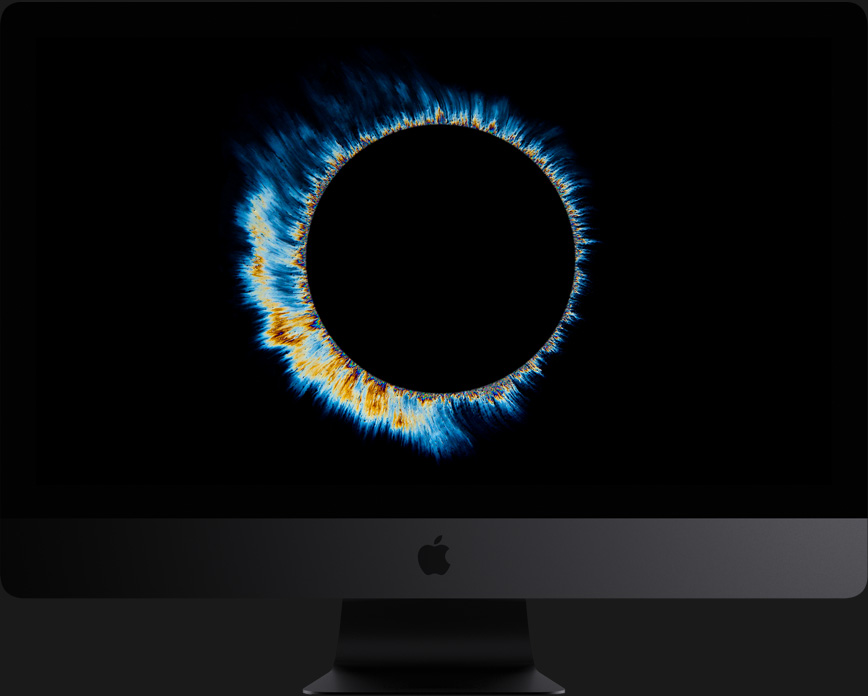
Particle simulation? Elementary.
Billowing smoke. Torrential rain. A wheat field in the wind. With up to 18 cores and Hyper-Threading, iMac Pro lets you build and render particle systems of all kinds — static or animated, 2D or 3D — with ease.
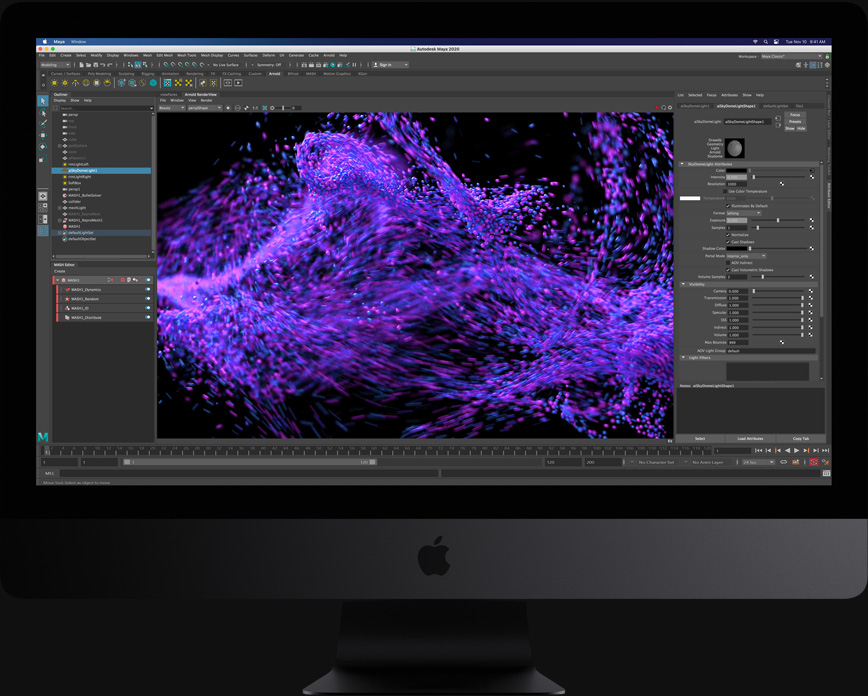
Vega graphics. The beast behind the beauty.
Featuring Radeon Pro Vega graphics, iMac Pro delivers stunningly powerful graphics standard. The Vega graphics architecture features up to 16GB of on-package High Bandwidth Memory, which helps deliver a major jump in performance. This translates to higher frame rates, real-time 3D rendering, more lifelike special effects, and gameplay at max settings. It also supports both single- and half-precision computing, so operations that don’t require a full 32 bits of precision can be performed twice as fast. How fast? Up to 24 teraflops fast.
On-package HBM2 replaces external VRAM, so the GPU can fetch data at up to 512GB/s.


Cinema 4D
Unity
Twinmotion
Unreal Editor

Phenomenally fluid 3D creation.
With the Vega 64X GPU, iMac Pro lets you create 3D environments up to two times faster, then render them in stunning photorealistic detail.
Strength in numbers.
iMac Pro is optimized for performance across the board. Here’s how it compares to the quad-core 27-inch iMac with Radeon Pro 580 graphics.
Autodesk Maya 2018
18-core iMac Pro
2.2x
10-core iMac Pro
4-core iMac (Baseline)
3.4xfaster Arnold render
Maxon Cinema 4D
iMac Pro Radeon Pro Vega 64
iMac Radeon Pro 580 (Baseline)
1.8xfaster real-time 3D performance
Build Time
18-core iMac Pro
1.9x
10-core iMac Pro
4-core iMac (Baseline)
2.4xfaster build: Clang, LLVM, and compiler-rt using Ninja
OsiriX MD
iMac Pro Radeon Pro Vega 64
iMac Radeon Pro 580 (Baseline)
5.1xfaster 3D volume render
Wolfram Mathematica
18-core iMac Pro
1.9x
10-core iMac Pro
4-core iMac (Baseline)
2.8xCPU benchmark
Adobe Photoshop CC
18-core iMac Pro
1.8x
10-core iMac Pro
4-core iMac (Baseline)
2.3xprocessing of well-threaded filters
Pixelmator Pro
iMac Pro Radeon Pro Vega 64
iMac Radeon Pro 580 (Baseline)
4.1xfaster effects render
Logic Pro X
18-core iMac Pro
3.7x
10-core iMac Pro
4-core iMac (Baseline)
4.6xfaster offline bounce
Logic Pro X
18-core iMac Pro
8.3x
10-core iMac Pro
4-core iMac (Baseline)
12.4xhigher Sculpture track count
Final Cut Pro X
18-core iMac Pro
2.3x
10-core iMac Pro
4-core iMac (Baseline)
2.8xfaster render speed
Compressor
iMac Pro Radeon Pro Vega 64
iMac Intel Media Engine
3xfaster 8-bit HEVC export
More memory for massive projects.
With four channels of memory, iMac Pro can now accommodate up to 256GB. So you can visualize, simulate, and render huge 3D models. Create multiple test environments for cross-platform development. And keep numerous apps open at the same time. It’s all powerful. For all the things you want to do.

Video performance artist.
iMac Pro has the bandwidth to effortlessly handle multiple streams of video. And with up to 4TB of all-flash storage, saving and loading humongous projects is all in a moment’s work.
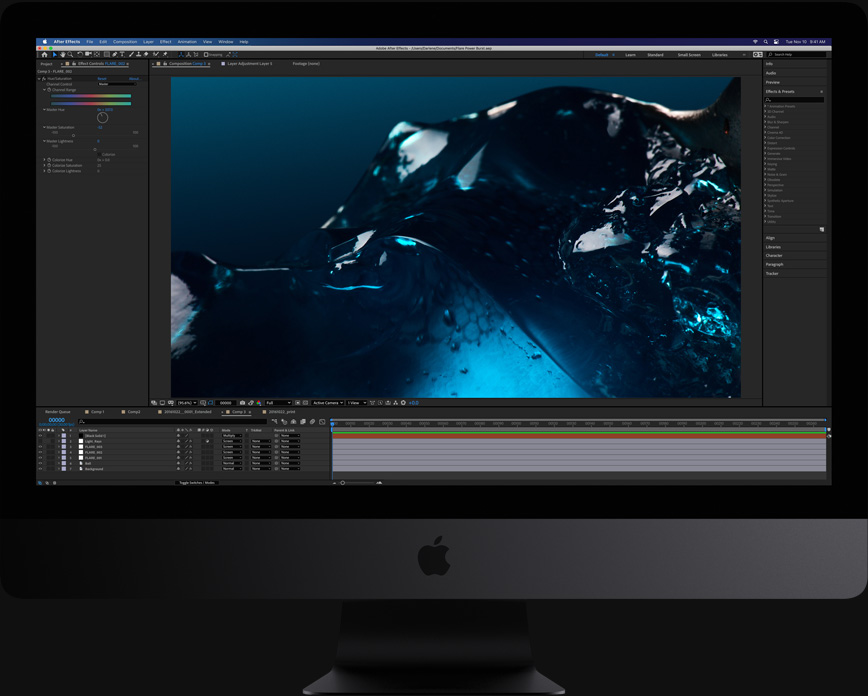
High-performance storage. Load faster. Launch faster.
Up to 4TB of all-flash storage lets you work on large 4K and HD projects regardless of codec. And with up to 3GB/s throughput, loading huge files and launching apps is faster than ever.
Apple T2 Security Chip. Enhanced integration and security.
Every iMac Pro is equipped with the Apple T2 Security Chip, our second-generation custom Mac silicon. By redesigning and integrating several controllers found in other Mac systems — like the system management controller, image signal processor, audio controller, and SSD controller — the T2 Security Chip delivers robust capabilities to the Mac. For instance, the image signal processor works with the FaceTime HD camera to enable enhanced tone mapping, improved exposure control, and face detection–based auto exposure and auto white balance. The T2 also makes iMac Pro even more secure, thanks to a Secure Enclave coprocessor that provides the foundation for encrypted storage and secure boot capabilities. The data on your SSD is encrypted using dedicated AES hardware with no effect on the SSD’s performance, while keeping the Intel Xeon processor free for your compute tasks. And secure boot ensures that the lowest levels of software aren’t tampered with and that only operating system software trusted by Apple loads at startup. The Apple T2 Security Chip also brings a familiar voice to iMac Pro — Hey Siri is always ready to heed your call.
Serious I/O. For serious work.
As you’d expect from a pro machine, there are plenty of high-speed ports to create a high-performance workstation. Four Thunderbolt 3 ports let you connect two 5K monitors — for 44 million pixels total — and transfer data at a blazing 40Gb/s. And there’s something you probably didn’t expect in an iMac: 10Gb Ethernet. So sharing files between desktops, or working with high-performance network storage, is up to 10 times faster.
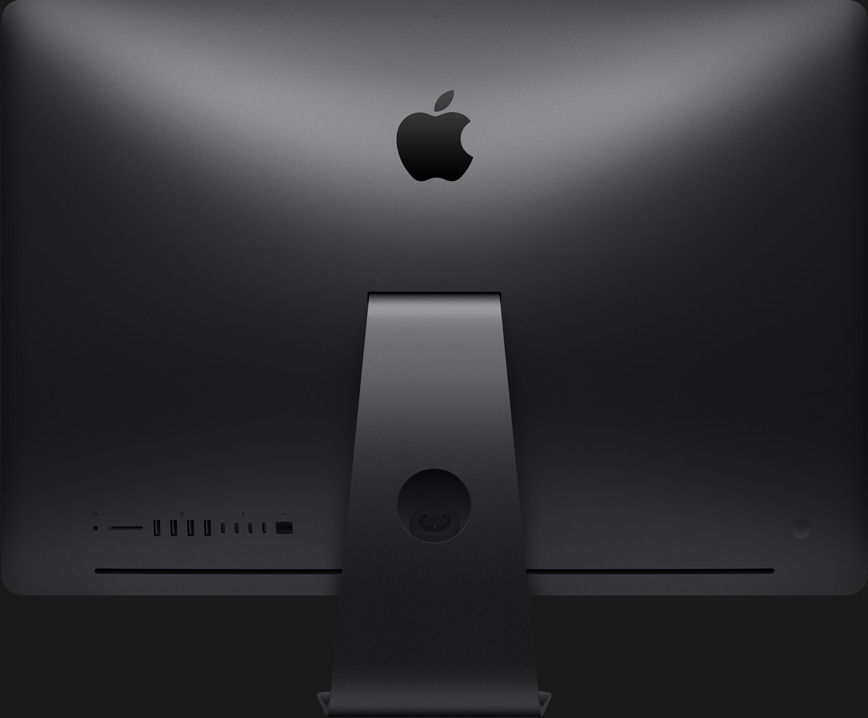
See your work on the big screens.

Create a powerful workstation by connecting two RAID systems and two 5K displays to the four Thunderbolt 3 ports. Then see your work on a 44-million-pixel canvas.

Retina 5K display. Dream in a billion colors.
It almost goes without saying: If it’s an iMac, it will have a gorgeous display. And iMac Pro doesn’t disappoint. Its 27-inch Retina screen is crisp and bright, with 500 nits of brightness across its 14.7 million pixels. It’s as if the sleek, all-in-one design disappears behind the stunning screen — so you can focus on your content. Along with P3 color and support for a billion colors, iMac Pro delivers spectacular, true-to-life images.
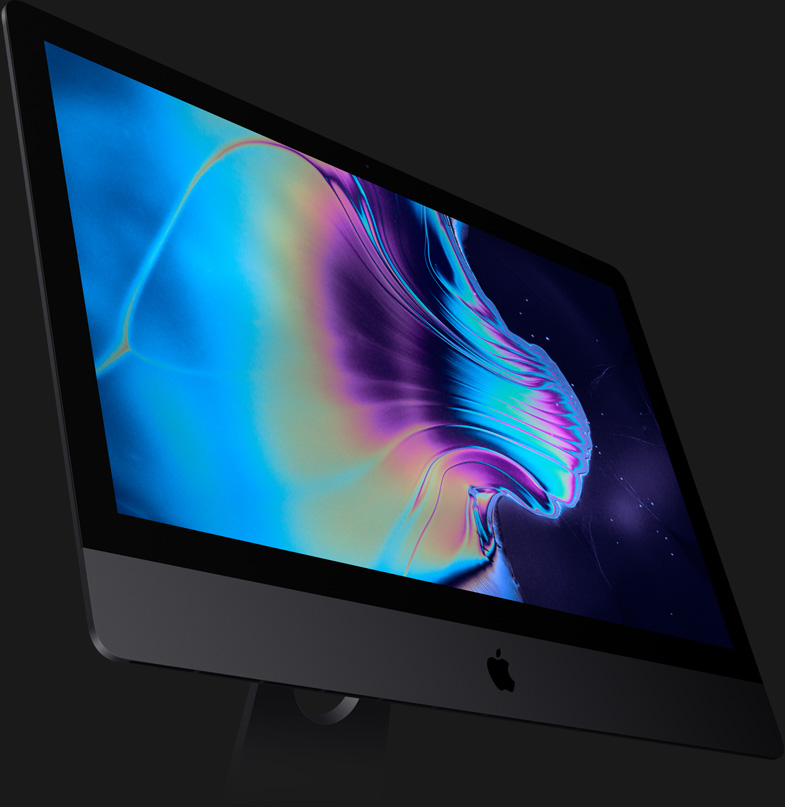
Reveal your true colors.
A billion colors on your display means every photo appears just the way it was shot, with supersmooth gradients and vastly reduced banding.

All-in-one design. More creative freedom.
iMac Pro puts the power of a workstation behind a stunning Retina 5K display, in a sleek enclosure just 5 mm wide at its edge. With your whole system powered by a single cable, your workspace stays free of clutter. It’s a beautifully efficient design that lets you focus all your attention on what you’re creating — not what you’re creating with.

Advanced thermal management. Cool.
Packing all that performance into such a slim all-in-one design required a new approach to cooling the system. We redesigned the thermal architecture of iMac Pro with innovative dual blowers, a high-capacity heatsink, and extra venting. The result? Almost 75 percent more airflow and an 80 percent increase in system thermal capacity. Which lets iMac Pro handle 500 watts — all while remaining quiet on your desk.

Dynamic speakers. Make some noise.
The enhanced stereo speakers in iMac Pro deliver broad frequency response, rich bass, and impressive volume. So you’ll be able to hear that crashing cymbal, multilayered effect, or sample-based sound, all with remarkable fidelity. And with four beamforming mics, your voice is heard loud and clear over any background noise.



Delightfully capable. Surprisingly affordable.
The new iPad combines tremendous capability with unmatched ease of use and versatility. With the powerful A12 Bionic chip, support for Apple Pencil and the Smart Keyboard, and the amazing new things you can do with iPadOS 14, now there’s even more to love about iPad.

Kick some serious tasks.
With iPad, getting work done is all hustle and no hassle. Edit a document while researching something on the web and making a FaceTime call to a colleague at the same time. Attach a full‑size Smart Keyboard for comfortable typing1. And for tasks that require more precision, support for a trackpad or mouse complements the familiar Multi‑Touch experience of iPad.
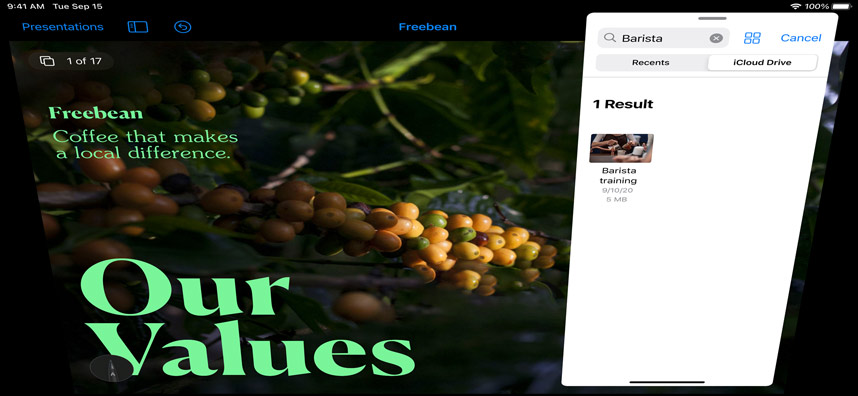
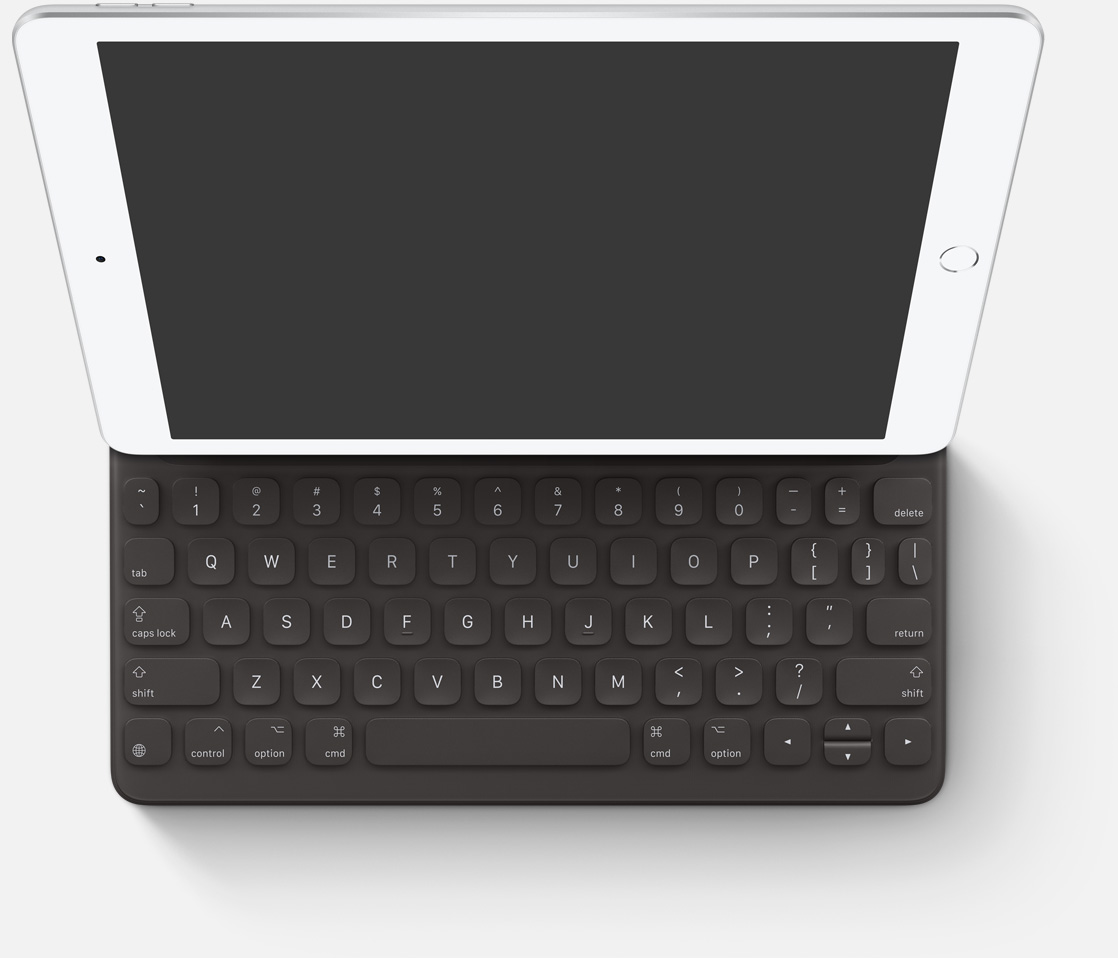
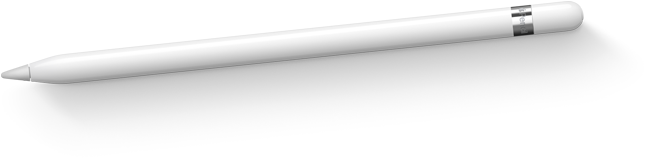
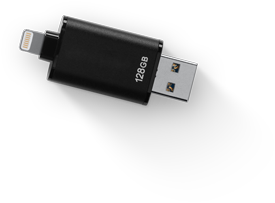

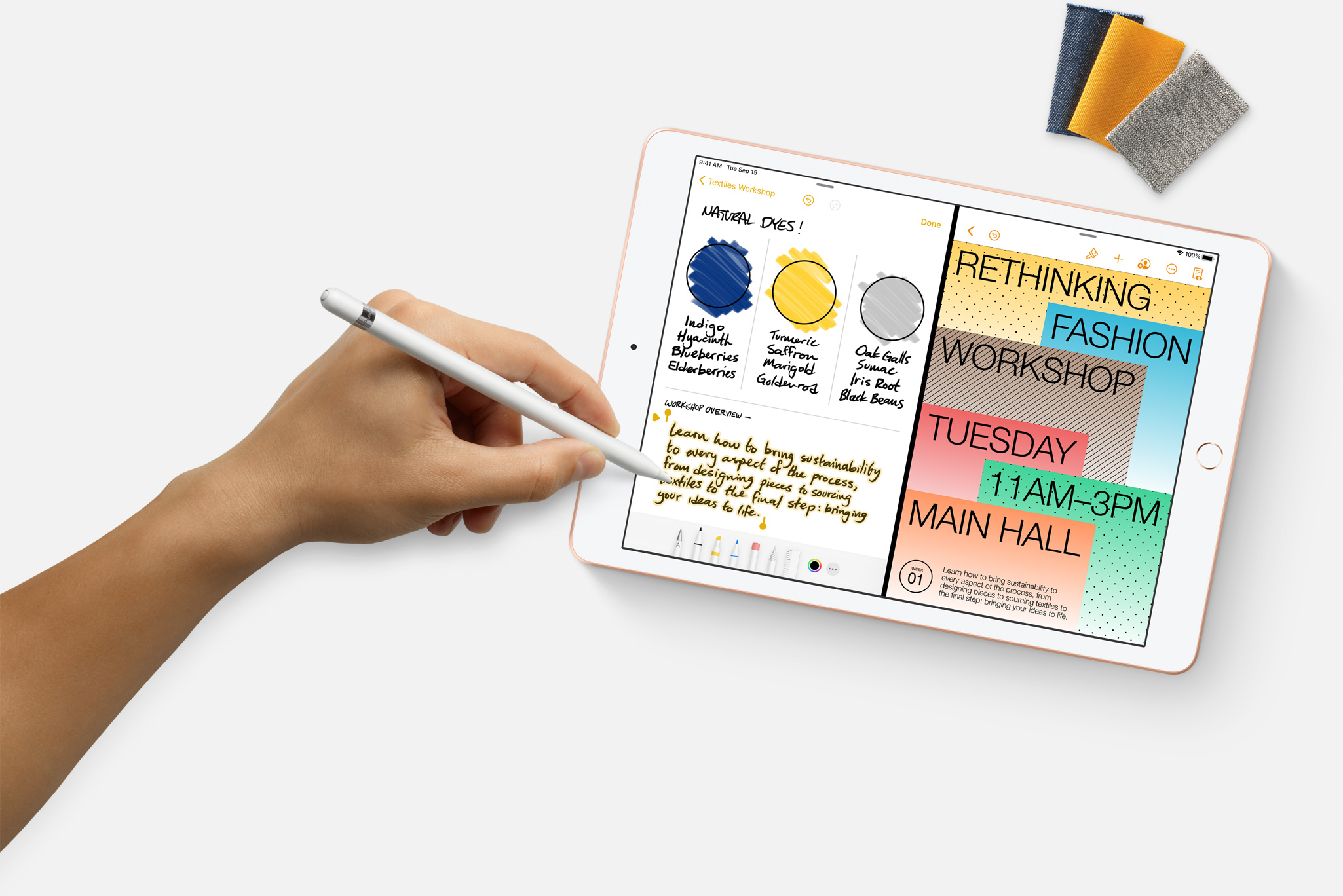
Paired with the power of iPadOS, Apple Pencil makes note‑taking with iPad a breeze1. Do things like sign paperwork, mark up a document, or sketch out an idea. It feels as natural to use as a regular pencil, but with so much more capability.

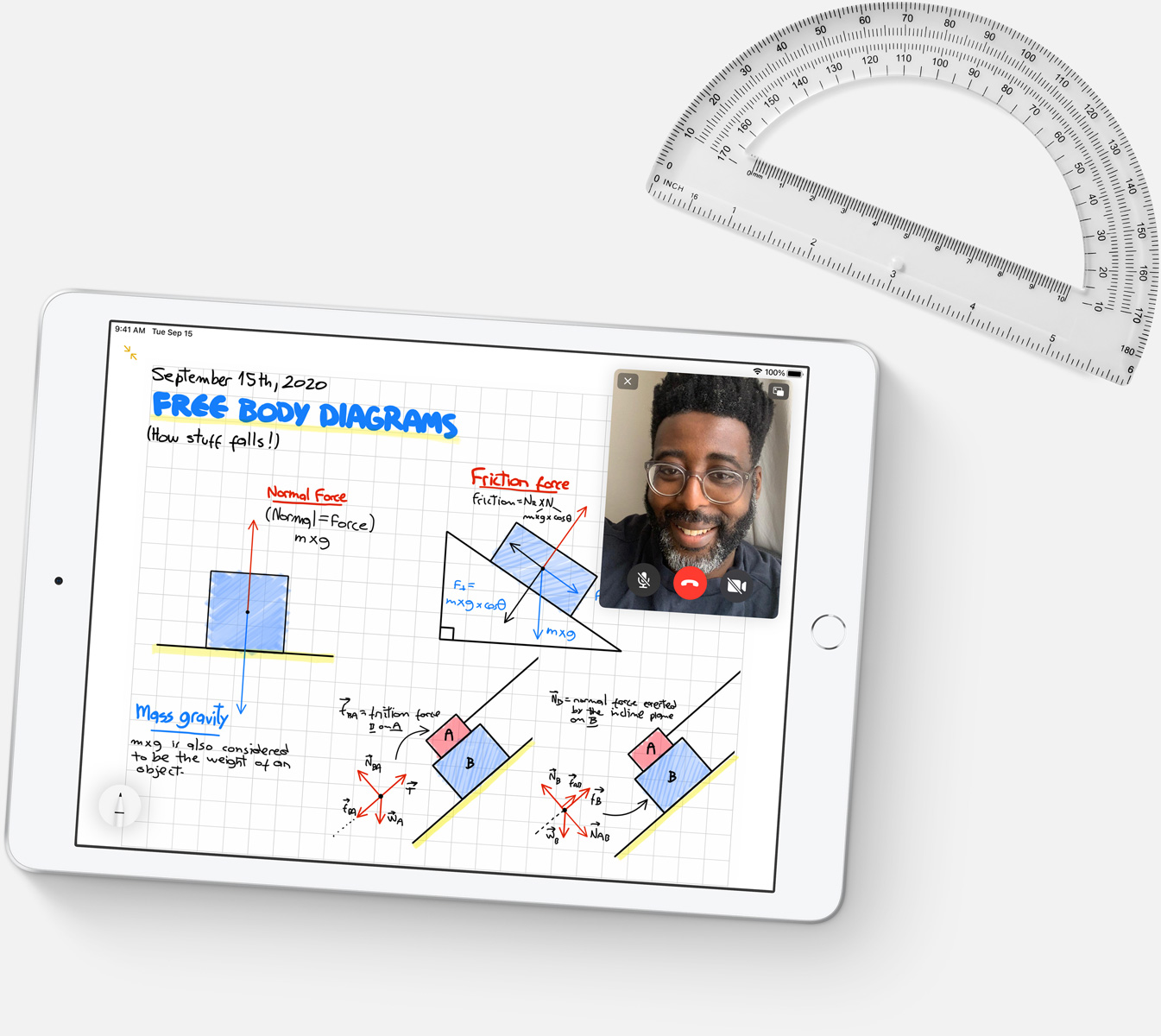
Let your curiosity run wild with iPad. The App Store is the best place to discover apps that let you get a leg up in geometry, learn a new language, and attend virtual classes. You can even use augmented reality to learn something exciting, like watching the history of spaceflight unfold in your living room or making characters from your favorite book literally leap off the page.

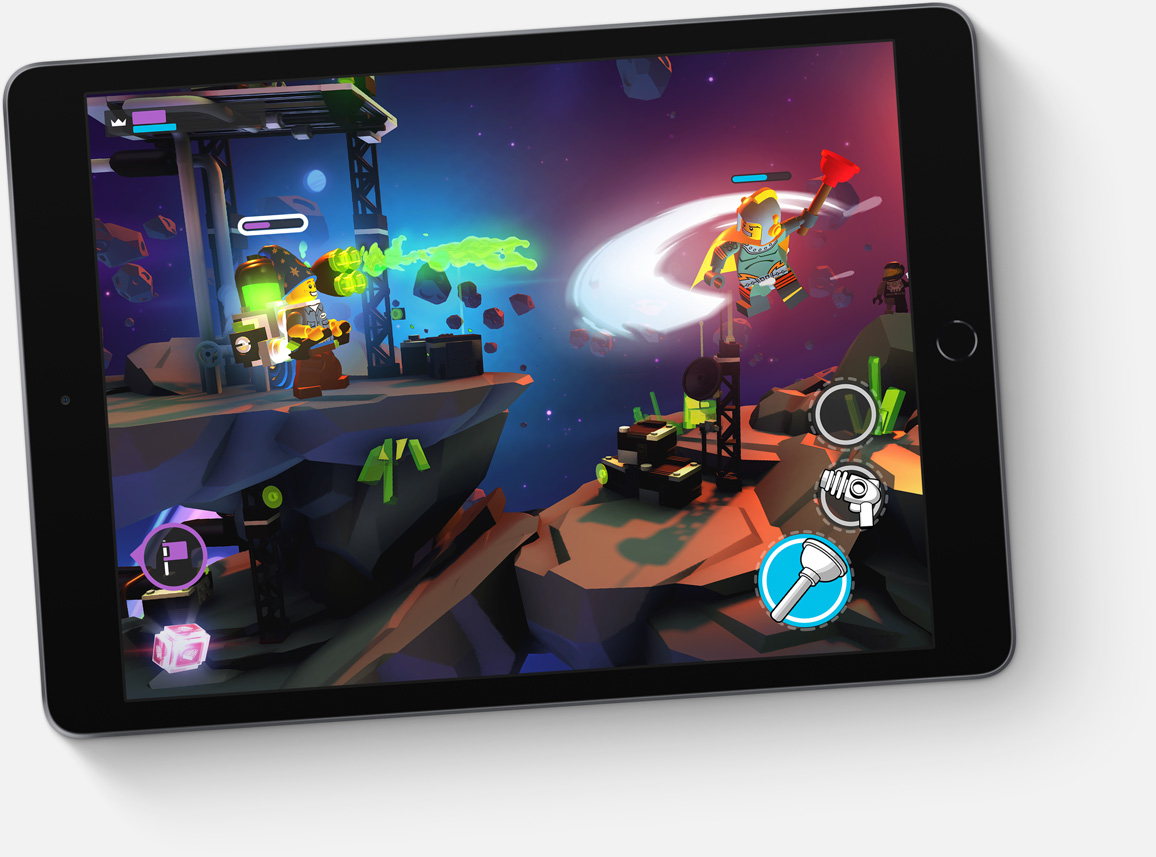
It’s go time for gaming. The A12 Bionic chip delivers an amazing performance boost, so games are immersive, fluid, and incredibly detailed. And you can pair an Xbox Wireless Controller with Bluetooth, PlayStation DualShock controller, or MFi game controller with your iPad to create the ultimate portable game console.2 You can also try out Apple Arcade, with over 100 ad‑free games in one subscription.3

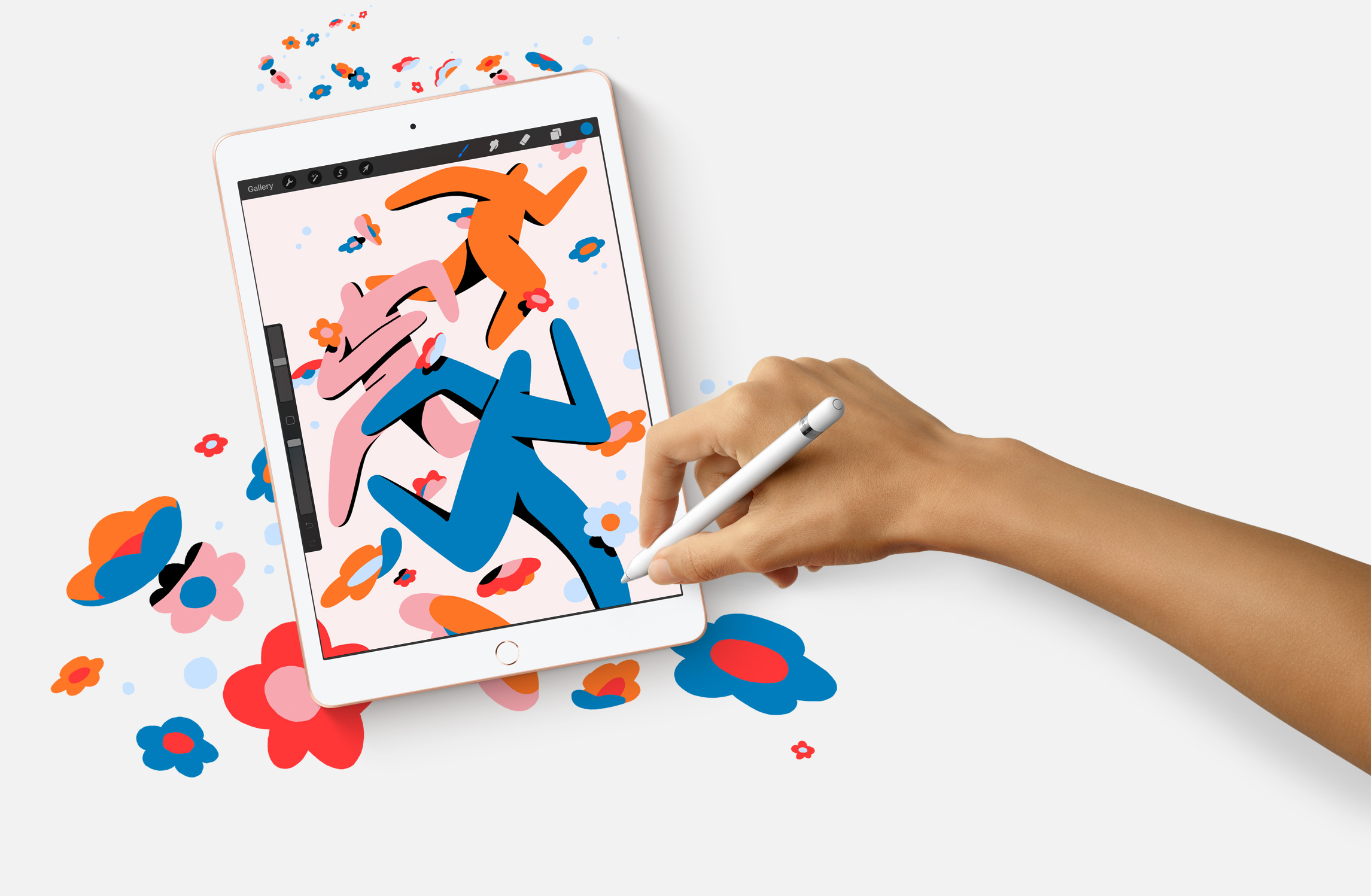

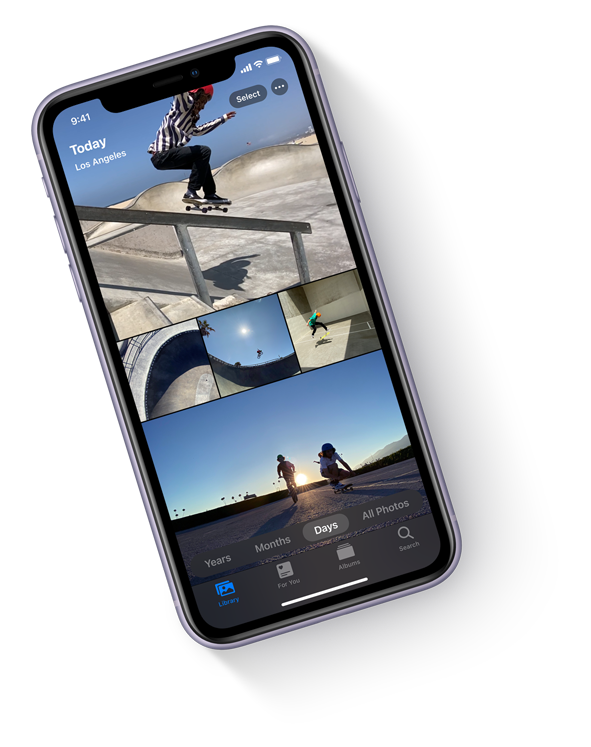
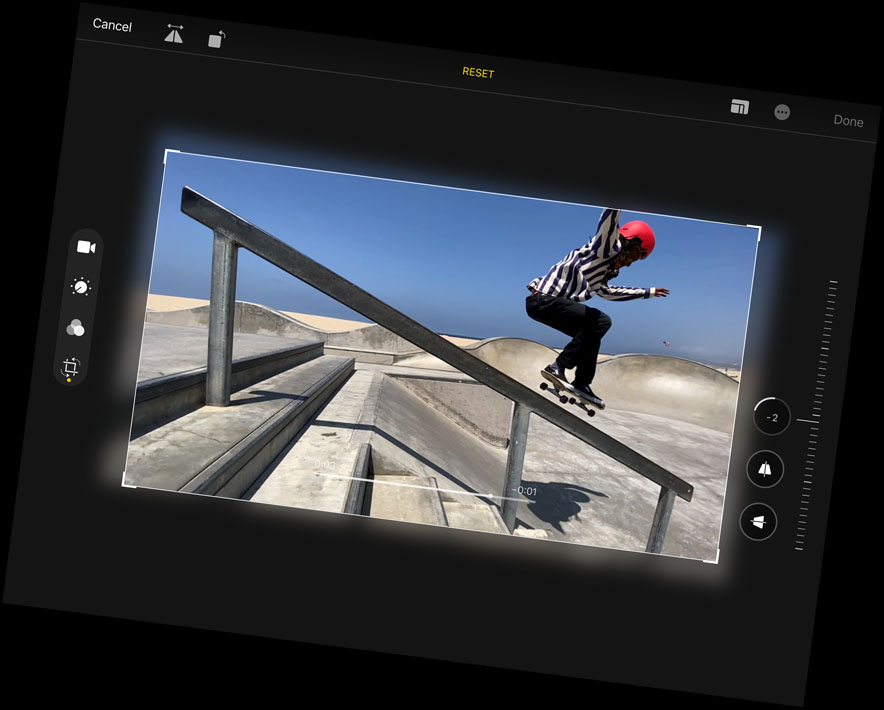
No matter how you capture your photos and videos — with the 8MP back camera or the FaceTime HD camera on iPad, with an iPhone, or with a digital camera — you’ll love editing them on the large, immersive screen of your iPad. Take advantage of the machine learning capabilities to enhance your photos. Once you’ve got your perfect shot, share it to your social feeds or send it to friends with a tap.4

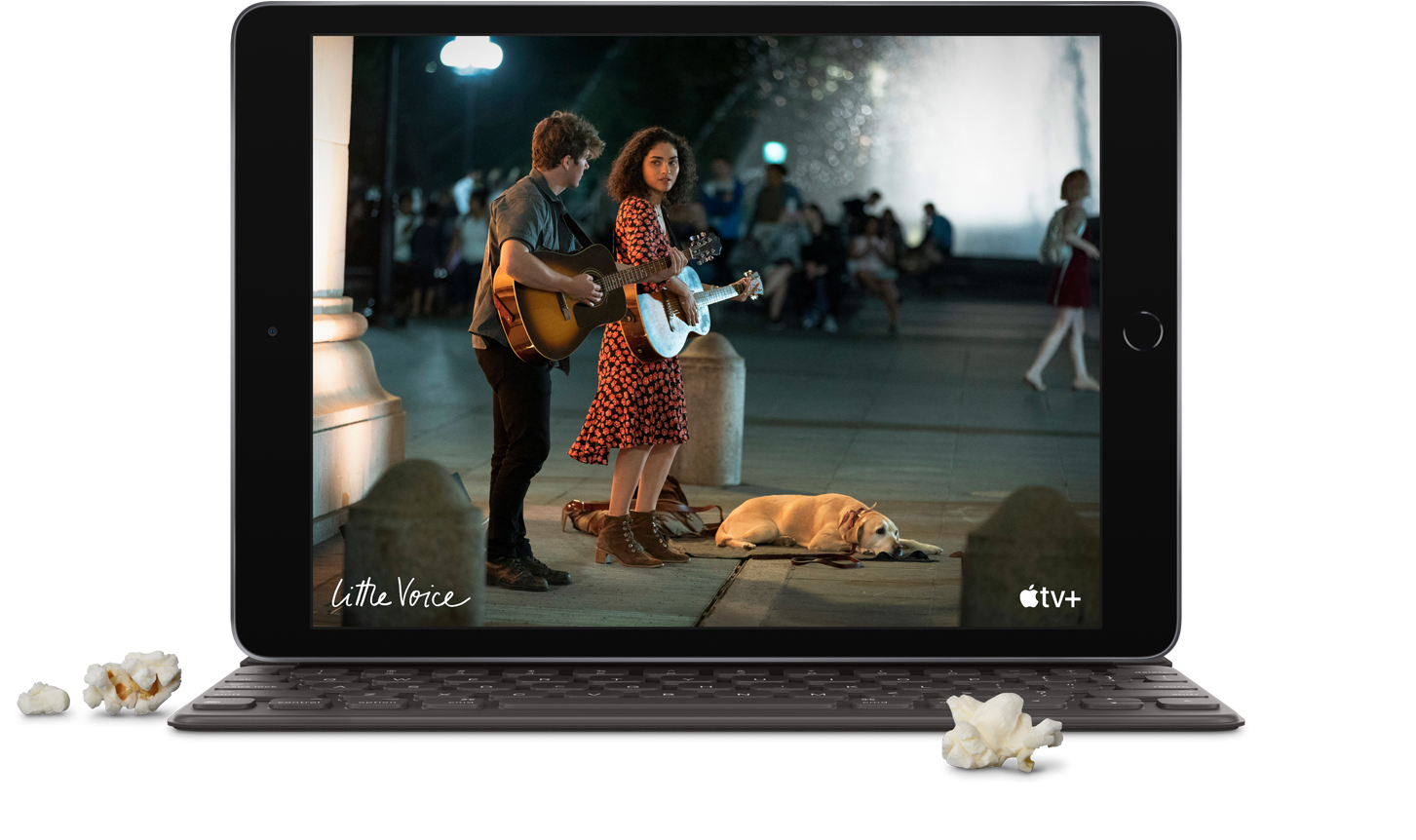
Everything you watch on iPad looks and sounds awesome, thanks to the 10.2‑inch Retina display and stereo system. With the Apple TV app, you’ll have access to popular streaming services, must‑watch shows, and blockbuster movies. And when you buy a new iPad, it includes a year of Apple TV+, our streaming service featuring original shows and movies from the world’s best storytellers.5 Now all you have to do is remember the popcorn.

Take your to-do list to go.
With a thin and light design and fast Wi‑Fi and Gigabit‑class LTE, iPad is designed to go where your life goes.6 So you can browse the web, download books, and more, wherever you are. And with up to 10 hours of battery life, you can do it all on a single charge.7 It does pretty much everything but carry itself.
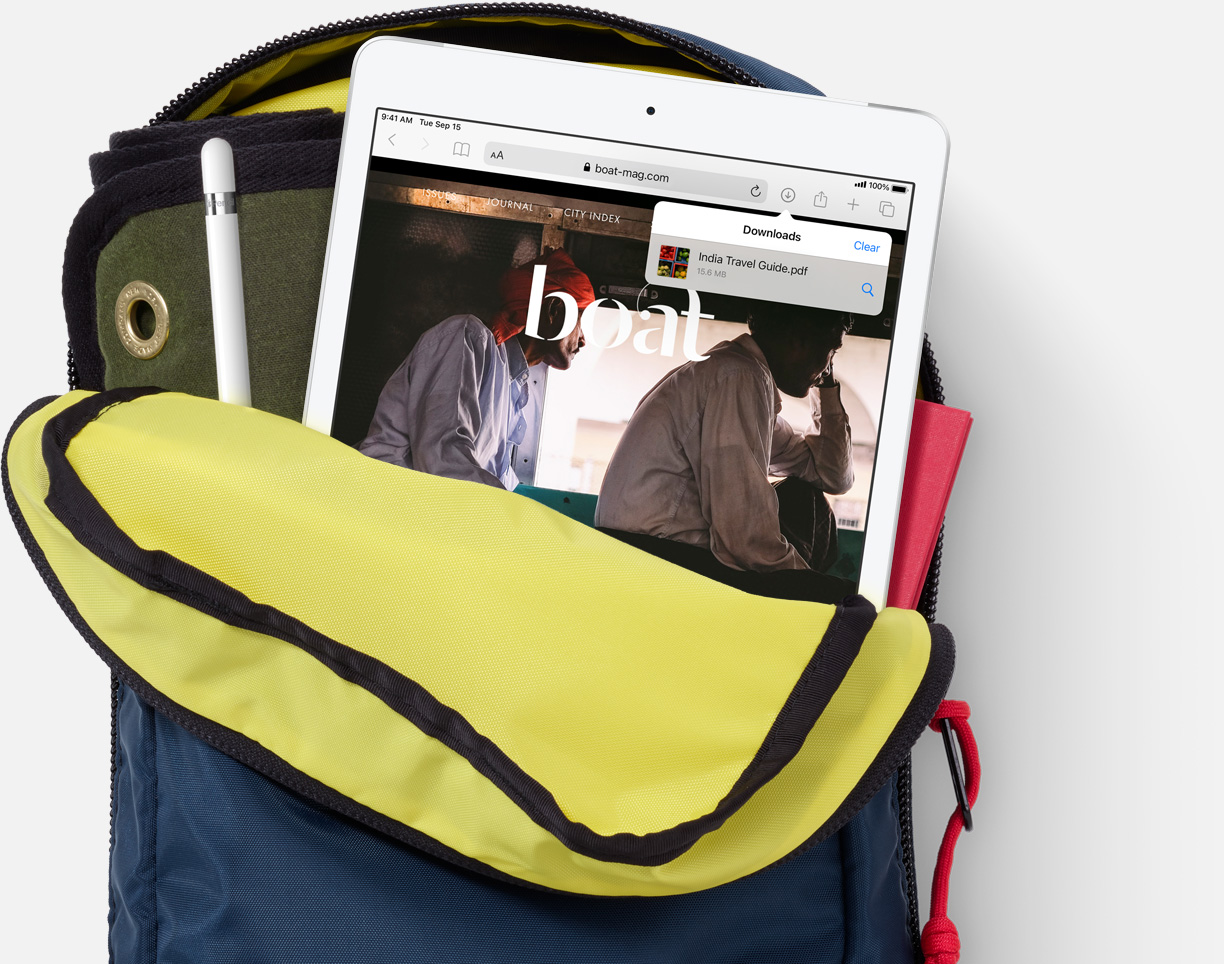
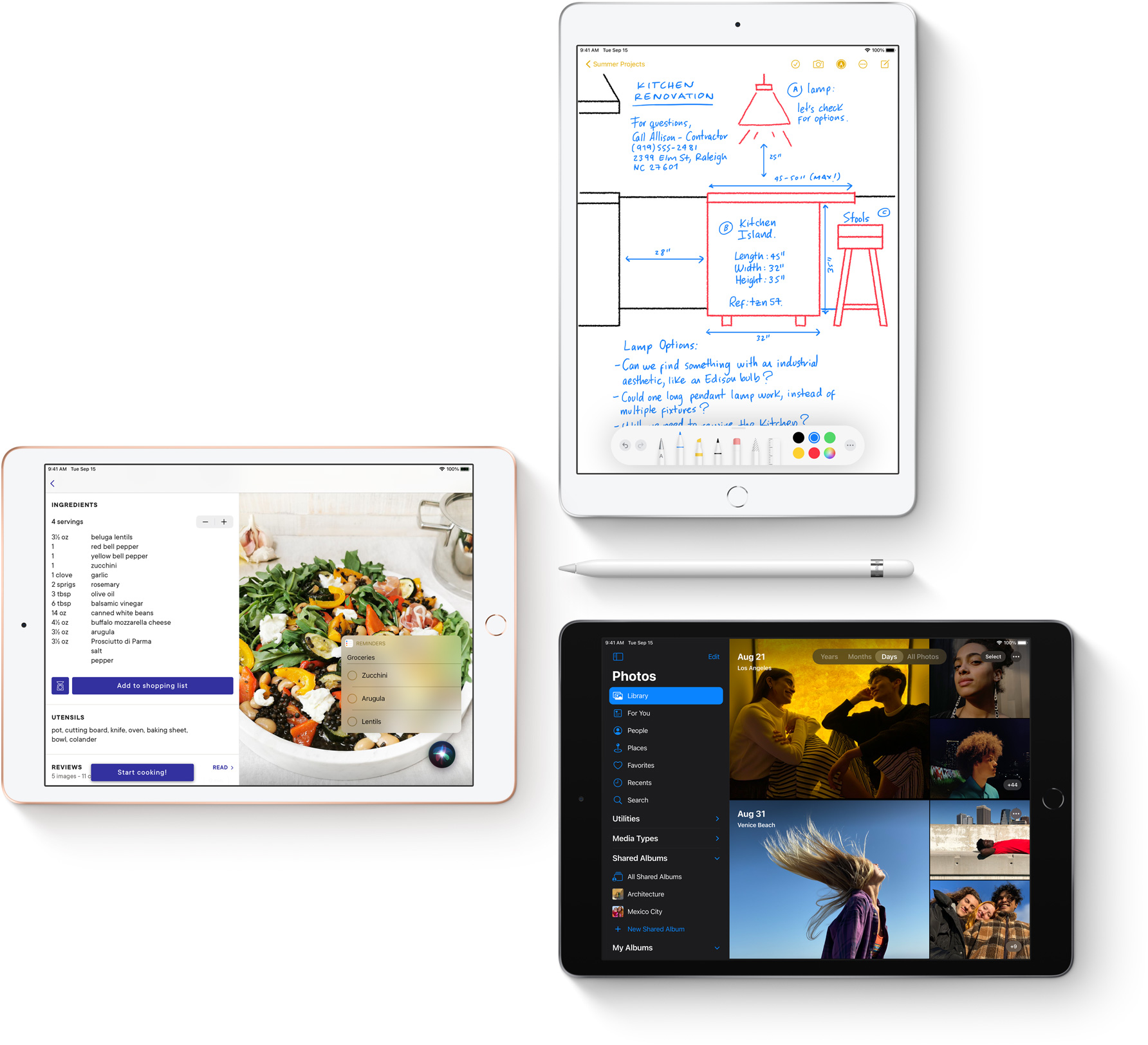
iPadOS delivers a distinct experience that enhances the unique capabilities of iPad. New note‑taking features make handwriting as powerful as typed text, shape recognition makes your drawings more precise, and now you can handwrite in any text field with Scribble.
Apps for everything.
There are over a million apps on the App Store specifically designed for the large display and power of iPad. Make a beat, get a workout in, read the news, or join a battle royale with friends. Whatever you’re interested in, you’ll find an app for it.

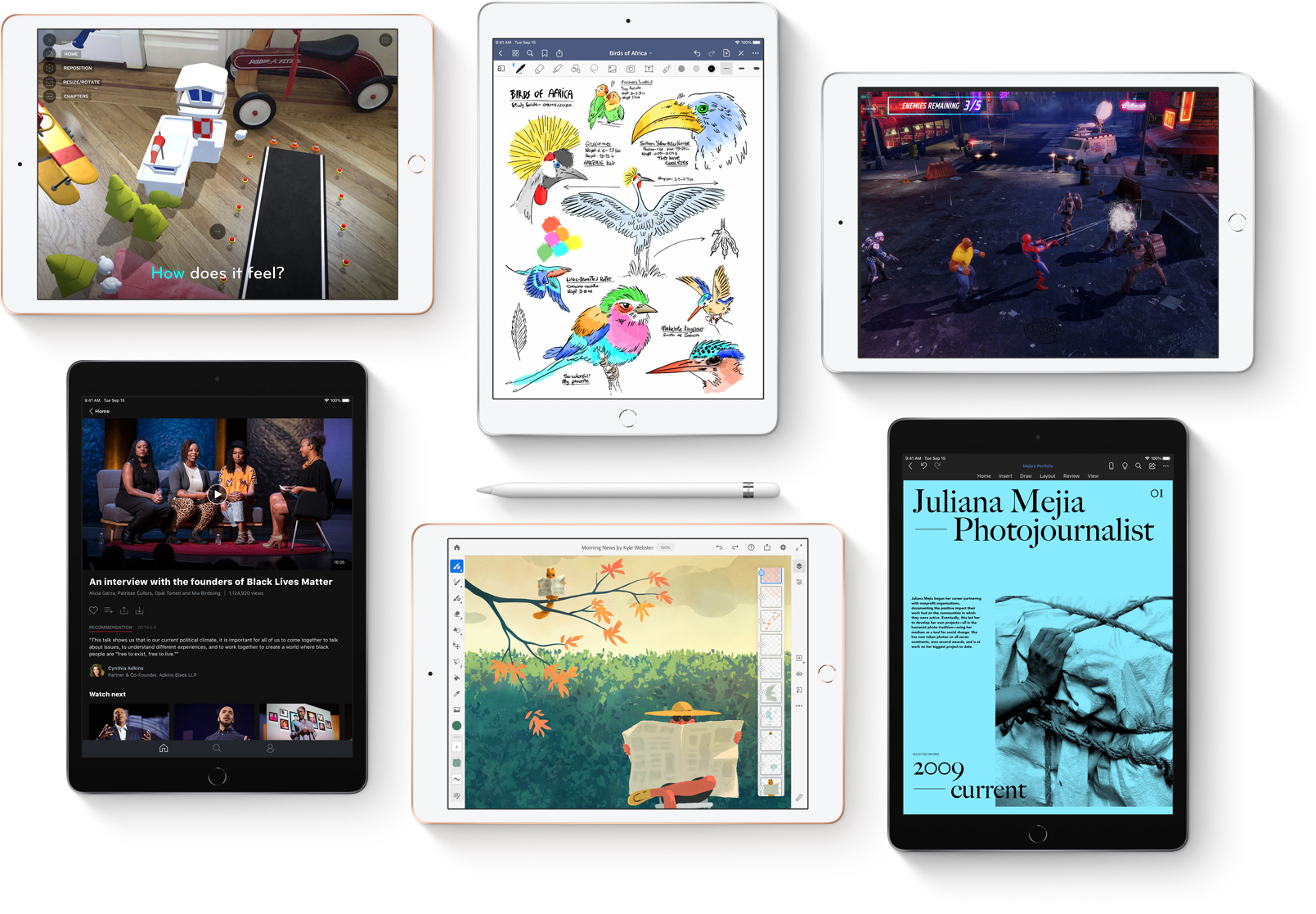

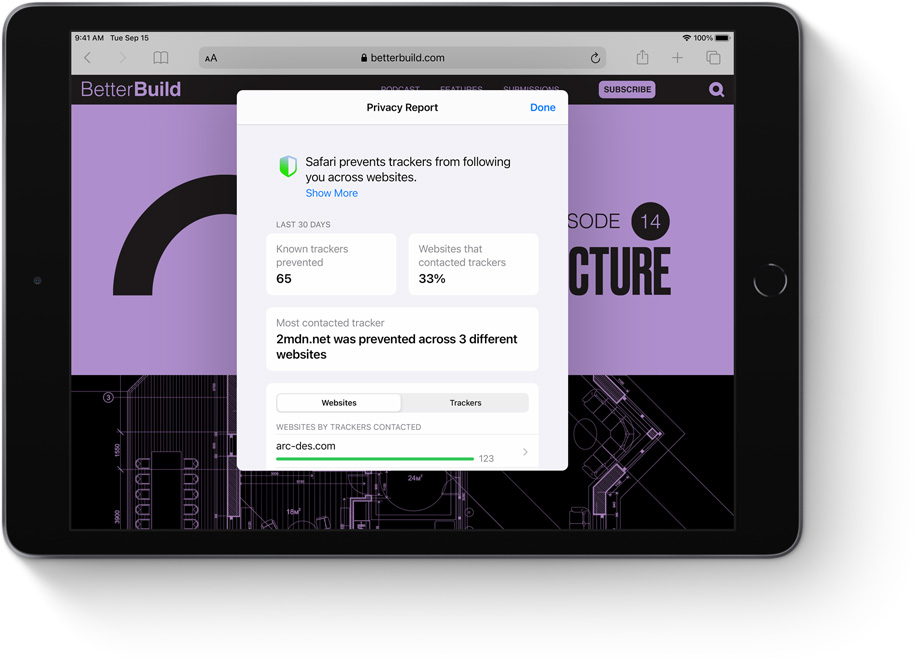
Like every Apple product, iPad was designed with your privacy and security in mind. It’s not always easy. But that’s the kind of innovation we believe in.

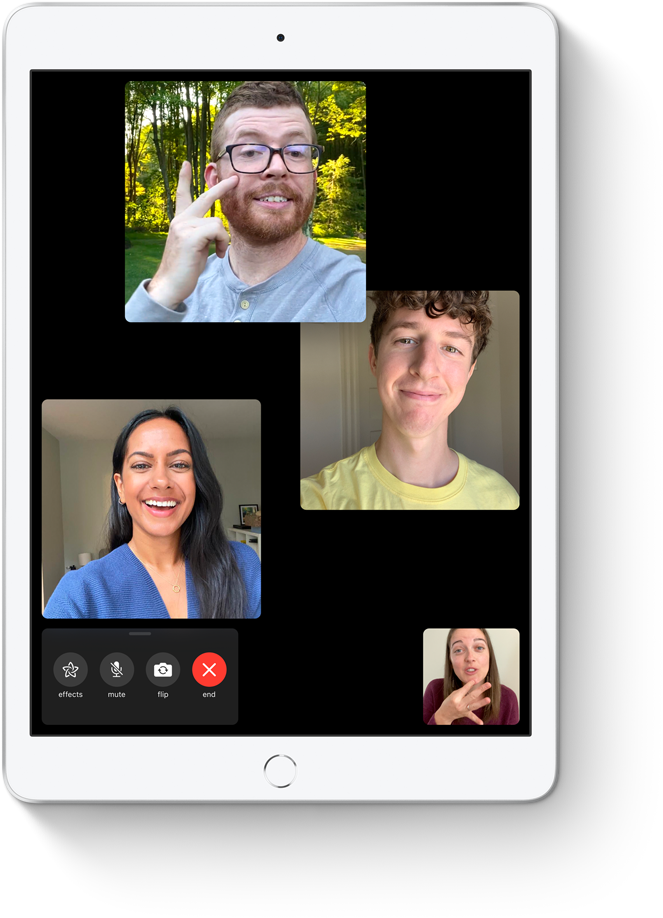
Technology is most powerful when everyone can use it. That’s why iPad comes with accessibility features that support vision, hearing, mobility, and learning needs. Like sign language prominence in FaceTime, which can detect when a participant is using sign language and make the person prominent in a Group FaceTime call.
Did you catch all that? Let’s recap.
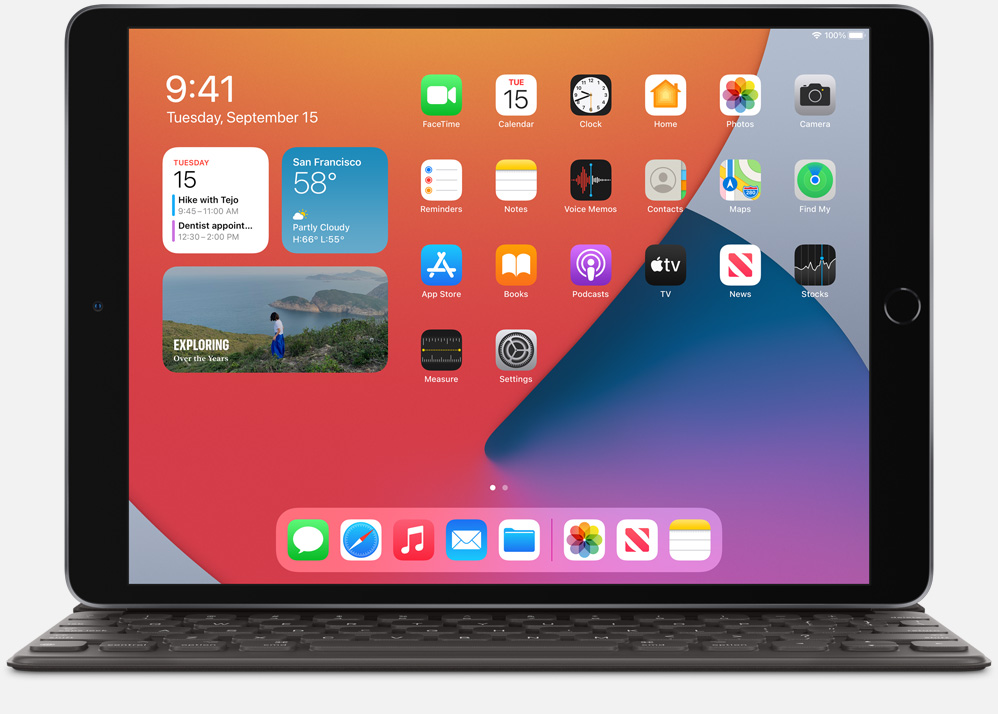
10.2-inch Retina display
With incredible detail and vivid colors, the gorgeous Retina display is perfect for watching a movie, working on a project, and drawing your next masterpiece.
A12 Bionic chip
A12 Bionic delivers incredible performance for things like photo editing and graphic-intensive games, and the second‑generation Neural Engine enables powerful features like handwriting recognition in Notes.
iPadOS
iPadOS dramatically enhances the note-taking experience on iPad. Apps are more streamlined and new compact designs for Siri, search and calls make iPad even more capable and simple to use.
Smart Keyboard
Just attach the full-size Smart Keyboard to your iPad and start typing — no charging or pairing required.1 And when you’re finished, it folds up to become a slim, lightweight cover.
Apple Pencil
Apple Pencil features the precision, responsiveness, and natural fluidity of a traditional writing instrument and the versatility to become so much more.1 With it, you can turn iPad into your notepad, canvas, or just about anything else you can imagine.
Augmented reality
The powerful A12 Bionic chip combined with advanced sensors and cameras makes for incredible AR experiences on iPad. The large Retina display invites you into immersive AR environments that can transform the way you play, shop, and learn.
10-hour battery life
Thanks to the efficiency of the A12 Bionic chip, you can expect up to 10 hours of battery life to keep you going through the day.7
Over 1 million apps
There are more than a million iPad apps designed for anything you want to do, like learning, gaming, working, creating, and watching.
Front and back cameras
The built-in FaceTime HD camera and 8MP back camera allow you to snap amazing photos, shoot epic videos, scan documents, make FaceTime calls, and experience AR.
Thin, light, and durable design
iPad is built to be durable so you have peace of mind knowing you can take it anywhere you go. And now the enclosure is made from 100 percent recycled aluminum.
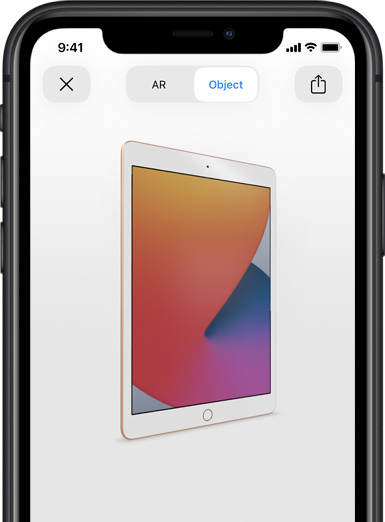
Use AR to see the new iPad.
Open this page using Safari on your iPhone or iPad.
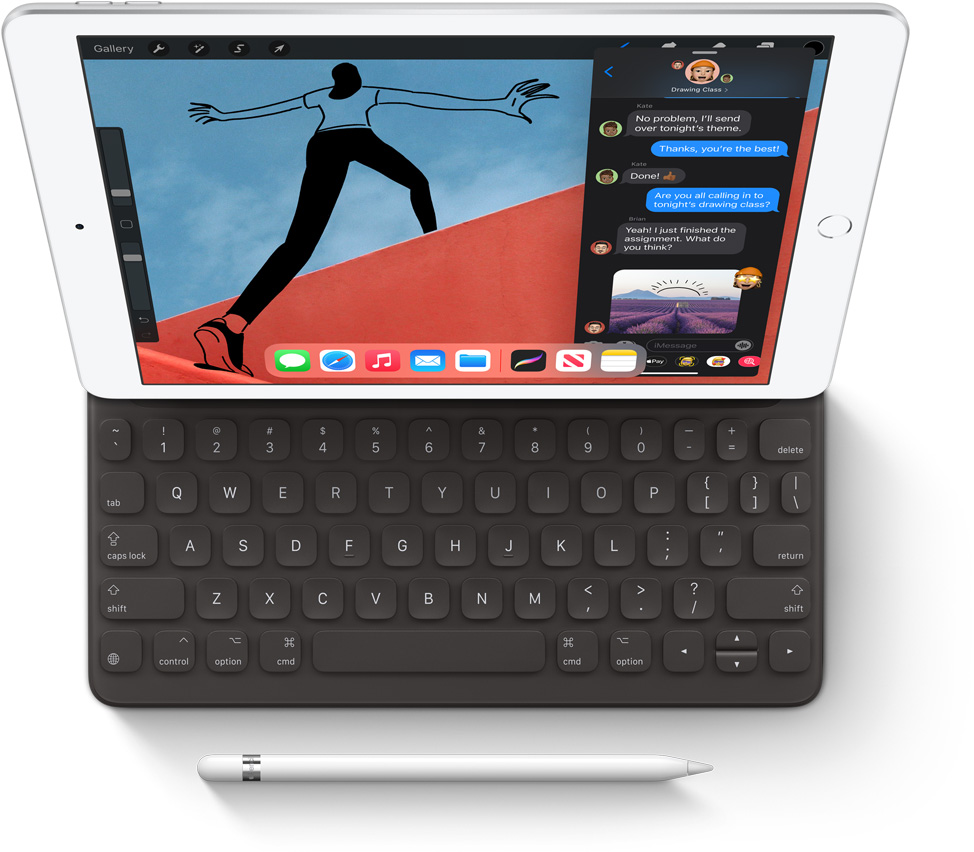
Smart Keyboard
Type on a full-size keyboard when you need one and fold it up into a slim, lightweight cover when you’re done. No charging or pairing required.
Apple Pencil
Jot down notes, mark up documents and photos, and draw and create whenever inspiration strikes.
Finish
Silver
Space Gray
Gold
Capacity1
32GB
128GB
Size and Weight2
(250.6 mm)
(174.1 mm)
(7.5 mm)
Wi-Fi models
1.08 pounds (490 grams)
Wi-Fi + Cellular models
1.09 pounds (495 grams)
Buttons and Connectors
headphone jack
speakers
Sleep/Wake
microphones
up/down
(cellular models)
connector
In the Box
iPad
Lightning to USB-C Cable
USB-C Power Adapter
Display
Retina display
10.2-inch (diagonal) LED-backlit Multi-Touch display with IPS technology
2160-by-1620-pixel resolution at 264 pixels per inch (ppi)
500 nits brightness
Fingerprint-resistant oleophobic coating
Supports Apple Pencil (1st generation)
Chip
A12 Bionic chip with 64-bit architecture
Neural Engine
Camera
8MP camera
ƒ/2.4 aperture
Five-element lens
Hybrid IR filter
Backside illumination
Live Photos
Autofocus
Panorama (up to 43MP)
HDR for photos
Exposure control
Burst mode
Tap to focus
Timer mode
Auto image stabilization
Body and face detection
Photo geotagging
Video Recording
1080p HD video recording at 30 fps
Slo‑mo video support for 720p at 120 fps
Time‑lapse video with stabilization
Video image stabilization
Body and face detection
3x video zoom
Video geotagging
FaceTime HD Camera
1.2MP photos
ƒ/2.4 aperture
Retina Flash
Backside illumination
Live Photos
720p HD video recording
HDR for photos
Body and face detection
Burst mode
Exposure control
Timer mode
Video Calling3
FaceTime video
iPad to any FaceTime-enabled device over Wi-Fi or cellular
Audio Calling3
FaceTime audio
iPad to any FaceTime-enabled device over Wi-Fi or cellular
Speakers
Stereo speakers
Microphones
Dual microphones for calls, video recording, and audio recording
Cellular and Wireless
All models
Wi-Fi (802.11a/b/g/n/ac); dual band (2.4GHz and 5GHz); HT80 with MIMO
Bluetooth 4.2 technology
Wi-Fi + Cellular models
UMTS/HSPA/HSPA+/DC-HSDPA (850, 900, 1700/2100, 1900, 2100 MHz); GSM/EDGE (850, 900, 1800, 1900 MHz)
Gigabit-class LTE (Bands 1, 2, 3, 4, 5, 7, 8, 11, 12, 13, 14, 17, 18, 19, 20, 21, 25, 26, 29, 30, 34, 38, 39, 40, 41, 66, 71)4
Data only5
Wi-Fi calling4
eSIM6
Learn more about cellular data
SIM Card
Nano‑SIM (supports Apple SIM6)
eSIM6
Location
All models
Digital compass
Wi-Fi
iBeacon microlocation
Wi-Fi + Cellular models
Built-in GPS/GNSS
Cellular
Sensors
Touch ID
Three‐axis gyro
Accelerometer
Barometer
Ambient light sensor
Touch ID
Unlock iPad
Secure personal data within apps
Make purchases from the iTunes Store, App Store, and Apple Books
Apple Pay
Pay with your iPad using Touch ID within apps and on the web
Send and receive money in Messages
Learn more about Apple Pay
Siri7
Use your voice to send messages, set reminders, and more
Get proactive suggestions
Use hands-free
Listen and identify songs
Learn more about Siri
Power and Battery8
All models
Built‐in 32.4‐watt‐hour rechargeable lithium‑polymer battery
Up to 10 hours of surfing the web on Wi‐Fi or watching video
Charging via power adapter or USB to computer system
Wi-Fi + Cellular models
Up to 9 hours of surfing the web using cellular data network
Operating System
iPadOS 14
iPadOS comes with powerful features and built-in apps designed to take advantage of the unique capabilities of iPad.
See what’s new in iPadOS 14
Accessibility
Accessibility features help people with disabilities get the most out of their new iPad. With built-in support for vision, hearing, mobility, and learning, you can create and do amazing things. Learn more
Features include:
Voice Control
VoiceOver
Zoom
Magnifier
Siri and Dictation
Switch Control
Closed Captions
AssistiveTouch
Speak Screen
Free Apps from Apple
Pages, Numbers, Keynote, iMovie, GarageBand, Clips, and Apple Store app are preinstalled on iPad.
System Requirements
Apple ID (required for some features)
Internet access9
Syncing to a Mac or PC requires:
macOS Catalina 10.15 using the Finder
macOS El Capitan 10.11.6 through macOS Mojave 10.14.6 using iTunes 12.8 or later
Windows 7 or later using iTunes 12.10 or later (free download from itunes.com/download)
Languages
Language support
English (Australia, UK, U.S.), Chinese (Simplified, Traditional, Traditional Hong Kong), French (Canada, France), German, Italian, Japanese, Korean, Spanish (Latin America, Spain), Arabic, Catalan, Croatian, Czech, Danish, Dutch, Finnish, Greek, Hebrew, Hindi, Hungarian, Indonesian, Malay, Norwegian, Polish, Portuguese (Brazil, Portugal), Romanian, Russian, Slovak, Swedish, Thai, Turkish, Ukrainian, Vietnamese
QuickType keyboard support
English (Australia, Canada, India, Singapore, UK, U.S.), Chinese – Simplified (Handwriting, Pinyin QWERTY, Pinyin 10 Key, Shuangpin, Stroke), Chinese – Traditional (Cangjie, Handwriting, Pinyin QWERTY, Pinyin 10 Key, Shuangpin, Stroke, Sucheng, Zhuyin), French (Belgium, Canada, France, Switzerland), German (Austria, Germany, Switzerland), Italian, Japanese (Kana, Romaji), Korean (2-Set, 10 Key), Spanish (Latin America, Mexico, Spain), Albanian, Arabic (Modern Standard, Najdi), Armenian, Assamese, Azerbaijani, Bangla, Belarusian, Bodo, Bulgarian, Burmese, Cantonese – Traditional (Cangjie, Handwriting, Stroke, Sucheng), Catalan, Cherokee, Croatian, Czech, Danish, Dhivehi, Dogri, Dutch, Emoji, Estonian, Faroese, Filipino, Finnish, Flemish, Georgian, Greek, Gujarati, Hawaiian, Hebrew, Hindi (Devanagari, Latin, Transliteration), Hungarian, Icelandic, Indonesian, Irish, Kannada, Kashmiri (Arabic, Devanagari), Kazakh, Khmer, Konkani (Devanagari), Kurdish (Arabic, Latin), Kyrgyz, Lao, Latvian, Lithuanian, Macedonian, Maithili (Bangla), Malay (Arabic, Latin), Malayalam, Maltese, Manipuri (Bangla, Meetei Mayek), Maori, Marathi, Mongolian, Nepali, Norwegian, Odia, Pashto, Persian, Polish, Portuguese (Brazil, Portugal), Punjabi, Romanian, Russian, Sanskrit, Santali (Devanagari, Ol Chiki), Serbian (Cyrillic, Latin), Sindhi (Arabic, Devanagari), Sinhala, Slovak, Slovenian, Swahili, Swedish, Tajik, Tamil (Anjal, Tamil 99), Telugu, Thai, Tibetan, Tongan, Turkish, Turkmen, Ukrainian, Urdu, Uyghur, Uzbek (Arabic, Cyrillic, Latin), Vietnamese, Welsh
QuickType keyboard support with predictive input
English (Australia, Canada, India, Singapore, UK, U.S.), Chinese (Simplified, Traditional), French (Belgium, Canada, France, Switzerland), German (Austria, Germany, Switzerland), Italian, Japanese, Korean, Spanish (Latin America, Mexico, Spain), Arabic (Najdi and MSA), Cantonese (Traditional), Dutch, Hindi (Devanagari, Latin), Portuguese (Brazil, Portugal), Russian, Swedish, Thai, Turkish, Vietnamese
Siri languages
English (Australia, Canada, India, Ireland, New Zealand, Singapore, South Africa, UK, U.S.), Spanish (Chile, Mexico, Spain, U.S.), French (Belgium, Canada, France, Switzerland), German (Austria, Germany, Switzerland), Italian (Italy, Switzerland), Japanese, Korean, Mandarin (China mainland, Taiwan), Cantonese (China mainland, Hong Kong), Arabic (Saudi Arabia, United Arab Emirates), Danish (Denmark), Dutch (Belgium, Netherlands), Finnish (Finland), Hebrew (Israel), Malay (Malaysia), Norwegian (Norway), Portuguese (Brazil), Russian (Russia), Swedish (Sweden), Thai (Thailand), Turkish (Turkey)
Dictation languages
English (Australia, Canada, India, Indonesia, Ireland, Malaysia, New Zealand, Philippines, Saudi Arabia, Singapore, South Africa, United Arab Emirates, UK, U.S.), Spanish (Argentina, Chile, Colombia, Costa Rica, Dominican Republic, Ecuador, El Salvador, Guatemala, Honduras, Mexico, Panama, Paraguay, Peru, Spain, Uruguay, U.S.), French (Belgium, Canada, France, Luxembourg, Switzerland), German (Austria, Germany, Luxembourg, Switzerland), Italian (Italy, Switzerland), Japanese, Korean, Mandarin (China mainland, Taiwan), Cantonese (China mainland, Hong Kong, Macao), Arabic (Kuwait, Qatar, Saudi Arabia, United Arab Emirates), Catalan, Croatian, Czech, Danish, Dutch (Belgium, Netherlands), Finnish, Greek, Hebrew, Hindi (India), Hungarian, Indonesian, Malaysian, Norwegian, Polish, Portuguese (Brazil, Portugal), Romanian, Russian, Shanghainese (China mainland), Slovakian, Swedish, Thai, Turkish, Ukrainian, Vietnamese
Definition dictionary support
English, Chinese (Simplified, Traditional), French, German, Italian, Japanese, Korean, Spanish, Danish, Dutch, Hebrew, Hindi, Norwegian, Portuguese, Russian, Swedish, Thai, Turkish
Thesaurus
English (UK, U.S.)
Bilingual dictionary support with English
Arabic, Chinese (Simplified, Traditional), French, German, Italian, Japanese, Spanish, Korean, Dutch, Hindi, Portuguese, Russian, Thai, Vietnamese
Spell check
English, French, German, Italian, Spanish, Arabic, Arabic Najdi, Danish, Dutch, Finnish, Korean, Norwegian, Polish, Portuguese, Russian, Swedish, Turkish
Audio Playback
Audio formats supported: AAC (8 to 320 Kbps), Protected AAC (from iTunes Store), HE-AAC, MP3 (8 to 320 Kbps), MP3 VBR, Dolby Digital (AC-3), Dolby Digital Plus (E-AC-3), Audible (formats 2, 3, 4, Audible Enhanced Audio, AAX, and AAX+), Apple Lossless, AIFF, and WAV
User-configurable maximum volume limit
TV and Video
AirPlay Mirroring, photos, audio, and video out to Apple TV (2nd generation or later)
Video mirroring and video out support: Up to 1080p through Lightning Digital AV Adapter and Lightning to VGA Adapter (adapters sold separately)
Video formats supported: H.264 video up to 4K, 30 frames per second, High Profile level 4.2 with AAC‑LC audio up to 160 Kbps, 48kHz, stereo audio or Dolby Audio up to 1008 Kbps, 48kHz, stereo or multichannel audio, in .m4v, .mp4, and .mov file formats; MPEG‑4 video up to 2.5 Mbps, 640 by 480 pixels, 30 frames per second, Simple Profile with AAC‑LC audio up to 160 Kbps per channel, 48kHz, stereo audio or Dolby Audio up to 1008 Kbps, 48kHz, stereo or multichannel audio, in .m4v, .mp4, and .mov file formats; Motion JPEG (M‑JPEG) up to 35 Mbps, 1280 by 720 pixels, 30 frames per second, audio in ulaw, PCM stereo audio in .avi file format
Mail Attachment Support
Viewable document types
.jpg, .tiff, .gif (images); .doc and .docx (Microsoft Word); .htm and .html (web pages); .key (Keynote); .numbers (Numbers); .pages (Pages); .pdf (Preview and Adobe Acrobat); .ppt and .pptx (Microsoft PowerPoint); .txt (text); .rtf (rich text format); .vcf (contact information); .xls and .xlsx (Microsoft Excel); .zip; .ics
Environmental Requirements
Operating ambient temperature:
32° to 95° F (0° to 35° C)
Nonoperating temperature:
−4° to 113° F (−20° to 45° C)
Relative humidity:
5% to 95% noncondensing
Operating altitude:
tested up to 10,000 feet (3000 m)
Delightfully capable. Surprisingly affordable.
The new iPad combines tremendous capability with unmatched ease of use and versatility. With the powerful A12 Bionic chip, support for Apple Pencil and the Smart Keyboard, and the amazing new things you can do with iPadOS 14, now there’s even more to love about iPad.
Kick some serious tasks.
With iPad, getting work done is all hustle and no hassle. Edit a document while researching something on the web and making a FaceTime call to a colleague at the same time. Attach a full‑size Smart Keyboard for comfortable typing1. And for tasks that require more precision, support for a trackpad or mouse complements the familiar Multi‑Touch experience of iPad.
Paired with the power of iPadOS, Apple Pencil makes note‑taking with iPad a breeze1. Do things like sign paperwork, mark up a document, or sketch out an idea. It feels as natural to use as a regular pencil, but with so much more capability.
Let your curiosity run wild with iPad. The App Store is the best place to discover apps that let you get a leg up in geometry, learn a new language, and attend virtual classes. You can even use augmented reality to learn something exciting, like watching the history of spaceflight unfold in your living room or making characters from your favorite book literally leap off the page.
It’s go time for gaming. The A12 Bionic chip delivers an amazing performance boost, so games are immersive, fluid, and incredibly detailed. And you can pair an Xbox Wireless Controller with Bluetooth, PlayStation DualShock controller, or MFi game controller with your iPad to create the ultimate portable game console.2 You can also try out Apple Arcade, with over 100 ad‑free games in one subscription.3
No matter how you capture your photos and videos — with the 8MP back camera or the FaceTime HD camera on iPad, with an iPhone, or with a digital camera — you’ll love editing them on the large, immersive screen of your iPad. Take advantage of the machine learning capabilities to enhance your photos. Once you’ve got your perfect shot, share it to your social feeds or send it to friends with a tap.4
Everything you watch on iPad looks and sounds awesome, thanks to the 10.2‑inch Retina display and stereo system. With the Apple TV app, you’ll have access to popular streaming services, must‑watch shows, and blockbuster movies. And when you buy a new iPad, it includes a year of Apple TV+, our streaming service featuring original shows and movies from the world’s best storytellers.5 Now all you have to do is remember the popcorn.
Take your to-do list to go.
With a thin and light design and fast Wi‑Fi and Gigabit‑class LTE, iPad is designed to go where your life goes.6 So you can browse the web, download books, and more, wherever you are. And with up to 10 hours of battery life, you can do it all on a single charge.7 It does pretty much everything but carry itself.
iPadOS delivers a distinct experience that enhances the unique capabilities of iPad. New note‑taking features make handwriting as powerful as typed text, shape recognition makes your drawings more precise, and now you can handwrite in any text field with Scribble.
Apps for everything.
There are over a million apps on the App Store specifically designed for the large display and power of iPad. Make a beat, get a workout in, read the news, or join a battle royale with friends. Whatever you’re interested in, you’ll find an app for it.
Like every Apple product, iPad was designed with your privacy and security in mind. It’s not always easy. But that’s the kind of innovation we believe in.
Technology is most powerful when everyone can use it. That’s why iPad comes with accessibility features that support vision, hearing, mobility, and learning needs. Like sign language prominence in FaceTime, which can detect when a participant is using sign language and make the person prominent in a Group FaceTime call.
Did you catch all that? Let’s recap.
10.2-inch Retina display
With incredible detail and vivid colors, the gorgeous Retina display is perfect for watching a movie, working on a project, and drawing your next masterpiece.
A12 Bionic chip
A12 Bionic delivers incredible performance for things like photo editing and graphic-intensive games, and the second‑generation Neural Engine enables powerful features like handwriting recognition in Notes.
iPadOS
iPadOS dramatically enhances the note-taking experience on iPad. Apps are more streamlined and new compact designs for Siri, search and calls make iPad even more capable and simple to use.
Smart Keyboard
Just attach the full-size Smart Keyboard to your iPad and start typing — no charging or pairing required.1 And when you’re finished, it folds up to become a slim, lightweight cover.
Apple Pencil
Apple Pencil features the precision, responsiveness, and natural fluidity of a traditional writing instrument and the versatility to become so much more.1 With it, you can turn iPad into your notepad, canvas, or just about anything else you can imagine.
Augmented reality
The powerful A12 Bionic chip combined with advanced sensors and cameras makes for incredible AR experiences on iPad. The large Retina display invites you into immersive AR environments that can transform the way you play, shop, and learn.
10-hour battery life
Thanks to the efficiency of the A12 Bionic chip, you can expect up to 10 hours of battery life to keep you going through the day.7
Over 1 million apps
There are more than a million iPad apps designed for anything you want to do, like learning, gaming, working, creating, and watching.
Front and back cameras
The built-in FaceTime HD camera and 8MP back camera allow you to snap amazing photos, shoot epic videos, scan documents, make FaceTime calls, and experience AR.
Thin, light, and durable design
iPad is built to be durable so you have peace of mind knowing you can take it anywhere you go. And now the enclosure is made from 100 percent recycled aluminum.
Use AR to see the new iPad.
Open this page using Safari on your iPhone or iPad.
Smart Keyboard
Type on a full-size keyboard when you need one and fold it up into a slim, lightweight cover when you’re done. No charging or pairing required.
Apple Pencil
Jot down notes, mark up documents and photos, and draw and create whenever inspiration strikes.
Finish
Silver
Space Gray
Gold
Capacity1
32GB
128GB
Size and Weight2
(250.6 mm)
(174.1 mm)
(7.5 mm)
Wi-Fi models
1.08 pounds (490 grams)
Wi-Fi + Cellular models
1.09 pounds (495 grams)
Buttons and Connectors
headphone jack
speakers
Sleep/Wake
microphones
up/down
(cellular models)
connector
In the Box
iPad
Lightning to USB-C Cable
USB-C Power Adapter
Display
Retina display
10.2-inch (diagonal) LED-backlit Multi-Touch display with IPS technology
2160-by-1620-pixel resolution at 264 pixels per inch (ppi)
500 nits brightness
Fingerprint-resistant oleophobic coating
Supports Apple Pencil (1st generation)
Chip
A12 Bionic chip with 64-bit architecture
Neural Engine
Camera
8MP camera
ƒ/2.4 aperture
Five-element lens
Hybrid IR filter
Backside illumination
Live Photos
Autofocus
Panorama (up to 43MP)
HDR for photos
Exposure control
Burst mode
Tap to focus
Timer mode
Auto image stabilization
Body and face detection
Photo geotagging
Video Recording
1080p HD video recording at 30 fps
Slo‑mo video support for 720p at 120 fps
Time‑lapse video with stabilization
Video image stabilization
Body and face detection
3x video zoom
Video geotagging
FaceTime HD Camera
1.2MP photos
ƒ/2.4 aperture
Retina Flash
Backside illumination
Live Photos
720p HD video recording
HDR for photos
Body and face detection
Burst mode
Exposure control
Timer mode
Video Calling3
FaceTime video
iPad to any FaceTime-enabled device over Wi-Fi or cellular
Audio Calling3
FaceTime audio
iPad to any FaceTime-enabled device over Wi-Fi or cellular
Speakers
Stereo speakers
Microphones
Dual microphones for calls, video recording, and audio recording
Cellular and Wireless
All models
Wi-Fi (802.11a/b/g/n/ac); dual band (2.4GHz and 5GHz); HT80 with MIMO
Bluetooth 4.2 technology
Wi-Fi + Cellular models
UMTS/HSPA/HSPA+/DC-HSDPA (850, 900, 1700/2100, 1900, 2100 MHz); GSM/EDGE (850, 900, 1800, 1900 MHz)
Gigabit-class LTE (Bands 1, 2, 3, 4, 5, 7, 8, 11, 12, 13, 14, 17, 18, 19, 20, 21, 25, 26, 29, 30, 34, 38, 39, 40, 41, 66, 71)4
Data only5
Wi-Fi calling4
eSIM6
Learn more about cellular data
SIM Card
Nano‑SIM (supports Apple SIM6)
eSIM6
Location
All models
Digital compass
Wi-Fi
iBeacon microlocation
Wi-Fi + Cellular models
Built-in GPS/GNSS
Cellular
Sensors
Touch ID
Three‐axis gyro
Accelerometer
Barometer
Ambient light sensor
Touch ID
Unlock iPad
Secure personal data within apps
Make purchases from the iTunes Store, App Store, and Apple Books
Apple Pay
Pay with your iPad using Touch ID within apps and on the web
Send and receive money in Messages
Learn more about Apple Pay
Siri7
Use your voice to send messages, set reminders, and more
Get proactive suggestions
Use hands-free
Listen and identify songs
Learn more about Siri
Power and Battery8
All models
Built‐in 32.4‐watt‐hour rechargeable lithium‑polymer battery
Up to 10 hours of surfing the web on Wi‐Fi or watching video
Charging via power adapter or USB to computer system
Wi-Fi + Cellular models
Up to 9 hours of surfing the web using cellular data network
Operating System
iPadOS 14
iPadOS comes with powerful features and built-in apps designed to take advantage of the unique capabilities of iPad.
See what’s new in iPadOS 14
Accessibility
Accessibility features help people with disabilities get the most out of their new iPad. With built-in support for vision, hearing, mobility, and learning, you can create and do amazing things. Learn more
Features include:
Voice Control
VoiceOver
Zoom
Magnifier
Siri and Dictation
Switch Control
Closed Captions
AssistiveTouch
Speak Screen
Free Apps from Apple
Pages, Numbers, Keynote, iMovie, GarageBand, Clips, and Apple Store app are preinstalled on iPad.
System Requirements
Apple ID (required for some features)
Internet access9
Syncing to a Mac or PC requires:
macOS Catalina 10.15 using the Finder
macOS El Capitan 10.11.6 through macOS Mojave 10.14.6 using iTunes 12.8 or later
Windows 7 or later using iTunes 12.10 or later (free download from itunes.com/download)
Languages
Language support
English (Australia, UK, U.S.), Chinese (Simplified, Traditional, Traditional Hong Kong), French (Canada, France), German, Italian, Japanese, Korean, Spanish (Latin America, Spain), Arabic, Catalan, Croatian, Czech, Danish, Dutch, Finnish, Greek, Hebrew, Hindi, Hungarian, Indonesian, Malay, Norwegian, Polish, Portuguese (Brazil, Portugal), Romanian, Russian, Slovak, Swedish, Thai, Turkish, Ukrainian, Vietnamese
QuickType keyboard support
English (Australia, Canada, India, Singapore, UK, U.S.), Chinese – Simplified (Handwriting, Pinyin QWERTY, Pinyin 10 Key, Shuangpin, Stroke), Chinese – Traditional (Cangjie, Handwriting, Pinyin QWERTY, Pinyin 10 Key, Shuangpin, Stroke, Sucheng, Zhuyin), French (Belgium, Canada, France, Switzerland), German (Austria, Germany, Switzerland), Italian, Japanese (Kana, Romaji), Korean (2-Set, 10 Key), Spanish (Latin America, Mexico, Spain), Albanian, Arabic (Modern Standard, Najdi), Armenian, Assamese, Azerbaijani, Bangla, Belarusian, Bodo, Bulgarian, Burmese, Cantonese – Traditional (Cangjie, Handwriting, Stroke, Sucheng), Catalan, Cherokee, Croatian, Czech, Danish, Dhivehi, Dogri, Dutch, Emoji, Estonian, Faroese, Filipino, Finnish, Flemish, Georgian, Greek, Gujarati, Hawaiian, Hebrew, Hindi (Devanagari, Latin, Transliteration), Hungarian, Icelandic, Indonesian, Irish, Kannada, Kashmiri (Arabic, Devanagari), Kazakh, Khmer, Konkani (Devanagari), Kurdish (Arabic, Latin), Kyrgyz, Lao, Latvian, Lithuanian, Macedonian, Maithili (Bangla), Malay (Arabic, Latin), Malayalam, Maltese, Manipuri (Bangla, Meetei Mayek), Maori, Marathi, Mongolian, Nepali, Norwegian, Odia, Pashto, Persian, Polish, Portuguese (Brazil, Portugal), Punjabi, Romanian, Russian, Sanskrit, Santali (Devanagari, Ol Chiki), Serbian (Cyrillic, Latin), Sindhi (Arabic, Devanagari), Sinhala, Slovak, Slovenian, Swahili, Swedish, Tajik, Tamil (Anjal, Tamil 99), Telugu, Thai, Tibetan, Tongan, Turkish, Turkmen, Ukrainian, Urdu, Uyghur, Uzbek (Arabic, Cyrillic, Latin), Vietnamese, Welsh
QuickType keyboard support with predictive input
English (Australia, Canada, India, Singapore, UK, U.S.), Chinese (Simplified, Traditional), French (Belgium, Canada, France, Switzerland), German (Austria, Germany, Switzerland), Italian, Japanese, Korean, Spanish (Latin America, Mexico, Spain), Arabic (Najdi and MSA), Cantonese (Traditional), Dutch, Hindi (Devanagari, Latin), Portuguese (Brazil, Portugal), Russian, Swedish, Thai, Turkish, Vietnamese
Siri languages
English (Australia, Canada, India, Ireland, New Zealand, Singapore, South Africa, UK, U.S.), Spanish (Chile, Mexico, Spain, U.S.), French (Belgium, Canada, France, Switzerland), German (Austria, Germany, Switzerland), Italian (Italy, Switzerland), Japanese, Korean, Mandarin (China mainland, Taiwan), Cantonese (China mainland, Hong Kong), Arabic (Saudi Arabia, United Arab Emirates), Danish (Denmark), Dutch (Belgium, Netherlands), Finnish (Finland), Hebrew (Israel), Malay (Malaysia), Norwegian (Norway), Portuguese (Brazil), Russian (Russia), Swedish (Sweden), Thai (Thailand), Turkish (Turkey)
Dictation languages
English (Australia, Canada, India, Indonesia, Ireland, Malaysia, New Zealand, Philippines, Saudi Arabia, Singapore, South Africa, United Arab Emirates, UK, U.S.), Spanish (Argentina, Chile, Colombia, Costa Rica, Dominican Republic, Ecuador, El Salvador, Guatemala, Honduras, Mexico, Panama, Paraguay, Peru, Spain, Uruguay, U.S.), French (Belgium, Canada, France, Luxembourg, Switzerland), German (Austria, Germany, Luxembourg, Switzerland), Italian (Italy, Switzerland), Japanese, Korean, Mandarin (China mainland, Taiwan), Cantonese (China mainland, Hong Kong, Macao), Arabic (Kuwait, Qatar, Saudi Arabia, United Arab Emirates), Catalan, Croatian, Czech, Danish, Dutch (Belgium, Netherlands), Finnish, Greek, Hebrew, Hindi (India), Hungarian, Indonesian, Malaysian, Norwegian, Polish, Portuguese (Brazil, Portugal), Romanian, Russian, Shanghainese (China mainland), Slovakian, Swedish, Thai, Turkish, Ukrainian, Vietnamese
Definition dictionary support
English, Chinese (Simplified, Traditional), French, German, Italian, Japanese, Korean, Spanish, Danish, Dutch, Hebrew, Hindi, Norwegian, Portuguese, Russian, Swedish, Thai, Turkish
Thesaurus
English (UK, U.S.)
Bilingual dictionary support with English
Arabic, Chinese (Simplified, Traditional), French, German, Italian, Japanese, Spanish, Korean, Dutch, Hindi, Portuguese, Russian, Thai, Vietnamese
Spell check
English, French, German, Italian, Spanish, Arabic, Arabic Najdi, Danish, Dutch, Finnish, Korean, Norwegian, Polish, Portuguese, Russian, Swedish, Turkish
Audio Playback
Audio formats supported: AAC (8 to 320 Kbps), Protected AAC (from iTunes Store), HE-AAC, MP3 (8 to 320 Kbps), MP3 VBR, Dolby Digital (AC-3), Dolby Digital Plus (E-AC-3), Audible (formats 2, 3, 4, Audible Enhanced Audio, AAX, and AAX+), Apple Lossless, AIFF, and WAV
User-configurable maximum volume limit
TV and Video
AirPlay Mirroring, photos, audio, and video out to Apple TV (2nd generation or later)
Video mirroring and video out support: Up to 1080p through Lightning Digital AV Adapter and Lightning to VGA Adapter (adapters sold separately)
Video formats supported: H.264 video up to 4K, 30 frames per second, High Profile level 4.2 with AAC‑LC audio up to 160 Kbps, 48kHz, stereo audio or Dolby Audio up to 1008 Kbps, 48kHz, stereo or multichannel audio, in .m4v, .mp4, and .mov file formats; MPEG‑4 video up to 2.5 Mbps, 640 by 480 pixels, 30 frames per second, Simple Profile with AAC‑LC audio up to 160 Kbps per channel, 48kHz, stereo audio or Dolby Audio up to 1008 Kbps, 48kHz, stereo or multichannel audio, in .m4v, .mp4, and .mov file formats; Motion JPEG (M‑JPEG) up to 35 Mbps, 1280 by 720 pixels, 30 frames per second, audio in ulaw, PCM stereo audio in .avi file format
Mail Attachment Support
Viewable document types
.jpg, .tiff, .gif (images); .doc and .docx (Microsoft Word); .htm and .html (web pages); .key (Keynote); .numbers (Numbers); .pages (Pages); .pdf (Preview and Adobe Acrobat); .ppt and .pptx (Microsoft PowerPoint); .txt (text); .rtf (rich text format); .vcf (contact information); .xls and .xlsx (Microsoft Excel); .zip; .ics
Environmental Requirements
Operating ambient temperature:
32° to 95° F (0° to 35° C)
Nonoperating temperature:
−4° to 113° F (−20° to 45° C)
Relative humidity:
5% to 95% noncondensing
Operating altitude:
tested up to 10,000 feet (3000 m)
Delightfully capable. Surprisingly affordable.
The new iPad combines tremendous capability with unmatched ease of use and versatility. With the powerful A12 Bionic chip, support for Apple Pencil and the Smart Keyboard, and the amazing new things you can do with iPadOS 14, now there’s even more to love about iPad.
Kick some serious tasks.
With iPad, getting work done is all hustle and no hassle. Edit a document while researching something on the web and making a FaceTime call to a colleague at the same time. Attach a full‑size Smart Keyboard for comfortable typing1. And for tasks that require more precision, support for a trackpad or mouse complements the familiar Multi‑Touch experience of iPad.
Paired with the power of iPadOS, Apple Pencil makes note‑taking with iPad a breeze1. Do things like sign paperwork, mark up a document, or sketch out an idea. It feels as natural to use as a regular pencil, but with so much more capability.
Let your curiosity run wild with iPad. The App Store is the best place to discover apps that let you get a leg up in geometry, learn a new language, and attend virtual classes. You can even use augmented reality to learn something exciting, like watching the history of spaceflight unfold in your living room or making characters from your favorite book literally leap off the page.
It’s go time for gaming. The A12 Bionic chip delivers an amazing performance boost, so games are immersive, fluid, and incredibly detailed. And you can pair an Xbox Wireless Controller with Bluetooth, PlayStation DualShock controller, or MFi game controller with your iPad to create the ultimate portable game console.2 You can also try out Apple Arcade, with over 100 ad‑free games in one subscription.3
No matter how you capture your photos and videos — with the 8MP back camera or the FaceTime HD camera on iPad, with an iPhone, or with a digital camera — you’ll love editing them on the large, immersive screen of your iPad. Take advantage of the machine learning capabilities to enhance your photos. Once you’ve got your perfect shot, share it to your social feeds or send it to friends with a tap.4
Everything you watch on iPad looks and sounds awesome, thanks to the 10.2‑inch Retina display and stereo system. With the Apple TV app, you’ll have access to popular streaming services, must‑watch shows, and blockbuster movies. And when you buy a new iPad, it includes a year of Apple TV+, our streaming service featuring original shows and movies from the world’s best storytellers.5 Now all you have to do is remember the popcorn.
Take your to-do list to go.
With a thin and light design and fast Wi‑Fi and Gigabit‑class LTE, iPad is designed to go where your life goes.6 So you can browse the web, download books, and more, wherever you are. And with up to 10 hours of battery life, you can do it all on a single charge.7 It does pretty much everything but carry itself.
iPadOS delivers a distinct experience that enhances the unique capabilities of iPad. New note‑taking features make handwriting as powerful as typed text, shape recognition makes your drawings more precise, and now you can handwrite in any text field with Scribble.
Apps for everything.
There are over a million apps on the App Store specifically designed for the large display and power of iPad. Make a beat, get a workout in, read the news, or join a battle royale with friends. Whatever you’re interested in, you’ll find an app for it.
Like every Apple product, iPad was designed with your privacy and security in mind. It’s not always easy. But that’s the kind of innovation we believe in.
Technology is most powerful when everyone can use it. That’s why iPad comes with accessibility features that support vision, hearing, mobility, and learning needs. Like sign language prominence in FaceTime, which can detect when a participant is using sign language and make the person prominent in a Group FaceTime call.
Did you catch all that? Let’s recap.
10.2-inch Retina display
With incredible detail and vivid colors, the gorgeous Retina display is perfect for watching a movie, working on a project, and drawing your next masterpiece.
A12 Bionic chip
A12 Bionic delivers incredible performance for things like photo editing and graphic-intensive games, and the second‑generation Neural Engine enables powerful features like handwriting recognition in Notes.
iPadOS
iPadOS dramatically enhances the note-taking experience on iPad. Apps are more streamlined and new compact designs for Siri, search and calls make iPad even more capable and simple to use.
Smart Keyboard
Just attach the full-size Smart Keyboard to your iPad and start typing — no charging or pairing required.1 And when you’re finished, it folds up to become a slim, lightweight cover.
Apple Pencil
Apple Pencil features the precision, responsiveness, and natural fluidity of a traditional writing instrument and the versatility to become so much more.1 With it, you can turn iPad into your notepad, canvas, or just about anything else you can imagine.
Augmented reality
The powerful A12 Bionic chip combined with advanced sensors and cameras makes for incredible AR experiences on iPad. The large Retina display invites you into immersive AR environments that can transform the way you play, shop, and learn.
10-hour battery life
Thanks to the efficiency of the A12 Bionic chip, you can expect up to 10 hours of battery life to keep you going through the day.7
Over 1 million apps
There are more than a million iPad apps designed for anything you want to do, like learning, gaming, working, creating, and watching.
Front and back cameras
The built-in FaceTime HD camera and 8MP back camera allow you to snap amazing photos, shoot epic videos, scan documents, make FaceTime calls, and experience AR.
Thin, light, and durable design
iPad is built to be durable so you have peace of mind knowing you can take it anywhere you go. And now the enclosure is made from 100 percent recycled aluminum.
Use AR to see the new iPad.
Open this page using Safari on your iPhone or iPad.
Smart Keyboard
Type on a full-size keyboard when you need one and fold it up into a slim, lightweight cover when you’re done. No charging or pairing required.
Apple Pencil
Jot down notes, mark up documents and photos, and draw and create whenever inspiration strikes.
Finish
Silver
Space Gray
Gold
Capacity1
32GB
128GB
Size and Weight2
(250.6 mm)
(174.1 mm)
(7.5 mm)
Wi-Fi models
1.08 pounds (490 grams)
Wi-Fi + Cellular models
1.09 pounds (495 grams)
Buttons and Connectors
headphone jack
speakers
Sleep/Wake
microphones
up/down
(cellular models)
connector
In the Box
iPad
Lightning to USB-C Cable
USB-C Power Adapter
Display
Retina display
10.2-inch (diagonal) LED-backlit Multi-Touch display with IPS technology
2160-by-1620-pixel resolution at 264 pixels per inch (ppi)
500 nits brightness
Fingerprint-resistant oleophobic coating
Supports Apple Pencil (1st generation)
Chip
A12 Bionic chip with 64-bit architecture
Neural Engine
Camera
8MP camera
ƒ/2.4 aperture
Five-element lens
Hybrid IR filter
Backside illumination
Live Photos
Autofocus
Panorama (up to 43MP)
HDR for photos
Exposure control
Burst mode
Tap to focus
Timer mode
Auto image stabilization
Body and face detection
Photo geotagging
Video Recording
1080p HD video recording at 30 fps
Slo‑mo video support for 720p at 120 fps
Time‑lapse video with stabilization
Video image stabilization
Body and face detection
3x video zoom
Video geotagging
FaceTime HD Camera
1.2MP photos
ƒ/2.4 aperture
Retina Flash
Backside illumination
Live Photos
720p HD video recording
HDR for photos
Body and face detection
Burst mode
Exposure control
Timer mode
Video Calling3
FaceTime video
iPad to any FaceTime-enabled device over Wi-Fi or cellular
Audio Calling3
FaceTime audio
iPad to any FaceTime-enabled device over Wi-Fi or cellular
Speakers
Stereo speakers
Microphones
Dual microphones for calls, video recording, and audio recording
Cellular and Wireless
All models
Wi-Fi (802.11a/b/g/n/ac); dual band (2.4GHz and 5GHz); HT80 with MIMO
Bluetooth 4.2 technology
Wi-Fi + Cellular models
UMTS/HSPA/HSPA+/DC-HSDPA (850, 900, 1700/2100, 1900, 2100 MHz); GSM/EDGE (850, 900, 1800, 1900 MHz)
Gigabit-class LTE (Bands 1, 2, 3, 4, 5, 7, 8, 11, 12, 13, 14, 17, 18, 19, 20, 21, 25, 26, 29, 30, 34, 38, 39, 40, 41, 66, 71)4
Data only5
Wi-Fi calling4
eSIM6
Learn more about cellular data
SIM Card
Nano‑SIM (supports Apple SIM6)
eSIM6
Location
All models
Digital compass
Wi-Fi
iBeacon microlocation
Wi-Fi + Cellular models
Built-in GPS/GNSS
Cellular
Sensors
Touch ID
Three‐axis gyro
Accelerometer
Barometer
Ambient light sensor
Touch ID
Unlock iPad
Secure personal data within apps
Make purchases from the iTunes Store, App Store, and Apple Books
Apple Pay
Pay with your iPad using Touch ID within apps and on the web
Send and receive money in Messages
Learn more about Apple Pay
Siri7
Use your voice to send messages, set reminders, and more
Get proactive suggestions
Use hands-free
Listen and identify songs
Learn more about Siri
Power and Battery8
All models
Built‐in 32.4‐watt‐hour rechargeable lithium‑polymer battery
Up to 10 hours of surfing the web on Wi‐Fi or watching video
Charging via power adapter or USB to computer system
Wi-Fi + Cellular models
Up to 9 hours of surfing the web using cellular data network
Operating System
iPadOS 14
iPadOS comes with powerful features and built-in apps designed to take advantage of the unique capabilities of iPad.
See what’s new in iPadOS 14
Accessibility
Accessibility features help people with disabilities get the most out of their new iPad. With built-in support for vision, hearing, mobility, and learning, you can create and do amazing things. Learn more
Features include:
Voice Control
VoiceOver
Zoom
Magnifier
Siri and Dictation
Switch Control
Closed Captions
AssistiveTouch
Speak Screen
Free Apps from Apple
Pages, Numbers, Keynote, iMovie, GarageBand, Clips, and Apple Store app are preinstalled on iPad.
System Requirements
Apple ID (required for some features)
Internet access9
Syncing to a Mac or PC requires:
macOS Catalina 10.15 using the Finder
macOS El Capitan 10.11.6 through macOS Mojave 10.14.6 using iTunes 12.8 or later
Windows 7 or later using iTunes 12.10 or later (free download from itunes.com/download)
Languages
Language support
English (Australia, UK, U.S.), Chinese (Simplified, Traditional, Traditional Hong Kong), French (Canada, France), German, Italian, Japanese, Korean, Spanish (Latin America, Spain), Arabic, Catalan, Croatian, Czech, Danish, Dutch, Finnish, Greek, Hebrew, Hindi, Hungarian, Indonesian, Malay, Norwegian, Polish, Portuguese (Brazil, Portugal), Romanian, Russian, Slovak, Swedish, Thai, Turkish, Ukrainian, Vietnamese
QuickType keyboard support
English (Australia, Canada, India, Singapore, UK, U.S.), Chinese – Simplified (Handwriting, Pinyin QWERTY, Pinyin 10 Key, Shuangpin, Stroke), Chinese – Traditional (Cangjie, Handwriting, Pinyin QWERTY, Pinyin 10 Key, Shuangpin, Stroke, Sucheng, Zhuyin), French (Belgium, Canada, France, Switzerland), German (Austria, Germany, Switzerland), Italian, Japanese (Kana, Romaji), Korean (2-Set, 10 Key), Spanish (Latin America, Mexico, Spain), Albanian, Arabic (Modern Standard, Najdi), Armenian, Assamese, Azerbaijani, Bangla, Belarusian, Bodo, Bulgarian, Burmese, Cantonese – Traditional (Cangjie, Handwriting, Stroke, Sucheng), Catalan, Cherokee, Croatian, Czech, Danish, Dhivehi, Dogri, Dutch, Emoji, Estonian, Faroese, Filipino, Finnish, Flemish, Georgian, Greek, Gujarati, Hawaiian, Hebrew, Hindi (Devanagari, Latin, Transliteration), Hungarian, Icelandic, Indonesian, Irish, Kannada, Kashmiri (Arabic, Devanagari), Kazakh, Khmer, Konkani (Devanagari), Kurdish (Arabic, Latin), Kyrgyz, Lao, Latvian, Lithuanian, Macedonian, Maithili (Bangla), Malay (Arabic, Latin), Malayalam, Maltese, Manipuri (Bangla, Meetei Mayek), Maori, Marathi, Mongolian, Nepali, Norwegian, Odia, Pashto, Persian, Polish, Portuguese (Brazil, Portugal), Punjabi, Romanian, Russian, Sanskrit, Santali (Devanagari, Ol Chiki), Serbian (Cyrillic, Latin), Sindhi (Arabic, Devanagari), Sinhala, Slovak, Slovenian, Swahili, Swedish, Tajik, Tamil (Anjal, Tamil 99), Telugu, Thai, Tibetan, Tongan, Turkish, Turkmen, Ukrainian, Urdu, Uyghur, Uzbek (Arabic, Cyrillic, Latin), Vietnamese, Welsh
QuickType keyboard support with predictive input
English (Australia, Canada, India, Singapore, UK, U.S.), Chinese (Simplified, Traditional), French (Belgium, Canada, France, Switzerland), German (Austria, Germany, Switzerland), Italian, Japanese, Korean, Spanish (Latin America, Mexico, Spain), Arabic (Najdi and MSA), Cantonese (Traditional), Dutch, Hindi (Devanagari, Latin), Portuguese (Brazil, Portugal), Russian, Swedish, Thai, Turkish, Vietnamese
Siri languages
English (Australia, Canada, India, Ireland, New Zealand, Singapore, South Africa, UK, U.S.), Spanish (Chile, Mexico, Spain, U.S.), French (Belgium, Canada, France, Switzerland), German (Austria, Germany, Switzerland), Italian (Italy, Switzerland), Japanese, Korean, Mandarin (China mainland, Taiwan), Cantonese (China mainland, Hong Kong), Arabic (Saudi Arabia, United Arab Emirates), Danish (Denmark), Dutch (Belgium, Netherlands), Finnish (Finland), Hebrew (Israel), Malay (Malaysia), Norwegian (Norway), Portuguese (Brazil), Russian (Russia), Swedish (Sweden), Thai (Thailand), Turkish (Turkey)
Dictation languages
English (Australia, Canada, India, Indonesia, Ireland, Malaysia, New Zealand, Philippines, Saudi Arabia, Singapore, South Africa, United Arab Emirates, UK, U.S.), Spanish (Argentina, Chile, Colombia, Costa Rica, Dominican Republic, Ecuador, El Salvador, Guatemala, Honduras, Mexico, Panama, Paraguay, Peru, Spain, Uruguay, U.S.), French (Belgium, Canada, France, Luxembourg, Switzerland), German (Austria, Germany, Luxembourg, Switzerland), Italian (Italy, Switzerland), Japanese, Korean, Mandarin (China mainland, Taiwan), Cantonese (China mainland, Hong Kong, Macao), Arabic (Kuwait, Qatar, Saudi Arabia, United Arab Emirates), Catalan, Croatian, Czech, Danish, Dutch (Belgium, Netherlands), Finnish, Greek, Hebrew, Hindi (India), Hungarian, Indonesian, Malaysian, Norwegian, Polish, Portuguese (Brazil, Portugal), Romanian, Russian, Shanghainese (China mainland), Slovakian, Swedish, Thai, Turkish, Ukrainian, Vietnamese
Definition dictionary support
English, Chinese (Simplified, Traditional), French, German, Italian, Japanese, Korean, Spanish, Danish, Dutch, Hebrew, Hindi, Norwegian, Portuguese, Russian, Swedish, Thai, Turkish
Thesaurus
English (UK, U.S.)
Bilingual dictionary support with English
Arabic, Chinese (Simplified, Traditional), French, German, Italian, Japanese, Spanish, Korean, Dutch, Hindi, Portuguese, Russian, Thai, Vietnamese
Spell check
English, French, German, Italian, Spanish, Arabic, Arabic Najdi, Danish, Dutch, Finnish, Korean, Norwegian, Polish, Portuguese, Russian, Swedish, Turkish
Audio Playback
Audio formats supported: AAC (8 to 320 Kbps), Protected AAC (from iTunes Store), HE-AAC, MP3 (8 to 320 Kbps), MP3 VBR, Dolby Digital (AC-3), Dolby Digital Plus (E-AC-3), Audible (formats 2, 3, 4, Audible Enhanced Audio, AAX, and AAX+), Apple Lossless, AIFF, and WAV
User-configurable maximum volume limit
TV and Video
AirPlay Mirroring, photos, audio, and video out to Apple TV (2nd generation or later)
Video mirroring and video out support: Up to 1080p through Lightning Digital AV Adapter and Lightning to VGA Adapter (adapters sold separately)
Video formats supported: H.264 video up to 4K, 30 frames per second, High Profile level 4.2 with AAC‑LC audio up to 160 Kbps, 48kHz, stereo audio or Dolby Audio up to 1008 Kbps, 48kHz, stereo or multichannel audio, in .m4v, .mp4, and .mov file formats; MPEG‑4 video up to 2.5 Mbps, 640 by 480 pixels, 30 frames per second, Simple Profile with AAC‑LC audio up to 160 Kbps per channel, 48kHz, stereo audio or Dolby Audio up to 1008 Kbps, 48kHz, stereo or multichannel audio, in .m4v, .mp4, and .mov file formats; Motion JPEG (M‑JPEG) up to 35 Mbps, 1280 by 720 pixels, 30 frames per second, audio in ulaw, PCM stereo audio in .avi file format
Mail Attachment Support
Viewable document types
.jpg, .tiff, .gif (images); .doc and .docx (Microsoft Word); .htm and .html (web pages); .key (Keynote); .numbers (Numbers); .pages (Pages); .pdf (Preview and Adobe Acrobat); .ppt and .pptx (Microsoft PowerPoint); .txt (text); .rtf (rich text format); .vcf (contact information); .xls and .xlsx (Microsoft Excel); .zip; .ics
Environmental Requirements
Operating ambient temperature:
32° to 95° F (0° to 35° C)
Nonoperating temperature:
−4° to 113° F (−20° to 45° C)
Relative humidity:
5% to 95% noncondensing
Operating altitude:
tested up to 10,000 feet (3000 m)
Delightfully capable. Surprisingly affordable.
The new iPad combines tremendous capability with unmatched ease of use and versatility. With the powerful A12 Bionic chip, support for Apple Pencil and the Smart Keyboard, and the amazing new things you can do with iPadOS 14, now there’s even more to love about iPad.
Kick some serious tasks.
With iPad, getting work done is all hustle and no hassle. Edit a document while researching something on the web and making a FaceTime call to a colleague at the same time. Attach a full‑size Smart Keyboard for comfortable typing1. And for tasks that require more precision, support for a trackpad or mouse complements the familiar Multi‑Touch experience of iPad.
Paired with the power of iPadOS, Apple Pencil makes note‑taking with iPad a breeze1. Do things like sign paperwork, mark up a document, or sketch out an idea. It feels as natural to use as a regular pencil, but with so much more capability.
Let your curiosity run wild with iPad. The App Store is the best place to discover apps that let you get a leg up in geometry, learn a new language, and attend virtual classes. You can even use augmented reality to learn something exciting, like watching the history of spaceflight unfold in your living room or making characters from your favorite book literally leap off the page.
It’s go time for gaming. The A12 Bionic chip delivers an amazing performance boost, so games are immersive, fluid, and incredibly detailed. And you can pair an Xbox Wireless Controller with Bluetooth, PlayStation DualShock controller, or MFi game controller with your iPad to create the ultimate portable game console.2 You can also try out Apple Arcade, with over 100 ad‑free games in one subscription.3
No matter how you capture your photos and videos — with the 8MP back camera or the FaceTime HD camera on iPad, with an iPhone, or with a digital camera — you’ll love editing them on the large, immersive screen of your iPad. Take advantage of the machine learning capabilities to enhance your photos. Once you’ve got your perfect shot, share it to your social feeds or send it to friends with a tap.4
Everything you watch on iPad looks and sounds awesome, thanks to the 10.2‑inch Retina display and stereo system. With the Apple TV app, you’ll have access to popular streaming services, must‑watch shows, and blockbuster movies. And when you buy a new iPad, it includes a year of Apple TV+, our streaming service featuring original shows and movies from the world’s best storytellers.5 Now all you have to do is remember the popcorn.
Take your to-do list to go.
With a thin and light design and fast Wi‑Fi and Gigabit‑class LTE, iPad is designed to go where your life goes.6 So you can browse the web, download books, and more, wherever you are. And with up to 10 hours of battery life, you can do it all on a single charge.7 It does pretty much everything but carry itself.
iPadOS delivers a distinct experience that enhances the unique capabilities of iPad. New note‑taking features make handwriting as powerful as typed text, shape recognition makes your drawings more precise, and now you can handwrite in any text field with Scribble.
Apps for everything.
There are over a million apps on the App Store specifically designed for the large display and power of iPad. Make a beat, get a workout in, read the news, or join a battle royale with friends. Whatever you’re interested in, you’ll find an app for it.
Like every Apple product, iPad was designed with your privacy and security in mind. It’s not always easy. But that’s the kind of innovation we believe in.
Technology is most powerful when everyone can use it. That’s why iPad comes with accessibility features that support vision, hearing, mobility, and learning needs. Like sign language prominence in FaceTime, which can detect when a participant is using sign language and make the person prominent in a Group FaceTime call.
Did you catch all that? Let’s recap.
10.2-inch Retina display
With incredible detail and vivid colors, the gorgeous Retina display is perfect for watching a movie, working on a project, and drawing your next masterpiece.
A12 Bionic chip
A12 Bionic delivers incredible performance for things like photo editing and graphic-intensive games, and the second‑generation Neural Engine enables powerful features like handwriting recognition in Notes.
iPadOS
iPadOS dramatically enhances the note-taking experience on iPad. Apps are more streamlined and new compact designs for Siri, search and calls make iPad even more capable and simple to use.
Smart Keyboard
Just attach the full-size Smart Keyboard to your iPad and start typing — no charging or pairing required.1 And when you’re finished, it folds up to become a slim, lightweight cover.
Apple Pencil
Apple Pencil features the precision, responsiveness, and natural fluidity of a traditional writing instrument and the versatility to become so much more.1 With it, you can turn iPad into your notepad, canvas, or just about anything else you can imagine.
Augmented reality
The powerful A12 Bionic chip combined with advanced sensors and cameras makes for incredible AR experiences on iPad. The large Retina display invites you into immersive AR environments that can transform the way you play, shop, and learn.
10-hour battery life
Thanks to the efficiency of the A12 Bionic chip, you can expect up to 10 hours of battery life to keep you going through the day.7
Over 1 million apps
There are more than a million iPad apps designed for anything you want to do, like learning, gaming, working, creating, and watching.
Front and back cameras
The built-in FaceTime HD camera and 8MP back camera allow you to snap amazing photos, shoot epic videos, scan documents, make FaceTime calls, and experience AR.
Thin, light, and durable design
iPad is built to be durable so you have peace of mind knowing you can take it anywhere you go. And now the enclosure is made from 100 percent recycled aluminum.
Use AR to see the new iPad.
Open this page using Safari on your iPhone or iPad.
Smart Keyboard
Type on a full-size keyboard when you need one and fold it up into a slim, lightweight cover when you’re done. No charging or pairing required.
Apple Pencil
Jot down notes, mark up documents and photos, and draw and create whenever inspiration strikes.
Finish
Silver
Space Gray
Gold
Capacity1
32GB
128GB
Size and Weight2
(250.6 mm)
(174.1 mm)
(7.5 mm)
Wi-Fi models
1.08 pounds (490 grams)
Wi-Fi + Cellular models
1.09 pounds (495 grams)
Buttons and Connectors
headphone jack
speakers
Sleep/Wake
microphones
up/down
(cellular models)
connector
In the Box
iPad
Lightning to USB-C Cable
USB-C Power Adapter
Display
Retina display
10.2-inch (diagonal) LED-backlit Multi-Touch display with IPS technology
2160-by-1620-pixel resolution at 264 pixels per inch (ppi)
500 nits brightness
Fingerprint-resistant oleophobic coating
Supports Apple Pencil (1st generation)
Chip
A12 Bionic chip with 64-bit architecture
Neural Engine
Camera
8MP camera
ƒ/2.4 aperture
Five-element lens
Hybrid IR filter
Backside illumination
Live Photos
Autofocus
Panorama (up to 43MP)
HDR for photos
Exposure control
Burst mode
Tap to focus
Timer mode
Auto image stabilization
Body and face detection
Photo geotagging
Video Recording
1080p HD video recording at 30 fps
Slo‑mo video support for 720p at 120 fps
Time‑lapse video with stabilization
Video image stabilization
Body and face detection
3x video zoom
Video geotagging
FaceTime HD Camera
1.2MP photos
ƒ/2.4 aperture
Retina Flash
Backside illumination
Live Photos
720p HD video recording
HDR for photos
Body and face detection
Burst mode
Exposure control
Timer mode
Video Calling3
FaceTime video
iPad to any FaceTime-enabled device over Wi-Fi or cellular
Audio Calling3
FaceTime audio
iPad to any FaceTime-enabled device over Wi-Fi or cellular
Speakers
Stereo speakers
Microphones
Dual microphones for calls, video recording, and audio recording
Cellular and Wireless
All models
Wi-Fi (802.11a/b/g/n/ac); dual band (2.4GHz and 5GHz); HT80 with MIMO
Bluetooth 4.2 technology
Wi-Fi + Cellular models
UMTS/HSPA/HSPA+/DC-HSDPA (850, 900, 1700/2100, 1900, 2100 MHz); GSM/EDGE (850, 900, 1800, 1900 MHz)
Gigabit-class LTE (Bands 1, 2, 3, 4, 5, 7, 8, 11, 12, 13, 14, 17, 18, 19, 20, 21, 25, 26, 29, 30, 34, 38, 39, 40, 41, 66, 71)4
Data only5
Wi-Fi calling4
eSIM6
Learn more about cellular data
SIM Card
Nano‑SIM (supports Apple SIM6)
eSIM6
Location
All models
Digital compass
Wi-Fi
iBeacon microlocation
Wi-Fi + Cellular models
Built-in GPS/GNSS
Cellular
Sensors
Touch ID
Three‐axis gyro
Accelerometer
Barometer
Ambient light sensor
Touch ID
Unlock iPad
Secure personal data within apps
Make purchases from the iTunes Store, App Store, and Apple Books
Apple Pay
Pay with your iPad using Touch ID within apps and on the web
Send and receive money in Messages
Learn more about Apple Pay
Siri7
Use your voice to send messages, set reminders, and more
Get proactive suggestions
Use hands-free
Listen and identify songs
Learn more about Siri
Power and Battery8
All models
Built‐in 32.4‐watt‐hour rechargeable lithium‑polymer battery
Up to 10 hours of surfing the web on Wi‐Fi or watching video
Charging via power adapter or USB to computer system
Wi-Fi + Cellular models
Up to 9 hours of surfing the web using cellular data network
Operating System
iPadOS 14
iPadOS comes with powerful features and built-in apps designed to take advantage of the unique capabilities of iPad.
See what’s new in iPadOS 14
Accessibility
Accessibility features help people with disabilities get the most out of their new iPad. With built-in support for vision, hearing, mobility, and learning, you can create and do amazing things. Learn more
Features include:
Voice Control
VoiceOver
Zoom
Magnifier
Siri and Dictation
Switch Control
Closed Captions
AssistiveTouch
Speak Screen
Free Apps from Apple
Pages, Numbers, Keynote, iMovie, GarageBand, Clips, and Apple Store app are preinstalled on iPad.
System Requirements
Apple ID (required for some features)
Internet access9
Syncing to a Mac or PC requires:
macOS Catalina 10.15 using the Finder
macOS El Capitan 10.11.6 through macOS Mojave 10.14.6 using iTunes 12.8 or later
Windows 7 or later using iTunes 12.10 or later (free download from itunes.com/download)
Languages
Language support
English (Australia, UK, U.S.), Chinese (Simplified, Traditional, Traditional Hong Kong), French (Canada, France), German, Italian, Japanese, Korean, Spanish (Latin America, Spain), Arabic, Catalan, Croatian, Czech, Danish, Dutch, Finnish, Greek, Hebrew, Hindi, Hungarian, Indonesian, Malay, Norwegian, Polish, Portuguese (Brazil, Portugal), Romanian, Russian, Slovak, Swedish, Thai, Turkish, Ukrainian, Vietnamese
QuickType keyboard support
English (Australia, Canada, India, Singapore, UK, U.S.), Chinese – Simplified (Handwriting, Pinyin QWERTY, Pinyin 10 Key, Shuangpin, Stroke), Chinese – Traditional (Cangjie, Handwriting, Pinyin QWERTY, Pinyin 10 Key, Shuangpin, Stroke, Sucheng, Zhuyin), French (Belgium, Canada, France, Switzerland), German (Austria, Germany, Switzerland), Italian, Japanese (Kana, Romaji), Korean (2-Set, 10 Key), Spanish (Latin America, Mexico, Spain), Albanian, Arabic (Modern Standard, Najdi), Armenian, Assamese, Azerbaijani, Bangla, Belarusian, Bodo, Bulgarian, Burmese, Cantonese – Traditional (Cangjie, Handwriting, Stroke, Sucheng), Catalan, Cherokee, Croatian, Czech, Danish, Dhivehi, Dogri, Dutch, Emoji, Estonian, Faroese, Filipino, Finnish, Flemish, Georgian, Greek, Gujarati, Hawaiian, Hebrew, Hindi (Devanagari, Latin, Transliteration), Hungarian, Icelandic, Indonesian, Irish, Kannada, Kashmiri (Arabic, Devanagari), Kazakh, Khmer, Konkani (Devanagari), Kurdish (Arabic, Latin), Kyrgyz, Lao, Latvian, Lithuanian, Macedonian, Maithili (Bangla), Malay (Arabic, Latin), Malayalam, Maltese, Manipuri (Bangla, Meetei Mayek), Maori, Marathi, Mongolian, Nepali, Norwegian, Odia, Pashto, Persian, Polish, Portuguese (Brazil, Portugal), Punjabi, Romanian, Russian, Sanskrit, Santali (Devanagari, Ol Chiki), Serbian (Cyrillic, Latin), Sindhi (Arabic, Devanagari), Sinhala, Slovak, Slovenian, Swahili, Swedish, Tajik, Tamil (Anjal, Tamil 99), Telugu, Thai, Tibetan, Tongan, Turkish, Turkmen, Ukrainian, Urdu, Uyghur, Uzbek (Arabic, Cyrillic, Latin), Vietnamese, Welsh
QuickType keyboard support with predictive input
English (Australia, Canada, India, Singapore, UK, U.S.), Chinese (Simplified, Traditional), French (Belgium, Canada, France, Switzerland), German (Austria, Germany, Switzerland), Italian, Japanese, Korean, Spanish (Latin America, Mexico, Spain), Arabic (Najdi and MSA), Cantonese (Traditional), Dutch, Hindi (Devanagari, Latin), Portuguese (Brazil, Portugal), Russian, Swedish, Thai, Turkish, Vietnamese
Siri languages
English (Australia, Canada, India, Ireland, New Zealand, Singapore, South Africa, UK, U.S.), Spanish (Chile, Mexico, Spain, U.S.), French (Belgium, Canada, France, Switzerland), German (Austria, Germany, Switzerland), Italian (Italy, Switzerland), Japanese, Korean, Mandarin (China mainland, Taiwan), Cantonese (China mainland, Hong Kong), Arabic (Saudi Arabia, United Arab Emirates), Danish (Denmark), Dutch (Belgium, Netherlands), Finnish (Finland), Hebrew (Israel), Malay (Malaysia), Norwegian (Norway), Portuguese (Brazil), Russian (Russia), Swedish (Sweden), Thai (Thailand), Turkish (Turkey)
Dictation languages
English (Australia, Canada, India, Indonesia, Ireland, Malaysia, New Zealand, Philippines, Saudi Arabia, Singapore, South Africa, United Arab Emirates, UK, U.S.), Spanish (Argentina, Chile, Colombia, Costa Rica, Dominican Republic, Ecuador, El Salvador, Guatemala, Honduras, Mexico, Panama, Paraguay, Peru, Spain, Uruguay, U.S.), French (Belgium, Canada, France, Luxembourg, Switzerland), German (Austria, Germany, Luxembourg, Switzerland), Italian (Italy, Switzerland), Japanese, Korean, Mandarin (China mainland, Taiwan), Cantonese (China mainland, Hong Kong, Macao), Arabic (Kuwait, Qatar, Saudi Arabia, United Arab Emirates), Catalan, Croatian, Czech, Danish, Dutch (Belgium, Netherlands), Finnish, Greek, Hebrew, Hindi (India), Hungarian, Indonesian, Malaysian, Norwegian, Polish, Portuguese (Brazil, Portugal), Romanian, Russian, Shanghainese (China mainland), Slovakian, Swedish, Thai, Turkish, Ukrainian, Vietnamese
Definition dictionary support
English, Chinese (Simplified, Traditional), French, German, Italian, Japanese, Korean, Spanish, Danish, Dutch, Hebrew, Hindi, Norwegian, Portuguese, Russian, Swedish, Thai, Turkish
Thesaurus
English (UK, U.S.)
Bilingual dictionary support with English
Arabic, Chinese (Simplified, Traditional), French, German, Italian, Japanese, Spanish, Korean, Dutch, Hindi, Portuguese, Russian, Thai, Vietnamese
Spell check
English, French, German, Italian, Spanish, Arabic, Arabic Najdi, Danish, Dutch, Finnish, Korean, Norwegian, Polish, Portuguese, Russian, Swedish, Turkish
Audio Playback
Audio formats supported: AAC (8 to 320 Kbps), Protected AAC (from iTunes Store), HE-AAC, MP3 (8 to 320 Kbps), MP3 VBR, Dolby Digital (AC-3), Dolby Digital Plus (E-AC-3), Audible (formats 2, 3, 4, Audible Enhanced Audio, AAX, and AAX+), Apple Lossless, AIFF, and WAV
User-configurable maximum volume limit
TV and Video
AirPlay Mirroring, photos, audio, and video out to Apple TV (2nd generation or later)
Video mirroring and video out support: Up to 1080p through Lightning Digital AV Adapter and Lightning to VGA Adapter (adapters sold separately)
Video formats supported: H.264 video up to 4K, 30 frames per second, High Profile level 4.2 with AAC‑LC audio up to 160 Kbps, 48kHz, stereo audio or Dolby Audio up to 1008 Kbps, 48kHz, stereo or multichannel audio, in .m4v, .mp4, and .mov file formats; MPEG‑4 video up to 2.5 Mbps, 640 by 480 pixels, 30 frames per second, Simple Profile with AAC‑LC audio up to 160 Kbps per channel, 48kHz, stereo audio or Dolby Audio up to 1008 Kbps, 48kHz, stereo or multichannel audio, in .m4v, .mp4, and .mov file formats; Motion JPEG (M‑JPEG) up to 35 Mbps, 1280 by 720 pixels, 30 frames per second, audio in ulaw, PCM stereo audio in .avi file format
Mail Attachment Support
Viewable document types
.jpg, .tiff, .gif (images); .doc and .docx (Microsoft Word); .htm and .html (web pages); .key (Keynote); .numbers (Numbers); .pages (Pages); .pdf (Preview and Adobe Acrobat); .ppt and .pptx (Microsoft PowerPoint); .txt (text); .rtf (rich text format); .vcf (contact information); .xls and .xlsx (Microsoft Excel); .zip; .ics
Environmental Requirements
Operating ambient temperature:
32° to 95° F (0° to 35° C)
Nonoperating temperature:
−4° to 113° F (−20° to 45° C)
Relative humidity:
5% to 95% noncondensing
Operating altitude:
tested up to 10,000 feet (3000 m)
Delightfully capable. Surprisingly affordable.
The new iPad combines tremendous capability with unmatched ease of use and versatility. With the powerful A12 Bionic chip, support for Apple Pencil and the Smart Keyboard, and the amazing new things you can do with iPadOS 14, now there’s even more to love about iPad.
Kick some serious tasks.
With iPad, getting work done is all hustle and no hassle. Edit a document while researching something on the web and making a FaceTime call to a colleague at the same time. Attach a full‑size Smart Keyboard for comfortable typing1. And for tasks that require more precision, support for a trackpad or mouse complements the familiar Multi‑Touch experience of iPad.
Paired with the power of iPadOS, Apple Pencil makes note‑taking with iPad a breeze1. Do things like sign paperwork, mark up a document, or sketch out an idea. It feels as natural to use as a regular pencil, but with so much more capability.
Let your curiosity run wild with iPad. The App Store is the best place to discover apps that let you get a leg up in geometry, learn a new language, and attend virtual classes. You can even use augmented reality to learn something exciting, like watching the history of spaceflight unfold in your living room or making characters from your favorite book literally leap off the page.
It’s go time for gaming. The A12 Bionic chip delivers an amazing performance boost, so games are immersive, fluid, and incredibly detailed. And you can pair an Xbox Wireless Controller with Bluetooth, PlayStation DualShock controller, or MFi game controller with your iPad to create the ultimate portable game console.2 You can also try out Apple Arcade, with over 100 ad‑free games in one subscription.3
No matter how you capture your photos and videos — with the 8MP back camera or the FaceTime HD camera on iPad, with an iPhone, or with a digital camera — you’ll love editing them on the large, immersive screen of your iPad. Take advantage of the machine learning capabilities to enhance your photos. Once you’ve got your perfect shot, share it to your social feeds or send it to friends with a tap.4
Everything you watch on iPad looks and sounds awesome, thanks to the 10.2‑inch Retina display and stereo system. With the Apple TV app, you’ll have access to popular streaming services, must‑watch shows, and blockbuster movies. And when you buy a new iPad, it includes a year of Apple TV+, our streaming service featuring original shows and movies from the world’s best storytellers.5 Now all you have to do is remember the popcorn.
Take your to-do list to go.
With a thin and light design and fast Wi‑Fi and Gigabit‑class LTE, iPad is designed to go where your life goes.6 So you can browse the web, download books, and more, wherever you are. And with up to 10 hours of battery life, you can do it all on a single charge.7 It does pretty much everything but carry itself.
iPadOS delivers a distinct experience that enhances the unique capabilities of iPad. New note‑taking features make handwriting as powerful as typed text, shape recognition makes your drawings more precise, and now you can handwrite in any text field with Scribble.
Apps for everything.
There are over a million apps on the App Store specifically designed for the large display and power of iPad. Make a beat, get a workout in, read the news, or join a battle royale with friends. Whatever you’re interested in, you’ll find an app for it.
Like every Apple product, iPad was designed with your privacy and security in mind. It’s not always easy. But that’s the kind of innovation we believe in.
Technology is most powerful when everyone can use it. That’s why iPad comes with accessibility features that support vision, hearing, mobility, and learning needs. Like sign language prominence in FaceTime, which can detect when a participant is using sign language and make the person prominent in a Group FaceTime call.
Did you catch all that? Let’s recap.
10.2-inch Retina display
With incredible detail and vivid colors, the gorgeous Retina display is perfect for watching a movie, working on a project, and drawing your next masterpiece.
A12 Bionic chip
A12 Bionic delivers incredible performance for things like photo editing and graphic-intensive games, and the second‑generation Neural Engine enables powerful features like handwriting recognition in Notes.
iPadOS
iPadOS dramatically enhances the note-taking experience on iPad. Apps are more streamlined and new compact designs for Siri, search and calls make iPad even more capable and simple to use.
Smart Keyboard
Just attach the full-size Smart Keyboard to your iPad and start typing — no charging or pairing required.1 And when you’re finished, it folds up to become a slim, lightweight cover.
Apple Pencil
Apple Pencil features the precision, responsiveness, and natural fluidity of a traditional writing instrument and the versatility to become so much more.1 With it, you can turn iPad into your notepad, canvas, or just about anything else you can imagine.
Augmented reality
The powerful A12 Bionic chip combined with advanced sensors and cameras makes for incredible AR experiences on iPad. The large Retina display invites you into immersive AR environments that can transform the way you play, shop, and learn.
10-hour battery life
Thanks to the efficiency of the A12 Bionic chip, you can expect up to 10 hours of battery life to keep you going through the day.7
Over 1 million apps
There are more than a million iPad apps designed for anything you want to do, like learning, gaming, working, creating, and watching.
Front and back cameras
The built-in FaceTime HD camera and 8MP back camera allow you to snap amazing photos, shoot epic videos, scan documents, make FaceTime calls, and experience AR.
Thin, light, and durable design
iPad is built to be durable so you have peace of mind knowing you can take it anywhere you go. And now the enclosure is made from 100 percent recycled aluminum.
Use AR to see the new iPad.
Open this page using Safari on your iPhone or iPad.
Smart Keyboard
Type on a full-size keyboard when you need one and fold it up into a slim, lightweight cover when you’re done. No charging or pairing required.
Apple Pencil
Jot down notes, mark up documents and photos, and draw and create whenever inspiration strikes.
Finish
Silver
Space Gray
Gold
Capacity1
32GB
128GB
Size and Weight2
(250.6 mm)
(174.1 mm)
(7.5 mm)
Wi-Fi models
1.08 pounds (490 grams)
Wi-Fi + Cellular models
1.09 pounds (495 grams)
Buttons and Connectors
headphone jack
speakers
Sleep/Wake
microphones
up/down
(cellular models)
connector
In the Box
iPad
Lightning to USB-C Cable
USB-C Power Adapter
Display
Retina display
10.2-inch (diagonal) LED-backlit Multi-Touch display with IPS technology
2160-by-1620-pixel resolution at 264 pixels per inch (ppi)
500 nits brightness
Fingerprint-resistant oleophobic coating
Supports Apple Pencil (1st generation)
Chip
A12 Bionic chip with 64-bit architecture
Neural Engine
Camera
8MP camera
ƒ/2.4 aperture
Five-element lens
Hybrid IR filter
Backside illumination
Live Photos
Autofocus
Panorama (up to 43MP)
HDR for photos
Exposure control
Burst mode
Tap to focus
Timer mode
Auto image stabilization
Body and face detection
Photo geotagging
Video Recording
1080p HD video recording at 30 fps
Slo‑mo video support for 720p at 120 fps
Time‑lapse video with stabilization
Video image stabilization
Body and face detection
3x video zoom
Video geotagging
FaceTime HD Camera
1.2MP photos
ƒ/2.4 aperture
Retina Flash
Backside illumination
Live Photos
720p HD video recording
HDR for photos
Body and face detection
Burst mode
Exposure control
Timer mode
Video Calling3
FaceTime video
iPad to any FaceTime-enabled device over Wi-Fi or cellular
Audio Calling3
FaceTime audio
iPad to any FaceTime-enabled device over Wi-Fi or cellular
Speakers
Stereo speakers
Microphones
Dual microphones for calls, video recording, and audio recording
Cellular and Wireless
All models
Wi-Fi (802.11a/b/g/n/ac); dual band (2.4GHz and 5GHz); HT80 with MIMO
Bluetooth 4.2 technology
Wi-Fi + Cellular models
UMTS/HSPA/HSPA+/DC-HSDPA (850, 900, 1700/2100, 1900, 2100 MHz); GSM/EDGE (850, 900, 1800, 1900 MHz)
Gigabit-class LTE (Bands 1, 2, 3, 4, 5, 7, 8, 11, 12, 13, 14, 17, 18, 19, 20, 21, 25, 26, 29, 30, 34, 38, 39, 40, 41, 66, 71)4
Data only5
Wi-Fi calling4
eSIM6
Learn more about cellular data
SIM Card
Nano‑SIM (supports Apple SIM6)
eSIM6
Location
All models
Digital compass
Wi-Fi
iBeacon microlocation
Wi-Fi + Cellular models
Built-in GPS/GNSS
Cellular
Sensors
Touch ID
Three‐axis gyro
Accelerometer
Barometer
Ambient light sensor
Touch ID
Unlock iPad
Secure personal data within apps
Make purchases from the iTunes Store, App Store, and Apple Books
Apple Pay
Pay with your iPad using Touch ID within apps and on the web
Send and receive money in Messages
Learn more about Apple Pay
Siri7
Use your voice to send messages, set reminders, and more
Get proactive suggestions
Use hands-free
Listen and identify songs
Learn more about Siri
Power and Battery8
All models
Built‐in 32.4‐watt‐hour rechargeable lithium‑polymer battery
Up to 10 hours of surfing the web on Wi‐Fi or watching video
Charging via power adapter or USB to computer system
Wi-Fi + Cellular models
Up to 9 hours of surfing the web using cellular data network
Operating System
iPadOS 14
iPadOS comes with powerful features and built-in apps designed to take advantage of the unique capabilities of iPad.
See what’s new in iPadOS 14
Accessibility
Accessibility features help people with disabilities get the most out of their new iPad. With built-in support for vision, hearing, mobility, and learning, you can create and do amazing things. Learn more
Features include:
Voice Control
VoiceOver
Zoom
Magnifier
Siri and Dictation
Switch Control
Closed Captions
AssistiveTouch
Speak Screen
Free Apps from Apple
Pages, Numbers, Keynote, iMovie, GarageBand, Clips, and Apple Store app are preinstalled on iPad.
System Requirements
Apple ID (required for some features)
Internet access9
Syncing to a Mac or PC requires:
macOS Catalina 10.15 using the Finder
macOS El Capitan 10.11.6 through macOS Mojave 10.14.6 using iTunes 12.8 or later
Windows 7 or later using iTunes 12.10 or later (free download from itunes.com/download)
Languages
Language support
English (Australia, UK, U.S.), Chinese (Simplified, Traditional, Traditional Hong Kong), French (Canada, France), German, Italian, Japanese, Korean, Spanish (Latin America, Spain), Arabic, Catalan, Croatian, Czech, Danish, Dutch, Finnish, Greek, Hebrew, Hindi, Hungarian, Indonesian, Malay, Norwegian, Polish, Portuguese (Brazil, Portugal), Romanian, Russian, Slovak, Swedish, Thai, Turkish, Ukrainian, Vietnamese
QuickType keyboard support
English (Australia, Canada, India, Singapore, UK, U.S.), Chinese – Simplified (Handwriting, Pinyin QWERTY, Pinyin 10 Key, Shuangpin, Stroke), Chinese – Traditional (Cangjie, Handwriting, Pinyin QWERTY, Pinyin 10 Key, Shuangpin, Stroke, Sucheng, Zhuyin), French (Belgium, Canada, France, Switzerland), German (Austria, Germany, Switzerland), Italian, Japanese (Kana, Romaji), Korean (2-Set, 10 Key), Spanish (Latin America, Mexico, Spain), Albanian, Arabic (Modern Standard, Najdi), Armenian, Assamese, Azerbaijani, Bangla, Belarusian, Bodo, Bulgarian, Burmese, Cantonese – Traditional (Cangjie, Handwriting, Stroke, Sucheng), Catalan, Cherokee, Croatian, Czech, Danish, Dhivehi, Dogri, Dutch, Emoji, Estonian, Faroese, Filipino, Finnish, Flemish, Georgian, Greek, Gujarati, Hawaiian, Hebrew, Hindi (Devanagari, Latin, Transliteration), Hungarian, Icelandic, Indonesian, Irish, Kannada, Kashmiri (Arabic, Devanagari), Kazakh, Khmer, Konkani (Devanagari), Kurdish (Arabic, Latin), Kyrgyz, Lao, Latvian, Lithuanian, Macedonian, Maithili (Bangla), Malay (Arabic, Latin), Malayalam, Maltese, Manipuri (Bangla, Meetei Mayek), Maori, Marathi, Mongolian, Nepali, Norwegian, Odia, Pashto, Persian, Polish, Portuguese (Brazil, Portugal), Punjabi, Romanian, Russian, Sanskrit, Santali (Devanagari, Ol Chiki), Serbian (Cyrillic, Latin), Sindhi (Arabic, Devanagari), Sinhala, Slovak, Slovenian, Swahili, Swedish, Tajik, Tamil (Anjal, Tamil 99), Telugu, Thai, Tibetan, Tongan, Turkish, Turkmen, Ukrainian, Urdu, Uyghur, Uzbek (Arabic, Cyrillic, Latin), Vietnamese, Welsh
QuickType keyboard support with predictive input
English (Australia, Canada, India, Singapore, UK, U.S.), Chinese (Simplified, Traditional), French (Belgium, Canada, France, Switzerland), German (Austria, Germany, Switzerland), Italian, Japanese, Korean, Spanish (Latin America, Mexico, Spain), Arabic (Najdi and MSA), Cantonese (Traditional), Dutch, Hindi (Devanagari, Latin), Portuguese (Brazil, Portugal), Russian, Swedish, Thai, Turkish, Vietnamese
Siri languages
English (Australia, Canada, India, Ireland, New Zealand, Singapore, South Africa, UK, U.S.), Spanish (Chile, Mexico, Spain, U.S.), French (Belgium, Canada, France, Switzerland), German (Austria, Germany, Switzerland), Italian (Italy, Switzerland), Japanese, Korean, Mandarin (China mainland, Taiwan), Cantonese (China mainland, Hong Kong), Arabic (Saudi Arabia, United Arab Emirates), Danish (Denmark), Dutch (Belgium, Netherlands), Finnish (Finland), Hebrew (Israel), Malay (Malaysia), Norwegian (Norway), Portuguese (Brazil), Russian (Russia), Swedish (Sweden), Thai (Thailand), Turkish (Turkey)
Dictation languages
English (Australia, Canada, India, Indonesia, Ireland, Malaysia, New Zealand, Philippines, Saudi Arabia, Singapore, South Africa, United Arab Emirates, UK, U.S.), Spanish (Argentina, Chile, Colombia, Costa Rica, Dominican Republic, Ecuador, El Salvador, Guatemala, Honduras, Mexico, Panama, Paraguay, Peru, Spain, Uruguay, U.S.), French (Belgium, Canada, France, Luxembourg, Switzerland), German (Austria, Germany, Luxembourg, Switzerland), Italian (Italy, Switzerland), Japanese, Korean, Mandarin (China mainland, Taiwan), Cantonese (China mainland, Hong Kong, Macao), Arabic (Kuwait, Qatar, Saudi Arabia, United Arab Emirates), Catalan, Croatian, Czech, Danish, Dutch (Belgium, Netherlands), Finnish, Greek, Hebrew, Hindi (India), Hungarian, Indonesian, Malaysian, Norwegian, Polish, Portuguese (Brazil, Portugal), Romanian, Russian, Shanghainese (China mainland), Slovakian, Swedish, Thai, Turkish, Ukrainian, Vietnamese
Definition dictionary support
English, Chinese (Simplified, Traditional), French, German, Italian, Japanese, Korean, Spanish, Danish, Dutch, Hebrew, Hindi, Norwegian, Portuguese, Russian, Swedish, Thai, Turkish
Thesaurus
English (UK, U.S.)
Bilingual dictionary support with English
Arabic, Chinese (Simplified, Traditional), French, German, Italian, Japanese, Spanish, Korean, Dutch, Hindi, Portuguese, Russian, Thai, Vietnamese
Spell check
English, French, German, Italian, Spanish, Arabic, Arabic Najdi, Danish, Dutch, Finnish, Korean, Norwegian, Polish, Portuguese, Russian, Swedish, Turkish
Audio Playback
Audio formats supported: AAC (8 to 320 Kbps), Protected AAC (from iTunes Store), HE-AAC, MP3 (8 to 320 Kbps), MP3 VBR, Dolby Digital (AC-3), Dolby Digital Plus (E-AC-3), Audible (formats 2, 3, 4, Audible Enhanced Audio, AAX, and AAX+), Apple Lossless, AIFF, and WAV
User-configurable maximum volume limit
TV and Video
AirPlay Mirroring, photos, audio, and video out to Apple TV (2nd generation or later)
Video mirroring and video out support: Up to 1080p through Lightning Digital AV Adapter and Lightning to VGA Adapter (adapters sold separately)
Video formats supported: H.264 video up to 4K, 30 frames per second, High Profile level 4.2 with AAC‑LC audio up to 160 Kbps, 48kHz, stereo audio or Dolby Audio up to 1008 Kbps, 48kHz, stereo or multichannel audio, in .m4v, .mp4, and .mov file formats; MPEG‑4 video up to 2.5 Mbps, 640 by 480 pixels, 30 frames per second, Simple Profile with AAC‑LC audio up to 160 Kbps per channel, 48kHz, stereo audio or Dolby Audio up to 1008 Kbps, 48kHz, stereo or multichannel audio, in .m4v, .mp4, and .mov file formats; Motion JPEG (M‑JPEG) up to 35 Mbps, 1280 by 720 pixels, 30 frames per second, audio in ulaw, PCM stereo audio in .avi file format
Mail Attachment Support
Viewable document types
.jpg, .tiff, .gif (images); .doc and .docx (Microsoft Word); .htm and .html (web pages); .key (Keynote); .numbers (Numbers); .pages (Pages); .pdf (Preview and Adobe Acrobat); .ppt and .pptx (Microsoft PowerPoint); .txt (text); .rtf (rich text format); .vcf (contact information); .xls and .xlsx (Microsoft Excel); .zip; .ics
Environmental Requirements
Operating ambient temperature:
32° to 95° F (0° to 35° C)
Nonoperating temperature:
−4° to 113° F (−20° to 45° C)
Relative humidity:
5% to 95% noncondensing
Operating altitude:
tested up to 10,000 feet (3000 m)
Delightfully capable. Surprisingly affordable.
The new iPad combines tremendous capability with unmatched ease of use and versatility. With the powerful A12 Bionic chip, support for Apple Pencil and the Smart Keyboard, and the amazing new things you can do with iPadOS 14, now there’s even more to love about iPad.
Kick some serious tasks.
With iPad, getting work done is all hustle and no hassle. Edit a document while researching something on the web and making a FaceTime call to a colleague at the same time. Attach a full‑size Smart Keyboard for comfortable typing1. And for tasks that require more precision, support for a trackpad or mouse complements the familiar Multi‑Touch experience of iPad.
Paired with the power of iPadOS, Apple Pencil makes note‑taking with iPad a breeze1. Do things like sign paperwork, mark up a document, or sketch out an idea. It feels as natural to use as a regular pencil, but with so much more capability.
Let your curiosity run wild with iPad. The App Store is the best place to discover apps that let you get a leg up in geometry, learn a new language, and attend virtual classes. You can even use augmented reality to learn something exciting, like watching the history of spaceflight unfold in your living room or making characters from your favorite book literally leap off the page.
It’s go time for gaming. The A12 Bionic chip delivers an amazing performance boost, so games are immersive, fluid, and incredibly detailed. And you can pair an Xbox Wireless Controller with Bluetooth, PlayStation DualShock controller, or MFi game controller with your iPad to create the ultimate portable game console.2 You can also try out Apple Arcade, with over 100 ad‑free games in one subscription.3
No matter how you capture your photos and videos — with the 8MP back camera or the FaceTime HD camera on iPad, with an iPhone, or with a digital camera — you’ll love editing them on the large, immersive screen of your iPad. Take advantage of the machine learning capabilities to enhance your photos. Once you’ve got your perfect shot, share it to your social feeds or send it to friends with a tap.4
Everything you watch on iPad looks and sounds awesome, thanks to the 10.2‑inch Retina display and stereo system. With the Apple TV app, you’ll have access to popular streaming services, must‑watch shows, and blockbuster movies. And when you buy a new iPad, it includes a year of Apple TV+, our streaming service featuring original shows and movies from the world’s best storytellers.5 Now all you have to do is remember the popcorn.
Take your to-do list to go.
With a thin and light design and fast Wi‑Fi and Gigabit‑class LTE, iPad is designed to go where your life goes.6 So you can browse the web, download books, and more, wherever you are. And with up to 10 hours of battery life, you can do it all on a single charge.7 It does pretty much everything but carry itself.
iPadOS delivers a distinct experience that enhances the unique capabilities of iPad. New note‑taking features make handwriting as powerful as typed text, shape recognition makes your drawings more precise, and now you can handwrite in any text field with Scribble.
Apps for everything.
There are over a million apps on the App Store specifically designed for the large display and power of iPad. Make a beat, get a workout in, read the news, or join a battle royale with friends. Whatever you’re interested in, you’ll find an app for it.
Like every Apple product, iPad was designed with your privacy and security in mind. It’s not always easy. But that’s the kind of innovation we believe in.
Technology is most powerful when everyone can use it. That’s why iPad comes with accessibility features that support vision, hearing, mobility, and learning needs. Like sign language prominence in FaceTime, which can detect when a participant is using sign language and make the person prominent in a Group FaceTime call.
Did you catch all that? Let’s recap.
10.2-inch Retina display
With incredible detail and vivid colors, the gorgeous Retina display is perfect for watching a movie, working on a project, and drawing your next masterpiece.
A12 Bionic chip
A12 Bionic delivers incredible performance for things like photo editing and graphic-intensive games, and the second‑generation Neural Engine enables powerful features like handwriting recognition in Notes.
iPadOS
iPadOS dramatically enhances the note-taking experience on iPad. Apps are more streamlined and new compact designs for Siri, search and calls make iPad even more capable and simple to use.
Smart Keyboard
Just attach the full-size Smart Keyboard to your iPad and start typing — no charging or pairing required.1 And when you’re finished, it folds up to become a slim, lightweight cover.
Apple Pencil
Apple Pencil features the precision, responsiveness, and natural fluidity of a traditional writing instrument and the versatility to become so much more.1 With it, you can turn iPad into your notepad, canvas, or just about anything else you can imagine.
Augmented reality
The powerful A12 Bionic chip combined with advanced sensors and cameras makes for incredible AR experiences on iPad. The large Retina display invites you into immersive AR environments that can transform the way you play, shop, and learn.
10-hour battery life
Thanks to the efficiency of the A12 Bionic chip, you can expect up to 10 hours of battery life to keep you going through the day.7
Over 1 million apps
There are more than a million iPad apps designed for anything you want to do, like learning, gaming, working, creating, and watching.
Front and back cameras
The built-in FaceTime HD camera and 8MP back camera allow you to snap amazing photos, shoot epic videos, scan documents, make FaceTime calls, and experience AR.
Thin, light, and durable design
iPad is built to be durable so you have peace of mind knowing you can take it anywhere you go. And now the enclosure is made from 100 percent recycled aluminum.
Use AR to see the new iPad.
Open this page using Safari on your iPhone or iPad.
Smart Keyboard
Type on a full-size keyboard when you need one and fold it up into a slim, lightweight cover when you’re done. No charging or pairing required.
Apple Pencil
Jot down notes, mark up documents and photos, and draw and create whenever inspiration strikes.
Finish
Silver
Space Gray
Gold
Capacity1
32GB
128GB
Size and Weight2
(250.6 mm)
(174.1 mm)
(7.5 mm)
Wi-Fi models
1.08 pounds (490 grams)
Wi-Fi + Cellular models
1.09 pounds (495 grams)
Buttons and Connectors
headphone jack
speakers
Sleep/Wake
microphones
up/down
(cellular models)
connector
In the Box
iPad
Lightning to USB-C Cable
USB-C Power Adapter
Display
Retina display
10.2-inch (diagonal) LED-backlit Multi-Touch display with IPS technology
2160-by-1620-pixel resolution at 264 pixels per inch (ppi)
500 nits brightness
Fingerprint-resistant oleophobic coating
Supports Apple Pencil (1st generation)
Chip
A12 Bionic chip with 64-bit architecture
Neural Engine
Camera
8MP camera
ƒ/2.4 aperture
Five-element lens
Hybrid IR filter
Backside illumination
Live Photos
Autofocus
Panorama (up to 43MP)
HDR for photos
Exposure control
Burst mode
Tap to focus
Timer mode
Auto image stabilization
Body and face detection
Photo geotagging
Video Recording
1080p HD video recording at 30 fps
Slo‑mo video support for 720p at 120 fps
Time‑lapse video with stabilization
Video image stabilization
Body and face detection
3x video zoom
Video geotagging
FaceTime HD Camera
1.2MP photos
ƒ/2.4 aperture
Retina Flash
Backside illumination
Live Photos
720p HD video recording
HDR for photos
Body and face detection
Burst mode
Exposure control
Timer mode
Video Calling3
FaceTime video
iPad to any FaceTime-enabled device over Wi-Fi or cellular
Audio Calling3
FaceTime audio
iPad to any FaceTime-enabled device over Wi-Fi or cellular
Speakers
Stereo speakers
Microphones
Dual microphones for calls, video recording, and audio recording
Cellular and Wireless
All models
Wi-Fi (802.11a/b/g/n/ac); dual band (2.4GHz and 5GHz); HT80 with MIMO
Bluetooth 4.2 technology
Wi-Fi + Cellular models
UMTS/HSPA/HSPA+/DC-HSDPA (850, 900, 1700/2100, 1900, 2100 MHz); GSM/EDGE (850, 900, 1800, 1900 MHz)
Gigabit-class LTE (Bands 1, 2, 3, 4, 5, 7, 8, 11, 12, 13, 14, 17, 18, 19, 20, 21, 25, 26, 29, 30, 34, 38, 39, 40, 41, 66, 71)4
Data only5
Wi-Fi calling4
eSIM6
Learn more about cellular data
SIM Card
Nano‑SIM (supports Apple SIM6)
eSIM6
Location
All models
Digital compass
Wi-Fi
iBeacon microlocation
Wi-Fi + Cellular models
Built-in GPS/GNSS
Cellular
Sensors
Touch ID
Three‐axis gyro
Accelerometer
Barometer
Ambient light sensor
Touch ID
Unlock iPad
Secure personal data within apps
Make purchases from the iTunes Store, App Store, and Apple Books
Apple Pay
Pay with your iPad using Touch ID within apps and on the web
Send and receive money in Messages
Learn more about Apple Pay
Siri7
Use your voice to send messages, set reminders, and more
Get proactive suggestions
Use hands-free
Listen and identify songs
Learn more about Siri
Power and Battery8
All models
Built‐in 32.4‐watt‐hour rechargeable lithium‑polymer battery
Up to 10 hours of surfing the web on Wi‐Fi or watching video
Charging via power adapter or USB to computer system
Wi-Fi + Cellular models
Up to 9 hours of surfing the web using cellular data network
Operating System
iPadOS 14
iPadOS comes with powerful features and built-in apps designed to take advantage of the unique capabilities of iPad.
See what’s new in iPadOS 14
Accessibility
Accessibility features help people with disabilities get the most out of their new iPad. With built-in support for vision, hearing, mobility, and learning, you can create and do amazing things. Learn more
Features include:
Voice Control
VoiceOver
Zoom
Magnifier
Siri and Dictation
Switch Control
Closed Captions
AssistiveTouch
Speak Screen
Free Apps from Apple
Pages, Numbers, Keynote, iMovie, GarageBand, Clips, and Apple Store app are preinstalled on iPad.
System Requirements
Apple ID (required for some features)
Internet access9
Syncing to a Mac or PC requires:
macOS Catalina 10.15 using the Finder
macOS El Capitan 10.11.6 through macOS Mojave 10.14.6 using iTunes 12.8 or later
Windows 7 or later using iTunes 12.10 or later (free download from itunes.com/download)
Languages
Language support
English (Australia, UK, U.S.), Chinese (Simplified, Traditional, Traditional Hong Kong), French (Canada, France), German, Italian, Japanese, Korean, Spanish (Latin America, Spain), Arabic, Catalan, Croatian, Czech, Danish, Dutch, Finnish, Greek, Hebrew, Hindi, Hungarian, Indonesian, Malay, Norwegian, Polish, Portuguese (Brazil, Portugal), Romanian, Russian, Slovak, Swedish, Thai, Turkish, Ukrainian, Vietnamese
QuickType keyboard support
English (Australia, Canada, India, Singapore, UK, U.S.), Chinese – Simplified (Handwriting, Pinyin QWERTY, Pinyin 10 Key, Shuangpin, Stroke), Chinese – Traditional (Cangjie, Handwriting, Pinyin QWERTY, Pinyin 10 Key, Shuangpin, Stroke, Sucheng, Zhuyin), French (Belgium, Canada, France, Switzerland), German (Austria, Germany, Switzerland), Italian, Japanese (Kana, Romaji), Korean (2-Set, 10 Key), Spanish (Latin America, Mexico, Spain), Albanian, Arabic (Modern Standard, Najdi), Armenian, Assamese, Azerbaijani, Bangla, Belarusian, Bodo, Bulgarian, Burmese, Cantonese – Traditional (Cangjie, Handwriting, Stroke, Sucheng), Catalan, Cherokee, Croatian, Czech, Danish, Dhivehi, Dogri, Dutch, Emoji, Estonian, Faroese, Filipino, Finnish, Flemish, Georgian, Greek, Gujarati, Hawaiian, Hebrew, Hindi (Devanagari, Latin, Transliteration), Hungarian, Icelandic, Indonesian, Irish, Kannada, Kashmiri (Arabic, Devanagari), Kazakh, Khmer, Konkani (Devanagari), Kurdish (Arabic, Latin), Kyrgyz, Lao, Latvian, Lithuanian, Macedonian, Maithili (Bangla), Malay (Arabic, Latin), Malayalam, Maltese, Manipuri (Bangla, Meetei Mayek), Maori, Marathi, Mongolian, Nepali, Norwegian, Odia, Pashto, Persian, Polish, Portuguese (Brazil, Portugal), Punjabi, Romanian, Russian, Sanskrit, Santali (Devanagari, Ol Chiki), Serbian (Cyrillic, Latin), Sindhi (Arabic, Devanagari), Sinhala, Slovak, Slovenian, Swahili, Swedish, Tajik, Tamil (Anjal, Tamil 99), Telugu, Thai, Tibetan, Tongan, Turkish, Turkmen, Ukrainian, Urdu, Uyghur, Uzbek (Arabic, Cyrillic, Latin), Vietnamese, Welsh
QuickType keyboard support with predictive input
English (Australia, Canada, India, Singapore, UK, U.S.), Chinese (Simplified, Traditional), French (Belgium, Canada, France, Switzerland), German (Austria, Germany, Switzerland), Italian, Japanese, Korean, Spanish (Latin America, Mexico, Spain), Arabic (Najdi and MSA), Cantonese (Traditional), Dutch, Hindi (Devanagari, Latin), Portuguese (Brazil, Portugal), Russian, Swedish, Thai, Turkish, Vietnamese
Siri languages
English (Australia, Canada, India, Ireland, New Zealand, Singapore, South Africa, UK, U.S.), Spanish (Chile, Mexico, Spain, U.S.), French (Belgium, Canada, France, Switzerland), German (Austria, Germany, Switzerland), Italian (Italy, Switzerland), Japanese, Korean, Mandarin (China mainland, Taiwan), Cantonese (China mainland, Hong Kong), Arabic (Saudi Arabia, United Arab Emirates), Danish (Denmark), Dutch (Belgium, Netherlands), Finnish (Finland), Hebrew (Israel), Malay (Malaysia), Norwegian (Norway), Portuguese (Brazil), Russian (Russia), Swedish (Sweden), Thai (Thailand), Turkish (Turkey)
Dictation languages
English (Australia, Canada, India, Indonesia, Ireland, Malaysia, New Zealand, Philippines, Saudi Arabia, Singapore, South Africa, United Arab Emirates, UK, U.S.), Spanish (Argentina, Chile, Colombia, Costa Rica, Dominican Republic, Ecuador, El Salvador, Guatemala, Honduras, Mexico, Panama, Paraguay, Peru, Spain, Uruguay, U.S.), French (Belgium, Canada, France, Luxembourg, Switzerland), German (Austria, Germany, Luxembourg, Switzerland), Italian (Italy, Switzerland), Japanese, Korean, Mandarin (China mainland, Taiwan), Cantonese (China mainland, Hong Kong, Macao), Arabic (Kuwait, Qatar, Saudi Arabia, United Arab Emirates), Catalan, Croatian, Czech, Danish, Dutch (Belgium, Netherlands), Finnish, Greek, Hebrew, Hindi (India), Hungarian, Indonesian, Malaysian, Norwegian, Polish, Portuguese (Brazil, Portugal), Romanian, Russian, Shanghainese (China mainland), Slovakian, Swedish, Thai, Turkish, Ukrainian, Vietnamese
Definition dictionary support
English, Chinese (Simplified, Traditional), French, German, Italian, Japanese, Korean, Spanish, Danish, Dutch, Hebrew, Hindi, Norwegian, Portuguese, Russian, Swedish, Thai, Turkish
Thesaurus
English (UK, U.S.)
Bilingual dictionary support with English
Arabic, Chinese (Simplified, Traditional), French, German, Italian, Japanese, Spanish, Korean, Dutch, Hindi, Portuguese, Russian, Thai, Vietnamese
Spell check
English, French, German, Italian, Spanish, Arabic, Arabic Najdi, Danish, Dutch, Finnish, Korean, Norwegian, Polish, Portuguese, Russian, Swedish, Turkish
Audio Playback
Audio formats supported: AAC (8 to 320 Kbps), Protected AAC (from iTunes Store), HE-AAC, MP3 (8 to 320 Kbps), MP3 VBR, Dolby Digital (AC-3), Dolby Digital Plus (E-AC-3), Audible (formats 2, 3, 4, Audible Enhanced Audio, AAX, and AAX+), Apple Lossless, AIFF, and WAV
User-configurable maximum volume limit
TV and Video
AirPlay Mirroring, photos, audio, and video out to Apple TV (2nd generation or later)
Video mirroring and video out support: Up to 1080p through Lightning Digital AV Adapter and Lightning to VGA Adapter (adapters sold separately)
Video formats supported: H.264 video up to 4K, 30 frames per second, High Profile level 4.2 with AAC‑LC audio up to 160 Kbps, 48kHz, stereo audio or Dolby Audio up to 1008 Kbps, 48kHz, stereo or multichannel audio, in .m4v, .mp4, and .mov file formats; MPEG‑4 video up to 2.5 Mbps, 640 by 480 pixels, 30 frames per second, Simple Profile with AAC‑LC audio up to 160 Kbps per channel, 48kHz, stereo audio or Dolby Audio up to 1008 Kbps, 48kHz, stereo or multichannel audio, in .m4v, .mp4, and .mov file formats; Motion JPEG (M‑JPEG) up to 35 Mbps, 1280 by 720 pixels, 30 frames per second, audio in ulaw, PCM stereo audio in .avi file format
Mail Attachment Support
Viewable document types
.jpg, .tiff, .gif (images); .doc and .docx (Microsoft Word); .htm and .html (web pages); .key (Keynote); .numbers (Numbers); .pages (Pages); .pdf (Preview and Adobe Acrobat); .ppt and .pptx (Microsoft PowerPoint); .txt (text); .rtf (rich text format); .vcf (contact information); .xls and .xlsx (Microsoft Excel); .zip; .ics
Environmental Requirements
Operating ambient temperature:
32° to 95° F (0° to 35° C)
Nonoperating temperature:
−4° to 113° F (−20° to 45° C)
Relative humidity:
5% to 95% noncondensing
Operating altitude:
tested up to 10,000 feet (3000 m)

Easy does it all.
Powerful. Easy to use. Versatile. The new iPad is designed for all the things you love to do. Work, play, create, learn, stay connected, and more. All at an incredible value.
Watch the event
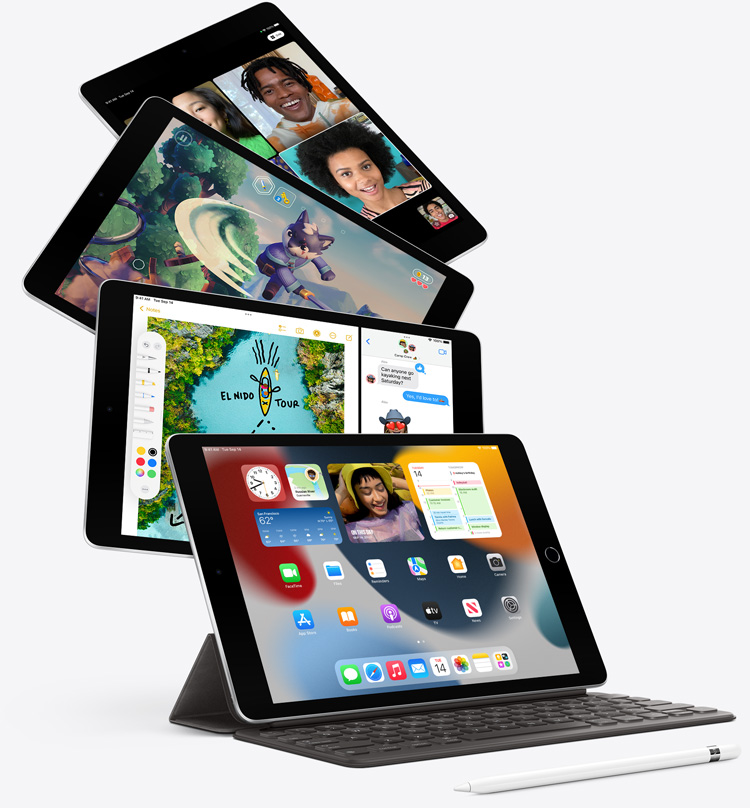

Power through any task.

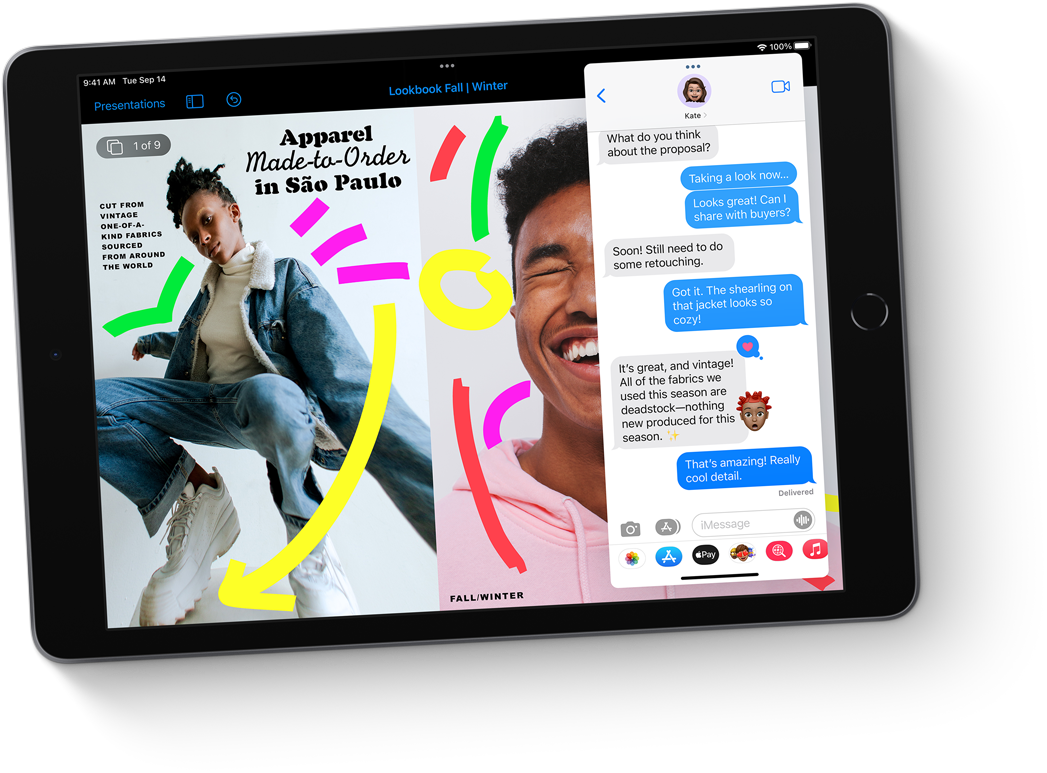
The A13 Bionic chip makes everything more responsive, from messaging to web browsing to using multiple apps at once.
Up to 20 percent faster GPU gives you the graphics performance you need. Perfect for playing immersive games and more.
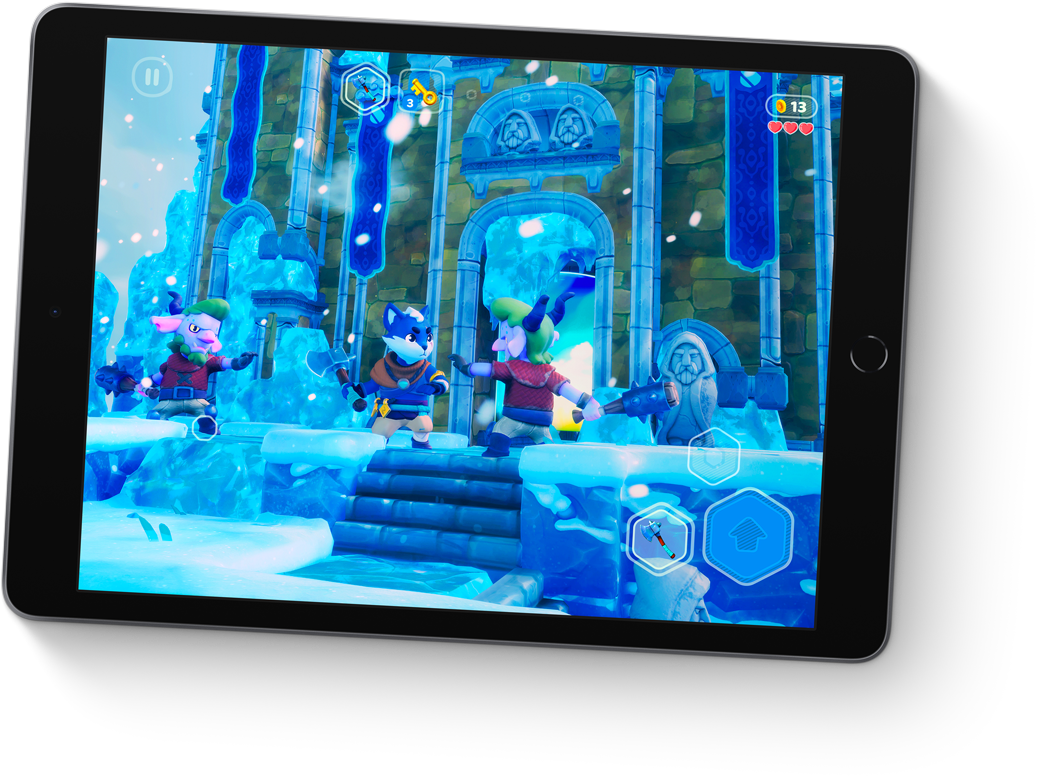
A more powerful Neural Engine drives machine learning–based features like Live Text in iPadOS 15.
The A13 Bionic chip effortlessly powers advanced apps like Adobe Fresco and Procreate.
With all-day battery life, iPad is ready to work or play for as long as you need it.1
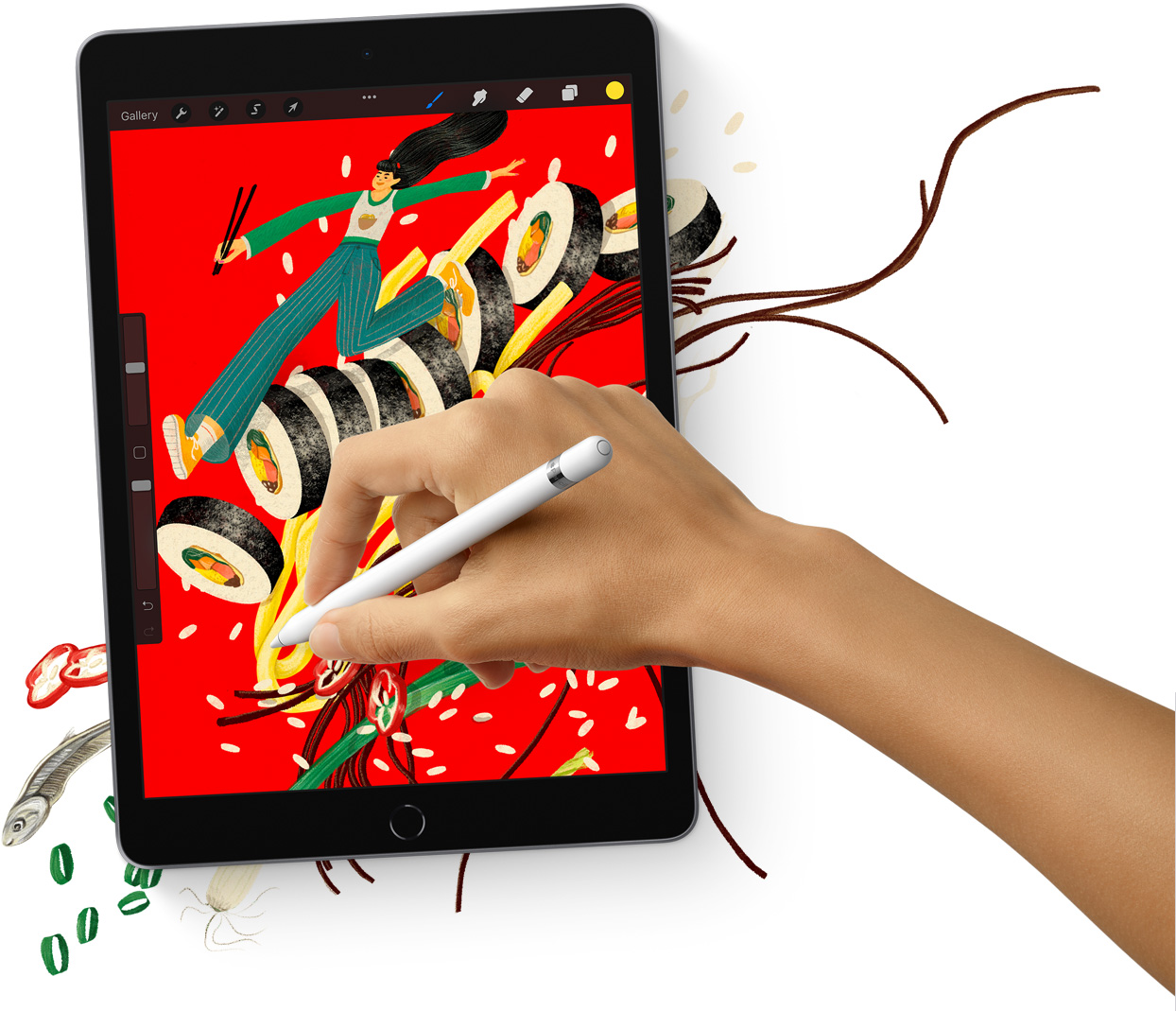

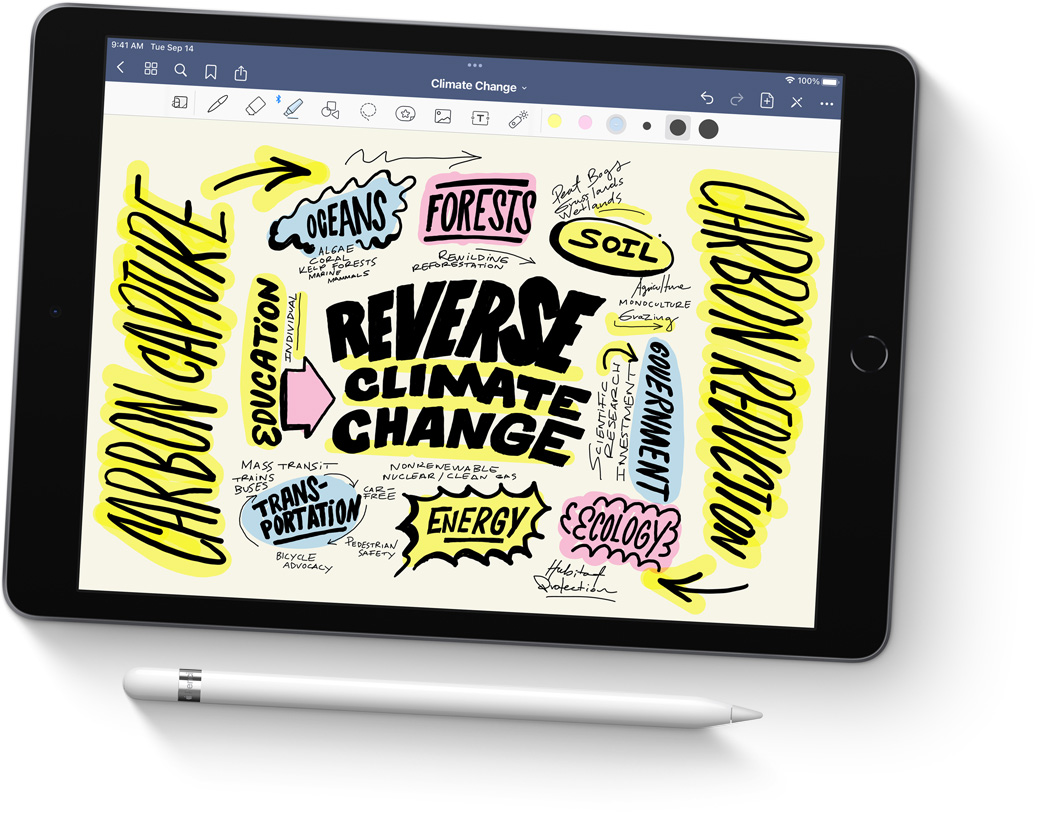
With incredible detail and vivid colors, the 10.2‑inch Retina display is perfect for watching movies, working on a project, or drawing your next masterpiece.
True Tone adjusts the display to the color temperature of the room to make viewing comfortable in any light.
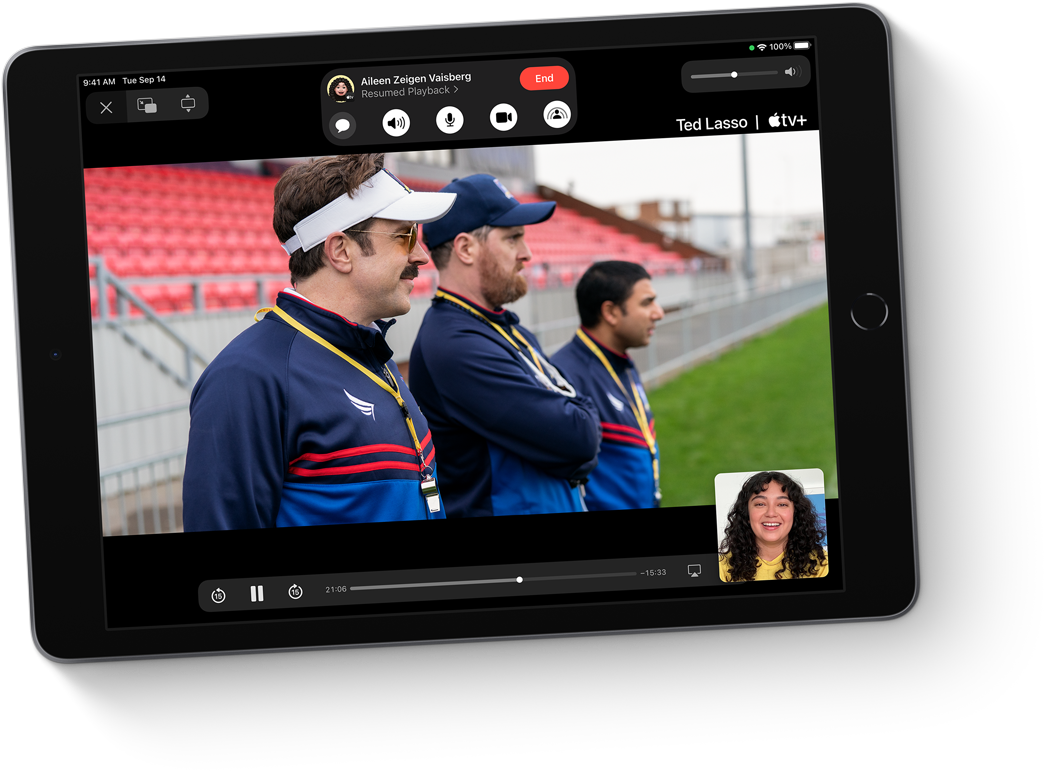
Center Stage makes video calls more engaging by automatically adjusting to keep you centered in the frame. And it lets you create fun videos for posting to popular social apps.



In addition to Center Stage, the 12MP Ultra Wide front camera brings a huge boost in image quality for even better selfies and group shots.
The 8MP Wide camera on the back of iPad captures sharp, vivid images and video.
The versatile back camera also lets you scan documents and experience immersive AR apps.
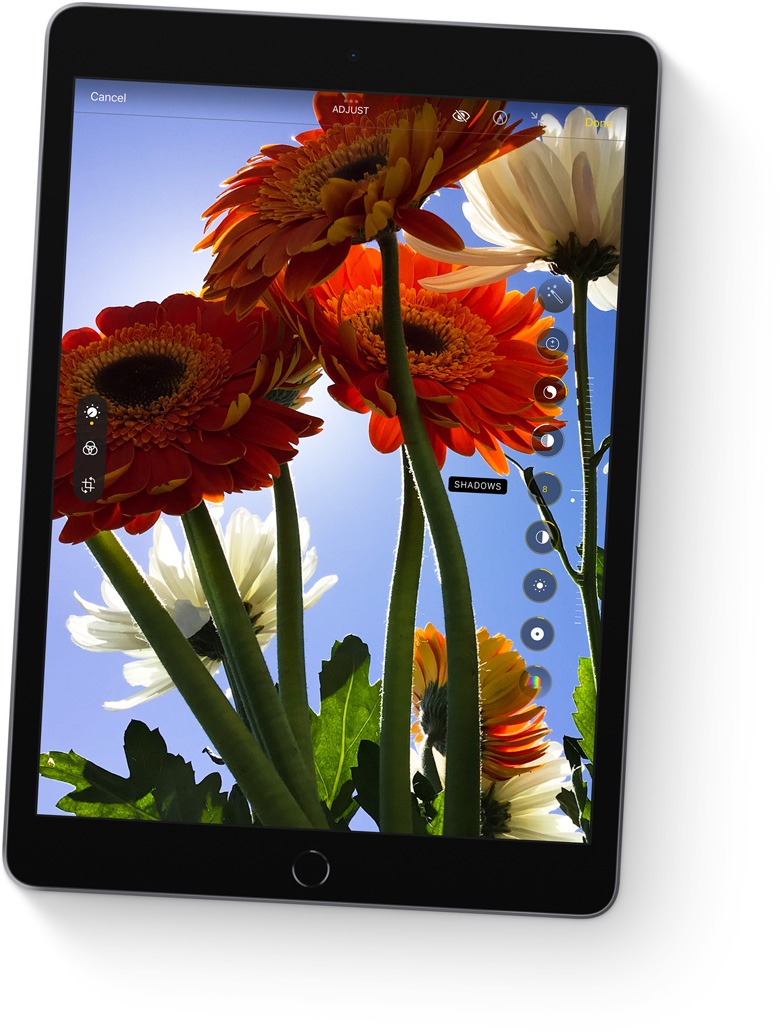

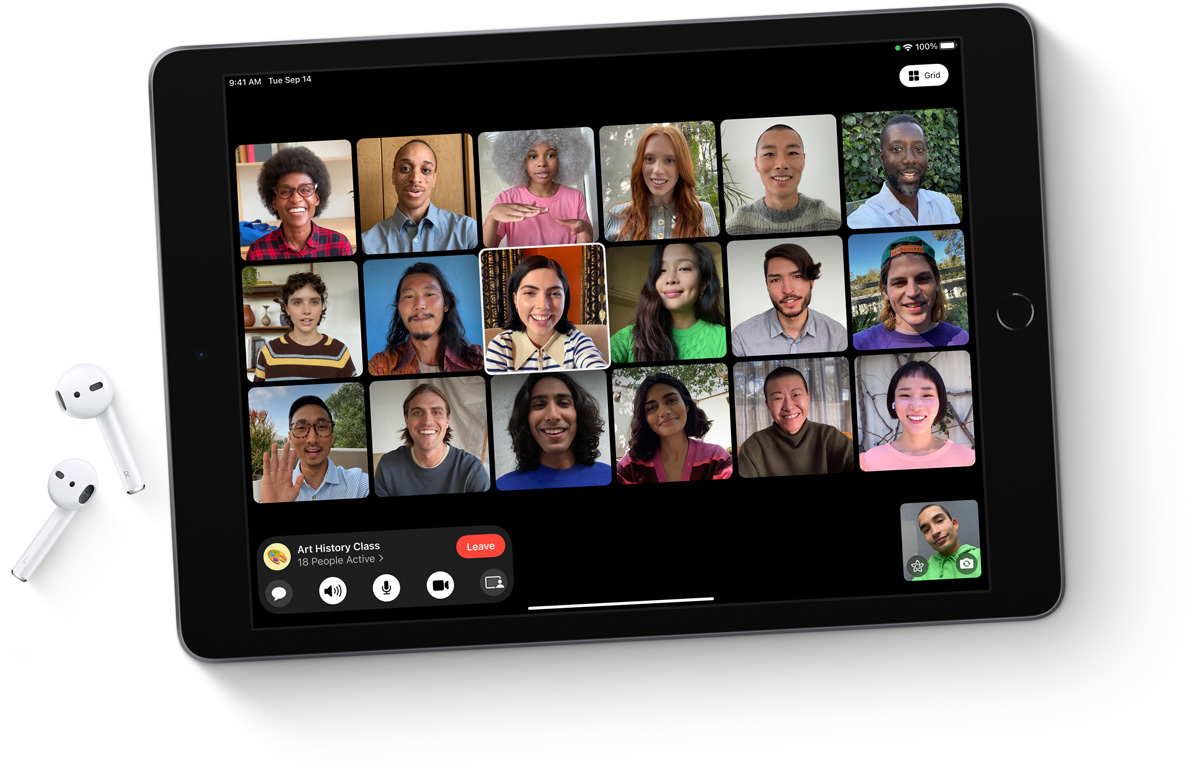
Download files, stream movies, collaborate with colleagues, and upload content from just about anywhere.
Fast Wi‑Fi lets you stay connected at home, work, school, or wherever you go with iPad.
With Gigabit‑class LTE, you can connect even when you can’t access Wi‑Fi.3
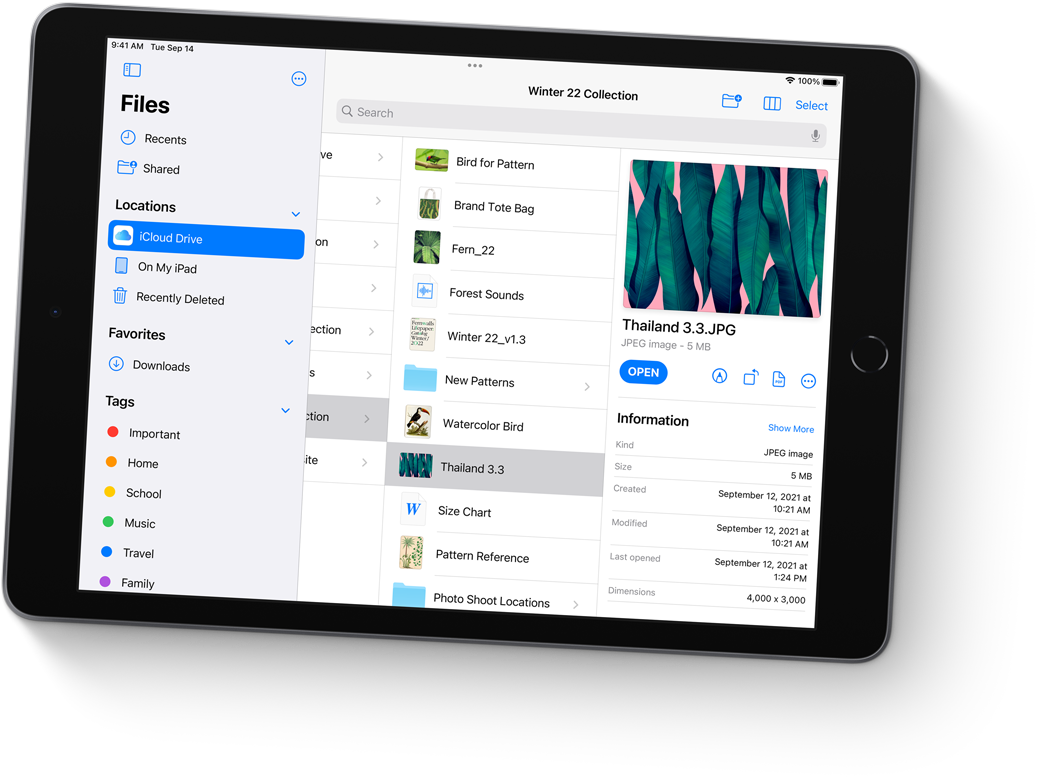

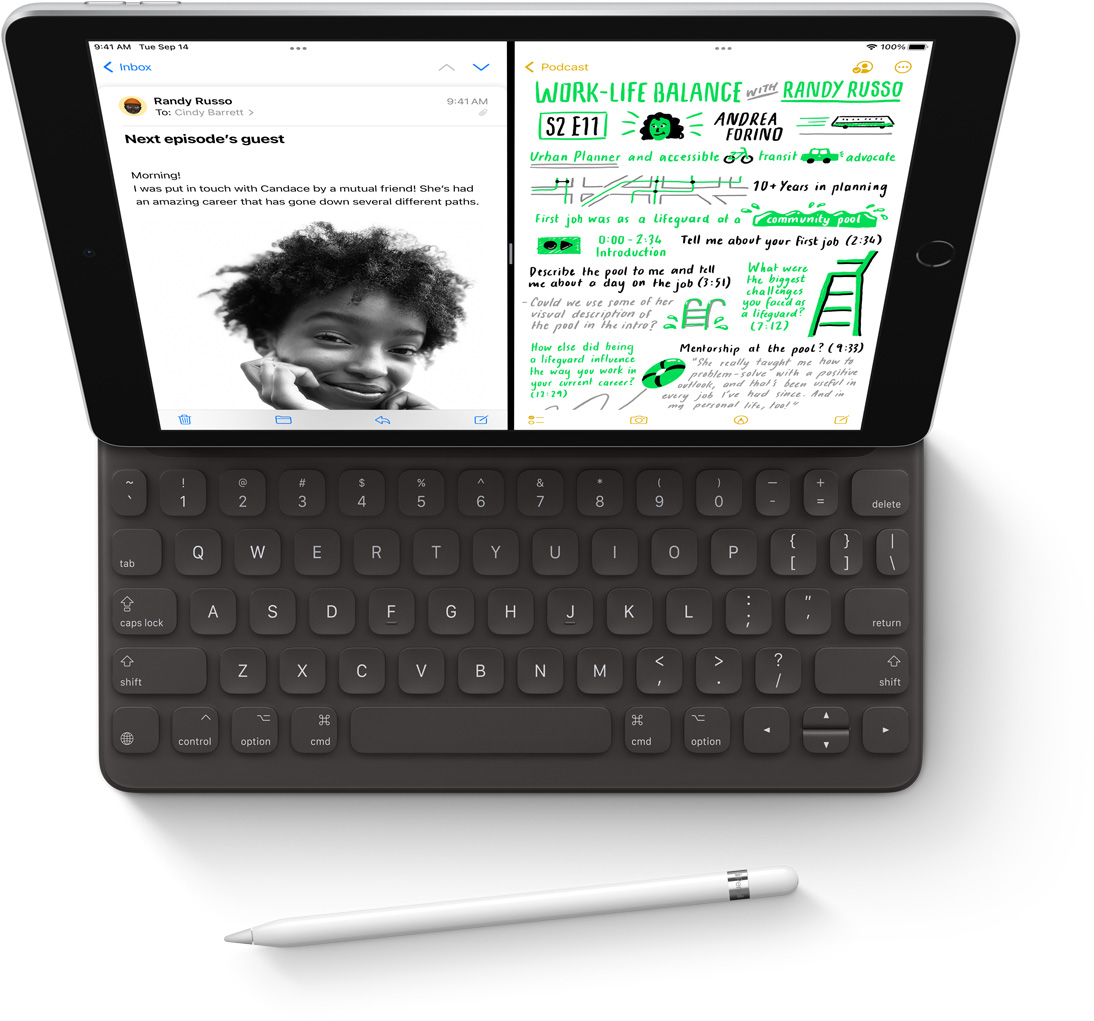
Take unforgettable notes, create a work of art, mark up screenshots, and much more.
Learn more about Apple Pencil
Attach a thin and light Smart Keyboard for comfortable typing — perfect for writing your novel or crafting your business plan.
The Smart Keyboard folds up into a slim, lightweight cover for portable protection.

Designed for the large Multi‑Touch display, iPadOS is powerful and easy to use.iPadOS 15 pushes the capabilities of iPad further with more discoverable multitasking, new ways to find and organize information, and enhanced note‑taking.
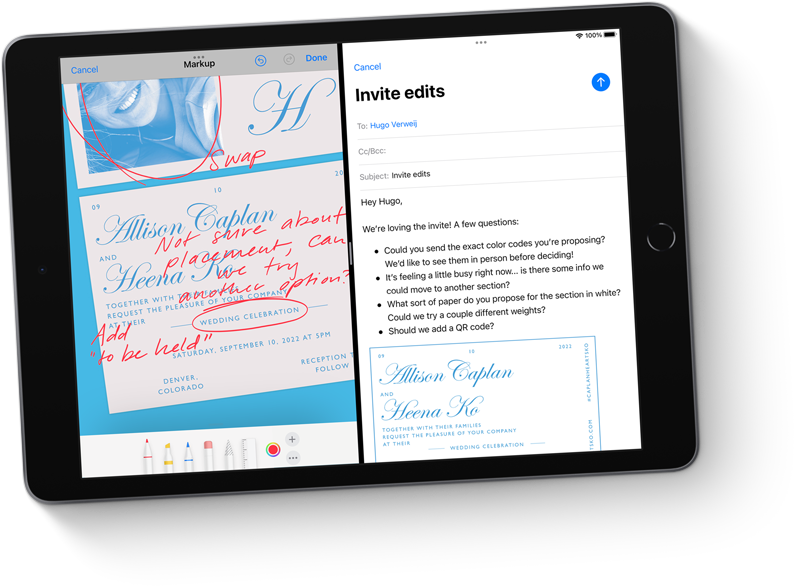
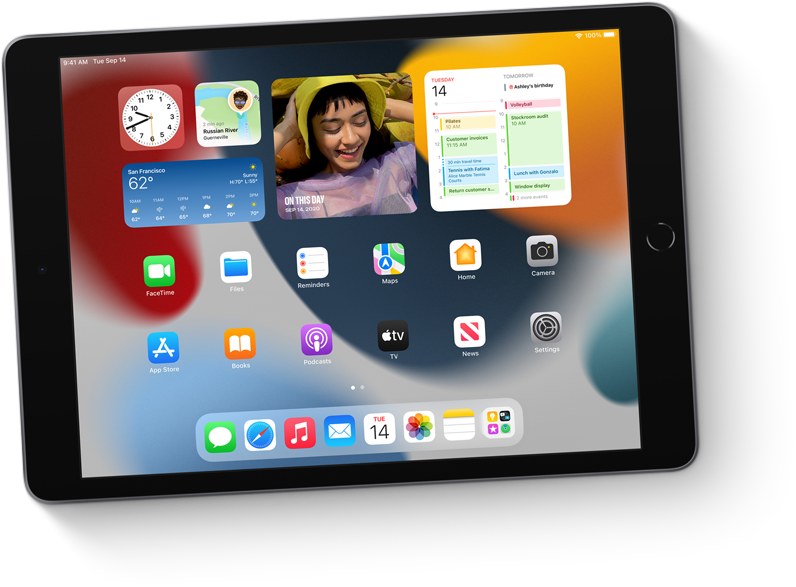
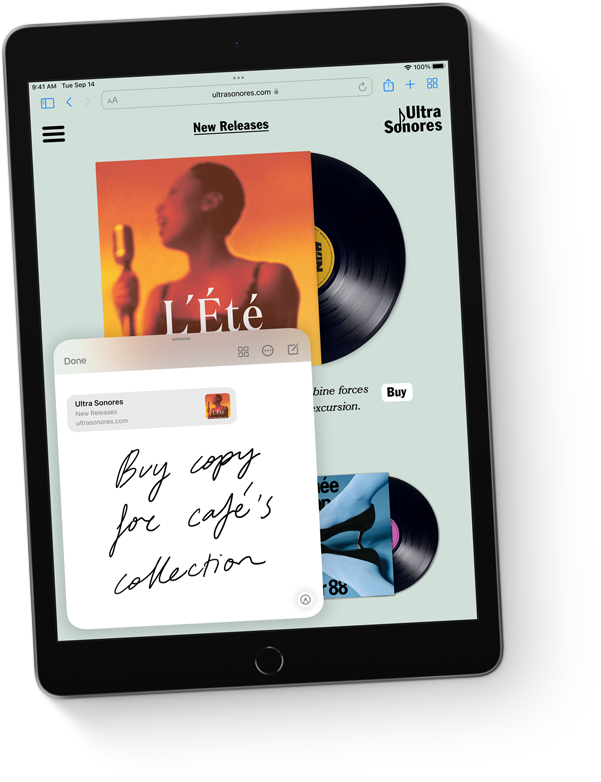

iPad comes with powerful Apple-designed apps like Photos, Maps, Messages, Apple News, Mail, and Safari. And with over a million apps on the App Store designed just for iPad, you’ll find the right app for anything you want to do. Make a beat, get a workout in, read the news, or join a battle royale with friends.
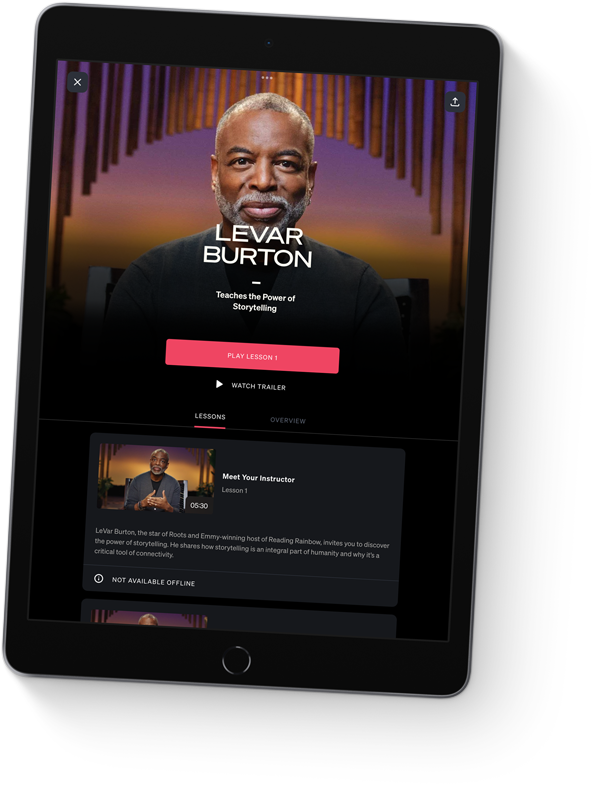
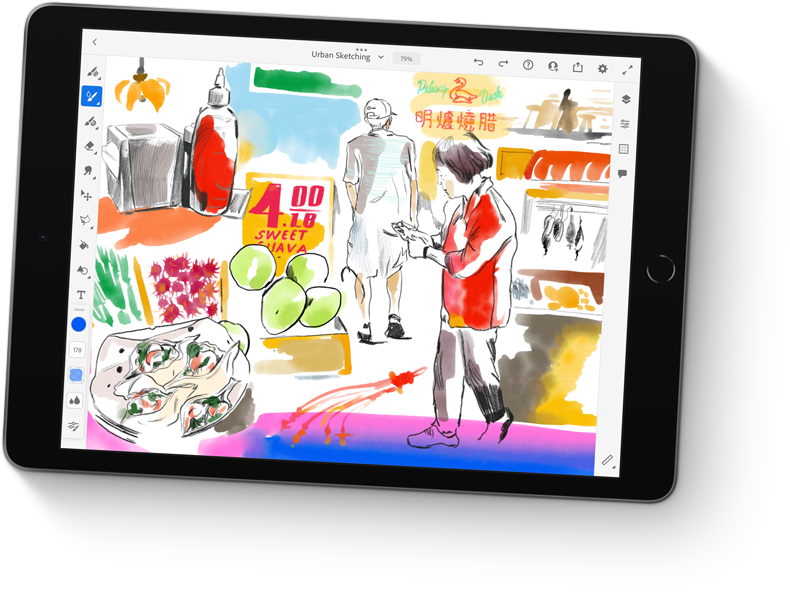
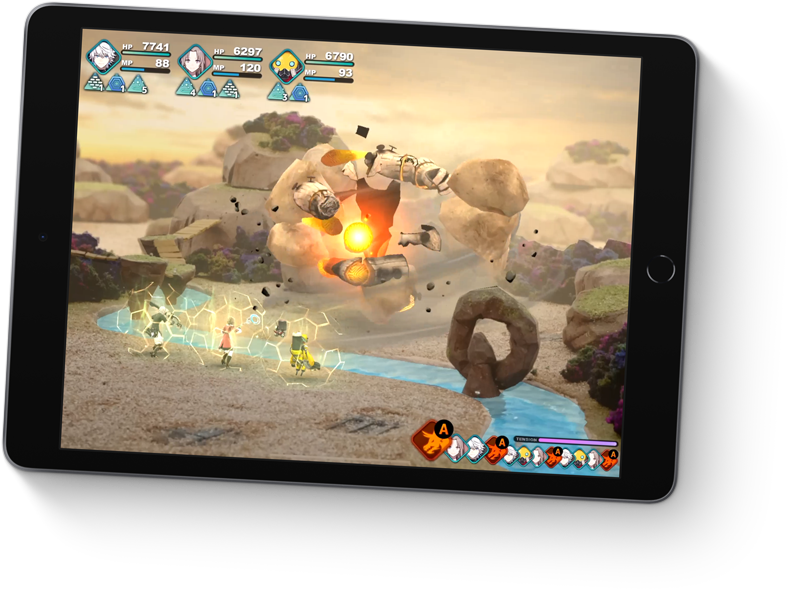
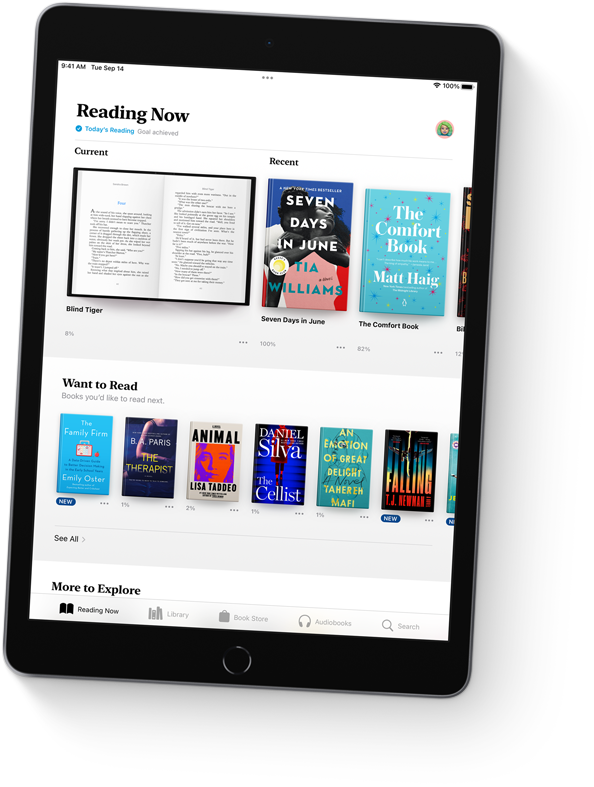
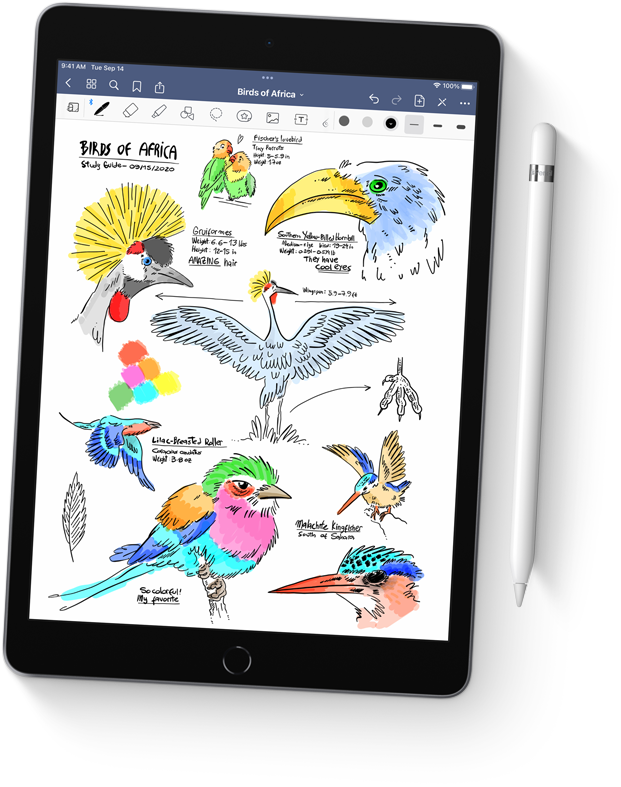

Like every Apple product, iPad was designed with your privacy and security in mind. It’s not always easy. But that’s the kind of innovation we believe in.
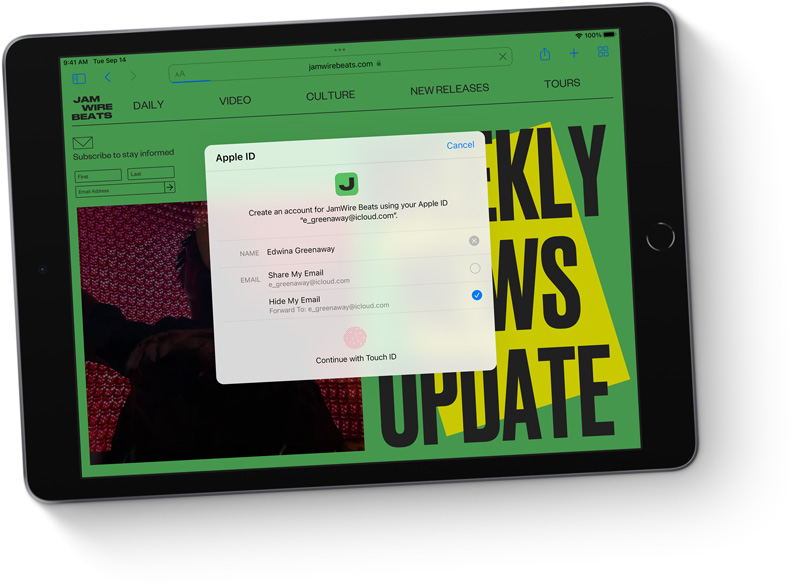

Technology is most powerful when everyone can use it. That’s why iPad comes with accessibility features that support vision, hearing, mobility, and cognitive needs. Like sign language prominence in FaceTime, which can detect when a participant is using sign language and make the person prominent in a Group FaceTime call.
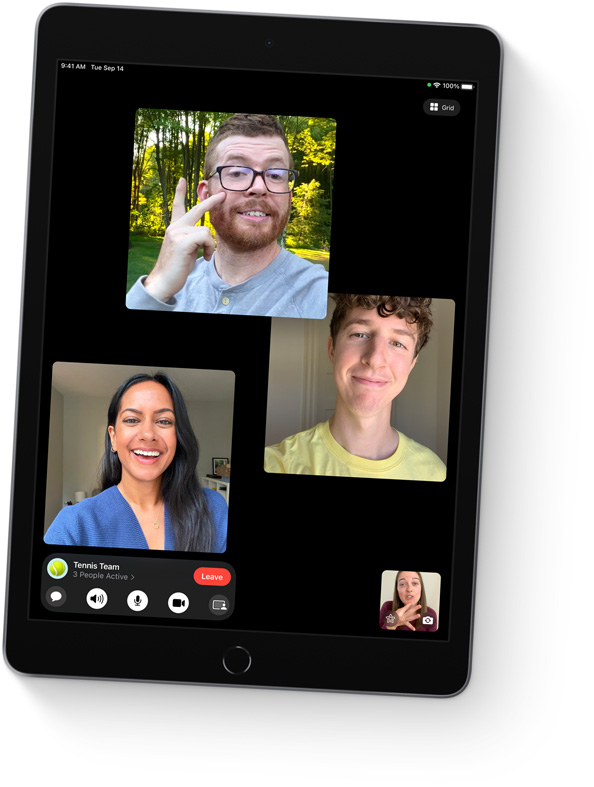
Specification
Finish
Silver
Space Gray
Capacity1
64GB
256GB
Size and Weight2
Wi-Fi models
1.07 pounds (487 grams)
Wi-Fi + Cellular models
1.09 pounds (498 grams)
Buttons and Connectors
headphone jack
speakers
Sleep/Wake
microphones
up/down
(cellular models)
connector
In the Box
iPad
Lightning to USB-C Cable
20W USB-C Power Adapter
Display
Retina display
10.2-inch (diagonal) LED-backlit Multi-Touch display with IPS technology
2160-by-1620-pixel resolution at 264 pixels per inch (ppi)
True Tone display
500 nits brightness
Fingerprint-resistant oleophobic coating
Supports Apple Pencil (1st generation)
Chip
A13 Bionic chip with 64-bit architecture
Neural Engine
Camera
8MP Wide camera
ƒ/2.4 aperture
Digital zoom up to 5x
Five-element lens
Panorama (up to 43MP)
HDR for photos
Photo geotagging
Auto image stabilization
Burst mode
Video Recording
1080p HD video recording at 25 fps and 30 fps
720p HD video recording at 30 fps
3x video zoom
Slo‑mo video support for 720p at 120 fps
Time-lapse video with stabilization
Video image stabilization
Cinematic video stabilization (1080p and 720p)
Continuous autofocus video
Playback zoom
Video formats recorded: HEVC and H.264
FaceTime HD Camera
12MP Ultra Wide camera, 122° field of view
ƒ/2.4 aperture
HDR for photos
1080p HD video recording at 25 fps, 30 fps, or 60 fps
Time‑lapse video with stabilization
Extended dynamic range for video up to 30 fps
Cinematic video stabilization (1080p and 720p)
Lens correction
Retina Flash
Auto image stabilization
Burst mode
Video Calling3
FaceTime video
Center Stage
iPad to any FaceTime-enabled device over Wi-Fi or cellular
Audio Calling3
FaceTime audio
iPad to any FaceTime-enabled device over Wi-Fi or cellular
Speakers
Stereo speakers
Microphones
Dual microphones for calls, video recording, and audio recording
Cellular and Wireless
All models
Wi-Fi (802.11a/b/g/n/ac); dual band (2.4GHz and 5GHz); HT80 with MIMO
Bluetooth 4.2 technology
Wi-Fi + Cellular models
Model A2603:
UMTS/HSPA/HSPA+/DC-HSDPA (850, 900, 1700/2100, 1900, 2100 MHz)
Gigabit-class LTE (Bands 1, 2, 3, 4, 5, 7, 8, 11, 12, 13, 14, 17, 18, 19, 20, 21, 25, 26, 29, 30, 34, 38, 39, 40, 41, 66, 71)4
Data only5
Wi-Fi calling4
eSIM6
Learn more about cellular data
SIM Card
Nano‑SIM (supports Apple SIM6)
eSIM6
Location
All models
Digital compass
Wi-Fi
iBeacon microlocation
Wi-Fi + Cellular models
Built-in GPS/GNSS
Cellular
Sensors
Touch ID
Three‐axis gyro
Accelerometer
Barometer
Ambient light sensor
Touch ID
Unlock iPad
Secure personal data within apps
Make purchases from the iTunes Store, App Store, and Apple Books
Apple Pay
Pay with your iPad using Touch ID within apps and on the web
Send and receive money in Messages
Learn more about Apple Pay
Siri7
Use your voice to send messages, set reminders, and more
Get proactive suggestions
Use hands-free
Listen and identify songs
Learn more about Siri
Power and Battery8
All models
Built‐in 32.4‐watt‐hour rechargeable lithium‑polymer battery
Up to 10 hours of surfing the web on Wi‐Fi or watching video
Charging via power adapter or USB-C to computer system
Wi-Fi + Cellular models
Up to 9 hours of surfing the web using cellular data network
Operating System
iPadOS 15
iPadOS comes with powerful features and built-in apps designed to take advantage of the unique capabilities of iPad.
See what’s new in iPadOS 15
Accessibility
Built-in accessibility features supporting vision, mobility, hearing, and cognitive disabilities help you get the most out of your iPad. Learn more
Features include:
VoiceOver
Voice Control
Zoom
Magnifier
RTT and TTY support
Siri and Dictation
Type to Siri
Switch Control
Closed Captions
AssistiveTouch
Spoken Content
System Requirements
Apple ID (required for some features)
Internet access9
Syncing to a Mac or PC requires:
macOS Catalina 10.15 or later using the Finder
macOS El Capitan 10.11.6 through macOS Mojave 10.14.6 using iTunes 12.8 or later
Windows 10 and iTunes 12.12 or later (free download from itunes.com/download)
Audio Playback
Audio formats supported: AAC (8 to 320 Kbps), Protected AAC (from iTunes Store), HE-AAC, MP3 (8 to 320 Kbps), MP3 VBR, Dolby Digital (AC-3), Dolby Digital Plus (E-AC-3), Audible (formats 2, 3, 4, Audible Enhanced Audio, AAX, and AAX+), Apple Lossless, AIFF, and WAV
User-configurable maximum volume limit
TV and Video
AirPlay Mirroring, photos, audio, and video out to Apple TV (2nd generation or later)
Video mirroring and video out support: Up to 1080p through Lightning Digital AV Adapter and Lightning to VGA Adapter (adapters sold separately)
Video formats supported: H.264 video up to 4K, 30 frames per second, High Profile level 4.2 with AAC‑LC audio up to 160 Kbps, 48kHz, stereo audio or Dolby Audio up to 1008 Kbps, 48kHz, stereo or multichannel audio, in .m4v, .mp4, and .mov file formats; MPEG‑4 video up to 2.5 Mbps, 640 by 480 pixels, 30 frames per second, Simple Profile with AAC‑LC audio up to 160 Kbps per channel, 48kHz, stereo audio or Dolby Audio up to 1008 Kbps, 48kHz, stereo or multichannel audio, in .m4v, .mp4, and .mov file formats; Motion JPEG (M‑JPEG) up to 35 Mbps, 1280 by 720 pixels, 30 frames per second, audio in ulaw, PCM stereo audio in .avi file format
Mail Attachment Support
Viewable document types
.jpg, .tiff, .gif (images); .doc and .docx (Microsoft Word); .htm and .html (web pages); .key (Keynote); .numbers (Numbers); .pages (Pages); .pdf (Preview and Adobe Acrobat); .ppt and .pptx (Microsoft PowerPoint); .txt (text); .rtf (rich text format); .vcf (contact information); .xls and .xlsx (Microsoft Excel); .zip; .ics; .usdz
Environmental Requirements
Operating ambient temperature:
32° to 95° F (0° to 35° C)
Nonoperating temperature:
−4° to 113° F (−20° to 45° C)
Relative humidity:
5% to 95% noncondensing
Operating altitude:
tested up to 10,000 feet (3000 m)
Easy does it all.
Powerful. Easy to use. Versatile. The new iPad is designed for all the things you love to do. Work, play, create, learn, stay connected, and more. All at an incredible value.
Watch the event
Power through any task.
The A13 Bionic chip makes everything more responsive, from messaging to web browsing to using multiple apps at once.
Up to 20 percent faster GPU gives you the graphics performance you need. Perfect for playing immersive games and more.
A more powerful Neural Engine drives machine learning–based features like Live Text in iPadOS 15.
The A13 Bionic chip effortlessly powers advanced apps like Adobe Fresco and Procreate.
With all-day battery life, iPad is ready to work or play for as long as you need it.1
With incredible detail and vivid colors, the 10.2‑inch Retina display is perfect for watching movies, working on a project, or drawing your next masterpiece.
True Tone adjusts the display to the color temperature of the room to make viewing comfortable in any light.
Center Stage makes video calls more engaging by automatically adjusting to keep you centered in the frame. And it lets you create fun videos for posting to popular social apps.
In addition to Center Stage, the 12MP Ultra Wide front camera brings a huge boost in image quality for even better selfies and group shots.
The 8MP Wide camera on the back of iPad captures sharp, vivid images and video.
The versatile back camera also lets you scan documents and experience immersive AR apps.
Download files, stream movies, collaborate with colleagues, and upload content from just about anywhere.
Fast Wi‑Fi lets you stay connected at home, work, school, or wherever you go with iPad.
With Gigabit‑class LTE, you can connect even when you can’t access Wi‑Fi.3
Take unforgettable notes, create a work of art, mark up screenshots, and much more.
Learn more about Apple Pencil
Attach a thin and light Smart Keyboard for comfortable typing — perfect for writing your novel or crafting your business plan.
The Smart Keyboard folds up into a slim, lightweight cover for portable protection.
Designed for the large Multi‑Touch display, iPadOS is powerful and easy to use.iPadOS 15 pushes the capabilities of iPad further with more discoverable multitasking, new ways to find and organize information, and enhanced note‑taking.
iPad comes with powerful Apple-designed apps like Photos, Maps, Messages, Apple News, Mail, and Safari. And with over a million apps on the App Store designed just for iPad, you’ll find the right app for anything you want to do. Make a beat, get a workout in, read the news, or join a battle royale with friends.
Like every Apple product, iPad was designed with your privacy and security in mind. It’s not always easy. But that’s the kind of innovation we believe in.
Technology is most powerful when everyone can use it. That’s why iPad comes with accessibility features that support vision, hearing, mobility, and cognitive needs. Like sign language prominence in FaceTime, which can detect when a participant is using sign language and make the person prominent in a Group FaceTime call.
Specification
Finish
Silver
Space Gray
Capacity1
64GB
256GB
Size and Weight2
Wi-Fi models
1.07 pounds (487 grams)
Wi-Fi + Cellular models
1.09 pounds (498 grams)
Buttons and Connectors
headphone jack
speakers
Sleep/Wake
microphones
up/down
(cellular models)
connector
In the Box
iPad
Lightning to USB-C Cable
20W USB-C Power Adapter
Display
Retina display
10.2-inch (diagonal) LED-backlit Multi-Touch display with IPS technology
2160-by-1620-pixel resolution at 264 pixels per inch (ppi)
True Tone display
500 nits brightness
Fingerprint-resistant oleophobic coating
Supports Apple Pencil (1st generation)
Chip
A13 Bionic chip with 64-bit architecture
Neural Engine
Camera
8MP Wide camera
ƒ/2.4 aperture
Digital zoom up to 5x
Five-element lens
Panorama (up to 43MP)
HDR for photos
Photo geotagging
Auto image stabilization
Burst mode
Video Recording
1080p HD video recording at 25 fps and 30 fps
720p HD video recording at 30 fps
3x video zoom
Slo‑mo video support for 720p at 120 fps
Time-lapse video with stabilization
Video image stabilization
Cinematic video stabilization (1080p and 720p)
Continuous autofocus video
Playback zoom
Video formats recorded: HEVC and H.264
FaceTime HD Camera
12MP Ultra Wide camera, 122° field of view
ƒ/2.4 aperture
HDR for photos
1080p HD video recording at 25 fps, 30 fps, or 60 fps
Time‑lapse video with stabilization
Extended dynamic range for video up to 30 fps
Cinematic video stabilization (1080p and 720p)
Lens correction
Retina Flash
Auto image stabilization
Burst mode
Video Calling3
FaceTime video
Center Stage
iPad to any FaceTime-enabled device over Wi-Fi or cellular
Audio Calling3
FaceTime audio
iPad to any FaceTime-enabled device over Wi-Fi or cellular
Speakers
Stereo speakers
Microphones
Dual microphones for calls, video recording, and audio recording
Cellular and Wireless
All models
Wi-Fi (802.11a/b/g/n/ac); dual band (2.4GHz and 5GHz); HT80 with MIMO
Bluetooth 4.2 technology
Wi-Fi + Cellular models
Model A2603:
UMTS/HSPA/HSPA+/DC-HSDPA (850, 900, 1700/2100, 1900, 2100 MHz)
Gigabit-class LTE (Bands 1, 2, 3, 4, 5, 7, 8, 11, 12, 13, 14, 17, 18, 19, 20, 21, 25, 26, 29, 30, 34, 38, 39, 40, 41, 66, 71)4
Data only5
Wi-Fi calling4
eSIM6
Learn more about cellular data
SIM Card
Nano‑SIM (supports Apple SIM6)
eSIM6
Location
All models
Digital compass
Wi-Fi
iBeacon microlocation
Wi-Fi + Cellular models
Built-in GPS/GNSS
Cellular
Sensors
Touch ID
Three‐axis gyro
Accelerometer
Barometer
Ambient light sensor
Touch ID
Unlock iPad
Secure personal data within apps
Make purchases from the iTunes Store, App Store, and Apple Books
Apple Pay
Pay with your iPad using Touch ID within apps and on the web
Send and receive money in Messages
Learn more about Apple Pay
Siri7
Use your voice to send messages, set reminders, and more
Get proactive suggestions
Use hands-free
Listen and identify songs
Learn more about Siri
Power and Battery8
All models
Built‐in 32.4‐watt‐hour rechargeable lithium‑polymer battery
Up to 10 hours of surfing the web on Wi‐Fi or watching video
Charging via power adapter or USB-C to computer system
Wi-Fi + Cellular models
Up to 9 hours of surfing the web using cellular data network
Operating System
iPadOS 15
iPadOS comes with powerful features and built-in apps designed to take advantage of the unique capabilities of iPad.
See what’s new in iPadOS 15
Accessibility
Built-in accessibility features supporting vision, mobility, hearing, and cognitive disabilities help you get the most out of your iPad. Learn more
Features include:
VoiceOver
Voice Control
Zoom
Magnifier
RTT and TTY support
Siri and Dictation
Type to Siri
Switch Control
Closed Captions
AssistiveTouch
Spoken Content
System Requirements
Apple ID (required for some features)
Internet access9
Syncing to a Mac or PC requires:
macOS Catalina 10.15 or later using the Finder
macOS El Capitan 10.11.6 through macOS Mojave 10.14.6 using iTunes 12.8 or later
Windows 10 and iTunes 12.12 or later (free download from itunes.com/download)
Audio Playback
Audio formats supported: AAC (8 to 320 Kbps), Protected AAC (from iTunes Store), HE-AAC, MP3 (8 to 320 Kbps), MP3 VBR, Dolby Digital (AC-3), Dolby Digital Plus (E-AC-3), Audible (formats 2, 3, 4, Audible Enhanced Audio, AAX, and AAX+), Apple Lossless, AIFF, and WAV
User-configurable maximum volume limit
TV and Video
AirPlay Mirroring, photos, audio, and video out to Apple TV (2nd generation or later)
Video mirroring and video out support: Up to 1080p through Lightning Digital AV Adapter and Lightning to VGA Adapter (adapters sold separately)
Video formats supported: H.264 video up to 4K, 30 frames per second, High Profile level 4.2 with AAC‑LC audio up to 160 Kbps, 48kHz, stereo audio or Dolby Audio up to 1008 Kbps, 48kHz, stereo or multichannel audio, in .m4v, .mp4, and .mov file formats; MPEG‑4 video up to 2.5 Mbps, 640 by 480 pixels, 30 frames per second, Simple Profile with AAC‑LC audio up to 160 Kbps per channel, 48kHz, stereo audio or Dolby Audio up to 1008 Kbps, 48kHz, stereo or multichannel audio, in .m4v, .mp4, and .mov file formats; Motion JPEG (M‑JPEG) up to 35 Mbps, 1280 by 720 pixels, 30 frames per second, audio in ulaw, PCM stereo audio in .avi file format
Mail Attachment Support
Viewable document types
.jpg, .tiff, .gif (images); .doc and .docx (Microsoft Word); .htm and .html (web pages); .key (Keynote); .numbers (Numbers); .pages (Pages); .pdf (Preview and Adobe Acrobat); .ppt and .pptx (Microsoft PowerPoint); .txt (text); .rtf (rich text format); .vcf (contact information); .xls and .xlsx (Microsoft Excel); .zip; .ics; .usdz
Environmental Requirements
Operating ambient temperature:
32° to 95° F (0° to 35° C)
Nonoperating temperature:
−4° to 113° F (−20° to 45° C)
Relative humidity:
5% to 95% noncondensing
Operating altitude:
tested up to 10,000 feet (3000 m)
Easy does it all.
Powerful. Easy to use. Versatile. The new iPad is designed for all the things you love to do. Work, play, create, learn, stay connected, and more. All at an incredible value.
Watch the event
Power through any task.
The A13 Bionic chip makes everything more responsive, from messaging to web browsing to using multiple apps at once.
Up to 20 percent faster GPU gives you the graphics performance you need. Perfect for playing immersive games and more.
A more powerful Neural Engine drives machine learning–based features like Live Text in iPadOS 15.
The A13 Bionic chip effortlessly powers advanced apps like Adobe Fresco and Procreate.
With all-day battery life, iPad is ready to work or play for as long as you need it.1
With incredible detail and vivid colors, the 10.2‑inch Retina display is perfect for watching movies, working on a project, or drawing your next masterpiece.
True Tone adjusts the display to the color temperature of the room to make viewing comfortable in any light.
Center Stage makes video calls more engaging by automatically adjusting to keep you centered in the frame. And it lets you create fun videos for posting to popular social apps.
In addition to Center Stage, the 12MP Ultra Wide front camera brings a huge boost in image quality for even better selfies and group shots.
The 8MP Wide camera on the back of iPad captures sharp, vivid images and video.
The versatile back camera also lets you scan documents and experience immersive AR apps.
Download files, stream movies, collaborate with colleagues, and upload content from just about anywhere.
Fast Wi‑Fi lets you stay connected at home, work, school, or wherever you go with iPad.
With Gigabit‑class LTE, you can connect even when you can’t access Wi‑Fi.3
Take unforgettable notes, create a work of art, mark up screenshots, and much more.
Learn more about Apple Pencil
Attach a thin and light Smart Keyboard for comfortable typing — perfect for writing your novel or crafting your business plan.
The Smart Keyboard folds up into a slim, lightweight cover for portable protection.
Designed for the large Multi‑Touch display, iPadOS is powerful and easy to use.iPadOS 15 pushes the capabilities of iPad further with more discoverable multitasking, new ways to find and organize information, and enhanced note‑taking.
iPad comes with powerful Apple-designed apps like Photos, Maps, Messages, Apple News, Mail, and Safari. And with over a million apps on the App Store designed just for iPad, you’ll find the right app for anything you want to do. Make a beat, get a workout in, read the news, or join a battle royale with friends.
Like every Apple product, iPad was designed with your privacy and security in mind. It’s not always easy. But that’s the kind of innovation we believe in.
Technology is most powerful when everyone can use it. That’s why iPad comes with accessibility features that support vision, hearing, mobility, and cognitive needs. Like sign language prominence in FaceTime, which can detect when a participant is using sign language and make the person prominent in a Group FaceTime call.
Specification
Finish
Silver
Space Gray
Capacity1
64GB
256GB
Size and Weight2
Wi-Fi models
1.07 pounds (487 grams)
Wi-Fi + Cellular models
1.09 pounds (498 grams)
Buttons and Connectors
headphone jack
speakers
Sleep/Wake
microphones
up/down
(cellular models)
connector
In the Box
iPad
Lightning to USB-C Cable
20W USB-C Power Adapter
Display
Retina display
10.2-inch (diagonal) LED-backlit Multi-Touch display with IPS technology
2160-by-1620-pixel resolution at 264 pixels per inch (ppi)
True Tone display
500 nits brightness
Fingerprint-resistant oleophobic coating
Supports Apple Pencil (1st generation)
Chip
A13 Bionic chip with 64-bit architecture
Neural Engine
Camera
8MP Wide camera
ƒ/2.4 aperture
Digital zoom up to 5x
Five-element lens
Panorama (up to 43MP)
HDR for photos
Photo geotagging
Auto image stabilization
Burst mode
Video Recording
1080p HD video recording at 25 fps and 30 fps
720p HD video recording at 30 fps
3x video zoom
Slo‑mo video support for 720p at 120 fps
Time-lapse video with stabilization
Video image stabilization
Cinematic video stabilization (1080p and 720p)
Continuous autofocus video
Playback zoom
Video formats recorded: HEVC and H.264
FaceTime HD Camera
12MP Ultra Wide camera, 122° field of view
ƒ/2.4 aperture
HDR for photos
1080p HD video recording at 25 fps, 30 fps, or 60 fps
Time‑lapse video with stabilization
Extended dynamic range for video up to 30 fps
Cinematic video stabilization (1080p and 720p)
Lens correction
Retina Flash
Auto image stabilization
Burst mode
Video Calling3
FaceTime video
Center Stage
iPad to any FaceTime-enabled device over Wi-Fi or cellular
Audio Calling3
FaceTime audio
iPad to any FaceTime-enabled device over Wi-Fi or cellular
Speakers
Stereo speakers
Microphones
Dual microphones for calls, video recording, and audio recording
Cellular and Wireless
All models
Wi-Fi (802.11a/b/g/n/ac); dual band (2.4GHz and 5GHz); HT80 with MIMO
Bluetooth 4.2 technology
Wi-Fi + Cellular models
Model A2603:
UMTS/HSPA/HSPA+/DC-HSDPA (850, 900, 1700/2100, 1900, 2100 MHz)
Gigabit-class LTE (Bands 1, 2, 3, 4, 5, 7, 8, 11, 12, 13, 14, 17, 18, 19, 20, 21, 25, 26, 29, 30, 34, 38, 39, 40, 41, 66, 71)4
Data only5
Wi-Fi calling4
eSIM6
Learn more about cellular data
SIM Card
Nano‑SIM (supports Apple SIM6)
eSIM6
Location
All models
Digital compass
Wi-Fi
iBeacon microlocation
Wi-Fi + Cellular models
Built-in GPS/GNSS
Cellular
Sensors
Touch ID
Three‐axis gyro
Accelerometer
Barometer
Ambient light sensor
Touch ID
Unlock iPad
Secure personal data within apps
Make purchases from the iTunes Store, App Store, and Apple Books
Apple Pay
Pay with your iPad using Touch ID within apps and on the web
Send and receive money in Messages
Learn more about Apple Pay
Siri7
Use your voice to send messages, set reminders, and more
Get proactive suggestions
Use hands-free
Listen and identify songs
Learn more about Siri
Power and Battery8
All models
Built‐in 32.4‐watt‐hour rechargeable lithium‑polymer battery
Up to 10 hours of surfing the web on Wi‐Fi or watching video
Charging via power adapter or USB-C to computer system
Wi-Fi + Cellular models
Up to 9 hours of surfing the web using cellular data network
Operating System
iPadOS 15
iPadOS comes with powerful features and built-in apps designed to take advantage of the unique capabilities of iPad.
See what’s new in iPadOS 15
Accessibility
Built-in accessibility features supporting vision, mobility, hearing, and cognitive disabilities help you get the most out of your iPad. Learn more
Features include:
VoiceOver
Voice Control
Zoom
Magnifier
RTT and TTY support
Siri and Dictation
Type to Siri
Switch Control
Closed Captions
AssistiveTouch
Spoken Content
System Requirements
Apple ID (required for some features)
Internet access9
Syncing to a Mac or PC requires:
macOS Catalina 10.15 or later using the Finder
macOS El Capitan 10.11.6 through macOS Mojave 10.14.6 using iTunes 12.8 or later
Windows 10 and iTunes 12.12 or later (free download from itunes.com/download)
Audio Playback
Audio formats supported: AAC (8 to 320 Kbps), Protected AAC (from iTunes Store), HE-AAC, MP3 (8 to 320 Kbps), MP3 VBR, Dolby Digital (AC-3), Dolby Digital Plus (E-AC-3), Audible (formats 2, 3, 4, Audible Enhanced Audio, AAX, and AAX+), Apple Lossless, AIFF, and WAV
User-configurable maximum volume limit
TV and Video
AirPlay Mirroring, photos, audio, and video out to Apple TV (2nd generation or later)
Video mirroring and video out support: Up to 1080p through Lightning Digital AV Adapter and Lightning to VGA Adapter (adapters sold separately)
Video formats supported: H.264 video up to 4K, 30 frames per second, High Profile level 4.2 with AAC‑LC audio up to 160 Kbps, 48kHz, stereo audio or Dolby Audio up to 1008 Kbps, 48kHz, stereo or multichannel audio, in .m4v, .mp4, and .mov file formats; MPEG‑4 video up to 2.5 Mbps, 640 by 480 pixels, 30 frames per second, Simple Profile with AAC‑LC audio up to 160 Kbps per channel, 48kHz, stereo audio or Dolby Audio up to 1008 Kbps, 48kHz, stereo or multichannel audio, in .m4v, .mp4, and .mov file formats; Motion JPEG (M‑JPEG) up to 35 Mbps, 1280 by 720 pixels, 30 frames per second, audio in ulaw, PCM stereo audio in .avi file format
Mail Attachment Support
Viewable document types
.jpg, .tiff, .gif (images); .doc and .docx (Microsoft Word); .htm and .html (web pages); .key (Keynote); .numbers (Numbers); .pages (Pages); .pdf (Preview and Adobe Acrobat); .ppt and .pptx (Microsoft PowerPoint); .txt (text); .rtf (rich text format); .vcf (contact information); .xls and .xlsx (Microsoft Excel); .zip; .ics; .usdz
Environmental Requirements
Operating ambient temperature:
32° to 95° F (0° to 35° C)
Nonoperating temperature:
−4° to 113° F (−20° to 45° C)
Relative humidity:
5% to 95% noncondensing
Operating altitude:
tested up to 10,000 feet (3000 m)
Easy does it all.
Powerful. Easy to use. Versatile. The new iPad is designed for all the things you love to do. Work, play, create, learn, stay connected, and more. All at an incredible value.
Watch the event
Power through any task.
The A13 Bionic chip makes everything more responsive, from messaging to web browsing to using multiple apps at once.
Up to 20 percent faster GPU gives you the graphics performance you need. Perfect for playing immersive games and more.
A more powerful Neural Engine drives machine learning–based features like Live Text in iPadOS 15.
The A13 Bionic chip effortlessly powers advanced apps like Adobe Fresco and Procreate.
With all-day battery life, iPad is ready to work or play for as long as you need it.1
With incredible detail and vivid colors, the 10.2‑inch Retina display is perfect for watching movies, working on a project, or drawing your next masterpiece.
True Tone adjusts the display to the color temperature of the room to make viewing comfortable in any light.
Center Stage makes video calls more engaging by automatically adjusting to keep you centered in the frame. And it lets you create fun videos for posting to popular social apps.
In addition to Center Stage, the 12MP Ultra Wide front camera brings a huge boost in image quality for even better selfies and group shots.
The 8MP Wide camera on the back of iPad captures sharp, vivid images and video.
The versatile back camera also lets you scan documents and experience immersive AR apps.
Download files, stream movies, collaborate with colleagues, and upload content from just about anywhere.
Fast Wi‑Fi lets you stay connected at home, work, school, or wherever you go with iPad.
With Gigabit‑class LTE, you can connect even when you can’t access Wi‑Fi.3
Take unforgettable notes, create a work of art, mark up screenshots, and much more.
Learn more about Apple Pencil
Attach a thin and light Smart Keyboard for comfortable typing — perfect for writing your novel or crafting your business plan.
The Smart Keyboard folds up into a slim, lightweight cover for portable protection.
Designed for the large Multi‑Touch display, iPadOS is powerful and easy to use.iPadOS 15 pushes the capabilities of iPad further with more discoverable multitasking, new ways to find and organize information, and enhanced note‑taking.
iPad comes with powerful Apple-designed apps like Photos, Maps, Messages, Apple News, Mail, and Safari. And with over a million apps on the App Store designed just for iPad, you’ll find the right app for anything you want to do. Make a beat, get a workout in, read the news, or join a battle royale with friends.
Like every Apple product, iPad was designed with your privacy and security in mind. It’s not always easy. But that’s the kind of innovation we believe in.
Technology is most powerful when everyone can use it. That’s why iPad comes with accessibility features that support vision, hearing, mobility, and cognitive needs. Like sign language prominence in FaceTime, which can detect when a participant is using sign language and make the person prominent in a Group FaceTime call.
Specification
Finish
Silver
Space Gray
Capacity1
64GB
256GB
Size and Weight2
Wi-Fi models
1.07 pounds (487 grams)
Wi-Fi + Cellular models
1.09 pounds (498 grams)
Buttons and Connectors
headphone jack
speakers
Sleep/Wake
microphones
up/down
(cellular models)
connector
In the Box
iPad
Lightning to USB-C Cable
20W USB-C Power Adapter
Display
Retina display
10.2-inch (diagonal) LED-backlit Multi-Touch display with IPS technology
2160-by-1620-pixel resolution at 264 pixels per inch (ppi)
True Tone display
500 nits brightness
Fingerprint-resistant oleophobic coating
Supports Apple Pencil (1st generation)
Chip
A13 Bionic chip with 64-bit architecture
Neural Engine
Camera
8MP Wide camera
ƒ/2.4 aperture
Digital zoom up to 5x
Five-element lens
Panorama (up to 43MP)
HDR for photos
Photo geotagging
Auto image stabilization
Burst mode
Video Recording
1080p HD video recording at 25 fps and 30 fps
720p HD video recording at 30 fps
3x video zoom
Slo‑mo video support for 720p at 120 fps
Time-lapse video with stabilization
Video image stabilization
Cinematic video stabilization (1080p and 720p)
Continuous autofocus video
Playback zoom
Video formats recorded: HEVC and H.264
FaceTime HD Camera
12MP Ultra Wide camera, 122° field of view
ƒ/2.4 aperture
HDR for photos
1080p HD video recording at 25 fps, 30 fps, or 60 fps
Time‑lapse video with stabilization
Extended dynamic range for video up to 30 fps
Cinematic video stabilization (1080p and 720p)
Lens correction
Retina Flash
Auto image stabilization
Burst mode
Video Calling3
FaceTime video
Center Stage
iPad to any FaceTime-enabled device over Wi-Fi or cellular
Audio Calling3
FaceTime audio
iPad to any FaceTime-enabled device over Wi-Fi or cellular
Speakers
Stereo speakers
Microphones
Dual microphones for calls, video recording, and audio recording
Cellular and Wireless
All models
Wi-Fi (802.11a/b/g/n/ac); dual band (2.4GHz and 5GHz); HT80 with MIMO
Bluetooth 4.2 technology
Wi-Fi + Cellular models
Model A2603:
UMTS/HSPA/HSPA+/DC-HSDPA (850, 900, 1700/2100, 1900, 2100 MHz)
Gigabit-class LTE (Bands 1, 2, 3, 4, 5, 7, 8, 11, 12, 13, 14, 17, 18, 19, 20, 21, 25, 26, 29, 30, 34, 38, 39, 40, 41, 66, 71)4
Data only5
Wi-Fi calling4
eSIM6
Learn more about cellular data
SIM Card
Nano‑SIM (supports Apple SIM6)
eSIM6
Location
All models
Digital compass
Wi-Fi
iBeacon microlocation
Wi-Fi + Cellular models
Built-in GPS/GNSS
Cellular
Sensors
Touch ID
Three‐axis gyro
Accelerometer
Barometer
Ambient light sensor
Touch ID
Unlock iPad
Secure personal data within apps
Make purchases from the iTunes Store, App Store, and Apple Books
Apple Pay
Pay with your iPad using Touch ID within apps and on the web
Send and receive money in Messages
Learn more about Apple Pay
Siri7
Use your voice to send messages, set reminders, and more
Get proactive suggestions
Use hands-free
Listen and identify songs
Learn more about Siri
Power and Battery8
All models
Built‐in 32.4‐watt‐hour rechargeable lithium‑polymer battery
Up to 10 hours of surfing the web on Wi‐Fi or watching video
Charging via power adapter or USB-C to computer system
Wi-Fi + Cellular models
Up to 9 hours of surfing the web using cellular data network
Operating System
iPadOS 15
iPadOS comes with powerful features and built-in apps designed to take advantage of the unique capabilities of iPad.
See what’s new in iPadOS 15
Accessibility
Built-in accessibility features supporting vision, mobility, hearing, and cognitive disabilities help you get the most out of your iPad. Learn more
Features include:
VoiceOver
Voice Control
Zoom
Magnifier
RTT and TTY support
Siri and Dictation
Type to Siri
Switch Control
Closed Captions
AssistiveTouch
Spoken Content
System Requirements
Apple ID (required for some features)
Internet access9
Syncing to a Mac or PC requires:
macOS Catalina 10.15 or later using the Finder
macOS El Capitan 10.11.6 through macOS Mojave 10.14.6 using iTunes 12.8 or later
Windows 10 and iTunes 12.12 or later (free download from itunes.com/download)
Audio Playback
Audio formats supported: AAC (8 to 320 Kbps), Protected AAC (from iTunes Store), HE-AAC, MP3 (8 to 320 Kbps), MP3 VBR, Dolby Digital (AC-3), Dolby Digital Plus (E-AC-3), Audible (formats 2, 3, 4, Audible Enhanced Audio, AAX, and AAX+), Apple Lossless, AIFF, and WAV
User-configurable maximum volume limit
TV and Video
AirPlay Mirroring, photos, audio, and video out to Apple TV (2nd generation or later)
Video mirroring and video out support: Up to 1080p through Lightning Digital AV Adapter and Lightning to VGA Adapter (adapters sold separately)
Video formats supported: H.264 video up to 4K, 30 frames per second, High Profile level 4.2 with AAC‑LC audio up to 160 Kbps, 48kHz, stereo audio or Dolby Audio up to 1008 Kbps, 48kHz, stereo or multichannel audio, in .m4v, .mp4, and .mov file formats; MPEG‑4 video up to 2.5 Mbps, 640 by 480 pixels, 30 frames per second, Simple Profile with AAC‑LC audio up to 160 Kbps per channel, 48kHz, stereo audio or Dolby Audio up to 1008 Kbps, 48kHz, stereo or multichannel audio, in .m4v, .mp4, and .mov file formats; Motion JPEG (M‑JPEG) up to 35 Mbps, 1280 by 720 pixels, 30 frames per second, audio in ulaw, PCM stereo audio in .avi file format
Mail Attachment Support
Viewable document types
.jpg, .tiff, .gif (images); .doc and .docx (Microsoft Word); .htm and .html (web pages); .key (Keynote); .numbers (Numbers); .pages (Pages); .pdf (Preview and Adobe Acrobat); .ppt and .pptx (Microsoft PowerPoint); .txt (text); .rtf (rich text format); .vcf (contact information); .xls and .xlsx (Microsoft Excel); .zip; .ics; .usdz
Environmental Requirements
Operating ambient temperature:
32° to 95° F (0° to 35° C)
Nonoperating temperature:
−4° to 113° F (−20° to 45° C)
Relative humidity:
5% to 95% noncondensing
Operating altitude:
tested up to 10,000 feet (3000 m)


An all-screen design with a stunning 10.9‑inch Liquid Retina display
featuring fast, easy,
and secure Touch ID

powered by our most advanced chip ever A14 Bionic
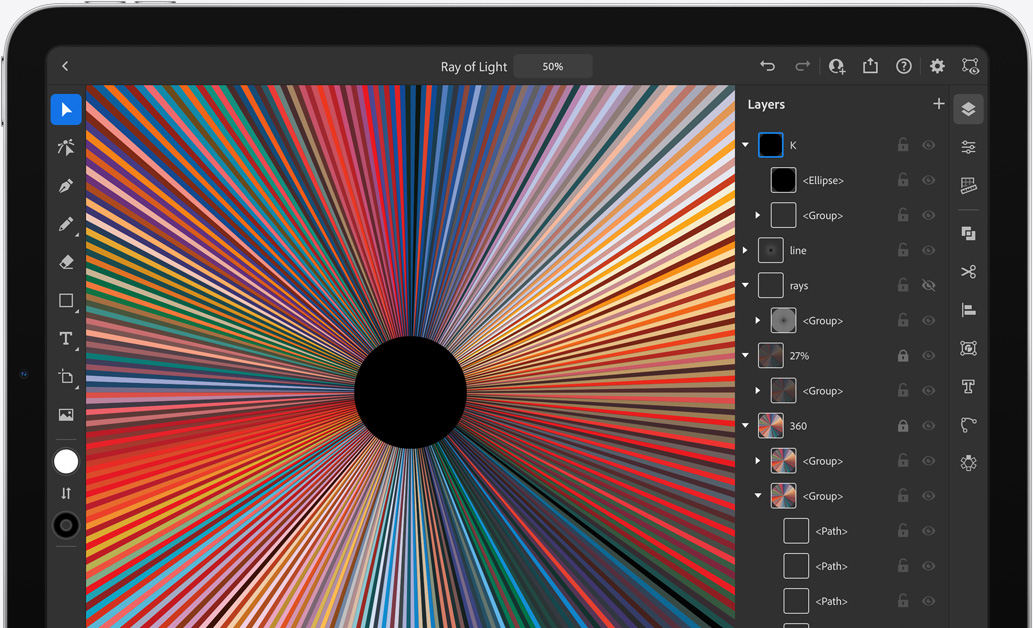
with support



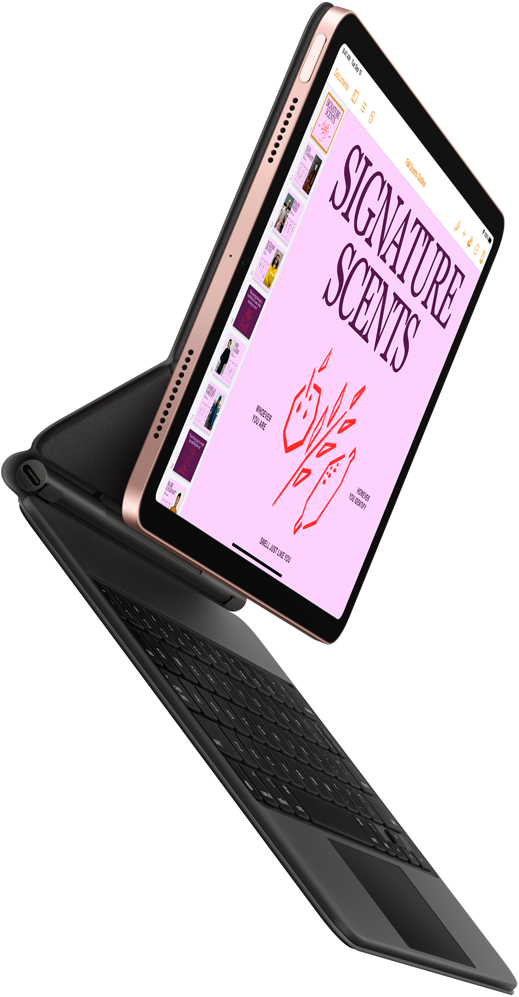
available in Sky Blue, Green, Rose Gold, Silver, and Space Gray
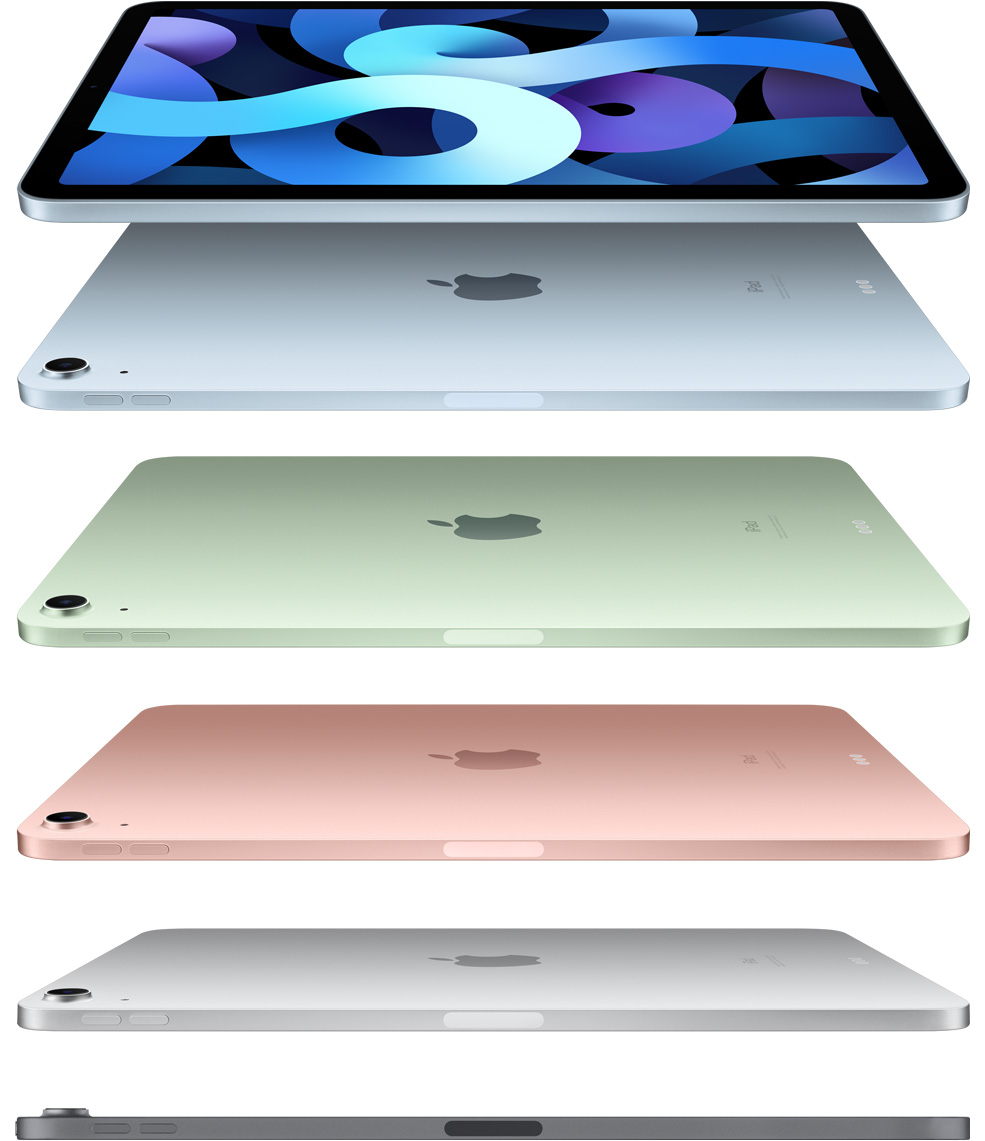
Powerful. Colorful. Wonderful.
iPad Air does more than a computer in simpler, more magical ways. And now with more features and capabilities, it’s more versatile than ever.
Watch the event
Watch the film
Your creative studio on the go.
With A14 Bionic, you have the power to bring your ideas to life. Shoot a 4K video, then edit it right on iPad Air. Use the second‑generation Apple Pencil to paint and illustrate with dynamic brushes and subtle shading.1 And with the enhanced graphics and machine learning performance of A14 Bionic, you can unlock new creative possibilities with photo editing, music creation, and more.
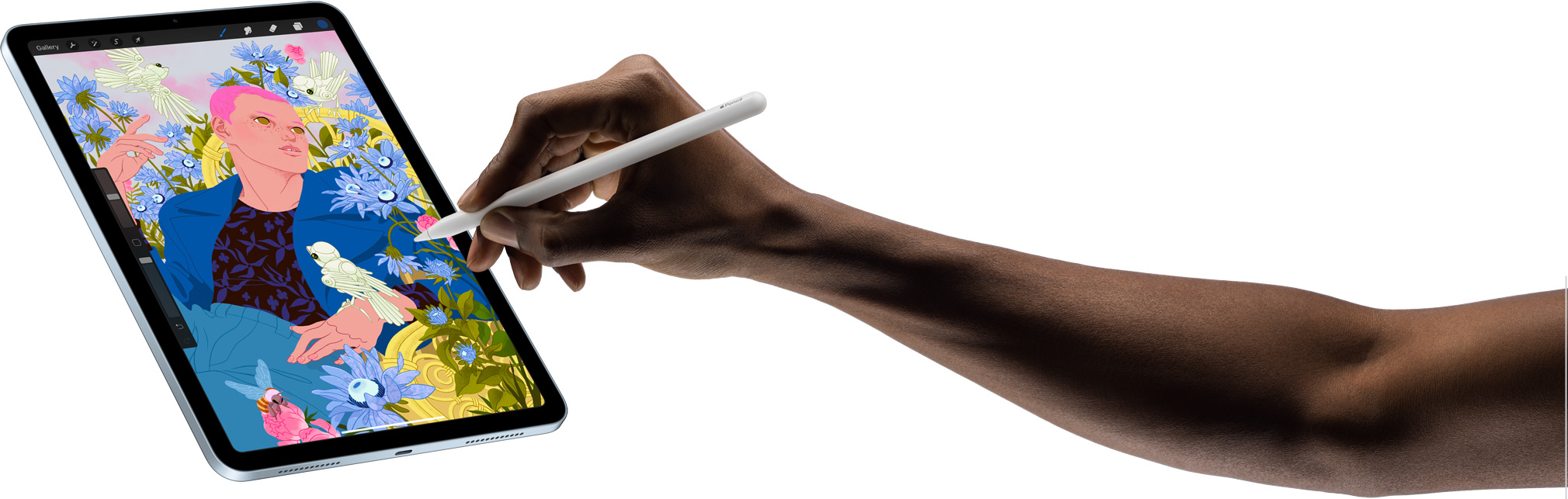
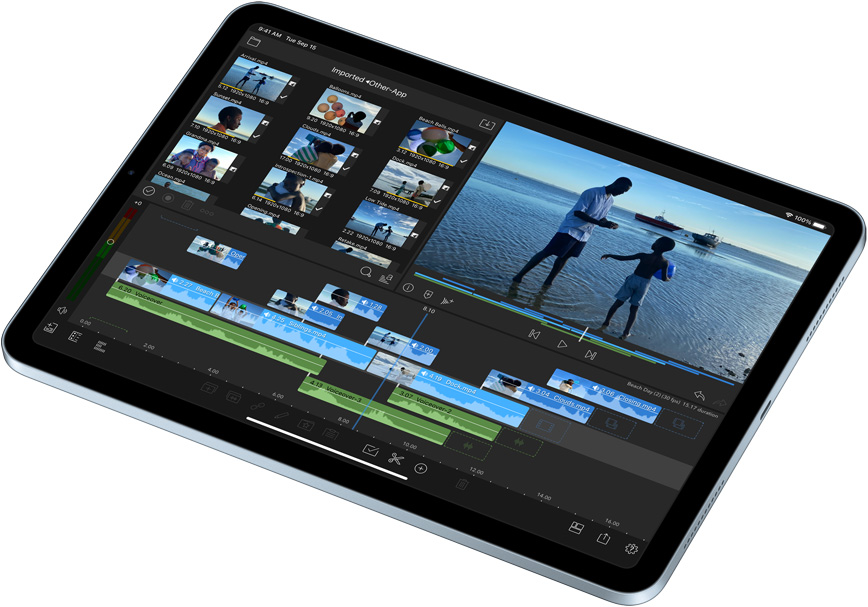
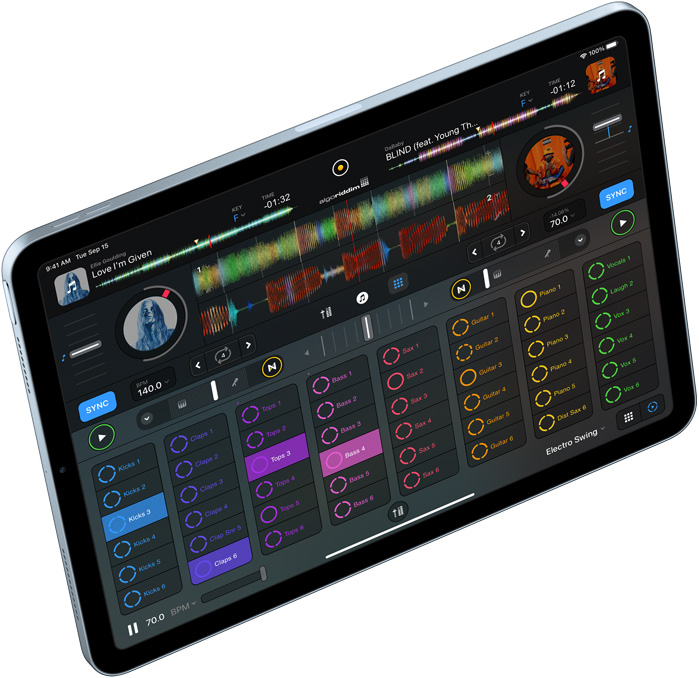
The notepad where your best ideas are born.
With Apple Pencil, you can easily take notes, organize your thoughts, and mark up screenshots, email, and more. And with iPadOS 14, your handwriting becomes as powerful as typed text. Convert your sketches into perfect shapes, turn handwritten notes into typed text, and write in any text field with Scribble.
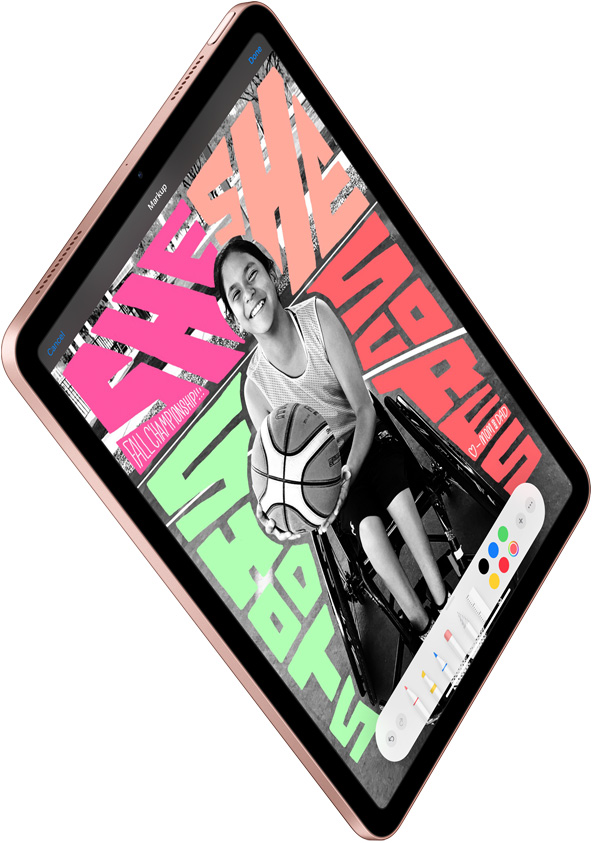
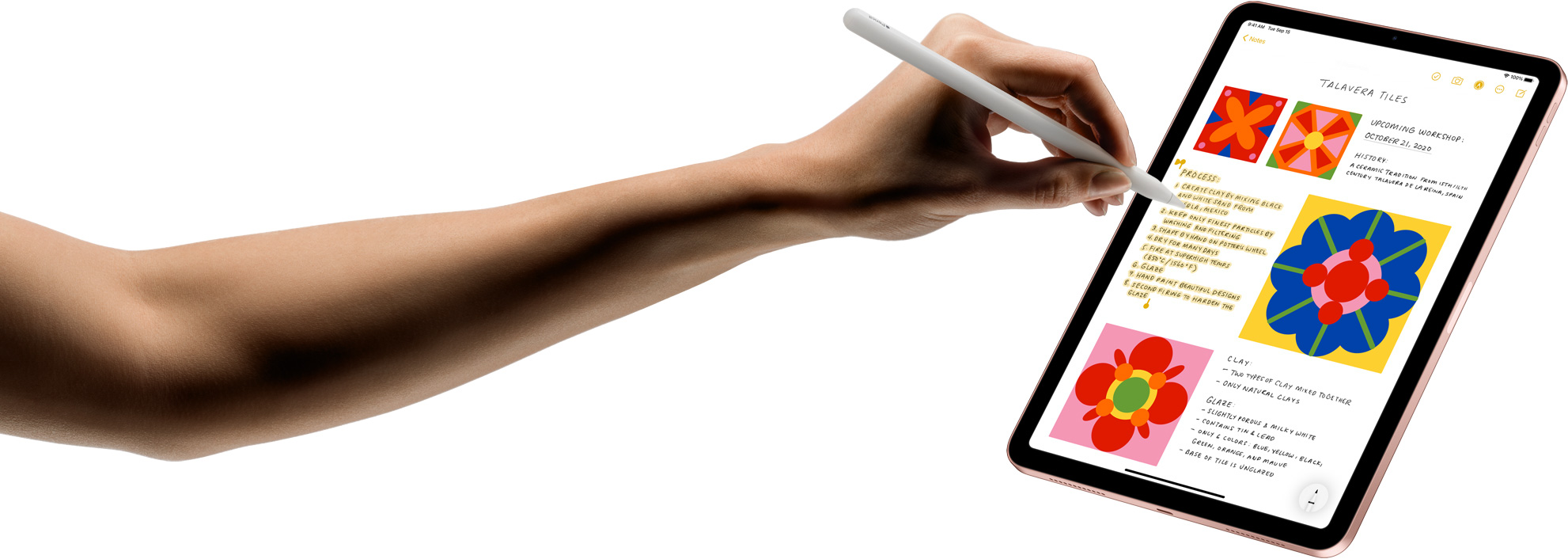
Make working hard feel like hardly working.
With the incredible versatility of iPad Air, you can work any way you want. Use the Smart Keyboard Folio, or attach the Magic Keyboard for responsive typing and a built‑in trackpad.1 It’s perfect for the things you need to do, like sending an email. Or the things you want to do, like writing a short story. And with all‑day battery life,2 iPad Air is ready to work for as long as you need it.
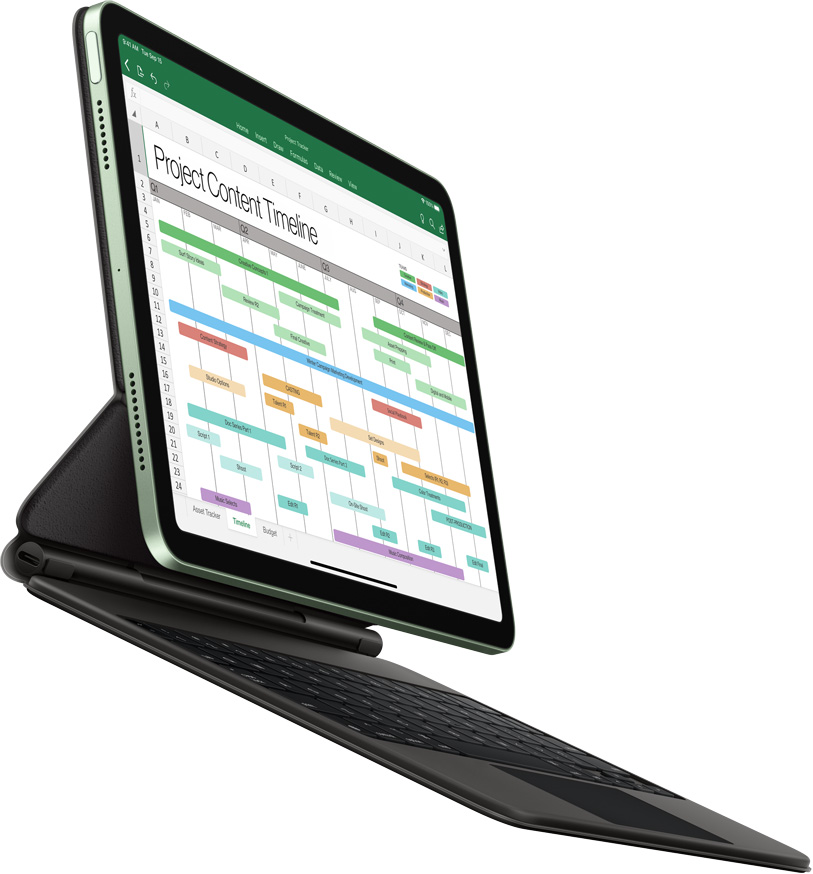
Get to work.
Get to class.
Or get together.
iPad Air is the perfect way to stay connected with Wi‑Fi and LTE.* Host a FaceTime call, join a video conference, or start a group project with friends or classmates from anywhere. Advanced cameras and microphones keep faces and voices crystal clear. iPad Air features superfast Wi‑Fi 6 — and with LTE,3 you can connect even when you’re away from Wi‑Fi.
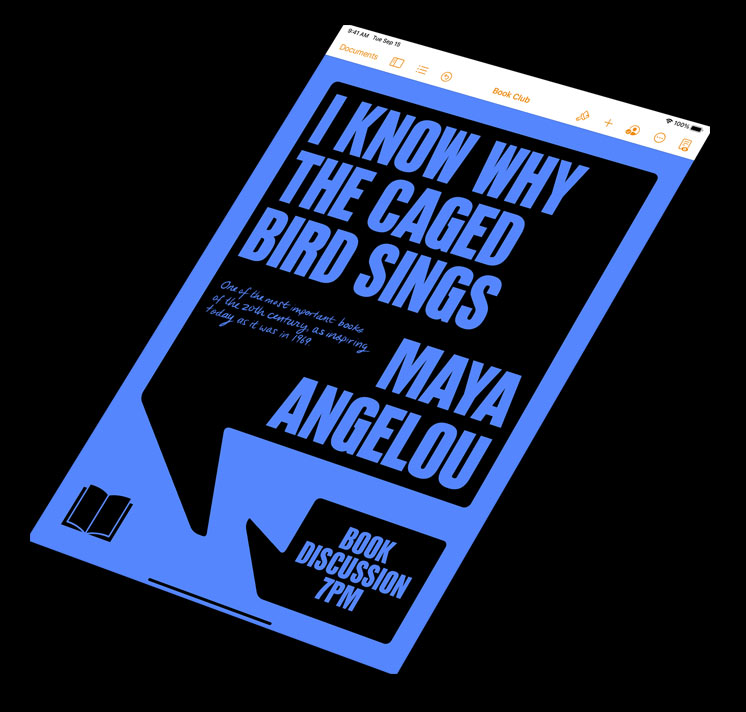
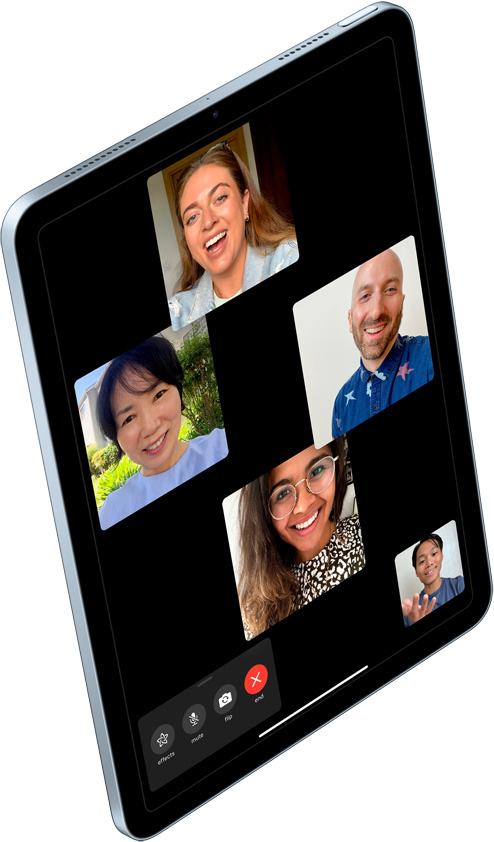
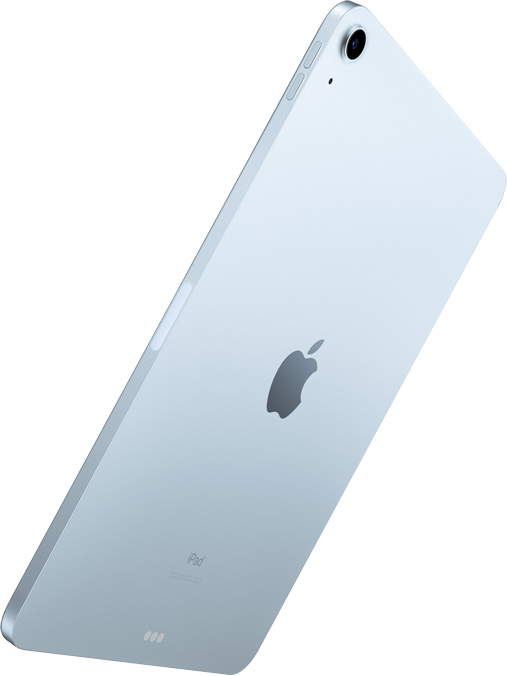
Power up your leisure time.
The incredible graphics of A14 Bionic and the stunning iPad Air display make all your entertainment completely captivating. Watch movies on the gorgeous Liquid Retina display with P3 wide color and enjoy an immersive audio experience with high‑quality landscape stereo speakers. Or play games with console‑level graphics, and even connect a controller.4
Here’s what you get with iPad Air.
Touch ID integrated into the top button for fast, easy, and secure authentication.
A14 Bionic chip featuring 40% faster CPU, 30% faster graphics, and 2x faster machine learning with next-generation Neural Engine.5
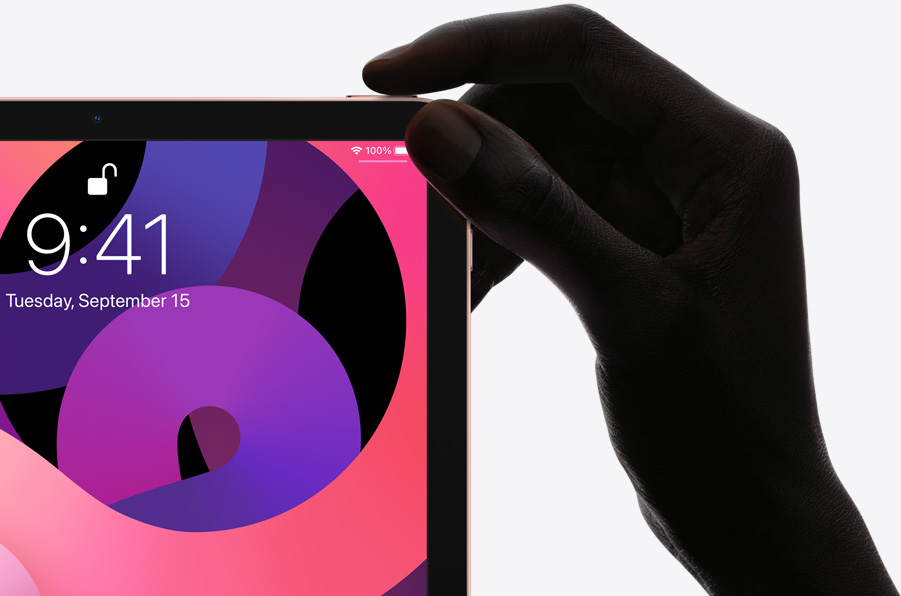
All-screen design with 10.9‑inch Liquid Retina display,6 True Tone, P3 wide color, and antireflective coating.
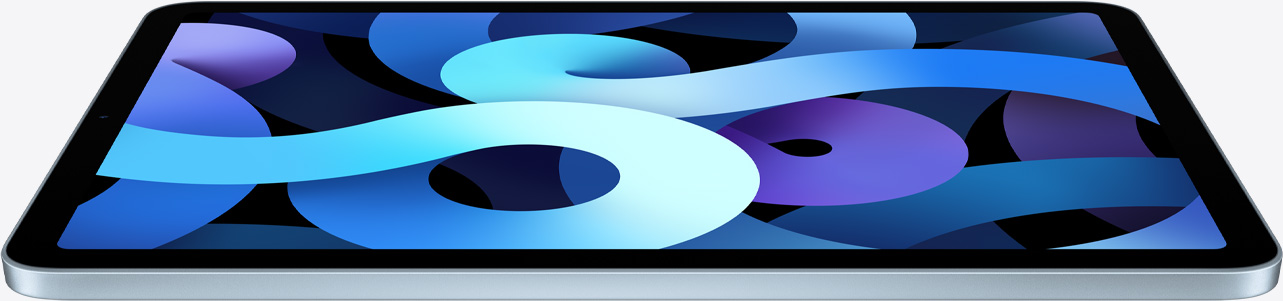
Take notes, mark up, or create a masterpiece with the second‑generation Apple Pencil.
12MP back camera with Focus Pixels and 7MP FaceTime HD camera for high‑quality video calls.
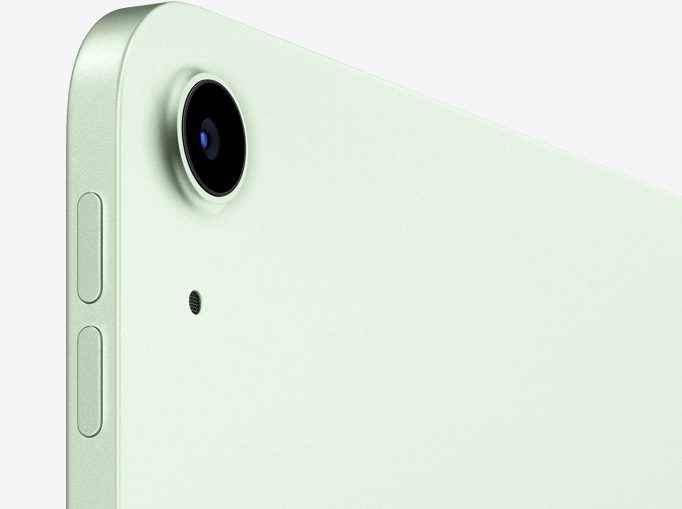
Compatible with both Magic Keyboard and Smart Keyboard Folio.
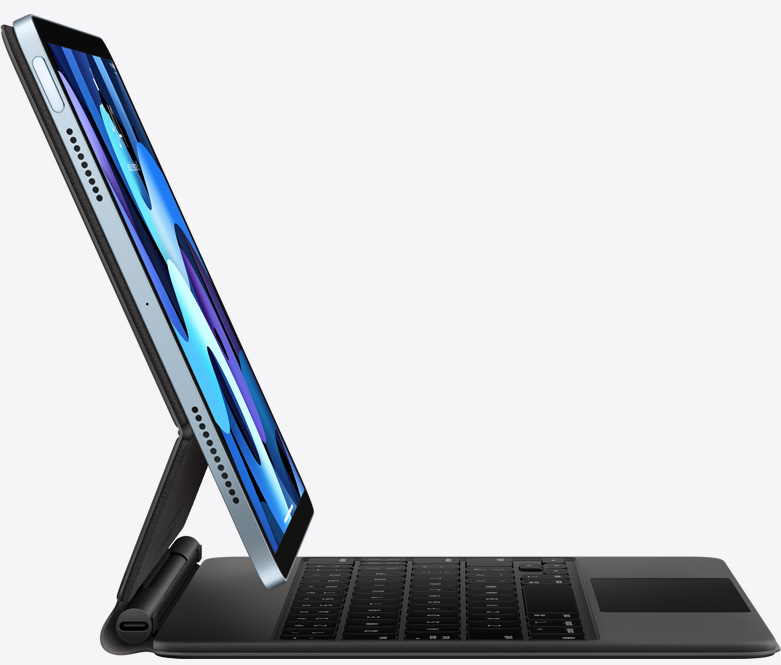
USB-C, which allows for fast connections to cameras, displays, and more.
Amazing apps and games from the App Store enable endless possibilities.
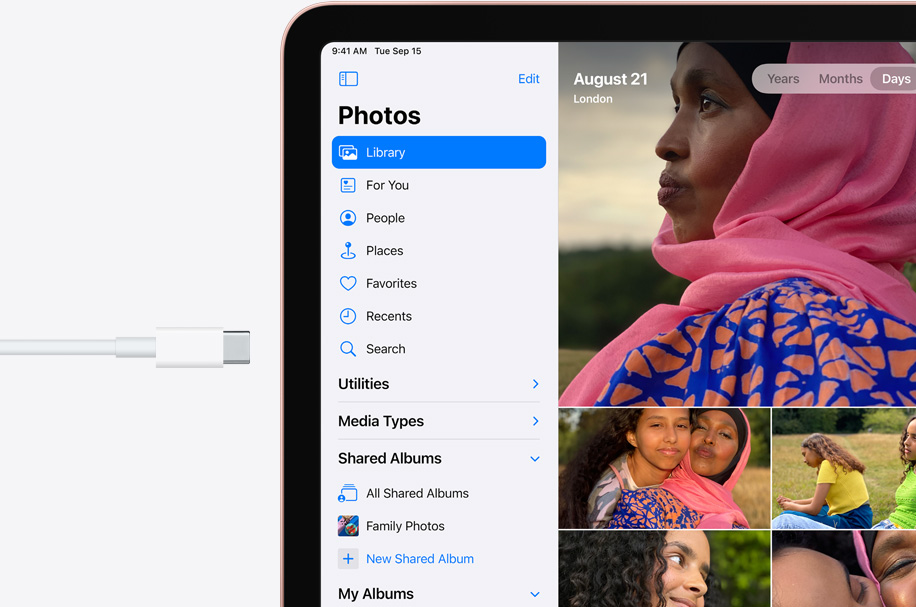
iPadOS 14 brings new capabilities designed specifically for iPad.

Fast internet connectivity with Wi‑Fi 6 and LTE speeds up to 60% faster.3
Available in Silver, Space Gray, Rose Gold, Green, and Sky Blue.
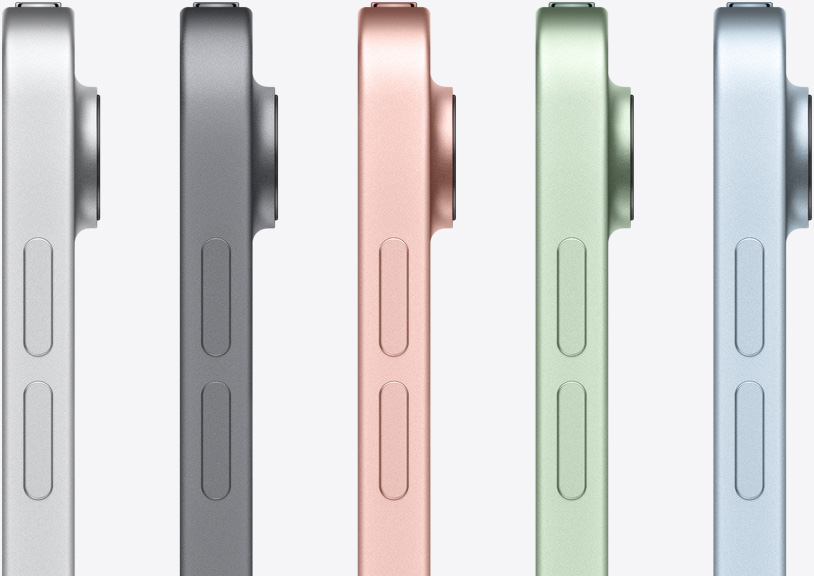
Use AR to see the new iPad Air and Magic Keyboard
Open this page using Safari on your iPhone or iPad.
Privacy
Like every Apple product, iPad Air was designed with your privacy and security in mind. It’s not always easy. But that’s the kind of innovation we believe in.
Accessibility
Technology is most powerful when everyone can use it. That’s why iPad Air comes with accessibility features that support vision, hearing, mobility, and learning needs.
Environment
We take responsibility for the environmental footprint of our products throughout their life cycle. iPad Air features an enclosure made from 100 percent recycled aluminum, uses 100 percent recycled tin in the solder of the main logic board, uses 100 percent recycled rare earth elements in the speakers, and all of the wood fiber in the packaging is recycled or comes from responsibly managed forests.
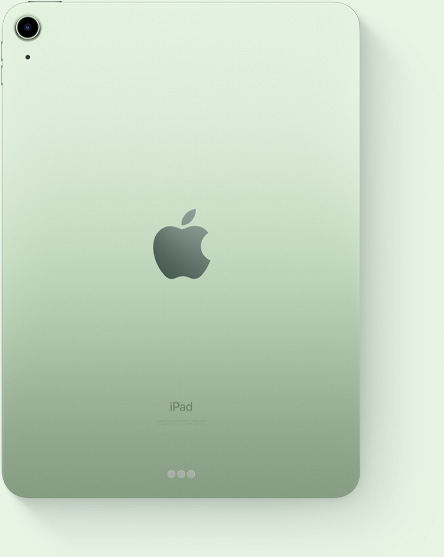
Finish
Capacity1
64GB
256GB
Size and Weight2
(247.6 mm)
(178.5 mm)
(6.1 mm)
Wi-Fi models
1.0 pound (458 grams)
Wi-Fi + Cellular models*
1.01 pounds (460 grams)
Buttons and Connectors
up/down
(cellular models)
In the Box
iPad Air
USB‑C Charge Cable (1 meter)
20W USB‑C Power Adapter
Display
Liquid Retina display
10.9-inch (diagonal) LED‑backlit Multi‑Touch display with IPS technology
2360-by-1640-pixel resolution at 264 pixels per inch (ppi)
Wide color display (P3)
True Tone display
Fingerprint-resistant oleophobic coating
Fully laminated display
Antireflective coating
1.8% reflectivity
500 nits brightness
Supports Apple Pencil (2nd generation)
The iPad Air display has rounded corners. When measured diagonally as a rectangle, the screen is 10.86 inches. Actual viewable area is less.
Chip
A14 Bionic chip with 64‑bit architecture
Neural Engine
Camera
12MP Wide camera
ƒ/1.8 aperture
Five-element lens
Hybrid IR filter
Backside illumination sensor
Live Photos with stabilization
Autofocus with Focus Pixels
Tap to focus with Focus Pixels
Wide color capture for photos and Live Photos
Panorama (up to 63MP)
Exposure control
Noise reduction
Smart HDR for photos
Auto image stabilization
Burst mode
Timer mode
Photo geotagging
Image formats captured: HEIF and JPEG
Video Recording
4K video recording at 24 fps, 30 fps, or 60 fps
1080p HD video recording at 30 fps or 60 fps
Slo‑mo video support for 1080p at 120 fps or 240 fps
Time‑lapse video with stabilization
Cinematic video stabilization (1080p and 720p)
Continuous autofocus video
Noise reduction
Take 8MP still photos while recording 4K video
Playback zoom
Video geotagging
Video formats captured: HEVC and H.264
FaceTime HD Camera
7MP photos
ƒ/2.0 aperture
1080p HD video recording at 60 fps
Wide color capture for photos and Live Photos
Smart HDR
Retina Flash
Backside illumination sensor
Auto image stabilization
Burst mode
Exposure control
Timer mode
Video Calling3
FaceTime video
iPad to any FaceTime‑enabled device over Wi-Fi or cellular
Audio Calling3
FaceTime audio
iPad to any FaceTime‑enabled device over Wi-Fi or cellular
Speakers
Stereo speakers
Microphones
Dual microphones for calls, video recording, and audio recording
Cellular and Wireless
All models
802.11ax Wi-Fi 6; simultaneous dual band (2.4GHz and 5GHz); HT80 with MIMO
Bluetooth 5.0 technology
Wi-Fi + Cellular models*
UMTS/HSPA/HSPA+/DC-HSDPA (850, 900, 1700/2100, 1900, 2100 MHz); GSM/EDGE (850, 900, 1800, 1900 MHz)
Gigabit-class LTE (Bands 1, 2, 3, 4, 5, 7, 8, 11, 12, 13, 14, 17, 18, 19, 20, 21, 25, 26, 29, 30, 34, 38, 39, 40, 41, 46, 48, 66, 71)4
Data only5
Wi-Fi calling4
eSIM6
Learn more about cellular data
SIM Card
Nano‑SIM (supports Apple SIM6)
eSIM6
Location
All models
Digital compass
Wi‑Fi
iBeacon microlocation
Wi-Fi + Cellular models
Built‑in GPS/GNSS
Cellular
Sensors
Touch ID
Three‐axis gyro
Accelerometer
Barometer
Ambient light sensor
Touch ID
Unlock iPad
Secure personal data within apps
Make purchases from the iTunes Store, App Store, and Apple Books
Apple Pay
Pay with your iPad using Touch ID within apps and on the web
Send and receive money in Messages
Learn more about Apple Pay
Siri7
Use your voice to send messages, set reminders, and more
Get proactive suggestions
Use hands-free
Listen and identify songs
Learn more about Siri
Charging and Expansion
USB‑C
Power and Battery8
All models
Built‐in 28.6‐watt‐hour rechargeable lithium‑polymer battery
Up to 10 hours of surfing the web on Wi‐Fi or watching video
Charging via power adapter or USB‑C to computer system
Wi-Fi + Cellular models
Up to 9 hours of surfing the web using cellular data network
Operating System
iPadOS 14
iPadOS comes with powerful features and built-in apps designed to take advantage of the unique capabilities of iPad.
See what’s new in iPadOS 14
Accessibility
Accessibility features help people with disabilities get the most out of their new iPad Air. With built-in support for vision, hearing, mobility, and learning, you can create and do amazing things. Learn more
Features include:
VoiceOver
Voice Control
Zoom
Magnifier
Siri and Dictation
Switch Control
Closed Captions
AssistiveTouch
Speak Screen
Free Apps from Apple
Pages, Numbers, Keynote, iMovie, GarageBand, Clips, and Apple Store app are preinstalled on iPad.
System Requirements
Apple ID (required for some features)
Internet access9
Syncing to a Mac or PC requires:
macOS Catalina 10.15 using the Finder
macOS El Capitan 10.11.6 through macOS Mojave 10.14.6 using iTunes 12.8 or later
Windows 7 or later using iTunes 12.10 or later (free download from itunes.com/download)
Languages
Language support
English (Australia, UK, U.S.), Chinese (Simplified, Traditional, Traditional Hong Kong), French (Canada, France), German, Italian, Japanese, Korean, Spanish (Latin America, Spain), Arabic, Catalan, Croatian, Czech, Danish, Dutch, Finnish, Greek, Hebrew, Hindi, Hungarian, Indonesian, Malay, Norwegian, Polish, Portuguese (Brazil, Portugal), Romanian, Russian, Slovak, Swedish, Thai, Turkish, Ukrainian, Vietnamese
QuickType keyboard support
English (Australia, Canada, India, Singapore, UK, U.S.), Chinese – Simplified (Handwriting, Pinyin QWERTY, Pinyin 10 Key, Shuangpin, Stroke), Chinese – Traditional (Cangjie, Handwriting, Pinyin QWERTY, Pinyin 10 Key, Shuangpin, Stroke, Sucheng, Zhuyin), French (Belgium, Canada, France, Switzerland), German (Austria, Germany, Switzerland), Italian, Japanese (Kana, Romaji), Korean (2-Set, 10 Key), Spanish (Latin America, Mexico, Spain), Albanian, Arabic (Modern Standard, Najdi), Armenian, Assamese, Azerbaijani, Bangla, Belarusian, Bodo, Bulgarian, Burmese, Cantonese – Traditional (Cangjie, Handwriting, Stroke, Sucheng), Catalan, Cherokee, Croatian, Czech, Danish, Dhivehi, Dogri, Dutch, Emoji, Estonian, Faroese, Filipino, Finnish, Flemish, Georgian, Greek, Gujarati, Hawaiian, Hebrew, Hindi (Devanagari, Latin, Transliteration), Hungarian, Icelandic, Indonesian, Irish, Kannada, Kashmiri (Arabic, Devanagari), Kazakh, Khmer, Konkani (Devanagari), Kurdish (Arabic, Latin), Kyrgyz, Lao, Latvian, Lithuanian, Macedonian, Maithili (Bangla), Malay (Arabic, Latin), Malayalam, Maltese, Manipuri (Bangla, Meetei Mayek), Maori, Marathi, Mongolian, Nepali, Norwegian, Odia, Pashto, Persian, Polish, Portuguese (Brazil, Portugal), Punjabi, Romanian, Russian, Sanskrit, Santali (Devanagari, Ol Chiki), Serbian (Cyrillic, Latin), Sindhi (Arabic, Devanagari), Sinhala, Slovak, Slovenian, Swahili, Swedish, Tajik, Tamil (Anjal, Tamil 99), Telugu, Thai, Tibetan, Tongan, Turkish, Turkmen, Ukrainian, Urdu, Uyghur, Uzbek (Arabic, Cyrillic, Latin), Vietnamese, Welsh
QuickType keyboard support with predictive input
English (Australia, Canada, India, Singapore, UK, U.S.), Chinese (Simplified, Traditional), French (Belgium, Canada, France, Switzerland), German (Austria, Germany, Switzerland), Italian, Japanese, Korean, Spanish (Latin America, Mexico, Spain), Arabic (Najdi and MSA), Cantonese (Traditional), Dutch, Hindi (Devanagari, Latin), Portuguese (Brazil, Portugal), Russian, Swedish, Thai, Turkish, Vietnamese
Siri languages
English (Australia, Canada, India, Ireland, New Zealand, Singapore, South Africa, UK, U.S.), Spanish (Chile, Mexico, Spain, U.S.), French (Belgium, Canada, France, Switzerland), German (Austria, Germany, Switzerland), Italian (Italy, Switzerland), Japanese, Korean, Mandarin (China mainland, Taiwan), Cantonese (China mainland, Hong Kong), Arabic (Saudi Arabia, United Arab Emirates), Danish (Denmark), Dutch (Belgium, Netherlands), Finnish (Finland), Hebrew (Israel), Malay (Malaysia), Norwegian (Norway), Portuguese (Brazil), Russian (Russia), Swedish (Sweden), Thai (Thailand), Turkish (Turkey)
Dictation languages
English (Australia, Canada, India, Indonesia, Ireland, Malaysia, New Zealand, Philippines, Saudi Arabia, Singapore, South Africa, United Arab Emirates, UK, U.S.), Spanish (Argentina, Chile, Colombia, Costa Rica, Dominican Republic, Ecuador, El Salvador, Guatemala, Honduras, Mexico, Panama, Paraguay, Peru, Spain, Uruguay, U.S.), French (Belgium, Canada, France, Luxembourg, Switzerland), German (Austria, Germany, Luxembourg, Switzerland), Italian (Italy, Switzerland), Japanese, Korean, Mandarin (China mainland, Taiwan), Cantonese (China mainland, Hong Kong, Macao), Arabic (Kuwait, Qatar, Saudi Arabia, United Arab Emirates), Catalan, Croatian, Czech, Danish, Dutch (Belgium, Netherlands), Finnish, Greek, Hebrew, Hindi (India), Hungarian, Indonesian, Malaysian, Norwegian, Polish, Portuguese (Brazil, Portugal), Romanian, Russian, Shanghainese (China mainland), Slovak, Swedish, Thai, Turkish, Ukrainian, Vietnamese
Definition dictionary support
English, Chinese (Simplified, Traditional), French, German, Italian, Japanese, Korean, Spanish, Danish, Dutch, Hebrew, Hindi, Norwegian, Portuguese, Russian, Swedish, Thai, Turkish
Thesaurus
English (UK, U.S.)
Bilingual dictionary support with English
Arabic, Chinese (Simplified, Traditional), French, German, Italian, Japanese, Spanish, Korean, Dutch, Hindi, Portuguese, Russian, Thai, Vietnamese
Spell check
English, French, German, Italian, Spanish, Arabic, Arabic Najdi, Danish, Dutch, Finnish, Korean, Norwegian, Polish, Portuguese, Russian, Swedish, Turkish
Audio Playback
Audio formats supported: AAC (8 to 320 Kbps), Protected AAC (from iTunes Store), HE-AAC, MP3 (8 to 320 Kbps), MP3 VBR, Dolby Digital (AC-3), Dolby Digital Plus (E-AC-3), Audible (formats 2, 3, 4, Audible Enhanced Audio, AAX, and AAX+), Apple Lossless, AIFF, and WAV
User-configurable maximum volume limit
TV and Video
AirPlay Mirroring, photos, audio, and video out to Apple TV (2nd generation or later)
Video mirroring and video out support: Up to 1080p through Lightning Digital AV Adapter and Lightning to VGA Adapter (adapters sold separately)
Video formats supported: H.264 video up to 4K, 30 frames per second, High Profile level 4.2 with AAC‑LC audio up to 160 Kbps, 48kHz, stereo audio or Dolby Audio up to 1008 Kbps, 48kHz, stereo or multichannel audio, in .m4v, .mp4, and .mov file formats; MPEG‑4 video up to 2.5 Mbps, 640 by 480 pixels, 30 frames per second, Simple Profile with AAC‑LC audio up to 160 Kbps per channel, 48kHz, stereo audio or Dolby Audio up to 1008 Kbps, 48kHz, stereo or multichannel audio, in .m4v, .mp4, and .mov file formats; Motion JPEG (M‑JPEG) up to 35 Mbps, 1280 by 720 pixels, 30 frames per second, audio in ulaw, PCM stereo audio in .avi file format
Mail Attachment Support
Viewable document types
.jpg, .tiff, .gif (images); .doc and .docx (Microsoft Word); .htm and .html (web pages); .key (Keynote); .numbers (Numbers); .pages (Pages); .pdf (Preview and Adobe Acrobat); .ppt and .pptx (Microsoft PowerPoint); .txt (text); .rtf (rich text format); .vcf (contact information); .xls and .xlsx (Microsoft Excel); .zip; .ics
Environmental Requirements
Operating ambient temperature:
32° to 95° F (0° to 35° C)
Nonoperating temperature:
−4° to 113° F (−20° to 45° C)
Relative humidity:
5% to 95% noncondensing
Operating altitude:
tested up to 10,000 feet (3000 m)
iPad and the Environment
iPad Air is designed with the following features to reduce its environmental impact.10 See the iPad Air Product Environmental Report
Made with better materials
100% recycled aluminum in the enclosure
100% recycled rare earth elements in the speaker magnets
100% recycled tin in the solder of the main logic board
35% or more recycled plastic in multiple components
Smarter chemistry11
Arsenic-free display glass
Mercury-free
BFR-, PVC-, and beryllium-free
Green manufacturing
Apple’s Zero Waste Program helps suppliers eliminate waste sent to landfill
All final assembly supplier sites are transitioning to 100% renewable energy for Apple production
Responsible packaging
100% of virgin wood fiber comes from responsibly managed forests
Recyclable, majority-fiber packaging
Energy efficient
ENERGY STAR® certified12
Apple Trade In
Trade in your eligible device for credit toward your next purchase, or get an Apple Gift Card you can use anytime.** If your device isn’t eligible for credit, we’ll recycle it for free.
See how it works
Apple and the Environment
We’re committed to making our products without taking from the earth, and to become carbon neutral across our entire business, including products, by 2030.

An all-screen design with a stunning 10.9‑inch Liquid Retina display
featuring fast, easy,
and secure Touch ID
powered by our most advanced chip ever A14 Bionic
with support
available in Sky Blue, Green, Rose Gold, Silver, and Space Gray
Powerful. Colorful. Wonderful.
iPad Air does more than a computer in simpler, more magical ways. And now with more features and capabilities, it’s more versatile than ever.
Watch the event
Watch the film
Your creative studio on the go.
With A14 Bionic, you have the power to bring your ideas to life. Shoot a 4K video, then edit it right on iPad Air. Use the second‑generation Apple Pencil to paint and illustrate with dynamic brushes and subtle shading.1 And with the enhanced graphics and machine learning performance of A14 Bionic, you can unlock new creative possibilities with photo editing, music creation, and more.
The notepad where your best ideas are born.
With Apple Pencil, you can easily take notes, organize your thoughts, and mark up screenshots, email, and more. And with iPadOS 14, your handwriting becomes as powerful as typed text. Convert your sketches into perfect shapes, turn handwritten notes into typed text, and write in any text field with Scribble.
Make working hard feel like hardly working.
With the incredible versatility of iPad Air, you can work any way you want. Use the Smart Keyboard Folio, or attach the Magic Keyboard for responsive typing and a built‑in trackpad.1 It’s perfect for the things you need to do, like sending an email. Or the things you want to do, like writing a short story. And with all‑day battery life,2 iPad Air is ready to work for as long as you need it.
Get to work.
Get to class.
Or get together.
iPad Air is the perfect way to stay connected with Wi‑Fi and LTE.* Host a FaceTime call, join a video conference, or start a group project with friends or classmates from anywhere. Advanced cameras and microphones keep faces and voices crystal clear. iPad Air features superfast Wi‑Fi 6 — and with LTE,3 you can connect even when you’re away from Wi‑Fi.
Power up your leisure time.
The incredible graphics of A14 Bionic and the stunning iPad Air display make all your entertainment completely captivating. Watch movies on the gorgeous Liquid Retina display with P3 wide color and enjoy an immersive audio experience with high‑quality landscape stereo speakers. Or play games with console‑level graphics, and even connect a controller.4
Here’s what you get with iPad Air.
Touch ID integrated into the top button for fast, easy, and secure authentication.
A14 Bionic chip featuring 40% faster CPU, 30% faster graphics, and 2x faster machine learning with next-generation Neural Engine.5
All-screen design with 10.9‑inch Liquid Retina display,6 True Tone, P3 wide color, and antireflective coating.
Take notes, mark up, or create a masterpiece with the second‑generation Apple Pencil.
12MP back camera with Focus Pixels and 7MP FaceTime HD camera for high‑quality video calls.
Compatible with both Magic Keyboard and Smart Keyboard Folio.
USB-C, which allows for fast connections to cameras, displays, and more.
Amazing apps and games from the App Store enable endless possibilities.
iPadOS 14 brings new capabilities designed specifically for iPad.
Fast internet connectivity with Wi‑Fi 6 and LTE speeds up to 60% faster.3
Available in Silver, Space Gray, Rose Gold, Green, and Sky Blue.
Use AR to see the new iPad Air and Magic Keyboard
Open this page using Safari on your iPhone or iPad.
Privacy
Like every Apple product, iPad Air was designed with your privacy and security in mind. It’s not always easy. But that’s the kind of innovation we believe in.
Accessibility
Technology is most powerful when everyone can use it. That’s why iPad Air comes with accessibility features that support vision, hearing, mobility, and learning needs.
Environment
We take responsibility for the environmental footprint of our products throughout their life cycle. iPad Air features an enclosure made from 100 percent recycled aluminum, uses 100 percent recycled tin in the solder of the main logic board, uses 100 percent recycled rare earth elements in the speakers, and all of the wood fiber in the packaging is recycled or comes from responsibly managed forests.
Finish
Capacity1
64GB
256GB
Size and Weight2
(247.6 mm)
(178.5 mm)
(6.1 mm)
Wi-Fi models
1.0 pound (458 grams)
Wi-Fi + Cellular models*
1.01 pounds (460 grams)
Buttons and Connectors
up/down
(cellular models)
In the Box
iPad Air
USB‑C Charge Cable (1 meter)
20W USB‑C Power Adapter
Display
Liquid Retina display
10.9-inch (diagonal) LED‑backlit Multi‑Touch display with IPS technology
2360-by-1640-pixel resolution at 264 pixels per inch (ppi)
Wide color display (P3)
True Tone display
Fingerprint-resistant oleophobic coating
Fully laminated display
Antireflective coating
1.8% reflectivity
500 nits brightness
Supports Apple Pencil (2nd generation)
The iPad Air display has rounded corners. When measured diagonally as a rectangle, the screen is 10.86 inches. Actual viewable area is less.
Chip
A14 Bionic chip with 64‑bit architecture
Neural Engine
Camera
12MP Wide camera
ƒ/1.8 aperture
Five-element lens
Hybrid IR filter
Backside illumination sensor
Live Photos with stabilization
Autofocus with Focus Pixels
Tap to focus with Focus Pixels
Wide color capture for photos and Live Photos
Panorama (up to 63MP)
Exposure control
Noise reduction
Smart HDR for photos
Auto image stabilization
Burst mode
Timer mode
Photo geotagging
Image formats captured: HEIF and JPEG
Video Recording
4K video recording at 24 fps, 30 fps, or 60 fps
1080p HD video recording at 30 fps or 60 fps
Slo‑mo video support for 1080p at 120 fps or 240 fps
Time‑lapse video with stabilization
Cinematic video stabilization (1080p and 720p)
Continuous autofocus video
Noise reduction
Take 8MP still photos while recording 4K video
Playback zoom
Video geotagging
Video formats captured: HEVC and H.264
FaceTime HD Camera
7MP photos
ƒ/2.0 aperture
1080p HD video recording at 60 fps
Wide color capture for photos and Live Photos
Smart HDR
Retina Flash
Backside illumination sensor
Auto image stabilization
Burst mode
Exposure control
Timer mode
Video Calling3
FaceTime video
iPad to any FaceTime‑enabled device over Wi-Fi or cellular
Audio Calling3
FaceTime audio
iPad to any FaceTime‑enabled device over Wi-Fi or cellular
Speakers
Stereo speakers
Microphones
Dual microphones for calls, video recording, and audio recording
Cellular and Wireless
All models
802.11ax Wi-Fi 6; simultaneous dual band (2.4GHz and 5GHz); HT80 with MIMO
Bluetooth 5.0 technology
Wi-Fi + Cellular models*
UMTS/HSPA/HSPA+/DC-HSDPA (850, 900, 1700/2100, 1900, 2100 MHz); GSM/EDGE (850, 900, 1800, 1900 MHz)
Gigabit-class LTE (Bands 1, 2, 3, 4, 5, 7, 8, 11, 12, 13, 14, 17, 18, 19, 20, 21, 25, 26, 29, 30, 34, 38, 39, 40, 41, 46, 48, 66, 71)4
Data only5
Wi-Fi calling4
eSIM6
Learn more about cellular data
SIM Card
Nano‑SIM (supports Apple SIM6)
eSIM6
Location
All models
Digital compass
Wi‑Fi
iBeacon microlocation
Wi-Fi + Cellular models
Built‑in GPS/GNSS
Cellular
Sensors
Touch ID
Three‐axis gyro
Accelerometer
Barometer
Ambient light sensor
Touch ID
Unlock iPad
Secure personal data within apps
Make purchases from the iTunes Store, App Store, and Apple Books
Apple Pay
Pay with your iPad using Touch ID within apps and on the web
Send and receive money in Messages
Learn more about Apple Pay
Siri7
Use your voice to send messages, set reminders, and more
Get proactive suggestions
Use hands-free
Listen and identify songs
Learn more about Siri
Charging and Expansion
USB‑C
Power and Battery8
All models
Built‐in 28.6‐watt‐hour rechargeable lithium‑polymer battery
Up to 10 hours of surfing the web on Wi‐Fi or watching video
Charging via power adapter or USB‑C to computer system
Wi-Fi + Cellular models
Up to 9 hours of surfing the web using cellular data network
Operating System
iPadOS 14
iPadOS comes with powerful features and built-in apps designed to take advantage of the unique capabilities of iPad.
See what’s new in iPadOS 14
Accessibility
Accessibility features help people with disabilities get the most out of their new iPad Air. With built-in support for vision, hearing, mobility, and learning, you can create and do amazing things. Learn more
Features include:
VoiceOver
Voice Control
Zoom
Magnifier
Siri and Dictation
Switch Control
Closed Captions
AssistiveTouch
Speak Screen
Free Apps from Apple
Pages, Numbers, Keynote, iMovie, GarageBand, Clips, and Apple Store app are preinstalled on iPad.
System Requirements
Apple ID (required for some features)
Internet access9
Syncing to a Mac or PC requires:
macOS Catalina 10.15 using the Finder
macOS El Capitan 10.11.6 through macOS Mojave 10.14.6 using iTunes 12.8 or later
Windows 7 or later using iTunes 12.10 or later (free download from itunes.com/download)
Languages
Language support
English (Australia, UK, U.S.), Chinese (Simplified, Traditional, Traditional Hong Kong), French (Canada, France), German, Italian, Japanese, Korean, Spanish (Latin America, Spain), Arabic, Catalan, Croatian, Czech, Danish, Dutch, Finnish, Greek, Hebrew, Hindi, Hungarian, Indonesian, Malay, Norwegian, Polish, Portuguese (Brazil, Portugal), Romanian, Russian, Slovak, Swedish, Thai, Turkish, Ukrainian, Vietnamese
QuickType keyboard support
English (Australia, Canada, India, Singapore, UK, U.S.), Chinese – Simplified (Handwriting, Pinyin QWERTY, Pinyin 10 Key, Shuangpin, Stroke), Chinese – Traditional (Cangjie, Handwriting, Pinyin QWERTY, Pinyin 10 Key, Shuangpin, Stroke, Sucheng, Zhuyin), French (Belgium, Canada, France, Switzerland), German (Austria, Germany, Switzerland), Italian, Japanese (Kana, Romaji), Korean (2-Set, 10 Key), Spanish (Latin America, Mexico, Spain), Albanian, Arabic (Modern Standard, Najdi), Armenian, Assamese, Azerbaijani, Bangla, Belarusian, Bodo, Bulgarian, Burmese, Cantonese – Traditional (Cangjie, Handwriting, Stroke, Sucheng), Catalan, Cherokee, Croatian, Czech, Danish, Dhivehi, Dogri, Dutch, Emoji, Estonian, Faroese, Filipino, Finnish, Flemish, Georgian, Greek, Gujarati, Hawaiian, Hebrew, Hindi (Devanagari, Latin, Transliteration), Hungarian, Icelandic, Indonesian, Irish, Kannada, Kashmiri (Arabic, Devanagari), Kazakh, Khmer, Konkani (Devanagari), Kurdish (Arabic, Latin), Kyrgyz, Lao, Latvian, Lithuanian, Macedonian, Maithili (Bangla), Malay (Arabic, Latin), Malayalam, Maltese, Manipuri (Bangla, Meetei Mayek), Maori, Marathi, Mongolian, Nepali, Norwegian, Odia, Pashto, Persian, Polish, Portuguese (Brazil, Portugal), Punjabi, Romanian, Russian, Sanskrit, Santali (Devanagari, Ol Chiki), Serbian (Cyrillic, Latin), Sindhi (Arabic, Devanagari), Sinhala, Slovak, Slovenian, Swahili, Swedish, Tajik, Tamil (Anjal, Tamil 99), Telugu, Thai, Tibetan, Tongan, Turkish, Turkmen, Ukrainian, Urdu, Uyghur, Uzbek (Arabic, Cyrillic, Latin), Vietnamese, Welsh
QuickType keyboard support with predictive input
English (Australia, Canada, India, Singapore, UK, U.S.), Chinese (Simplified, Traditional), French (Belgium, Canada, France, Switzerland), German (Austria, Germany, Switzerland), Italian, Japanese, Korean, Spanish (Latin America, Mexico, Spain), Arabic (Najdi and MSA), Cantonese (Traditional), Dutch, Hindi (Devanagari, Latin), Portuguese (Brazil, Portugal), Russian, Swedish, Thai, Turkish, Vietnamese
Siri languages
English (Australia, Canada, India, Ireland, New Zealand, Singapore, South Africa, UK, U.S.), Spanish (Chile, Mexico, Spain, U.S.), French (Belgium, Canada, France, Switzerland), German (Austria, Germany, Switzerland), Italian (Italy, Switzerland), Japanese, Korean, Mandarin (China mainland, Taiwan), Cantonese (China mainland, Hong Kong), Arabic (Saudi Arabia, United Arab Emirates), Danish (Denmark), Dutch (Belgium, Netherlands), Finnish (Finland), Hebrew (Israel), Malay (Malaysia), Norwegian (Norway), Portuguese (Brazil), Russian (Russia), Swedish (Sweden), Thai (Thailand), Turkish (Turkey)
Dictation languages
English (Australia, Canada, India, Indonesia, Ireland, Malaysia, New Zealand, Philippines, Saudi Arabia, Singapore, South Africa, United Arab Emirates, UK, U.S.), Spanish (Argentina, Chile, Colombia, Costa Rica, Dominican Republic, Ecuador, El Salvador, Guatemala, Honduras, Mexico, Panama, Paraguay, Peru, Spain, Uruguay, U.S.), French (Belgium, Canada, France, Luxembourg, Switzerland), German (Austria, Germany, Luxembourg, Switzerland), Italian (Italy, Switzerland), Japanese, Korean, Mandarin (China mainland, Taiwan), Cantonese (China mainland, Hong Kong, Macao), Arabic (Kuwait, Qatar, Saudi Arabia, United Arab Emirates), Catalan, Croatian, Czech, Danish, Dutch (Belgium, Netherlands), Finnish, Greek, Hebrew, Hindi (India), Hungarian, Indonesian, Malaysian, Norwegian, Polish, Portuguese (Brazil, Portugal), Romanian, Russian, Shanghainese (China mainland), Slovak, Swedish, Thai, Turkish, Ukrainian, Vietnamese
Definition dictionary support
English, Chinese (Simplified, Traditional), French, German, Italian, Japanese, Korean, Spanish, Danish, Dutch, Hebrew, Hindi, Norwegian, Portuguese, Russian, Swedish, Thai, Turkish
Thesaurus
English (UK, U.S.)
Bilingual dictionary support with English
Arabic, Chinese (Simplified, Traditional), French, German, Italian, Japanese, Spanish, Korean, Dutch, Hindi, Portuguese, Russian, Thai, Vietnamese
Spell check
English, French, German, Italian, Spanish, Arabic, Arabic Najdi, Danish, Dutch, Finnish, Korean, Norwegian, Polish, Portuguese, Russian, Swedish, Turkish
Audio Playback
Audio formats supported: AAC (8 to 320 Kbps), Protected AAC (from iTunes Store), HE-AAC, MP3 (8 to 320 Kbps), MP3 VBR, Dolby Digital (AC-3), Dolby Digital Plus (E-AC-3), Audible (formats 2, 3, 4, Audible Enhanced Audio, AAX, and AAX+), Apple Lossless, AIFF, and WAV
User-configurable maximum volume limit
TV and Video
AirPlay Mirroring, photos, audio, and video out to Apple TV (2nd generation or later)
Video mirroring and video out support: Up to 1080p through Lightning Digital AV Adapter and Lightning to VGA Adapter (adapters sold separately)
Video formats supported: H.264 video up to 4K, 30 frames per second, High Profile level 4.2 with AAC‑LC audio up to 160 Kbps, 48kHz, stereo audio or Dolby Audio up to 1008 Kbps, 48kHz, stereo or multichannel audio, in .m4v, .mp4, and .mov file formats; MPEG‑4 video up to 2.5 Mbps, 640 by 480 pixels, 30 frames per second, Simple Profile with AAC‑LC audio up to 160 Kbps per channel, 48kHz, stereo audio or Dolby Audio up to 1008 Kbps, 48kHz, stereo or multichannel audio, in .m4v, .mp4, and .mov file formats; Motion JPEG (M‑JPEG) up to 35 Mbps, 1280 by 720 pixels, 30 frames per second, audio in ulaw, PCM stereo audio in .avi file format
Mail Attachment Support
Viewable document types
.jpg, .tiff, .gif (images); .doc and .docx (Microsoft Word); .htm and .html (web pages); .key (Keynote); .numbers (Numbers); .pages (Pages); .pdf (Preview and Adobe Acrobat); .ppt and .pptx (Microsoft PowerPoint); .txt (text); .rtf (rich text format); .vcf (contact information); .xls and .xlsx (Microsoft Excel); .zip; .ics
Environmental Requirements
Operating ambient temperature:
32° to 95° F (0° to 35° C)
Nonoperating temperature:
−4° to 113° F (−20° to 45° C)
Relative humidity:
5% to 95% noncondensing
Operating altitude:
tested up to 10,000 feet (3000 m)
iPad and the Environment
iPad Air is designed with the following features to reduce its environmental impact.10 See the iPad Air Product Environmental Report
Made with better materials
100% recycled aluminum in the enclosure
100% recycled rare earth elements in the speaker magnets
100% recycled tin in the solder of the main logic board
35% or more recycled plastic in multiple components
Smarter chemistry11
Arsenic-free display glass
Mercury-free
BFR-, PVC-, and beryllium-free
Green manufacturing
Apple’s Zero Waste Program helps suppliers eliminate waste sent to landfill
All final assembly supplier sites are transitioning to 100% renewable energy for Apple production
Responsible packaging
100% of virgin wood fiber comes from responsibly managed forests
Recyclable, majority-fiber packaging
Energy efficient
ENERGY STAR® certified12
Apple Trade In
Trade in your eligible device for credit toward your next purchase, or get an Apple Gift Card you can use anytime.** If your device isn’t eligible for credit, we’ll recycle it for free.
See how it works
Apple and the Environment
We’re committed to making our products without taking from the earth, and to become carbon neutral across our entire business, including products, by 2030.

An all-screen design with a stunning 10.9‑inch Liquid Retina display
featuring fast, easy,
and secure Touch ID
powered by our most advanced chip ever A14 Bionic
with support
available in Sky Blue, Green, Rose Gold, Silver, and Space Gray
Powerful. Colorful. Wonderful.
iPad Air does more than a computer in simpler, more magical ways. And now with more features and capabilities, it’s more versatile than ever.
Watch the event
Watch the film
Your creative studio on the go.
With A14 Bionic, you have the power to bring your ideas to life. Shoot a 4K video, then edit it right on iPad Air. Use the second‑generation Apple Pencil to paint and illustrate with dynamic brushes and subtle shading.1 And with the enhanced graphics and machine learning performance of A14 Bionic, you can unlock new creative possibilities with photo editing, music creation, and more.
The notepad where your best ideas are born.
With Apple Pencil, you can easily take notes, organize your thoughts, and mark up screenshots, email, and more. And with iPadOS 14, your handwriting becomes as powerful as typed text. Convert your sketches into perfect shapes, turn handwritten notes into typed text, and write in any text field with Scribble.
Make working hard feel like hardly working.
With the incredible versatility of iPad Air, you can work any way you want. Use the Smart Keyboard Folio, or attach the Magic Keyboard for responsive typing and a built‑in trackpad.1 It’s perfect for the things you need to do, like sending an email. Or the things you want to do, like writing a short story. And with all‑day battery life,2 iPad Air is ready to work for as long as you need it.
Get to work.
Get to class.
Or get together.
iPad Air is the perfect way to stay connected with Wi‑Fi and LTE.* Host a FaceTime call, join a video conference, or start a group project with friends or classmates from anywhere. Advanced cameras and microphones keep faces and voices crystal clear. iPad Air features superfast Wi‑Fi 6 — and with LTE,3 you can connect even when you’re away from Wi‑Fi.
Power up your leisure time.
The incredible graphics of A14 Bionic and the stunning iPad Air display make all your entertainment completely captivating. Watch movies on the gorgeous Liquid Retina display with P3 wide color and enjoy an immersive audio experience with high‑quality landscape stereo speakers. Or play games with console‑level graphics, and even connect a controller.4
Here’s what you get with iPad Air.
Touch ID integrated into the top button for fast, easy, and secure authentication.
A14 Bionic chip featuring 40% faster CPU, 30% faster graphics, and 2x faster machine learning with next-generation Neural Engine.5
All-screen design with 10.9‑inch Liquid Retina display,6 True Tone, P3 wide color, and antireflective coating.
Take notes, mark up, or create a masterpiece with the second‑generation Apple Pencil.
12MP back camera with Focus Pixels and 7MP FaceTime HD camera for high‑quality video calls.
Compatible with both Magic Keyboard and Smart Keyboard Folio.
USB-C, which allows for fast connections to cameras, displays, and more.
Amazing apps and games from the App Store enable endless possibilities.
iPadOS 14 brings new capabilities designed specifically for iPad.
Fast internet connectivity with Wi‑Fi 6 and LTE speeds up to 60% faster.3
Available in Silver, Space Gray, Rose Gold, Green, and Sky Blue.
Use AR to see the new iPad Air and Magic Keyboard
Open this page using Safari on your iPhone or iPad.
Privacy
Like every Apple product, iPad Air was designed with your privacy and security in mind. It’s not always easy. But that’s the kind of innovation we believe in.
Accessibility
Technology is most powerful when everyone can use it. That’s why iPad Air comes with accessibility features that support vision, hearing, mobility, and learning needs.
Environment
We take responsibility for the environmental footprint of our products throughout their life cycle. iPad Air features an enclosure made from 100 percent recycled aluminum, uses 100 percent recycled tin in the solder of the main logic board, uses 100 percent recycled rare earth elements in the speakers, and all of the wood fiber in the packaging is recycled or comes from responsibly managed forests.
Finish
Capacity1
64GB
256GB
Size and Weight2
(247.6 mm)
(178.5 mm)
(6.1 mm)
Wi-Fi models
1.0 pound (458 grams)
Wi-Fi + Cellular models*
1.01 pounds (460 grams)
Buttons and Connectors
up/down
(cellular models)
In the Box
iPad Air
USB‑C Charge Cable (1 meter)
20W USB‑C Power Adapter
Display
Liquid Retina display
10.9-inch (diagonal) LED‑backlit Multi‑Touch display with IPS technology
2360-by-1640-pixel resolution at 264 pixels per inch (ppi)
Wide color display (P3)
True Tone display
Fingerprint-resistant oleophobic coating
Fully laminated display
Antireflective coating
1.8% reflectivity
500 nits brightness
Supports Apple Pencil (2nd generation)
The iPad Air display has rounded corners. When measured diagonally as a rectangle, the screen is 10.86 inches. Actual viewable area is less.
Chip
A14 Bionic chip with 64‑bit architecture
Neural Engine
Camera
12MP Wide camera
ƒ/1.8 aperture
Five-element lens
Hybrid IR filter
Backside illumination sensor
Live Photos with stabilization
Autofocus with Focus Pixels
Tap to focus with Focus Pixels
Wide color capture for photos and Live Photos
Panorama (up to 63MP)
Exposure control
Noise reduction
Smart HDR for photos
Auto image stabilization
Burst mode
Timer mode
Photo geotagging
Image formats captured: HEIF and JPEG
Video Recording
4K video recording at 24 fps, 30 fps, or 60 fps
1080p HD video recording at 30 fps or 60 fps
Slo‑mo video support for 1080p at 120 fps or 240 fps
Time‑lapse video with stabilization
Cinematic video stabilization (1080p and 720p)
Continuous autofocus video
Noise reduction
Take 8MP still photos while recording 4K video
Playback zoom
Video geotagging
Video formats captured: HEVC and H.264
FaceTime HD Camera
7MP photos
ƒ/2.0 aperture
1080p HD video recording at 60 fps
Wide color capture for photos and Live Photos
Smart HDR
Retina Flash
Backside illumination sensor
Auto image stabilization
Burst mode
Exposure control
Timer mode
Video Calling3
FaceTime video
iPad to any FaceTime‑enabled device over Wi-Fi or cellular
Audio Calling3
FaceTime audio
iPad to any FaceTime‑enabled device over Wi-Fi or cellular
Speakers
Stereo speakers
Microphones
Dual microphones for calls, video recording, and audio recording
Cellular and Wireless
All models
802.11ax Wi-Fi 6; simultaneous dual band (2.4GHz and 5GHz); HT80 with MIMO
Bluetooth 5.0 technology
Wi-Fi + Cellular models*
UMTS/HSPA/HSPA+/DC-HSDPA (850, 900, 1700/2100, 1900, 2100 MHz); GSM/EDGE (850, 900, 1800, 1900 MHz)
Gigabit-class LTE (Bands 1, 2, 3, 4, 5, 7, 8, 11, 12, 13, 14, 17, 18, 19, 20, 21, 25, 26, 29, 30, 34, 38, 39, 40, 41, 46, 48, 66, 71)4
Data only5
Wi-Fi calling4
eSIM6
Learn more about cellular data
SIM Card
Nano‑SIM (supports Apple SIM6)
eSIM6
Location
All models
Digital compass
Wi‑Fi
iBeacon microlocation
Wi-Fi + Cellular models
Built‑in GPS/GNSS
Cellular
Sensors
Touch ID
Three‐axis gyro
Accelerometer
Barometer
Ambient light sensor
Touch ID
Unlock iPad
Secure personal data within apps
Make purchases from the iTunes Store, App Store, and Apple Books
Apple Pay
Pay with your iPad using Touch ID within apps and on the web
Send and receive money in Messages
Learn more about Apple Pay
Siri7
Use your voice to send messages, set reminders, and more
Get proactive suggestions
Use hands-free
Listen and identify songs
Learn more about Siri
Charging and Expansion
USB‑C
Power and Battery8
All models
Built‐in 28.6‐watt‐hour rechargeable lithium‑polymer battery
Up to 10 hours of surfing the web on Wi‐Fi or watching video
Charging via power adapter or USB‑C to computer system
Wi-Fi + Cellular models
Up to 9 hours of surfing the web using cellular data network
Operating System
iPadOS 14
iPadOS comes with powerful features and built-in apps designed to take advantage of the unique capabilities of iPad.
See what’s new in iPadOS 14
Accessibility
Accessibility features help people with disabilities get the most out of their new iPad Air. With built-in support for vision, hearing, mobility, and learning, you can create and do amazing things. Learn more
Features include:
VoiceOver
Voice Control
Zoom
Magnifier
Siri and Dictation
Switch Control
Closed Captions
AssistiveTouch
Speak Screen
Free Apps from Apple
Pages, Numbers, Keynote, iMovie, GarageBand, Clips, and Apple Store app are preinstalled on iPad.
System Requirements
Apple ID (required for some features)
Internet access9
Syncing to a Mac or PC requires:
macOS Catalina 10.15 using the Finder
macOS El Capitan 10.11.6 through macOS Mojave 10.14.6 using iTunes 12.8 or later
Windows 7 or later using iTunes 12.10 or later (free download from itunes.com/download)
Languages
Language support
English (Australia, UK, U.S.), Chinese (Simplified, Traditional, Traditional Hong Kong), French (Canada, France), German, Italian, Japanese, Korean, Spanish (Latin America, Spain), Arabic, Catalan, Croatian, Czech, Danish, Dutch, Finnish, Greek, Hebrew, Hindi, Hungarian, Indonesian, Malay, Norwegian, Polish, Portuguese (Brazil, Portugal), Romanian, Russian, Slovak, Swedish, Thai, Turkish, Ukrainian, Vietnamese
QuickType keyboard support
English (Australia, Canada, India, Singapore, UK, U.S.), Chinese – Simplified (Handwriting, Pinyin QWERTY, Pinyin 10 Key, Shuangpin, Stroke), Chinese – Traditional (Cangjie, Handwriting, Pinyin QWERTY, Pinyin 10 Key, Shuangpin, Stroke, Sucheng, Zhuyin), French (Belgium, Canada, France, Switzerland), German (Austria, Germany, Switzerland), Italian, Japanese (Kana, Romaji), Korean (2-Set, 10 Key), Spanish (Latin America, Mexico, Spain), Albanian, Arabic (Modern Standard, Najdi), Armenian, Assamese, Azerbaijani, Bangla, Belarusian, Bodo, Bulgarian, Burmese, Cantonese – Traditional (Cangjie, Handwriting, Stroke, Sucheng), Catalan, Cherokee, Croatian, Czech, Danish, Dhivehi, Dogri, Dutch, Emoji, Estonian, Faroese, Filipino, Finnish, Flemish, Georgian, Greek, Gujarati, Hawaiian, Hebrew, Hindi (Devanagari, Latin, Transliteration), Hungarian, Icelandic, Indonesian, Irish, Kannada, Kashmiri (Arabic, Devanagari), Kazakh, Khmer, Konkani (Devanagari), Kurdish (Arabic, Latin), Kyrgyz, Lao, Latvian, Lithuanian, Macedonian, Maithili (Bangla), Malay (Arabic, Latin), Malayalam, Maltese, Manipuri (Bangla, Meetei Mayek), Maori, Marathi, Mongolian, Nepali, Norwegian, Odia, Pashto, Persian, Polish, Portuguese (Brazil, Portugal), Punjabi, Romanian, Russian, Sanskrit, Santali (Devanagari, Ol Chiki), Serbian (Cyrillic, Latin), Sindhi (Arabic, Devanagari), Sinhala, Slovak, Slovenian, Swahili, Swedish, Tajik, Tamil (Anjal, Tamil 99), Telugu, Thai, Tibetan, Tongan, Turkish, Turkmen, Ukrainian, Urdu, Uyghur, Uzbek (Arabic, Cyrillic, Latin), Vietnamese, Welsh
QuickType keyboard support with predictive input
English (Australia, Canada, India, Singapore, UK, U.S.), Chinese (Simplified, Traditional), French (Belgium, Canada, France, Switzerland), German (Austria, Germany, Switzerland), Italian, Japanese, Korean, Spanish (Latin America, Mexico, Spain), Arabic (Najdi and MSA), Cantonese (Traditional), Dutch, Hindi (Devanagari, Latin), Portuguese (Brazil, Portugal), Russian, Swedish, Thai, Turkish, Vietnamese
Siri languages
English (Australia, Canada, India, Ireland, New Zealand, Singapore, South Africa, UK, U.S.), Spanish (Chile, Mexico, Spain, U.S.), French (Belgium, Canada, France, Switzerland), German (Austria, Germany, Switzerland), Italian (Italy, Switzerland), Japanese, Korean, Mandarin (China mainland, Taiwan), Cantonese (China mainland, Hong Kong), Arabic (Saudi Arabia, United Arab Emirates), Danish (Denmark), Dutch (Belgium, Netherlands), Finnish (Finland), Hebrew (Israel), Malay (Malaysia), Norwegian (Norway), Portuguese (Brazil), Russian (Russia), Swedish (Sweden), Thai (Thailand), Turkish (Turkey)
Dictation languages
English (Australia, Canada, India, Indonesia, Ireland, Malaysia, New Zealand, Philippines, Saudi Arabia, Singapore, South Africa, United Arab Emirates, UK, U.S.), Spanish (Argentina, Chile, Colombia, Costa Rica, Dominican Republic, Ecuador, El Salvador, Guatemala, Honduras, Mexico, Panama, Paraguay, Peru, Spain, Uruguay, U.S.), French (Belgium, Canada, France, Luxembourg, Switzerland), German (Austria, Germany, Luxembourg, Switzerland), Italian (Italy, Switzerland), Japanese, Korean, Mandarin (China mainland, Taiwan), Cantonese (China mainland, Hong Kong, Macao), Arabic (Kuwait, Qatar, Saudi Arabia, United Arab Emirates), Catalan, Croatian, Czech, Danish, Dutch (Belgium, Netherlands), Finnish, Greek, Hebrew, Hindi (India), Hungarian, Indonesian, Malaysian, Norwegian, Polish, Portuguese (Brazil, Portugal), Romanian, Russian, Shanghainese (China mainland), Slovak, Swedish, Thai, Turkish, Ukrainian, Vietnamese
Definition dictionary support
English, Chinese (Simplified, Traditional), French, German, Italian, Japanese, Korean, Spanish, Danish, Dutch, Hebrew, Hindi, Norwegian, Portuguese, Russian, Swedish, Thai, Turkish
Thesaurus
English (UK, U.S.)
Bilingual dictionary support with English
Arabic, Chinese (Simplified, Traditional), French, German, Italian, Japanese, Spanish, Korean, Dutch, Hindi, Portuguese, Russian, Thai, Vietnamese
Spell check
English, French, German, Italian, Spanish, Arabic, Arabic Najdi, Danish, Dutch, Finnish, Korean, Norwegian, Polish, Portuguese, Russian, Swedish, Turkish
Audio Playback
Audio formats supported: AAC (8 to 320 Kbps), Protected AAC (from iTunes Store), HE-AAC, MP3 (8 to 320 Kbps), MP3 VBR, Dolby Digital (AC-3), Dolby Digital Plus (E-AC-3), Audible (formats 2, 3, 4, Audible Enhanced Audio, AAX, and AAX+), Apple Lossless, AIFF, and WAV
User-configurable maximum volume limit
TV and Video
AirPlay Mirroring, photos, audio, and video out to Apple TV (2nd generation or later)
Video mirroring and video out support: Up to 1080p through Lightning Digital AV Adapter and Lightning to VGA Adapter (adapters sold separately)
Video formats supported: H.264 video up to 4K, 30 frames per second, High Profile level 4.2 with AAC‑LC audio up to 160 Kbps, 48kHz, stereo audio or Dolby Audio up to 1008 Kbps, 48kHz, stereo or multichannel audio, in .m4v, .mp4, and .mov file formats; MPEG‑4 video up to 2.5 Mbps, 640 by 480 pixels, 30 frames per second, Simple Profile with AAC‑LC audio up to 160 Kbps per channel, 48kHz, stereo audio or Dolby Audio up to 1008 Kbps, 48kHz, stereo or multichannel audio, in .m4v, .mp4, and .mov file formats; Motion JPEG (M‑JPEG) up to 35 Mbps, 1280 by 720 pixels, 30 frames per second, audio in ulaw, PCM stereo audio in .avi file format
Mail Attachment Support
Viewable document types
.jpg, .tiff, .gif (images); .doc and .docx (Microsoft Word); .htm and .html (web pages); .key (Keynote); .numbers (Numbers); .pages (Pages); .pdf (Preview and Adobe Acrobat); .ppt and .pptx (Microsoft PowerPoint); .txt (text); .rtf (rich text format); .vcf (contact information); .xls and .xlsx (Microsoft Excel); .zip; .ics
Environmental Requirements
Operating ambient temperature:
32° to 95° F (0° to 35° C)
Nonoperating temperature:
−4° to 113° F (−20° to 45° C)
Relative humidity:
5% to 95% noncondensing
Operating altitude:
tested up to 10,000 feet (3000 m)
iPad and the Environment
iPad Air is designed with the following features to reduce its environmental impact.10 See the iPad Air Product Environmental Report
Made with better materials
100% recycled aluminum in the enclosure
100% recycled rare earth elements in the speaker magnets
100% recycled tin in the solder of the main logic board
35% or more recycled plastic in multiple components
Smarter chemistry11
Arsenic-free display glass
Mercury-free
BFR-, PVC-, and beryllium-free
Green manufacturing
Apple’s Zero Waste Program helps suppliers eliminate waste sent to landfill
All final assembly supplier sites are transitioning to 100% renewable energy for Apple production
Responsible packaging
100% of virgin wood fiber comes from responsibly managed forests
Recyclable, majority-fiber packaging
Energy efficient
ENERGY STAR® certified12
Apple Trade In
Trade in your eligible device for credit toward your next purchase, or get an Apple Gift Card you can use anytime.** If your device isn’t eligible for credit, we’ll recycle it for free.
See how it works
Apple and the Environment
We’re committed to making our products without taking from the earth, and to become carbon neutral across our entire business, including products, by 2030.

An all-screen design with a stunning 10.9‑inch Liquid Retina display
featuring fast, easy,
and secure Touch ID
powered by our most advanced chip ever A14 Bionic
with support
available in Sky Blue, Green, Rose Gold, Silver, and Space Gray
Powerful. Colorful. Wonderful.
iPad Air does more than a computer in simpler, more magical ways. And now with more features and capabilities, it’s more versatile than ever.
Watch the event
Watch the film
Your creative studio on the go.
With A14 Bionic, you have the power to bring your ideas to life. Shoot a 4K video, then edit it right on iPad Air. Use the second‑generation Apple Pencil to paint and illustrate with dynamic brushes and subtle shading.1 And with the enhanced graphics and machine learning performance of A14 Bionic, you can unlock new creative possibilities with photo editing, music creation, and more.
The notepad where your best ideas are born.
With Apple Pencil, you can easily take notes, organize your thoughts, and mark up screenshots, email, and more. And with iPadOS 14, your handwriting becomes as powerful as typed text. Convert your sketches into perfect shapes, turn handwritten notes into typed text, and write in any text field with Scribble.
Make working hard feel like hardly working.
With the incredible versatility of iPad Air, you can work any way you want. Use the Smart Keyboard Folio, or attach the Magic Keyboard for responsive typing and a built‑in trackpad.1 It’s perfect for the things you need to do, like sending an email. Or the things you want to do, like writing a short story. And with all‑day battery life,2 iPad Air is ready to work for as long as you need it.
Get to work.
Get to class.
Or get together.
iPad Air is the perfect way to stay connected with Wi‑Fi and LTE.* Host a FaceTime call, join a video conference, or start a group project with friends or classmates from anywhere. Advanced cameras and microphones keep faces and voices crystal clear. iPad Air features superfast Wi‑Fi 6 — and with LTE,3 you can connect even when you’re away from Wi‑Fi.
Power up your leisure time.
The incredible graphics of A14 Bionic and the stunning iPad Air display make all your entertainment completely captivating. Watch movies on the gorgeous Liquid Retina display with P3 wide color and enjoy an immersive audio experience with high‑quality landscape stereo speakers. Or play games with console‑level graphics, and even connect a controller.4
Here’s what you get with iPad Air.
Touch ID integrated into the top button for fast, easy, and secure authentication.
A14 Bionic chip featuring 40% faster CPU, 30% faster graphics, and 2x faster machine learning with next-generation Neural Engine.5
All-screen design with 10.9‑inch Liquid Retina display,6 True Tone, P3 wide color, and antireflective coating.
Take notes, mark up, or create a masterpiece with the second‑generation Apple Pencil.
12MP back camera with Focus Pixels and 7MP FaceTime HD camera for high‑quality video calls.
Compatible with both Magic Keyboard and Smart Keyboard Folio.
USB-C, which allows for fast connections to cameras, displays, and more.
Amazing apps and games from the App Store enable endless possibilities.
iPadOS 14 brings new capabilities designed specifically for iPad.
Fast internet connectivity with Wi‑Fi 6 and LTE speeds up to 60% faster.3
Available in Silver, Space Gray, Rose Gold, Green, and Sky Blue.
Use AR to see the new iPad Air and Magic Keyboard
Open this page using Safari on your iPhone or iPad.
Privacy
Like every Apple product, iPad Air was designed with your privacy and security in mind. It’s not always easy. But that’s the kind of innovation we believe in.
Accessibility
Technology is most powerful when everyone can use it. That’s why iPad Air comes with accessibility features that support vision, hearing, mobility, and learning needs.
Environment
We take responsibility for the environmental footprint of our products throughout their life cycle. iPad Air features an enclosure made from 100 percent recycled aluminum, uses 100 percent recycled tin in the solder of the main logic board, uses 100 percent recycled rare earth elements in the speakers, and all of the wood fiber in the packaging is recycled or comes from responsibly managed forests.
Finish
Capacity1
64GB
256GB
Size and Weight2
(247.6 mm)
(178.5 mm)
(6.1 mm)
Wi-Fi models
1.0 pound (458 grams)
Wi-Fi + Cellular models*
1.01 pounds (460 grams)
Buttons and Connectors
up/down
(cellular models)
In the Box
iPad Air
USB‑C Charge Cable (1 meter)
20W USB‑C Power Adapter
Display
Liquid Retina display
10.9-inch (diagonal) LED‑backlit Multi‑Touch display with IPS technology
2360-by-1640-pixel resolution at 264 pixels per inch (ppi)
Wide color display (P3)
True Tone display
Fingerprint-resistant oleophobic coating
Fully laminated display
Antireflective coating
1.8% reflectivity
500 nits brightness
Supports Apple Pencil (2nd generation)
The iPad Air display has rounded corners. When measured diagonally as a rectangle, the screen is 10.86 inches. Actual viewable area is less.
Chip
A14 Bionic chip with 64‑bit architecture
Neural Engine
Camera
12MP Wide camera
ƒ/1.8 aperture
Five-element lens
Hybrid IR filter
Backside illumination sensor
Live Photos with stabilization
Autofocus with Focus Pixels
Tap to focus with Focus Pixels
Wide color capture for photos and Live Photos
Panorama (up to 63MP)
Exposure control
Noise reduction
Smart HDR for photos
Auto image stabilization
Burst mode
Timer mode
Photo geotagging
Image formats captured: HEIF and JPEG
Video Recording
4K video recording at 24 fps, 30 fps, or 60 fps
1080p HD video recording at 30 fps or 60 fps
Slo‑mo video support for 1080p at 120 fps or 240 fps
Time‑lapse video with stabilization
Cinematic video stabilization (1080p and 720p)
Continuous autofocus video
Noise reduction
Take 8MP still photos while recording 4K video
Playback zoom
Video geotagging
Video formats captured: HEVC and H.264
FaceTime HD Camera
7MP photos
ƒ/2.0 aperture
1080p HD video recording at 60 fps
Wide color capture for photos and Live Photos
Smart HDR
Retina Flash
Backside illumination sensor
Auto image stabilization
Burst mode
Exposure control
Timer mode
Video Calling3
FaceTime video
iPad to any FaceTime‑enabled device over Wi-Fi or cellular
Audio Calling3
FaceTime audio
iPad to any FaceTime‑enabled device over Wi-Fi or cellular
Speakers
Stereo speakers
Microphones
Dual microphones for calls, video recording, and audio recording
Cellular and Wireless
All models
802.11ax Wi-Fi 6; simultaneous dual band (2.4GHz and 5GHz); HT80 with MIMO
Bluetooth 5.0 technology
Wi-Fi + Cellular models*
UMTS/HSPA/HSPA+/DC-HSDPA (850, 900, 1700/2100, 1900, 2100 MHz); GSM/EDGE (850, 900, 1800, 1900 MHz)
Gigabit-class LTE (Bands 1, 2, 3, 4, 5, 7, 8, 11, 12, 13, 14, 17, 18, 19, 20, 21, 25, 26, 29, 30, 34, 38, 39, 40, 41, 46, 48, 66, 71)4
Data only5
Wi-Fi calling4
eSIM6
Learn more about cellular data
SIM Card
Nano‑SIM (supports Apple SIM6)
eSIM6
Location
All models
Digital compass
Wi‑Fi
iBeacon microlocation
Wi-Fi + Cellular models
Built‑in GPS/GNSS
Cellular
Sensors
Touch ID
Three‐axis gyro
Accelerometer
Barometer
Ambient light sensor
Touch ID
Unlock iPad
Secure personal data within apps
Make purchases from the iTunes Store, App Store, and Apple Books
Apple Pay
Pay with your iPad using Touch ID within apps and on the web
Send and receive money in Messages
Learn more about Apple Pay
Siri7
Use your voice to send messages, set reminders, and more
Get proactive suggestions
Use hands-free
Listen and identify songs
Learn more about Siri
Charging and Expansion
USB‑C
Power and Battery8
All models
Built‐in 28.6‐watt‐hour rechargeable lithium‑polymer battery
Up to 10 hours of surfing the web on Wi‐Fi or watching video
Charging via power adapter or USB‑C to computer system
Wi-Fi + Cellular models
Up to 9 hours of surfing the web using cellular data network
Operating System
iPadOS 14
iPadOS comes with powerful features and built-in apps designed to take advantage of the unique capabilities of iPad.
See what’s new in iPadOS 14
Accessibility
Accessibility features help people with disabilities get the most out of their new iPad Air. With built-in support for vision, hearing, mobility, and learning, you can create and do amazing things. Learn more
Features include:
VoiceOver
Voice Control
Zoom
Magnifier
Siri and Dictation
Switch Control
Closed Captions
AssistiveTouch
Speak Screen
Free Apps from Apple
Pages, Numbers, Keynote, iMovie, GarageBand, Clips, and Apple Store app are preinstalled on iPad.
System Requirements
Apple ID (required for some features)
Internet access9
Syncing to a Mac or PC requires:
macOS Catalina 10.15 using the Finder
macOS El Capitan 10.11.6 through macOS Mojave 10.14.6 using iTunes 12.8 or later
Windows 7 or later using iTunes 12.10 or later (free download from itunes.com/download)
Languages
Language support
English (Australia, UK, U.S.), Chinese (Simplified, Traditional, Traditional Hong Kong), French (Canada, France), German, Italian, Japanese, Korean, Spanish (Latin America, Spain), Arabic, Catalan, Croatian, Czech, Danish, Dutch, Finnish, Greek, Hebrew, Hindi, Hungarian, Indonesian, Malay, Norwegian, Polish, Portuguese (Brazil, Portugal), Romanian, Russian, Slovak, Swedish, Thai, Turkish, Ukrainian, Vietnamese
QuickType keyboard support
English (Australia, Canada, India, Singapore, UK, U.S.), Chinese – Simplified (Handwriting, Pinyin QWERTY, Pinyin 10 Key, Shuangpin, Stroke), Chinese – Traditional (Cangjie, Handwriting, Pinyin QWERTY, Pinyin 10 Key, Shuangpin, Stroke, Sucheng, Zhuyin), French (Belgium, Canada, France, Switzerland), German (Austria, Germany, Switzerland), Italian, Japanese (Kana, Romaji), Korean (2-Set, 10 Key), Spanish (Latin America, Mexico, Spain), Albanian, Arabic (Modern Standard, Najdi), Armenian, Assamese, Azerbaijani, Bangla, Belarusian, Bodo, Bulgarian, Burmese, Cantonese – Traditional (Cangjie, Handwriting, Stroke, Sucheng), Catalan, Cherokee, Croatian, Czech, Danish, Dhivehi, Dogri, Dutch, Emoji, Estonian, Faroese, Filipino, Finnish, Flemish, Georgian, Greek, Gujarati, Hawaiian, Hebrew, Hindi (Devanagari, Latin, Transliteration), Hungarian, Icelandic, Indonesian, Irish, Kannada, Kashmiri (Arabic, Devanagari), Kazakh, Khmer, Konkani (Devanagari), Kurdish (Arabic, Latin), Kyrgyz, Lao, Latvian, Lithuanian, Macedonian, Maithili (Bangla), Malay (Arabic, Latin), Malayalam, Maltese, Manipuri (Bangla, Meetei Mayek), Maori, Marathi, Mongolian, Nepali, Norwegian, Odia, Pashto, Persian, Polish, Portuguese (Brazil, Portugal), Punjabi, Romanian, Russian, Sanskrit, Santali (Devanagari, Ol Chiki), Serbian (Cyrillic, Latin), Sindhi (Arabic, Devanagari), Sinhala, Slovak, Slovenian, Swahili, Swedish, Tajik, Tamil (Anjal, Tamil 99), Telugu, Thai, Tibetan, Tongan, Turkish, Turkmen, Ukrainian, Urdu, Uyghur, Uzbek (Arabic, Cyrillic, Latin), Vietnamese, Welsh
QuickType keyboard support with predictive input
English (Australia, Canada, India, Singapore, UK, U.S.), Chinese (Simplified, Traditional), French (Belgium, Canada, France, Switzerland), German (Austria, Germany, Switzerland), Italian, Japanese, Korean, Spanish (Latin America, Mexico, Spain), Arabic (Najdi and MSA), Cantonese (Traditional), Dutch, Hindi (Devanagari, Latin), Portuguese (Brazil, Portugal), Russian, Swedish, Thai, Turkish, Vietnamese
Siri languages
English (Australia, Canada, India, Ireland, New Zealand, Singapore, South Africa, UK, U.S.), Spanish (Chile, Mexico, Spain, U.S.), French (Belgium, Canada, France, Switzerland), German (Austria, Germany, Switzerland), Italian (Italy, Switzerland), Japanese, Korean, Mandarin (China mainland, Taiwan), Cantonese (China mainland, Hong Kong), Arabic (Saudi Arabia, United Arab Emirates), Danish (Denmark), Dutch (Belgium, Netherlands), Finnish (Finland), Hebrew (Israel), Malay (Malaysia), Norwegian (Norway), Portuguese (Brazil), Russian (Russia), Swedish (Sweden), Thai (Thailand), Turkish (Turkey)
Dictation languages
English (Australia, Canada, India, Indonesia, Ireland, Malaysia, New Zealand, Philippines, Saudi Arabia, Singapore, South Africa, United Arab Emirates, UK, U.S.), Spanish (Argentina, Chile, Colombia, Costa Rica, Dominican Republic, Ecuador, El Salvador, Guatemala, Honduras, Mexico, Panama, Paraguay, Peru, Spain, Uruguay, U.S.), French (Belgium, Canada, France, Luxembourg, Switzerland), German (Austria, Germany, Luxembourg, Switzerland), Italian (Italy, Switzerland), Japanese, Korean, Mandarin (China mainland, Taiwan), Cantonese (China mainland, Hong Kong, Macao), Arabic (Kuwait, Qatar, Saudi Arabia, United Arab Emirates), Catalan, Croatian, Czech, Danish, Dutch (Belgium, Netherlands), Finnish, Greek, Hebrew, Hindi (India), Hungarian, Indonesian, Malaysian, Norwegian, Polish, Portuguese (Brazil, Portugal), Romanian, Russian, Shanghainese (China mainland), Slovak, Swedish, Thai, Turkish, Ukrainian, Vietnamese
Definition dictionary support
English, Chinese (Simplified, Traditional), French, German, Italian, Japanese, Korean, Spanish, Danish, Dutch, Hebrew, Hindi, Norwegian, Portuguese, Russian, Swedish, Thai, Turkish
Thesaurus
English (UK, U.S.)
Bilingual dictionary support with English
Arabic, Chinese (Simplified, Traditional), French, German, Italian, Japanese, Spanish, Korean, Dutch, Hindi, Portuguese, Russian, Thai, Vietnamese
Spell check
English, French, German, Italian, Spanish, Arabic, Arabic Najdi, Danish, Dutch, Finnish, Korean, Norwegian, Polish, Portuguese, Russian, Swedish, Turkish
Audio Playback
Audio formats supported: AAC (8 to 320 Kbps), Protected AAC (from iTunes Store), HE-AAC, MP3 (8 to 320 Kbps), MP3 VBR, Dolby Digital (AC-3), Dolby Digital Plus (E-AC-3), Audible (formats 2, 3, 4, Audible Enhanced Audio, AAX, and AAX+), Apple Lossless, AIFF, and WAV
User-configurable maximum volume limit
TV and Video
AirPlay Mirroring, photos, audio, and video out to Apple TV (2nd generation or later)
Video mirroring and video out support: Up to 1080p through Lightning Digital AV Adapter and Lightning to VGA Adapter (adapters sold separately)
Video formats supported: H.264 video up to 4K, 30 frames per second, High Profile level 4.2 with AAC‑LC audio up to 160 Kbps, 48kHz, stereo audio or Dolby Audio up to 1008 Kbps, 48kHz, stereo or multichannel audio, in .m4v, .mp4, and .mov file formats; MPEG‑4 video up to 2.5 Mbps, 640 by 480 pixels, 30 frames per second, Simple Profile with AAC‑LC audio up to 160 Kbps per channel, 48kHz, stereo audio or Dolby Audio up to 1008 Kbps, 48kHz, stereo or multichannel audio, in .m4v, .mp4, and .mov file formats; Motion JPEG (M‑JPEG) up to 35 Mbps, 1280 by 720 pixels, 30 frames per second, audio in ulaw, PCM stereo audio in .avi file format
Mail Attachment Support
Viewable document types
.jpg, .tiff, .gif (images); .doc and .docx (Microsoft Word); .htm and .html (web pages); .key (Keynote); .numbers (Numbers); .pages (Pages); .pdf (Preview and Adobe Acrobat); .ppt and .pptx (Microsoft PowerPoint); .txt (text); .rtf (rich text format); .vcf (contact information); .xls and .xlsx (Microsoft Excel); .zip; .ics
Environmental Requirements
Operating ambient temperature:
32° to 95° F (0° to 35° C)
Nonoperating temperature:
−4° to 113° F (−20° to 45° C)
Relative humidity:
5% to 95% noncondensing
Operating altitude:
tested up to 10,000 feet (3000 m)
iPad and the Environment
iPad Air is designed with the following features to reduce its environmental impact.10 See the iPad Air Product Environmental Report
Made with better materials
100% recycled aluminum in the enclosure
100% recycled rare earth elements in the speaker magnets
100% recycled tin in the solder of the main logic board
35% or more recycled plastic in multiple components
Smarter chemistry11
Arsenic-free display glass
Mercury-free
BFR-, PVC-, and beryllium-free
Green manufacturing
Apple’s Zero Waste Program helps suppliers eliminate waste sent to landfill
All final assembly supplier sites are transitioning to 100% renewable energy for Apple production
Responsible packaging
100% of virgin wood fiber comes from responsibly managed forests
Recyclable, majority-fiber packaging
Energy efficient
ENERGY STAR® certified12
Apple Trade In
Trade in your eligible device for credit toward your next purchase, or get an Apple Gift Card you can use anytime.** If your device isn’t eligible for credit, we’ll recycle it for free.
See how it works
Apple and the Environment
We’re committed to making our products without taking from the earth, and to become carbon neutral across our entire business, including products, by 2030.

An all-screen design with a stunning 10.9‑inch Liquid Retina display
featuring fast, easy,
and secure Touch ID
powered by our most advanced chip ever A14 Bionic
with support
available in Sky Blue, Green, Rose Gold, Silver, and Space Gray
Powerful. Colorful. Wonderful.
iPad Air does more than a computer in simpler, more magical ways. And now with more features and capabilities, it’s more versatile than ever.
Watch the event
Watch the film
Your creative studio on the go.
With A14 Bionic, you have the power to bring your ideas to life. Shoot a 4K video, then edit it right on iPad Air. Use the second‑generation Apple Pencil to paint and illustrate with dynamic brushes and subtle shading.1 And with the enhanced graphics and machine learning performance of A14 Bionic, you can unlock new creative possibilities with photo editing, music creation, and more.
The notepad where your best ideas are born.
With Apple Pencil, you can easily take notes, organize your thoughts, and mark up screenshots, email, and more. And with iPadOS 14, your handwriting becomes as powerful as typed text. Convert your sketches into perfect shapes, turn handwritten notes into typed text, and write in any text field with Scribble.
Make working hard feel like hardly working.
With the incredible versatility of iPad Air, you can work any way you want. Use the Smart Keyboard Folio, or attach the Magic Keyboard for responsive typing and a built‑in trackpad.1 It’s perfect for the things you need to do, like sending an email. Or the things you want to do, like writing a short story. And with all‑day battery life,2 iPad Air is ready to work for as long as you need it.
Get to work.
Get to class.
Or get together.
iPad Air is the perfect way to stay connected with Wi‑Fi and LTE.* Host a FaceTime call, join a video conference, or start a group project with friends or classmates from anywhere. Advanced cameras and microphones keep faces and voices crystal clear. iPad Air features superfast Wi‑Fi 6 — and with LTE,3 you can connect even when you’re away from Wi‑Fi.
Power up your leisure time.
The incredible graphics of A14 Bionic and the stunning iPad Air display make all your entertainment completely captivating. Watch movies on the gorgeous Liquid Retina display with P3 wide color and enjoy an immersive audio experience with high‑quality landscape stereo speakers. Or play games with console‑level graphics, and even connect a controller.4
Here’s what you get with iPad Air.
Touch ID integrated into the top button for fast, easy, and secure authentication.
A14 Bionic chip featuring 40% faster CPU, 30% faster graphics, and 2x faster machine learning with next-generation Neural Engine.5
All-screen design with 10.9‑inch Liquid Retina display,6 True Tone, P3 wide color, and antireflective coating.
Take notes, mark up, or create a masterpiece with the second‑generation Apple Pencil.
12MP back camera with Focus Pixels and 7MP FaceTime HD camera for high‑quality video calls.
Compatible with both Magic Keyboard and Smart Keyboard Folio.
USB-C, which allows for fast connections to cameras, displays, and more.
Amazing apps and games from the App Store enable endless possibilities.
iPadOS 14 brings new capabilities designed specifically for iPad.
Fast internet connectivity with Wi‑Fi 6 and LTE speeds up to 60% faster.3
Available in Silver, Space Gray, Rose Gold, Green, and Sky Blue.
Use AR to see the new iPad Air and Magic Keyboard
Open this page using Safari on your iPhone or iPad.
Privacy
Like every Apple product, iPad Air was designed with your privacy and security in mind. It’s not always easy. But that’s the kind of innovation we believe in.
Accessibility
Technology is most powerful when everyone can use it. That’s why iPad Air comes with accessibility features that support vision, hearing, mobility, and learning needs.
Environment
We take responsibility for the environmental footprint of our products throughout their life cycle. iPad Air features an enclosure made from 100 percent recycled aluminum, uses 100 percent recycled tin in the solder of the main logic board, uses 100 percent recycled rare earth elements in the speakers, and all of the wood fiber in the packaging is recycled or comes from responsibly managed forests.
Finish
Capacity1
64GB
256GB
Size and Weight2
(247.6 mm)
(178.5 mm)
(6.1 mm)
Wi-Fi models
1.0 pound (458 grams)
Wi-Fi + Cellular models*
1.01 pounds (460 grams)
Buttons and Connectors
up/down
(cellular models)
In the Box
iPad Air
USB‑C Charge Cable (1 meter)
20W USB‑C Power Adapter
Display
Liquid Retina display
10.9-inch (diagonal) LED‑backlit Multi‑Touch display with IPS technology
2360-by-1640-pixel resolution at 264 pixels per inch (ppi)
Wide color display (P3)
True Tone display
Fingerprint-resistant oleophobic coating
Fully laminated display
Antireflective coating
1.8% reflectivity
500 nits brightness
Supports Apple Pencil (2nd generation)
The iPad Air display has rounded corners. When measured diagonally as a rectangle, the screen is 10.86 inches. Actual viewable area is less.
Chip
A14 Bionic chip with 64‑bit architecture
Neural Engine
Camera
12MP Wide camera
ƒ/1.8 aperture
Five-element lens
Hybrid IR filter
Backside illumination sensor
Live Photos with stabilization
Autofocus with Focus Pixels
Tap to focus with Focus Pixels
Wide color capture for photos and Live Photos
Panorama (up to 63MP)
Exposure control
Noise reduction
Smart HDR for photos
Auto image stabilization
Burst mode
Timer mode
Photo geotagging
Image formats captured: HEIF and JPEG
Video Recording
4K video recording at 24 fps, 30 fps, or 60 fps
1080p HD video recording at 30 fps or 60 fps
Slo‑mo video support for 1080p at 120 fps or 240 fps
Time‑lapse video with stabilization
Cinematic video stabilization (1080p and 720p)
Continuous autofocus video
Noise reduction
Take 8MP still photos while recording 4K video
Playback zoom
Video geotagging
Video formats captured: HEVC and H.264
FaceTime HD Camera
7MP photos
ƒ/2.0 aperture
1080p HD video recording at 60 fps
Wide color capture for photos and Live Photos
Smart HDR
Retina Flash
Backside illumination sensor
Auto image stabilization
Burst mode
Exposure control
Timer mode
Video Calling3
FaceTime video
iPad to any FaceTime‑enabled device over Wi-Fi or cellular
Audio Calling3
FaceTime audio
iPad to any FaceTime‑enabled device over Wi-Fi or cellular
Speakers
Stereo speakers
Microphones
Dual microphones for calls, video recording, and audio recording
Cellular and Wireless
All models
802.11ax Wi-Fi 6; simultaneous dual band (2.4GHz and 5GHz); HT80 with MIMO
Bluetooth 5.0 technology
Wi-Fi + Cellular models*
UMTS/HSPA/HSPA+/DC-HSDPA (850, 900, 1700/2100, 1900, 2100 MHz); GSM/EDGE (850, 900, 1800, 1900 MHz)
Gigabit-class LTE (Bands 1, 2, 3, 4, 5, 7, 8, 11, 12, 13, 14, 17, 18, 19, 20, 21, 25, 26, 29, 30, 34, 38, 39, 40, 41, 46, 48, 66, 71)4
Data only5
Wi-Fi calling4
eSIM6
Learn more about cellular data
SIM Card
Nano‑SIM (supports Apple SIM6)
eSIM6
Location
All models
Digital compass
Wi‑Fi
iBeacon microlocation
Wi-Fi + Cellular models
Built‑in GPS/GNSS
Cellular
Sensors
Touch ID
Three‐axis gyro
Accelerometer
Barometer
Ambient light sensor
Touch ID
Unlock iPad
Secure personal data within apps
Make purchases from the iTunes Store, App Store, and Apple Books
Apple Pay
Pay with your iPad using Touch ID within apps and on the web
Send and receive money in Messages
Learn more about Apple Pay
Siri7
Use your voice to send messages, set reminders, and more
Get proactive suggestions
Use hands-free
Listen and identify songs
Learn more about Siri
Charging and Expansion
USB‑C
Power and Battery8
All models
Built‐in 28.6‐watt‐hour rechargeable lithium‑polymer battery
Up to 10 hours of surfing the web on Wi‐Fi or watching video
Charging via power adapter or USB‑C to computer system
Wi-Fi + Cellular models
Up to 9 hours of surfing the web using cellular data network
Operating System
iPadOS 14
iPadOS comes with powerful features and built-in apps designed to take advantage of the unique capabilities of iPad.
See what’s new in iPadOS 14
Accessibility
Accessibility features help people with disabilities get the most out of their new iPad Air. With built-in support for vision, hearing, mobility, and learning, you can create and do amazing things. Learn more
Features include:
VoiceOver
Voice Control
Zoom
Magnifier
Siri and Dictation
Switch Control
Closed Captions
AssistiveTouch
Speak Screen
Free Apps from Apple
Pages, Numbers, Keynote, iMovie, GarageBand, Clips, and Apple Store app are preinstalled on iPad.
System Requirements
Apple ID (required for some features)
Internet access9
Syncing to a Mac or PC requires:
macOS Catalina 10.15 using the Finder
macOS El Capitan 10.11.6 through macOS Mojave 10.14.6 using iTunes 12.8 or later
Windows 7 or later using iTunes 12.10 or later (free download from itunes.com/download)
Languages
Language support
English (Australia, UK, U.S.), Chinese (Simplified, Traditional, Traditional Hong Kong), French (Canada, France), German, Italian, Japanese, Korean, Spanish (Latin America, Spain), Arabic, Catalan, Croatian, Czech, Danish, Dutch, Finnish, Greek, Hebrew, Hindi, Hungarian, Indonesian, Malay, Norwegian, Polish, Portuguese (Brazil, Portugal), Romanian, Russian, Slovak, Swedish, Thai, Turkish, Ukrainian, Vietnamese
QuickType keyboard support
English (Australia, Canada, India, Singapore, UK, U.S.), Chinese – Simplified (Handwriting, Pinyin QWERTY, Pinyin 10 Key, Shuangpin, Stroke), Chinese – Traditional (Cangjie, Handwriting, Pinyin QWERTY, Pinyin 10 Key, Shuangpin, Stroke, Sucheng, Zhuyin), French (Belgium, Canada, France, Switzerland), German (Austria, Germany, Switzerland), Italian, Japanese (Kana, Romaji), Korean (2-Set, 10 Key), Spanish (Latin America, Mexico, Spain), Albanian, Arabic (Modern Standard, Najdi), Armenian, Assamese, Azerbaijani, Bangla, Belarusian, Bodo, Bulgarian, Burmese, Cantonese – Traditional (Cangjie, Handwriting, Stroke, Sucheng), Catalan, Cherokee, Croatian, Czech, Danish, Dhivehi, Dogri, Dutch, Emoji, Estonian, Faroese, Filipino, Finnish, Flemish, Georgian, Greek, Gujarati, Hawaiian, Hebrew, Hindi (Devanagari, Latin, Transliteration), Hungarian, Icelandic, Indonesian, Irish, Kannada, Kashmiri (Arabic, Devanagari), Kazakh, Khmer, Konkani (Devanagari), Kurdish (Arabic, Latin), Kyrgyz, Lao, Latvian, Lithuanian, Macedonian, Maithili (Bangla), Malay (Arabic, Latin), Malayalam, Maltese, Manipuri (Bangla, Meetei Mayek), Maori, Marathi, Mongolian, Nepali, Norwegian, Odia, Pashto, Persian, Polish, Portuguese (Brazil, Portugal), Punjabi, Romanian, Russian, Sanskrit, Santali (Devanagari, Ol Chiki), Serbian (Cyrillic, Latin), Sindhi (Arabic, Devanagari), Sinhala, Slovak, Slovenian, Swahili, Swedish, Tajik, Tamil (Anjal, Tamil 99), Telugu, Thai, Tibetan, Tongan, Turkish, Turkmen, Ukrainian, Urdu, Uyghur, Uzbek (Arabic, Cyrillic, Latin), Vietnamese, Welsh
QuickType keyboard support with predictive input
English (Australia, Canada, India, Singapore, UK, U.S.), Chinese (Simplified, Traditional), French (Belgium, Canada, France, Switzerland), German (Austria, Germany, Switzerland), Italian, Japanese, Korean, Spanish (Latin America, Mexico, Spain), Arabic (Najdi and MSA), Cantonese (Traditional), Dutch, Hindi (Devanagari, Latin), Portuguese (Brazil, Portugal), Russian, Swedish, Thai, Turkish, Vietnamese
Siri languages
English (Australia, Canada, India, Ireland, New Zealand, Singapore, South Africa, UK, U.S.), Spanish (Chile, Mexico, Spain, U.S.), French (Belgium, Canada, France, Switzerland), German (Austria, Germany, Switzerland), Italian (Italy, Switzerland), Japanese, Korean, Mandarin (China mainland, Taiwan), Cantonese (China mainland, Hong Kong), Arabic (Saudi Arabia, United Arab Emirates), Danish (Denmark), Dutch (Belgium, Netherlands), Finnish (Finland), Hebrew (Israel), Malay (Malaysia), Norwegian (Norway), Portuguese (Brazil), Russian (Russia), Swedish (Sweden), Thai (Thailand), Turkish (Turkey)
Dictation languages
English (Australia, Canada, India, Indonesia, Ireland, Malaysia, New Zealand, Philippines, Saudi Arabia, Singapore, South Africa, United Arab Emirates, UK, U.S.), Spanish (Argentina, Chile, Colombia, Costa Rica, Dominican Republic, Ecuador, El Salvador, Guatemala, Honduras, Mexico, Panama, Paraguay, Peru, Spain, Uruguay, U.S.), French (Belgium, Canada, France, Luxembourg, Switzerland), German (Austria, Germany, Luxembourg, Switzerland), Italian (Italy, Switzerland), Japanese, Korean, Mandarin (China mainland, Taiwan), Cantonese (China mainland, Hong Kong, Macao), Arabic (Kuwait, Qatar, Saudi Arabia, United Arab Emirates), Catalan, Croatian, Czech, Danish, Dutch (Belgium, Netherlands), Finnish, Greek, Hebrew, Hindi (India), Hungarian, Indonesian, Malaysian, Norwegian, Polish, Portuguese (Brazil, Portugal), Romanian, Russian, Shanghainese (China mainland), Slovak, Swedish, Thai, Turkish, Ukrainian, Vietnamese
Definition dictionary support
English, Chinese (Simplified, Traditional), French, German, Italian, Japanese, Korean, Spanish, Danish, Dutch, Hebrew, Hindi, Norwegian, Portuguese, Russian, Swedish, Thai, Turkish
Thesaurus
English (UK, U.S.)
Bilingual dictionary support with English
Arabic, Chinese (Simplified, Traditional), French, German, Italian, Japanese, Spanish, Korean, Dutch, Hindi, Portuguese, Russian, Thai, Vietnamese
Spell check
English, French, German, Italian, Spanish, Arabic, Arabic Najdi, Danish, Dutch, Finnish, Korean, Norwegian, Polish, Portuguese, Russian, Swedish, Turkish
Audio Playback
Audio formats supported: AAC (8 to 320 Kbps), Protected AAC (from iTunes Store), HE-AAC, MP3 (8 to 320 Kbps), MP3 VBR, Dolby Digital (AC-3), Dolby Digital Plus (E-AC-3), Audible (formats 2, 3, 4, Audible Enhanced Audio, AAX, and AAX+), Apple Lossless, AIFF, and WAV
User-configurable maximum volume limit
TV and Video
AirPlay Mirroring, photos, audio, and video out to Apple TV (2nd generation or later)
Video mirroring and video out support: Up to 1080p through Lightning Digital AV Adapter and Lightning to VGA Adapter (adapters sold separately)
Video formats supported: H.264 video up to 4K, 30 frames per second, High Profile level 4.2 with AAC‑LC audio up to 160 Kbps, 48kHz, stereo audio or Dolby Audio up to 1008 Kbps, 48kHz, stereo or multichannel audio, in .m4v, .mp4, and .mov file formats; MPEG‑4 video up to 2.5 Mbps, 640 by 480 pixels, 30 frames per second, Simple Profile with AAC‑LC audio up to 160 Kbps per channel, 48kHz, stereo audio or Dolby Audio up to 1008 Kbps, 48kHz, stereo or multichannel audio, in .m4v, .mp4, and .mov file formats; Motion JPEG (M‑JPEG) up to 35 Mbps, 1280 by 720 pixels, 30 frames per second, audio in ulaw, PCM stereo audio in .avi file format
Mail Attachment Support
Viewable document types
.jpg, .tiff, .gif (images); .doc and .docx (Microsoft Word); .htm and .html (web pages); .key (Keynote); .numbers (Numbers); .pages (Pages); .pdf (Preview and Adobe Acrobat); .ppt and .pptx (Microsoft PowerPoint); .txt (text); .rtf (rich text format); .vcf (contact information); .xls and .xlsx (Microsoft Excel); .zip; .ics
Environmental Requirements
Operating ambient temperature:
32° to 95° F (0° to 35° C)
Nonoperating temperature:
−4° to 113° F (−20° to 45° C)
Relative humidity:
5% to 95% noncondensing
Operating altitude:
tested up to 10,000 feet (3000 m)
iPad and the Environment
iPad Air is designed with the following features to reduce its environmental impact.10 See the iPad Air Product Environmental Report
Made with better materials
100% recycled aluminum in the enclosure
100% recycled rare earth elements in the speaker magnets
100% recycled tin in the solder of the main logic board
35% or more recycled plastic in multiple components
Smarter chemistry11
Arsenic-free display glass
Mercury-free
BFR-, PVC-, and beryllium-free
Green manufacturing
Apple’s Zero Waste Program helps suppliers eliminate waste sent to landfill
All final assembly supplier sites are transitioning to 100% renewable energy for Apple production
Responsible packaging
100% of virgin wood fiber comes from responsibly managed forests
Recyclable, majority-fiber packaging
Energy efficient
ENERGY STAR® certified12
Apple Trade In
Trade in your eligible device for credit toward your next purchase, or get an Apple Gift Card you can use anytime.** If your device isn’t eligible for credit, we’ll recycle it for free.
See how it works
Apple and the Environment
We’re committed to making our products without taking from the earth, and to become carbon neutral across our entire business, including products, by 2030.

An all-screen design with a stunning 10.9‑inch Liquid Retina display
featuring fast, easy,
and secure Touch ID
powered by our most advanced chip ever A14 Bionic
with support
available in Sky Blue, Green, Rose Gold, Silver, and Space Gray
Powerful. Colorful. Wonderful.
iPad Air does more than a computer in simpler, more magical ways. And now with more features and capabilities, it’s more versatile than ever.
Watch the event
Watch the film
Your creative studio on the go.
With A14 Bionic, you have the power to bring your ideas to life. Shoot a 4K video, then edit it right on iPad Air. Use the second‑generation Apple Pencil to paint and illustrate with dynamic brushes and subtle shading.1 And with the enhanced graphics and machine learning performance of A14 Bionic, you can unlock new creative possibilities with photo editing, music creation, and more.
The notepad where your best ideas are born.
With Apple Pencil, you can easily take notes, organize your thoughts, and mark up screenshots, email, and more. And with iPadOS 14, your handwriting becomes as powerful as typed text. Convert your sketches into perfect shapes, turn handwritten notes into typed text, and write in any text field with Scribble.
Make working hard feel like hardly working.
With the incredible versatility of iPad Air, you can work any way you want. Use the Smart Keyboard Folio, or attach the Magic Keyboard for responsive typing and a built‑in trackpad.1 It’s perfect for the things you need to do, like sending an email. Or the things you want to do, like writing a short story. And with all‑day battery life,2 iPad Air is ready to work for as long as you need it.
Get to work.
Get to class.
Or get together.
iPad Air is the perfect way to stay connected with Wi‑Fi and LTE.* Host a FaceTime call, join a video conference, or start a group project with friends or classmates from anywhere. Advanced cameras and microphones keep faces and voices crystal clear. iPad Air features superfast Wi‑Fi 6 — and with LTE,3 you can connect even when you’re away from Wi‑Fi.
Power up your leisure time.
The incredible graphics of A14 Bionic and the stunning iPad Air display make all your entertainment completely captivating. Watch movies on the gorgeous Liquid Retina display with P3 wide color and enjoy an immersive audio experience with high‑quality landscape stereo speakers. Or play games with console‑level graphics, and even connect a controller.4
Here’s what you get with iPad Air.
Touch ID integrated into the top button for fast, easy, and secure authentication.
A14 Bionic chip featuring 40% faster CPU, 30% faster graphics, and 2x faster machine learning with next-generation Neural Engine.5
All-screen design with 10.9‑inch Liquid Retina display,6 True Tone, P3 wide color, and antireflective coating.
Take notes, mark up, or create a masterpiece with the second‑generation Apple Pencil.
12MP back camera with Focus Pixels and 7MP FaceTime HD camera for high‑quality video calls.
Compatible with both Magic Keyboard and Smart Keyboard Folio.
USB-C, which allows for fast connections to cameras, displays, and more.
Amazing apps and games from the App Store enable endless possibilities.
iPadOS 14 brings new capabilities designed specifically for iPad.
Fast internet connectivity with Wi‑Fi 6 and LTE speeds up to 60% faster.3
Available in Silver, Space Gray, Rose Gold, Green, and Sky Blue.
Use AR to see the new iPad Air and Magic Keyboard
Open this page using Safari on your iPhone or iPad.
Privacy
Like every Apple product, iPad Air was designed with your privacy and security in mind. It’s not always easy. But that’s the kind of innovation we believe in.
Accessibility
Technology is most powerful when everyone can use it. That’s why iPad Air comes with accessibility features that support vision, hearing, mobility, and learning needs.
Environment
We take responsibility for the environmental footprint of our products throughout their life cycle. iPad Air features an enclosure made from 100 percent recycled aluminum, uses 100 percent recycled tin in the solder of the main logic board, uses 100 percent recycled rare earth elements in the speakers, and all of the wood fiber in the packaging is recycled or comes from responsibly managed forests.
Finish
Capacity1
64GB
256GB
Size and Weight2
(247.6 mm)
(178.5 mm)
(6.1 mm)
Wi-Fi models
1.0 pound (458 grams)
Wi-Fi + Cellular models*
1.01 pounds (460 grams)
Buttons and Connectors
up/down
(cellular models)
In the Box
iPad Air
USB‑C Charge Cable (1 meter)
20W USB‑C Power Adapter
Display
Liquid Retina display
10.9-inch (diagonal) LED‑backlit Multi‑Touch display with IPS technology
2360-by-1640-pixel resolution at 264 pixels per inch (ppi)
Wide color display (P3)
True Tone display
Fingerprint-resistant oleophobic coating
Fully laminated display
Antireflective coating
1.8% reflectivity
500 nits brightness
Supports Apple Pencil (2nd generation)
The iPad Air display has rounded corners. When measured diagonally as a rectangle, the screen is 10.86 inches. Actual viewable area is less.
Chip
A14 Bionic chip with 64‑bit architecture
Neural Engine
Camera
12MP Wide camera
ƒ/1.8 aperture
Five-element lens
Hybrid IR filter
Backside illumination sensor
Live Photos with stabilization
Autofocus with Focus Pixels
Tap to focus with Focus Pixels
Wide color capture for photos and Live Photos
Panorama (up to 63MP)
Exposure control
Noise reduction
Smart HDR for photos
Auto image stabilization
Burst mode
Timer mode
Photo geotagging
Image formats captured: HEIF and JPEG
Video Recording
4K video recording at 24 fps, 30 fps, or 60 fps
1080p HD video recording at 30 fps or 60 fps
Slo‑mo video support for 1080p at 120 fps or 240 fps
Time‑lapse video with stabilization
Cinematic video stabilization (1080p and 720p)
Continuous autofocus video
Noise reduction
Take 8MP still photos while recording 4K video
Playback zoom
Video geotagging
Video formats captured: HEVC and H.264
FaceTime HD Camera
7MP photos
ƒ/2.0 aperture
1080p HD video recording at 60 fps
Wide color capture for photos and Live Photos
Smart HDR
Retina Flash
Backside illumination sensor
Auto image stabilization
Burst mode
Exposure control
Timer mode
Video Calling3
FaceTime video
iPad to any FaceTime‑enabled device over Wi-Fi or cellular
Audio Calling3
FaceTime audio
iPad to any FaceTime‑enabled device over Wi-Fi or cellular
Speakers
Stereo speakers
Microphones
Dual microphones for calls, video recording, and audio recording
Cellular and Wireless
All models
802.11ax Wi-Fi 6; simultaneous dual band (2.4GHz and 5GHz); HT80 with MIMO
Bluetooth 5.0 technology
Wi-Fi + Cellular models*
UMTS/HSPA/HSPA+/DC-HSDPA (850, 900, 1700/2100, 1900, 2100 MHz); GSM/EDGE (850, 900, 1800, 1900 MHz)
Gigabit-class LTE (Bands 1, 2, 3, 4, 5, 7, 8, 11, 12, 13, 14, 17, 18, 19, 20, 21, 25, 26, 29, 30, 34, 38, 39, 40, 41, 46, 48, 66, 71)4
Data only5
Wi-Fi calling4
eSIM6
Learn more about cellular data
SIM Card
Nano‑SIM (supports Apple SIM6)
eSIM6
Location
All models
Digital compass
Wi‑Fi
iBeacon microlocation
Wi-Fi + Cellular models
Built‑in GPS/GNSS
Cellular
Sensors
Touch ID
Three‐axis gyro
Accelerometer
Barometer
Ambient light sensor
Touch ID
Unlock iPad
Secure personal data within apps
Make purchases from the iTunes Store, App Store, and Apple Books
Apple Pay
Pay with your iPad using Touch ID within apps and on the web
Send and receive money in Messages
Learn more about Apple Pay
Siri7
Use your voice to send messages, set reminders, and more
Get proactive suggestions
Use hands-free
Listen and identify songs
Learn more about Siri
Charging and Expansion
USB‑C
Power and Battery8
All models
Built‐in 28.6‐watt‐hour rechargeable lithium‑polymer battery
Up to 10 hours of surfing the web on Wi‐Fi or watching video
Charging via power adapter or USB‑C to computer system
Wi-Fi + Cellular models
Up to 9 hours of surfing the web using cellular data network
Operating System
iPadOS 14
iPadOS comes with powerful features and built-in apps designed to take advantage of the unique capabilities of iPad.
See what’s new in iPadOS 14
Accessibility
Accessibility features help people with disabilities get the most out of their new iPad Air. With built-in support for vision, hearing, mobility, and learning, you can create and do amazing things. Learn more
Features include:
VoiceOver
Voice Control
Zoom
Magnifier
Siri and Dictation
Switch Control
Closed Captions
AssistiveTouch
Speak Screen
Free Apps from Apple
Pages, Numbers, Keynote, iMovie, GarageBand, Clips, and Apple Store app are preinstalled on iPad.
System Requirements
Apple ID (required for some features)
Internet access9
Syncing to a Mac or PC requires:
macOS Catalina 10.15 using the Finder
macOS El Capitan 10.11.6 through macOS Mojave 10.14.6 using iTunes 12.8 or later
Windows 7 or later using iTunes 12.10 or later (free download from itunes.com/download)
Languages
Language support
English (Australia, UK, U.S.), Chinese (Simplified, Traditional, Traditional Hong Kong), French (Canada, France), German, Italian, Japanese, Korean, Spanish (Latin America, Spain), Arabic, Catalan, Croatian, Czech, Danish, Dutch, Finnish, Greek, Hebrew, Hindi, Hungarian, Indonesian, Malay, Norwegian, Polish, Portuguese (Brazil, Portugal), Romanian, Russian, Slovak, Swedish, Thai, Turkish, Ukrainian, Vietnamese
QuickType keyboard support
English (Australia, Canada, India, Singapore, UK, U.S.), Chinese – Simplified (Handwriting, Pinyin QWERTY, Pinyin 10 Key, Shuangpin, Stroke), Chinese – Traditional (Cangjie, Handwriting, Pinyin QWERTY, Pinyin 10 Key, Shuangpin, Stroke, Sucheng, Zhuyin), French (Belgium, Canada, France, Switzerland), German (Austria, Germany, Switzerland), Italian, Japanese (Kana, Romaji), Korean (2-Set, 10 Key), Spanish (Latin America, Mexico, Spain), Albanian, Arabic (Modern Standard, Najdi), Armenian, Assamese, Azerbaijani, Bangla, Belarusian, Bodo, Bulgarian, Burmese, Cantonese – Traditional (Cangjie, Handwriting, Stroke, Sucheng), Catalan, Cherokee, Croatian, Czech, Danish, Dhivehi, Dogri, Dutch, Emoji, Estonian, Faroese, Filipino, Finnish, Flemish, Georgian, Greek, Gujarati, Hawaiian, Hebrew, Hindi (Devanagari, Latin, Transliteration), Hungarian, Icelandic, Indonesian, Irish, Kannada, Kashmiri (Arabic, Devanagari), Kazakh, Khmer, Konkani (Devanagari), Kurdish (Arabic, Latin), Kyrgyz, Lao, Latvian, Lithuanian, Macedonian, Maithili (Bangla), Malay (Arabic, Latin), Malayalam, Maltese, Manipuri (Bangla, Meetei Mayek), Maori, Marathi, Mongolian, Nepali, Norwegian, Odia, Pashto, Persian, Polish, Portuguese (Brazil, Portugal), Punjabi, Romanian, Russian, Sanskrit, Santali (Devanagari, Ol Chiki), Serbian (Cyrillic, Latin), Sindhi (Arabic, Devanagari), Sinhala, Slovak, Slovenian, Swahili, Swedish, Tajik, Tamil (Anjal, Tamil 99), Telugu, Thai, Tibetan, Tongan, Turkish, Turkmen, Ukrainian, Urdu, Uyghur, Uzbek (Arabic, Cyrillic, Latin), Vietnamese, Welsh
QuickType keyboard support with predictive input
English (Australia, Canada, India, Singapore, UK, U.S.), Chinese (Simplified, Traditional), French (Belgium, Canada, France, Switzerland), German (Austria, Germany, Switzerland), Italian, Japanese, Korean, Spanish (Latin America, Mexico, Spain), Arabic (Najdi and MSA), Cantonese (Traditional), Dutch, Hindi (Devanagari, Latin), Portuguese (Brazil, Portugal), Russian, Swedish, Thai, Turkish, Vietnamese
Siri languages
English (Australia, Canada, India, Ireland, New Zealand, Singapore, South Africa, UK, U.S.), Spanish (Chile, Mexico, Spain, U.S.), French (Belgium, Canada, France, Switzerland), German (Austria, Germany, Switzerland), Italian (Italy, Switzerland), Japanese, Korean, Mandarin (China mainland, Taiwan), Cantonese (China mainland, Hong Kong), Arabic (Saudi Arabia, United Arab Emirates), Danish (Denmark), Dutch (Belgium, Netherlands), Finnish (Finland), Hebrew (Israel), Malay (Malaysia), Norwegian (Norway), Portuguese (Brazil), Russian (Russia), Swedish (Sweden), Thai (Thailand), Turkish (Turkey)
Dictation languages
English (Australia, Canada, India, Indonesia, Ireland, Malaysia, New Zealand, Philippines, Saudi Arabia, Singapore, South Africa, United Arab Emirates, UK, U.S.), Spanish (Argentina, Chile, Colombia, Costa Rica, Dominican Republic, Ecuador, El Salvador, Guatemala, Honduras, Mexico, Panama, Paraguay, Peru, Spain, Uruguay, U.S.), French (Belgium, Canada, France, Luxembourg, Switzerland), German (Austria, Germany, Luxembourg, Switzerland), Italian (Italy, Switzerland), Japanese, Korean, Mandarin (China mainland, Taiwan), Cantonese (China mainland, Hong Kong, Macao), Arabic (Kuwait, Qatar, Saudi Arabia, United Arab Emirates), Catalan, Croatian, Czech, Danish, Dutch (Belgium, Netherlands), Finnish, Greek, Hebrew, Hindi (India), Hungarian, Indonesian, Malaysian, Norwegian, Polish, Portuguese (Brazil, Portugal), Romanian, Russian, Shanghainese (China mainland), Slovak, Swedish, Thai, Turkish, Ukrainian, Vietnamese
Definition dictionary support
English, Chinese (Simplified, Traditional), French, German, Italian, Japanese, Korean, Spanish, Danish, Dutch, Hebrew, Hindi, Norwegian, Portuguese, Russian, Swedish, Thai, Turkish
Thesaurus
English (UK, U.S.)
Bilingual dictionary support with English
Arabic, Chinese (Simplified, Traditional), French, German, Italian, Japanese, Spanish, Korean, Dutch, Hindi, Portuguese, Russian, Thai, Vietnamese
Spell check
English, French, German, Italian, Spanish, Arabic, Arabic Najdi, Danish, Dutch, Finnish, Korean, Norwegian, Polish, Portuguese, Russian, Swedish, Turkish
Audio Playback
Audio formats supported: AAC (8 to 320 Kbps), Protected AAC (from iTunes Store), HE-AAC, MP3 (8 to 320 Kbps), MP3 VBR, Dolby Digital (AC-3), Dolby Digital Plus (E-AC-3), Audible (formats 2, 3, 4, Audible Enhanced Audio, AAX, and AAX+), Apple Lossless, AIFF, and WAV
User-configurable maximum volume limit
TV and Video
AirPlay Mirroring, photos, audio, and video out to Apple TV (2nd generation or later)
Video mirroring and video out support: Up to 1080p through Lightning Digital AV Adapter and Lightning to VGA Adapter (adapters sold separately)
Video formats supported: H.264 video up to 4K, 30 frames per second, High Profile level 4.2 with AAC‑LC audio up to 160 Kbps, 48kHz, stereo audio or Dolby Audio up to 1008 Kbps, 48kHz, stereo or multichannel audio, in .m4v, .mp4, and .mov file formats; MPEG‑4 video up to 2.5 Mbps, 640 by 480 pixels, 30 frames per second, Simple Profile with AAC‑LC audio up to 160 Kbps per channel, 48kHz, stereo audio or Dolby Audio up to 1008 Kbps, 48kHz, stereo or multichannel audio, in .m4v, .mp4, and .mov file formats; Motion JPEG (M‑JPEG) up to 35 Mbps, 1280 by 720 pixels, 30 frames per second, audio in ulaw, PCM stereo audio in .avi file format
Mail Attachment Support
Viewable document types
.jpg, .tiff, .gif (images); .doc and .docx (Microsoft Word); .htm and .html (web pages); .key (Keynote); .numbers (Numbers); .pages (Pages); .pdf (Preview and Adobe Acrobat); .ppt and .pptx (Microsoft PowerPoint); .txt (text); .rtf (rich text format); .vcf (contact information); .xls and .xlsx (Microsoft Excel); .zip; .ics
Environmental Requirements
Operating ambient temperature:
32° to 95° F (0° to 35° C)
Nonoperating temperature:
−4° to 113° F (−20° to 45° C)
Relative humidity:
5% to 95% noncondensing
Operating altitude:
tested up to 10,000 feet (3000 m)
iPad and the Environment
iPad Air is designed with the following features to reduce its environmental impact.10 See the iPad Air Product Environmental Report
Made with better materials
100% recycled aluminum in the enclosure
100% recycled rare earth elements in the speaker magnets
100% recycled tin in the solder of the main logic board
35% or more recycled plastic in multiple components
Smarter chemistry11
Arsenic-free display glass
Mercury-free
BFR-, PVC-, and beryllium-free
Green manufacturing
Apple’s Zero Waste Program helps suppliers eliminate waste sent to landfill
All final assembly supplier sites are transitioning to 100% renewable energy for Apple production
Responsible packaging
100% of virgin wood fiber comes from responsibly managed forests
Recyclable, majority-fiber packaging
Energy efficient
ENERGY STAR® certified12
Apple Trade In
Trade in your eligible device for credit toward your next purchase, or get an Apple Gift Card you can use anytime.** If your device isn’t eligible for credit, we’ll recycle it for free.
See how it works
Apple and the Environment
We’re committed to making our products without taking from the earth, and to become carbon neutral across our entire business, including products, by 2030.

An all-screen design with a stunning 10.9‑inch Liquid Retina display
featuring fast, easy,
and secure Touch ID
powered by our most advanced chip ever A14 Bionic
with support
available in Sky Blue, Green, Rose Gold, Silver, and Space Gray
Powerful. Colorful. Wonderful.
iPad Air does more than a computer in simpler, more magical ways. And now with more features and capabilities, it’s more versatile than ever.
Watch the event
Watch the film
Your creative studio on the go.
With A14 Bionic, you have the power to bring your ideas to life. Shoot a 4K video, then edit it right on iPad Air. Use the second‑generation Apple Pencil to paint and illustrate with dynamic brushes and subtle shading.1 And with the enhanced graphics and machine learning performance of A14 Bionic, you can unlock new creative possibilities with photo editing, music creation, and more.
The notepad where your best ideas are born.
With Apple Pencil, you can easily take notes, organize your thoughts, and mark up screenshots, email, and more. And with iPadOS 14, your handwriting becomes as powerful as typed text. Convert your sketches into perfect shapes, turn handwritten notes into typed text, and write in any text field with Scribble.
Make working hard feel like hardly working.
With the incredible versatility of iPad Air, you can work any way you want. Use the Smart Keyboard Folio, or attach the Magic Keyboard for responsive typing and a built‑in trackpad.1 It’s perfect for the things you need to do, like sending an email. Or the things you want to do, like writing a short story. And with all‑day battery life,2 iPad Air is ready to work for as long as you need it.
Get to work.
Get to class.
Or get together.
iPad Air is the perfect way to stay connected with Wi‑Fi and LTE.* Host a FaceTime call, join a video conference, or start a group project with friends or classmates from anywhere. Advanced cameras and microphones keep faces and voices crystal clear. iPad Air features superfast Wi‑Fi 6 — and with LTE,3 you can connect even when you’re away from Wi‑Fi.
Power up your leisure time.
The incredible graphics of A14 Bionic and the stunning iPad Air display make all your entertainment completely captivating. Watch movies on the gorgeous Liquid Retina display with P3 wide color and enjoy an immersive audio experience with high‑quality landscape stereo speakers. Or play games with console‑level graphics, and even connect a controller.4
Here’s what you get with iPad Air.
Touch ID integrated into the top button for fast, easy, and secure authentication.
A14 Bionic chip featuring 40% faster CPU, 30% faster graphics, and 2x faster machine learning with next-generation Neural Engine.5
All-screen design with 10.9‑inch Liquid Retina display,6 True Tone, P3 wide color, and antireflective coating.
Take notes, mark up, or create a masterpiece with the second‑generation Apple Pencil.
12MP back camera with Focus Pixels and 7MP FaceTime HD camera for high‑quality video calls.
Compatible with both Magic Keyboard and Smart Keyboard Folio.
USB-C, which allows for fast connections to cameras, displays, and more.
Amazing apps and games from the App Store enable endless possibilities.
iPadOS 14 brings new capabilities designed specifically for iPad.
Fast internet connectivity with Wi‑Fi 6 and LTE speeds up to 60% faster.3
Available in Silver, Space Gray, Rose Gold, Green, and Sky Blue.
Use AR to see the new iPad Air and Magic Keyboard
Open this page using Safari on your iPhone or iPad.
Privacy
Like every Apple product, iPad Air was designed with your privacy and security in mind. It’s not always easy. But that’s the kind of innovation we believe in.
Accessibility
Technology is most powerful when everyone can use it. That’s why iPad Air comes with accessibility features that support vision, hearing, mobility, and learning needs.
Environment
We take responsibility for the environmental footprint of our products throughout their life cycle. iPad Air features an enclosure made from 100 percent recycled aluminum, uses 100 percent recycled tin in the solder of the main logic board, uses 100 percent recycled rare earth elements in the speakers, and all of the wood fiber in the packaging is recycled or comes from responsibly managed forests.
Finish
Capacity1
64GB
256GB
Size and Weight2
(247.6 mm)
(178.5 mm)
(6.1 mm)
Wi-Fi models
1.0 pound (458 grams)
Wi-Fi + Cellular models*
1.01 pounds (460 grams)
Buttons and Connectors
up/down
(cellular models)
In the Box
iPad Air
USB‑C Charge Cable (1 meter)
20W USB‑C Power Adapter
Display
Liquid Retina display
10.9-inch (diagonal) LED‑backlit Multi‑Touch display with IPS technology
2360-by-1640-pixel resolution at 264 pixels per inch (ppi)
Wide color display (P3)
True Tone display
Fingerprint-resistant oleophobic coating
Fully laminated display
Antireflective coating
1.8% reflectivity
500 nits brightness
Supports Apple Pencil (2nd generation)
The iPad Air display has rounded corners. When measured diagonally as a rectangle, the screen is 10.86 inches. Actual viewable area is less.
Chip
A14 Bionic chip with 64‑bit architecture
Neural Engine
Camera
12MP Wide camera
ƒ/1.8 aperture
Five-element lens
Hybrid IR filter
Backside illumination sensor
Live Photos with stabilization
Autofocus with Focus Pixels
Tap to focus with Focus Pixels
Wide color capture for photos and Live Photos
Panorama (up to 63MP)
Exposure control
Noise reduction
Smart HDR for photos
Auto image stabilization
Burst mode
Timer mode
Photo geotagging
Image formats captured: HEIF and JPEG
Video Recording
4K video recording at 24 fps, 30 fps, or 60 fps
1080p HD video recording at 30 fps or 60 fps
Slo‑mo video support for 1080p at 120 fps or 240 fps
Time‑lapse video with stabilization
Cinematic video stabilization (1080p and 720p)
Continuous autofocus video
Noise reduction
Take 8MP still photos while recording 4K video
Playback zoom
Video geotagging
Video formats captured: HEVC and H.264
FaceTime HD Camera
7MP photos
ƒ/2.0 aperture
1080p HD video recording at 60 fps
Wide color capture for photos and Live Photos
Smart HDR
Retina Flash
Backside illumination sensor
Auto image stabilization
Burst mode
Exposure control
Timer mode
Video Calling3
FaceTime video
iPad to any FaceTime‑enabled device over Wi-Fi or cellular
Audio Calling3
FaceTime audio
iPad to any FaceTime‑enabled device over Wi-Fi or cellular
Speakers
Stereo speakers
Microphones
Dual microphones for calls, video recording, and audio recording
Cellular and Wireless
All models
802.11ax Wi-Fi 6; simultaneous dual band (2.4GHz and 5GHz); HT80 with MIMO
Bluetooth 5.0 technology
Wi-Fi + Cellular models*
UMTS/HSPA/HSPA+/DC-HSDPA (850, 900, 1700/2100, 1900, 2100 MHz); GSM/EDGE (850, 900, 1800, 1900 MHz)
Gigabit-class LTE (Bands 1, 2, 3, 4, 5, 7, 8, 11, 12, 13, 14, 17, 18, 19, 20, 21, 25, 26, 29, 30, 34, 38, 39, 40, 41, 46, 48, 66, 71)4
Data only5
Wi-Fi calling4
eSIM6
Learn more about cellular data
SIM Card
Nano‑SIM (supports Apple SIM6)
eSIM6
Location
All models
Digital compass
Wi‑Fi
iBeacon microlocation
Wi-Fi + Cellular models
Built‑in GPS/GNSS
Cellular
Sensors
Touch ID
Three‐axis gyro
Accelerometer
Barometer
Ambient light sensor
Touch ID
Unlock iPad
Secure personal data within apps
Make purchases from the iTunes Store, App Store, and Apple Books
Apple Pay
Pay with your iPad using Touch ID within apps and on the web
Send and receive money in Messages
Learn more about Apple Pay
Siri7
Use your voice to send messages, set reminders, and more
Get proactive suggestions
Use hands-free
Listen and identify songs
Learn more about Siri
Charging and Expansion
USB‑C
Power and Battery8
All models
Built‐in 28.6‐watt‐hour rechargeable lithium‑polymer battery
Up to 10 hours of surfing the web on Wi‐Fi or watching video
Charging via power adapter or USB‑C to computer system
Wi-Fi + Cellular models
Up to 9 hours of surfing the web using cellular data network
Operating System
iPadOS 14
iPadOS comes with powerful features and built-in apps designed to take advantage of the unique capabilities of iPad.
See what’s new in iPadOS 14
Accessibility
Accessibility features help people with disabilities get the most out of their new iPad Air. With built-in support for vision, hearing, mobility, and learning, you can create and do amazing things. Learn more
Features include:
VoiceOver
Voice Control
Zoom
Magnifier
Siri and Dictation
Switch Control
Closed Captions
AssistiveTouch
Speak Screen
Free Apps from Apple
Pages, Numbers, Keynote, iMovie, GarageBand, Clips, and Apple Store app are preinstalled on iPad.
System Requirements
Apple ID (required for some features)
Internet access9
Syncing to a Mac or PC requires:
macOS Catalina 10.15 using the Finder
macOS El Capitan 10.11.6 through macOS Mojave 10.14.6 using iTunes 12.8 or later
Windows 7 or later using iTunes 12.10 or later (free download from itunes.com/download)
Languages
Language support
English (Australia, UK, U.S.), Chinese (Simplified, Traditional, Traditional Hong Kong), French (Canada, France), German, Italian, Japanese, Korean, Spanish (Latin America, Spain), Arabic, Catalan, Croatian, Czech, Danish, Dutch, Finnish, Greek, Hebrew, Hindi, Hungarian, Indonesian, Malay, Norwegian, Polish, Portuguese (Brazil, Portugal), Romanian, Russian, Slovak, Swedish, Thai, Turkish, Ukrainian, Vietnamese
QuickType keyboard support
English (Australia, Canada, India, Singapore, UK, U.S.), Chinese – Simplified (Handwriting, Pinyin QWERTY, Pinyin 10 Key, Shuangpin, Stroke), Chinese – Traditional (Cangjie, Handwriting, Pinyin QWERTY, Pinyin 10 Key, Shuangpin, Stroke, Sucheng, Zhuyin), French (Belgium, Canada, France, Switzerland), German (Austria, Germany, Switzerland), Italian, Japanese (Kana, Romaji), Korean (2-Set, 10 Key), Spanish (Latin America, Mexico, Spain), Albanian, Arabic (Modern Standard, Najdi), Armenian, Assamese, Azerbaijani, Bangla, Belarusian, Bodo, Bulgarian, Burmese, Cantonese – Traditional (Cangjie, Handwriting, Stroke, Sucheng), Catalan, Cherokee, Croatian, Czech, Danish, Dhivehi, Dogri, Dutch, Emoji, Estonian, Faroese, Filipino, Finnish, Flemish, Georgian, Greek, Gujarati, Hawaiian, Hebrew, Hindi (Devanagari, Latin, Transliteration), Hungarian, Icelandic, Indonesian, Irish, Kannada, Kashmiri (Arabic, Devanagari), Kazakh, Khmer, Konkani (Devanagari), Kurdish (Arabic, Latin), Kyrgyz, Lao, Latvian, Lithuanian, Macedonian, Maithili (Bangla), Malay (Arabic, Latin), Malayalam, Maltese, Manipuri (Bangla, Meetei Mayek), Maori, Marathi, Mongolian, Nepali, Norwegian, Odia, Pashto, Persian, Polish, Portuguese (Brazil, Portugal), Punjabi, Romanian, Russian, Sanskrit, Santali (Devanagari, Ol Chiki), Serbian (Cyrillic, Latin), Sindhi (Arabic, Devanagari), Sinhala, Slovak, Slovenian, Swahili, Swedish, Tajik, Tamil (Anjal, Tamil 99), Telugu, Thai, Tibetan, Tongan, Turkish, Turkmen, Ukrainian, Urdu, Uyghur, Uzbek (Arabic, Cyrillic, Latin), Vietnamese, Welsh
QuickType keyboard support with predictive input
English (Australia, Canada, India, Singapore, UK, U.S.), Chinese (Simplified, Traditional), French (Belgium, Canada, France, Switzerland), German (Austria, Germany, Switzerland), Italian, Japanese, Korean, Spanish (Latin America, Mexico, Spain), Arabic (Najdi and MSA), Cantonese (Traditional), Dutch, Hindi (Devanagari, Latin), Portuguese (Brazil, Portugal), Russian, Swedish, Thai, Turkish, Vietnamese
Siri languages
English (Australia, Canada, India, Ireland, New Zealand, Singapore, South Africa, UK, U.S.), Spanish (Chile, Mexico, Spain, U.S.), French (Belgium, Canada, France, Switzerland), German (Austria, Germany, Switzerland), Italian (Italy, Switzerland), Japanese, Korean, Mandarin (China mainland, Taiwan), Cantonese (China mainland, Hong Kong), Arabic (Saudi Arabia, United Arab Emirates), Danish (Denmark), Dutch (Belgium, Netherlands), Finnish (Finland), Hebrew (Israel), Malay (Malaysia), Norwegian (Norway), Portuguese (Brazil), Russian (Russia), Swedish (Sweden), Thai (Thailand), Turkish (Turkey)
Dictation languages
English (Australia, Canada, India, Indonesia, Ireland, Malaysia, New Zealand, Philippines, Saudi Arabia, Singapore, South Africa, United Arab Emirates, UK, U.S.), Spanish (Argentina, Chile, Colombia, Costa Rica, Dominican Republic, Ecuador, El Salvador, Guatemala, Honduras, Mexico, Panama, Paraguay, Peru, Spain, Uruguay, U.S.), French (Belgium, Canada, France, Luxembourg, Switzerland), German (Austria, Germany, Luxembourg, Switzerland), Italian (Italy, Switzerland), Japanese, Korean, Mandarin (China mainland, Taiwan), Cantonese (China mainland, Hong Kong, Macao), Arabic (Kuwait, Qatar, Saudi Arabia, United Arab Emirates), Catalan, Croatian, Czech, Danish, Dutch (Belgium, Netherlands), Finnish, Greek, Hebrew, Hindi (India), Hungarian, Indonesian, Malaysian, Norwegian, Polish, Portuguese (Brazil, Portugal), Romanian, Russian, Shanghainese (China mainland), Slovak, Swedish, Thai, Turkish, Ukrainian, Vietnamese
Definition dictionary support
English, Chinese (Simplified, Traditional), French, German, Italian, Japanese, Korean, Spanish, Danish, Dutch, Hebrew, Hindi, Norwegian, Portuguese, Russian, Swedish, Thai, Turkish
Thesaurus
English (UK, U.S.)
Bilingual dictionary support with English
Arabic, Chinese (Simplified, Traditional), French, German, Italian, Japanese, Spanish, Korean, Dutch, Hindi, Portuguese, Russian, Thai, Vietnamese
Spell check
English, French, German, Italian, Spanish, Arabic, Arabic Najdi, Danish, Dutch, Finnish, Korean, Norwegian, Polish, Portuguese, Russian, Swedish, Turkish
Audio Playback
Audio formats supported: AAC (8 to 320 Kbps), Protected AAC (from iTunes Store), HE-AAC, MP3 (8 to 320 Kbps), MP3 VBR, Dolby Digital (AC-3), Dolby Digital Plus (E-AC-3), Audible (formats 2, 3, 4, Audible Enhanced Audio, AAX, and AAX+), Apple Lossless, AIFF, and WAV
User-configurable maximum volume limit
TV and Video
AirPlay Mirroring, photos, audio, and video out to Apple TV (2nd generation or later)
Video mirroring and video out support: Up to 1080p through Lightning Digital AV Adapter and Lightning to VGA Adapter (adapters sold separately)
Video formats supported: H.264 video up to 4K, 30 frames per second, High Profile level 4.2 with AAC‑LC audio up to 160 Kbps, 48kHz, stereo audio or Dolby Audio up to 1008 Kbps, 48kHz, stereo or multichannel audio, in .m4v, .mp4, and .mov file formats; MPEG‑4 video up to 2.5 Mbps, 640 by 480 pixels, 30 frames per second, Simple Profile with AAC‑LC audio up to 160 Kbps per channel, 48kHz, stereo audio or Dolby Audio up to 1008 Kbps, 48kHz, stereo or multichannel audio, in .m4v, .mp4, and .mov file formats; Motion JPEG (M‑JPEG) up to 35 Mbps, 1280 by 720 pixels, 30 frames per second, audio in ulaw, PCM stereo audio in .avi file format
Mail Attachment Support
Viewable document types
.jpg, .tiff, .gif (images); .doc and .docx (Microsoft Word); .htm and .html (web pages); .key (Keynote); .numbers (Numbers); .pages (Pages); .pdf (Preview and Adobe Acrobat); .ppt and .pptx (Microsoft PowerPoint); .txt (text); .rtf (rich text format); .vcf (contact information); .xls and .xlsx (Microsoft Excel); .zip; .ics
Environmental Requirements
Operating ambient temperature:
32° to 95° F (0° to 35° C)
Nonoperating temperature:
−4° to 113° F (−20° to 45° C)
Relative humidity:
5% to 95% noncondensing
Operating altitude:
tested up to 10,000 feet (3000 m)
iPad and the Environment
iPad Air is designed with the following features to reduce its environmental impact.10 See the iPad Air Product Environmental Report
Made with better materials
100% recycled aluminum in the enclosure
100% recycled rare earth elements in the speaker magnets
100% recycled tin in the solder of the main logic board
35% or more recycled plastic in multiple components
Smarter chemistry11
Arsenic-free display glass
Mercury-free
BFR-, PVC-, and beryllium-free
Green manufacturing
Apple’s Zero Waste Program helps suppliers eliminate waste sent to landfill
All final assembly supplier sites are transitioning to 100% renewable energy for Apple production
Responsible packaging
100% of virgin wood fiber comes from responsibly managed forests
Recyclable, majority-fiber packaging
Energy efficient
ENERGY STAR® certified12
Apple Trade In
Trade in your eligible device for credit toward your next purchase, or get an Apple Gift Card you can use anytime.** If your device isn’t eligible for credit, we’ll recycle it for free.
See how it works
Apple and the Environment
We’re committed to making our products without taking from the earth, and to become carbon neutral across our entire business, including products, by 2030.